No, I don’t. Yet.
no, these so far follow the item type and rarity rules. Not sure it makes much difference though, at least rarity has little impact.
Got it, thanks! The most powerful (by an order of magnitude) affixes are locked to magic rarity only so can’t be applied to legendary or epic or MI items normally. For example, the magic version for doom bolt gives like 140% WD and more AoE while the “every other rarity” option gives +150 flat damage to the skill and no AoE increase.
Would it be possible to make these unrestricted for testing purposes?
@medea_fleecestealer Maybe split this to unhijack the GD Stash thread?
The site only serves to help GD Stash users, but it’s not something Mamba can help with. (unless he implements it into GD Stash itself of course)
2 Likes
The code that does the searching is also available in the site, inspect it. I wish this tool had his own thread because it’s pretty interesting to check for those edge cases. Moving onto other topics…
I noticed that most of the Fald smith bonuses aren’t available in the crafting menu (Bella Fald, Rullia Fald, etc. they only craft random legendaries), only Etram Fald bonus can be selected. Is this intended?
Hi,
how do i search items with “ashes of awakening” possibility in my stashes ? (can be awake)
(I read a few in this topic but not found)
i’ve tried to use command line version and that gave an error, feel free to ask for copy and paste of it.
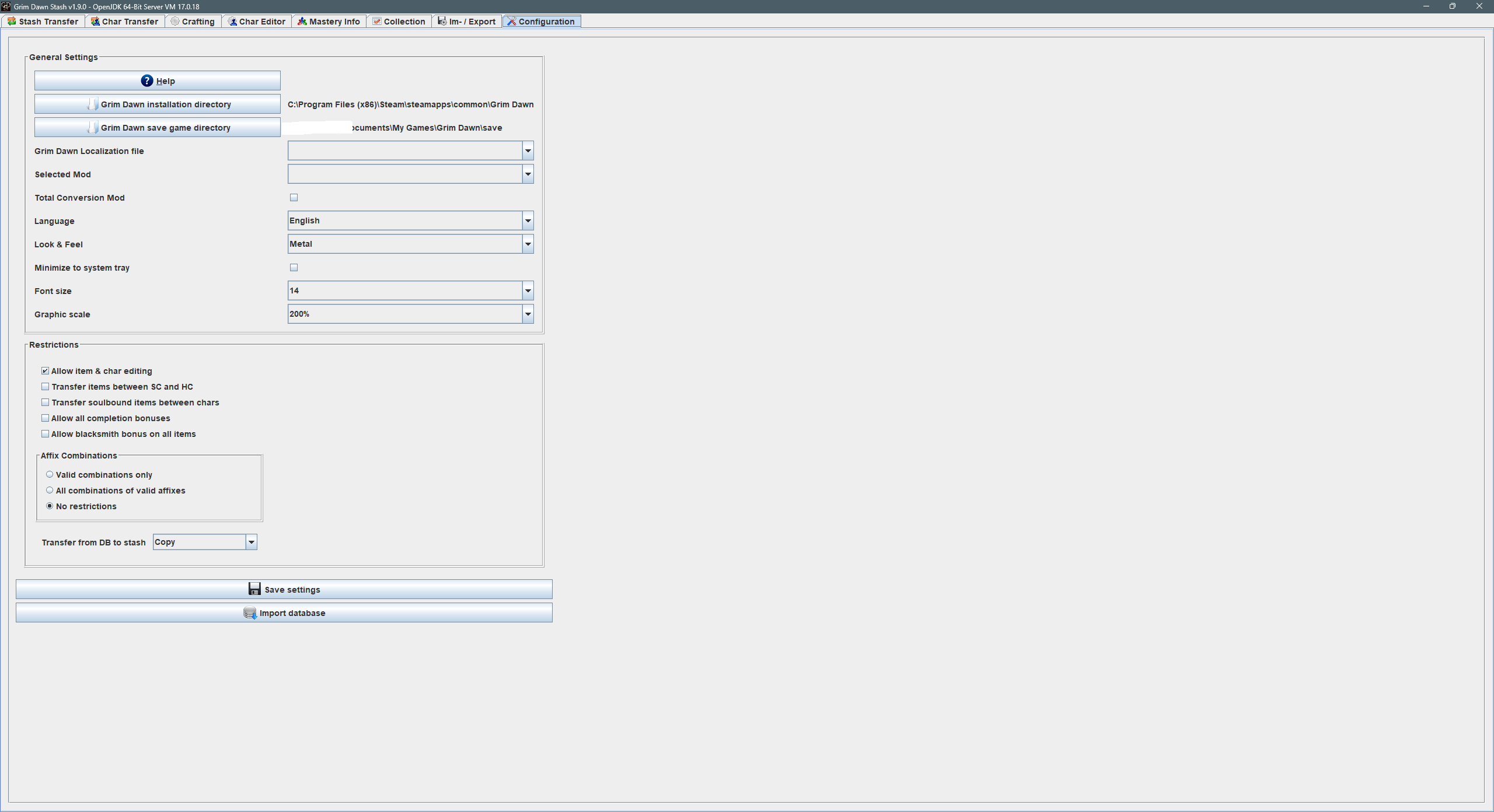
I am running GD Stash on the latest version of Grim Dawn with all expansions except Fangs of Asterkarn on Windows 11. Up-to-date 64-bit Java is installed, and Steam Cloud saving is turned off in-game using local saves. I am unable to select or modify prefixes or suffixes on any item or save file. The prefix and suffix dropdown fields remain completely locked and non-responsive across the board, leaving only the seed and count boxes editable. Moving items and spawning un-affixed base items work fine, but affix customization does not work anywhere.
I have gone through the configuration settings and confirmed that Allow item & char editing is enabled and Affix Combinations is set to No restrictions. I saved those settings, ran a full database re-import to completion, and restarted the tool. I tested searching for base items in the Crafting tab, double-clicking templates, and selecting items in the stash and character transfer grids, but the prefix and suffix fields stay disabled under every condition across all characters.
i have used this tool before and it worked i think but yeah stumped maybe im blind to an obsious solution
Version 1.9.0a released
Fixes the issue with the crafting window when the user does not own Fangs of Asterkarn
8 Likes
crafting seems to not work for me.
Unless you get more specific I doubt anyone can help you. The program should behave the same way for everyone, so chances are you are doing something wrong…
1 Like
I think that it doesn’t work any more because the inventory window contains the transfer file as well as the reagents file.
If some use Linux (I’m running LM 22.3 as my OS) like me and ran into the same little problem with GD Stash Updating to FoA…
I use the Java version of GD Stash btw.
During the update, the program looks for UI.arc and Items.arc from Fangs of Asterkarn, but only finds ui.arc and items.arc. This results in an error message and the import being aborted.
The error is easy to fix. Either create a symlink to the original file or make a copy and rename it accordingly…
It looks like the program is having trouble with the penguins’ uppercase/lowercase differentiation.

I’m running on the latest 1.9.0a on windows. I am trying to craft horns of korvaak.
- I place it in my stash in the GDstash UI and click save.
- I press reload in GDstash to make sure it stays in the stash.
- I switch window to my game and the item does not appear in my in-game stash.
- I go back to GDstash and press reload - the item is not in the GDstash stash.
This happens with all other items I’ve tried too
You have to be at the GD main menu to save items from GD Stash.
This is due to a change in GD as it now loads the transfer stash and character stash in memory.
thank you! this did the trick
Do renaming characters actually works? The folder name change, but the changed char disappear from the chars list in-game.
I have steam save enable tho, but I have no other issue with editing chars except for renaming.
Here is how normally edit chars properties (no renaming):
- go offline on steam
- run gdstash and edit char (for example skill points)
- run GD, play with the edited char
- close everything, go online on steam
- steam save sync complain about non compatible save files; ask which version to keep (local or cloud)
- keep local so that the edited char is now aligned with steam cloud
I do this all the time, especially I want to name my character something that GD doesn’t like; Cattie-Brie, for example. I’ve never done this with cloud saves, only local.
“cloud on” steam save folder don’t like it because it didnt’ create it so it’s not registered or whatever
(i don’t know the actual technicality of it, it’s just how i refer to it, like the game has a specific “ledger” for chars handled in steam save folder contra docs folder that it “registers”, and only those will be accepted and proper loaded for display, same reason/interaction why we can’t just copy paste other chars in steam save folder like test saves etc)
You can get around this by just creating a char with that name and copying it over after
or, “don’t use GDS with cloud saves on/steam save folder” 
1 Like
I am running on Linux and I use GDStash mostly for infinite stash, I prefer it to GD Item Inventory because it’s Java and it is more reliable.
I used to keep all my saves offline, but I alternate between my PC and my steam deck; so I turned on cloud saves and switched my GDS save location to the steam cloud save location.
It seemed to wotk great, but then I realised that it keeps deleting my stash tabs. So for example I have 10 stash tabs, I go into GDS, transfer all my items across, press Save Stash, go into the game and now I only have 1 stash tab, GDS has deleted my other 9 tabs.
Has anyone else seen this behaviour?
is your game using the right stash/format?
sounds like what happens when switching modes/not in the right stash (eg HC/SC but also XY mods) - likewise, for whatever reason, the game can begin to use an incorrect file as “active”, which has easily happened with modifications before, more specifically if running ex a custom mod or having switched between game versions
*you should be able to check this by going into your save folder, and see which file and format it’s being used as most recent from your ingame visit with just the 1tab (just sort by date/timestamp)