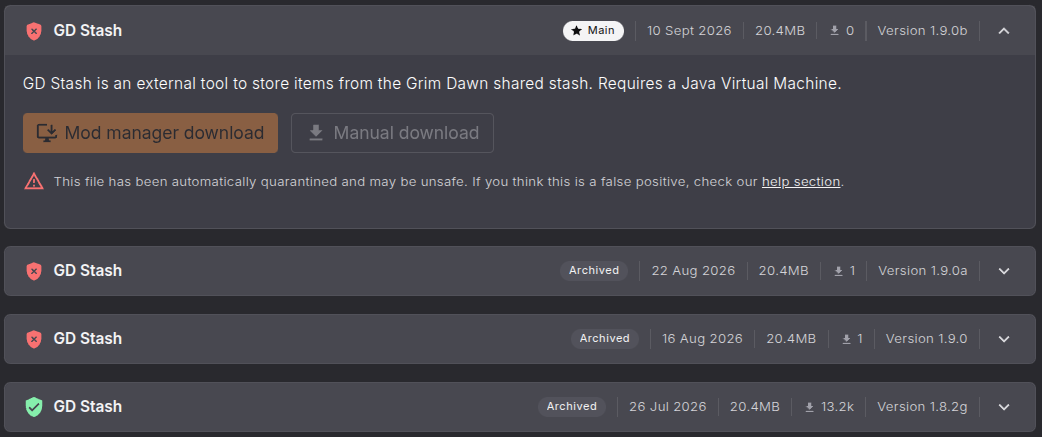
My apologies if this was brought up already, but should I be concerned that the latest versions of GD Stash have been quarantined on Nexusmods?
Hello, could you please take a look? Why can’t I flip through the pages of my stash anymore? I can only use the first page.
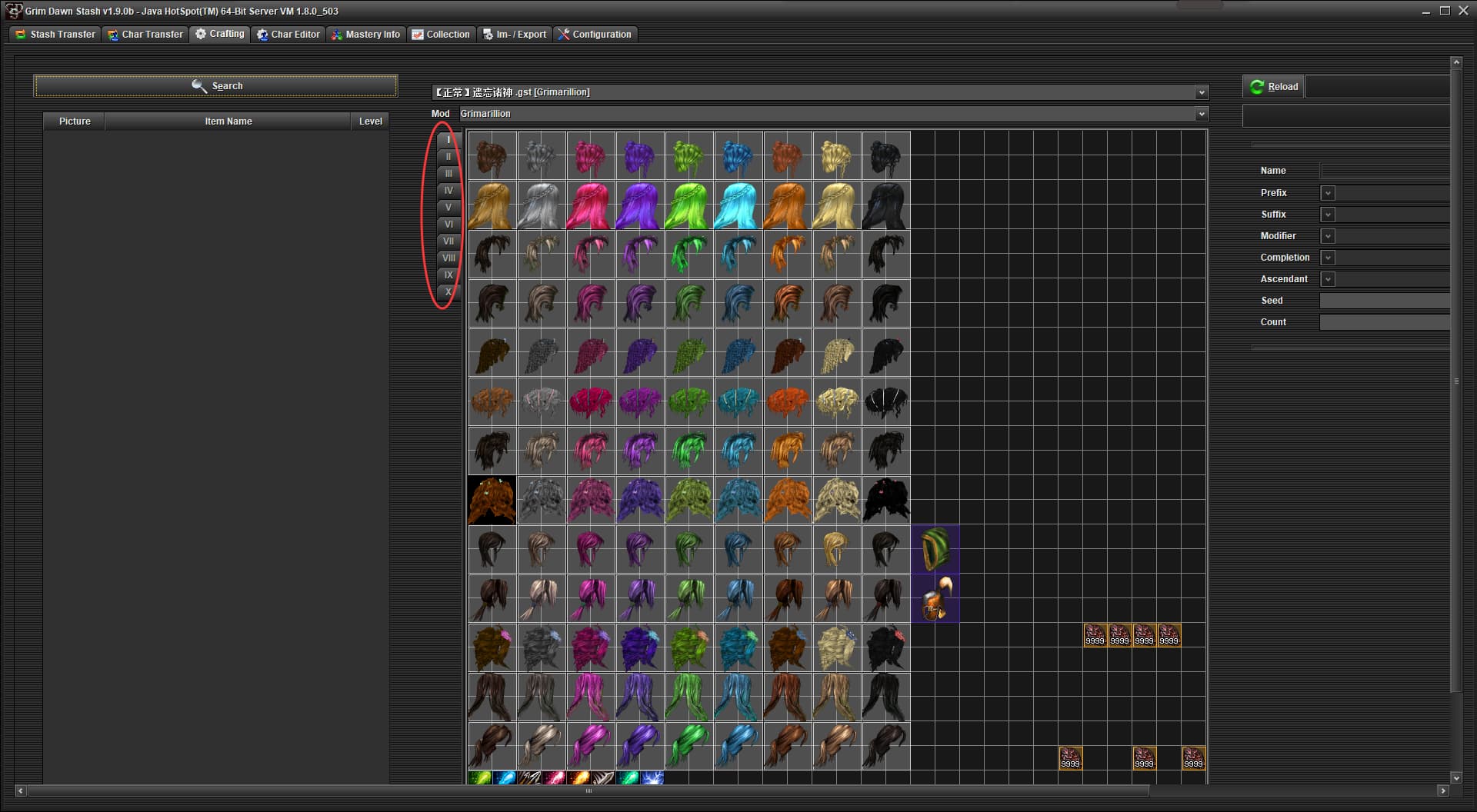
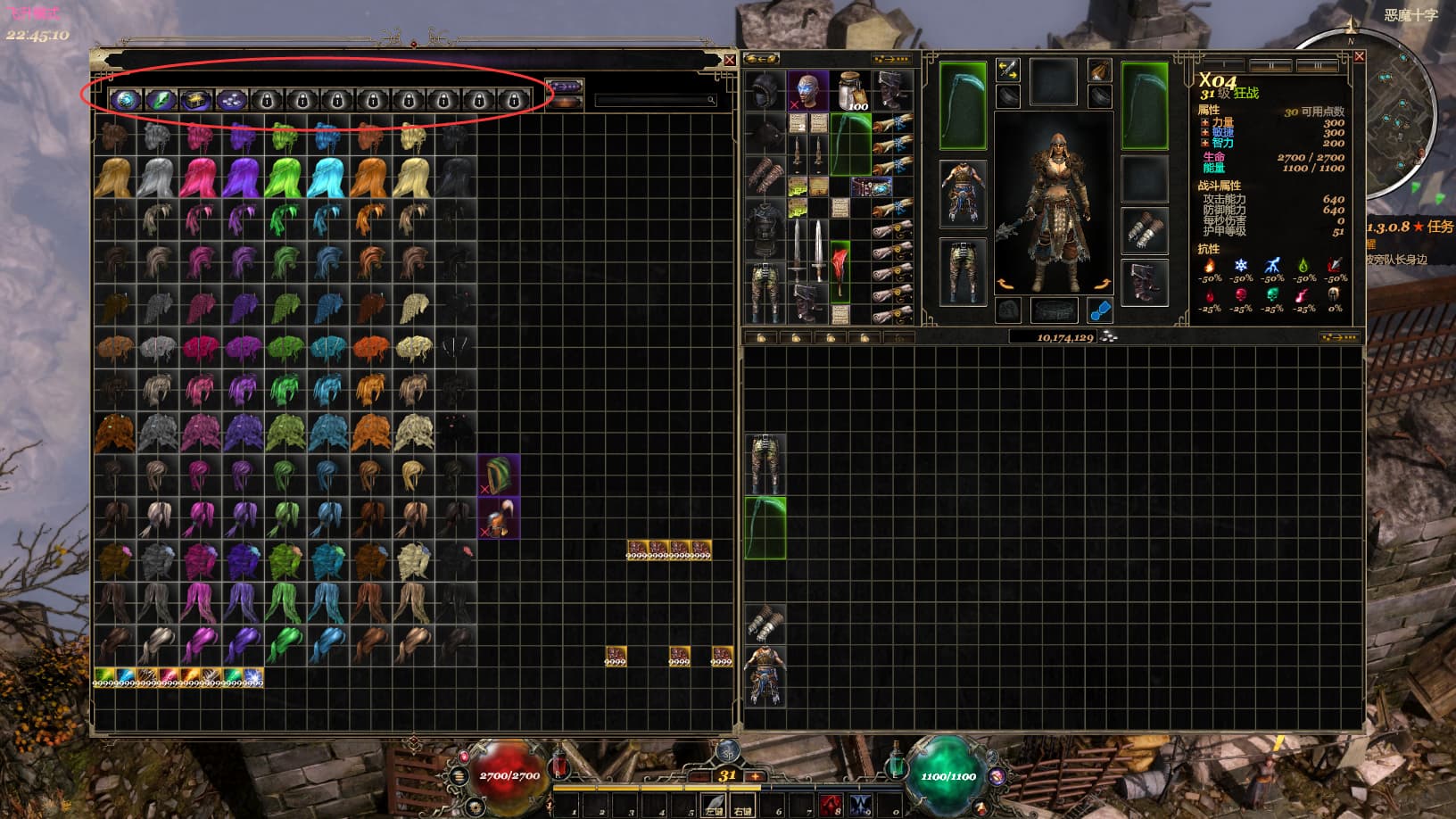
Is it because the page-turning buttons are arranged horizontally at the top?
no, there is nothing wrong with the mod, but the Nexus approval process seems to be broken. This is not the first time this has happened recently…
1 Like
can you upload your shared stash? It certainly has nothing to do with the button arrangement in game. I suspect it might have something to do with the language, at least I cannot think of anything else
Grimarillion.zip (53.9 KB)
Here, this is the shared stash from the Grimarillion mod I took a screenshot of earlier; I assume you know where to put it to use it.
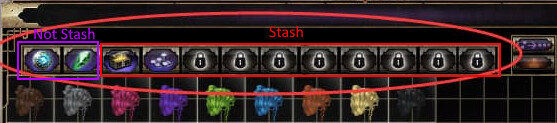
Oh, I see the reason now—it’s on my end. I haven’t purchased any extra tabs for this stash yet, so I only have one page of storage space. 
Your stash only has one page, that is why only one page is active.
I assume the confusion comes from GD showing the two pages for the components as part of the stash, they are not part of the actual stash file however. GD Stash so far ignores them / their file.
1 Like
Can someone point me, which file contains the items u have saved? So If I want to start fresh, which file to remove? Or to backup
transfer.xxx contains shared stash
formulas.xxx contains blueprints
potions.xxx contain potion modifiers (partially)
transmutes.xxx contain illusions
reagents.xxx contain materia/components
*if you refer to GDstash storage that’s in a separate GDstash folder in your user folder, but i’ve no clue how to separate stuff from there or if it can
I want to know where is the file that GDStash uses itself to store the items, not grim dawn
C:\Users\user name\GDStash
but you can use GDS to export a smaller backup file instead, since the GDS folder has the game data too not just your stash data, iirc mamba said when i asked.

Does anyone know why the tool does not auto collect items in the last stash tab when it launches anymore? I remember it used to do this which was great, now I have to manually select and drop any item in the tab for tool to collect it
No, you’re thinking of Grim Dawn Item Assistant which does that. GDStash never has.
My bad, I was thinking of IA but posted in the wrong topic
C:\Users\user name\GDStash\db for vanilla or mod_db for a mod
You can delete that entire directory, data import in GD Stash will rebuild it (minus the items you had stored)
To back up your items, either back up this directory or use the Im/Export page in GD Stash. In it you can export your stored items into a file (or import them again), which for backup purposes is better as you do not also back up 100MB or so of GD data with your items
1 Like
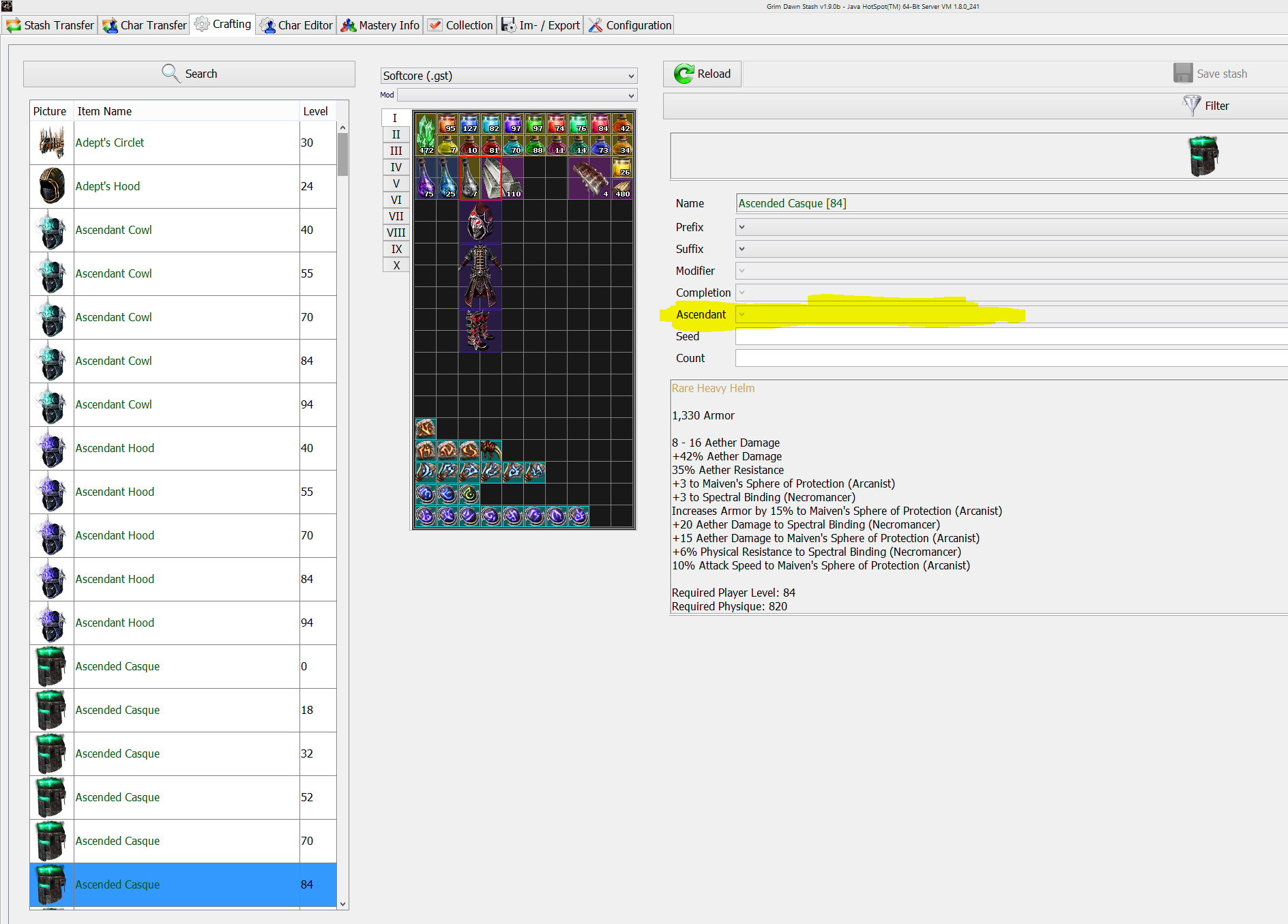
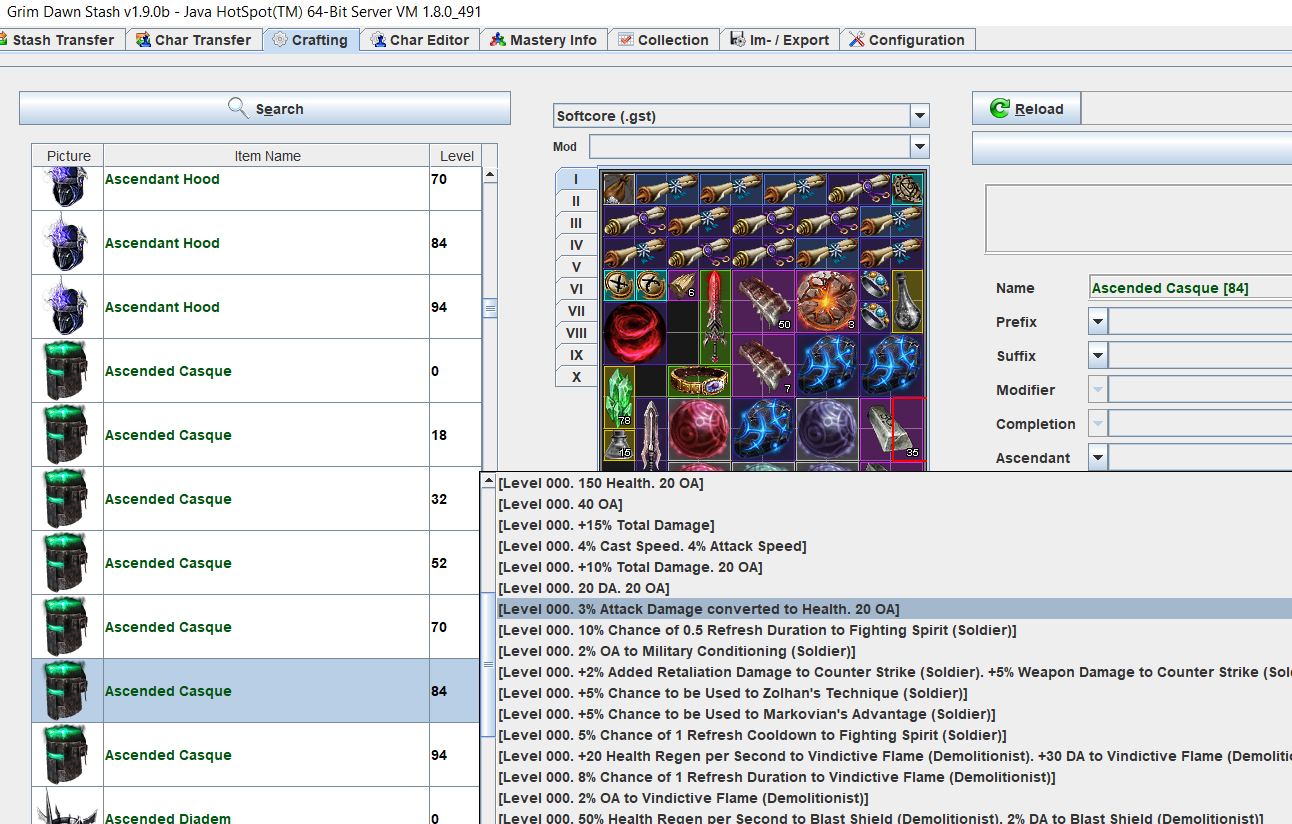
Ascended Affixes cannot be modified in the crafting panel in the latest 1.9.0b version.
I worked well in the previous version (1.9.0). Please look into this. Thanks!
So how can we get the download?
moddb link in OP https://www.moddb.com/mods/gd-stash/downloads/gd-stash
Like @mamba said, that seems to be a false positive and there is nothing to worry about GD Stash itself. In the meantime, the latest versions can be downloaded from ModDB just fine (see the previous comment.)