Comfirmed here too, with no mods except Grim Dawn Item Assistant running in the background.
Same with me today. Yesterday everything was fine in this place. I dont have DPYes.
2 Likes
Hi,
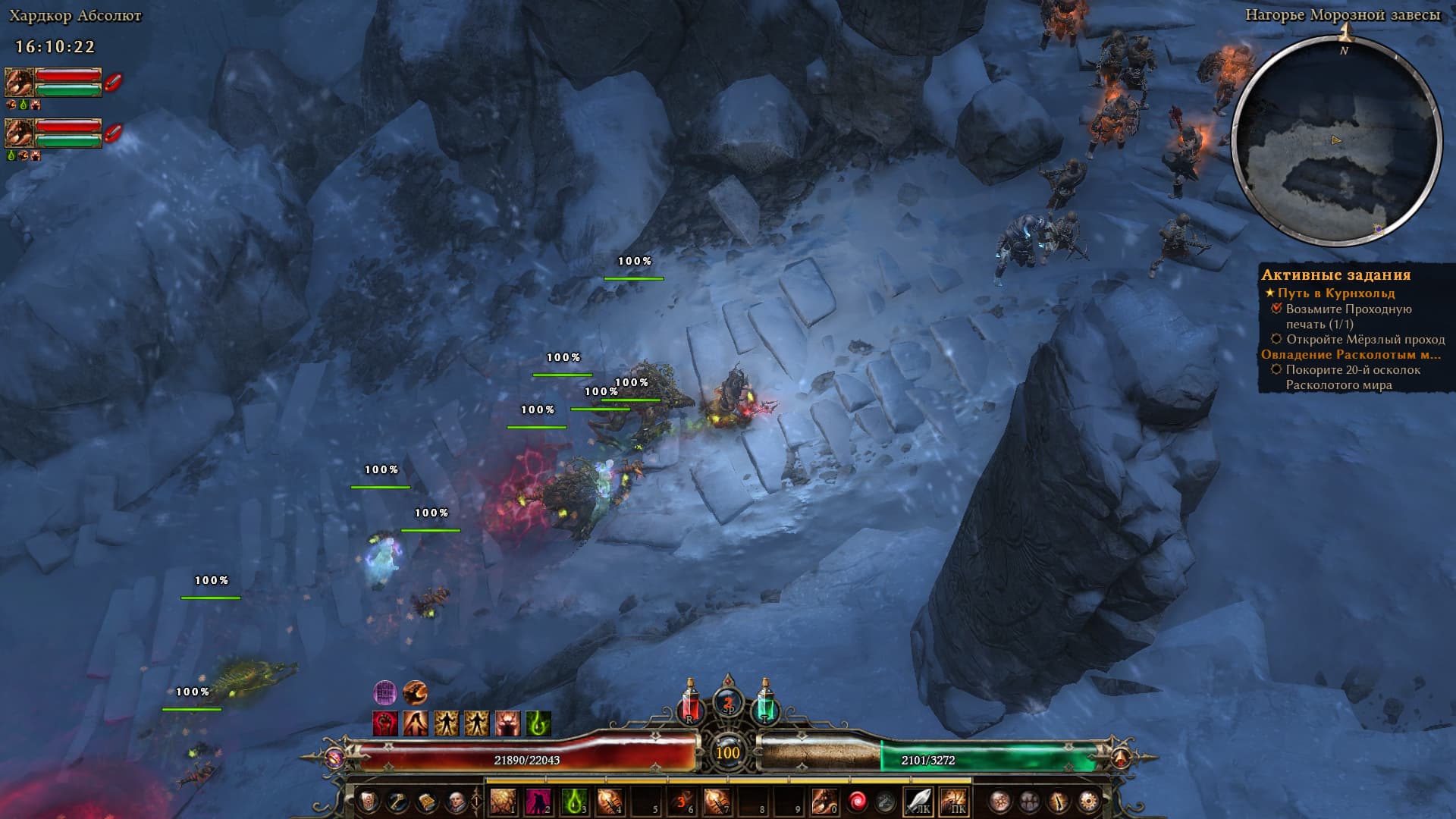
confirm, since the Update, I froze at exakt the same spot. Tried different settings in Grim Dawn and AMD Driver settings. Nothing changed. I went also to another area, came back, still froze and crashed.
Exact same issue, no matter what Graphics option, Steam Overlay and NVIDIA UI disabled, CloudSaves Disabled, verified game files, all drivers updated, doesnt matter.
It is definetly a Game Engine issue. Some presume its the update to the Shaders etc., sounds plausible.
Barrowholm - crashes in various locations
Plz fix this ASAP
same here, no mods, no issues before this patch.
Never mind I f-ed up
Absolutely the same here. 3 times in a row with me.
Not if you make it right  My reaver is using PBs and Leap - 215% cast rate, 100% healing effects. 35% life steal.
1 Like
i have continually crashed in same spot on two caricatures today.
i have two. 1 has just reached the crash point and the other has already reached kurn days ago that one crashes there to.
it’s a stupid solution, but I was able to get through this by zooming in the camera to maximum before entering the crash zone. you have to do it a little before or the game crashes when you zoom in, but it seems to work going both ways. this leads one to think that there’s something in the background that’s killing the game.
Tried this and still crashes for me. Hopefully they fix this soon
For me that still froze, perhaps You also spun camera to another angle as well? I left it focused on north, as default and zoomed in already at Frostveil waypoint.
Rotate camera to face the steps and you can get past the crash spot
someone on discord mentioned turning the camera around as well, though that method didn’t work for me. I had to zoom in well before hitting the trigger curve (if coming from the south, I started right past the river) and stuck to the middle of the path to keep out as much as the background as possible. I assume you’d have to wait to zoom back out as well to avoid triggering the crash.
When I reload after freeze there is black/undiscovered chunk of map. And now I noticed that all crashes are on the borders of the said chunk
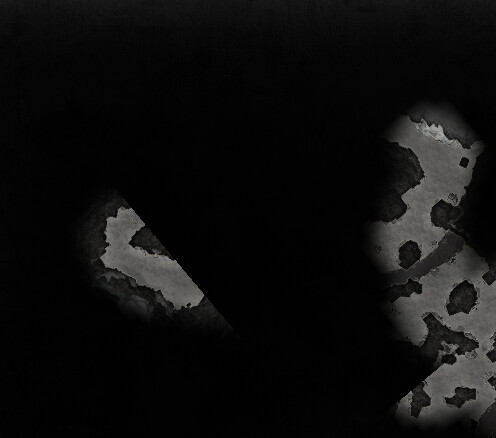
Borders for the rectangle can crash on any of the points, looks like some stuff in background there, if the zoom in method works, will try few more times, so far no luck for me
1 Like
We just repro’d this internally, so that’s step 1.
Should hopefully have a fix out later today.
15 Likes