When I launch via the “Grim Dawn” launch option (not the x86 versions), I am able to get to the main menu. I select a character, and make sure I have “main campaign” selected. When I hit start game, it begins to load but then freezes when the loading crate scrolls about halfway around. Sometimes it will stay in this state and play music until I click on the game or click elsewhere, and then it will hang/crash. Other times, it will go to a full black screen but still with the Grim Dawn cursor and music playing until I force-kill it with task manager.
If I launch the game via either of the x86 options, the game loads fine and runs properly.
I have tried uninstalling the game, deleting my "C:\users(user)\documents\my games\grim dawn" folder as well as my "C:\program data(x86)\steam\steamapps\common\grim dawn" folders and performing a clean install. I have tried to set the x64 executable to run as admin, and get the same. I have UPNP off but I have tried it with both toggles.
Attached is my DxDiag, as well as the zip crash bundle from the x64 after force-killing it with task manager. crash_bundle.zip (39.4 KB) DxDiag.txt (174.2 KB)
try reinstall the c++ visual studio redistributables from the steamworks folder… iirc another user had that issue and needed to manually re-install/repair the… 2013? set, seems steam might not proper reinstall it with the game
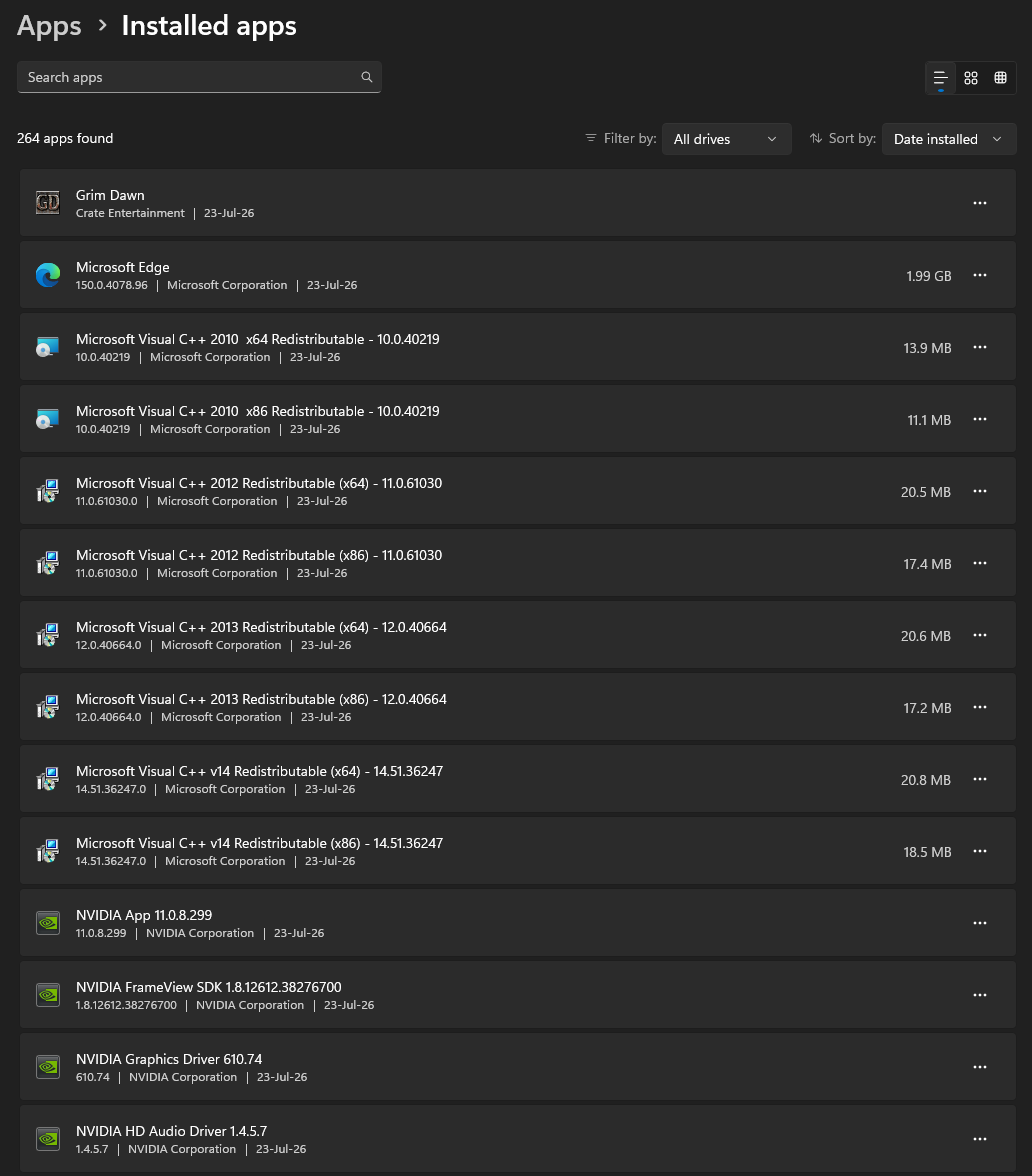
Thank you for this. I un-installed all copies I had of the C++ 2013 redistributable, then downloaded that bundle from techpowerup and had it re-install for me. I rebooted and tried again, but I get the same crash halfway into loading. Below are the versions of the redistributable that were installed:
I also included my graphics driver which I tried to update to see if that gave any change either.
Issue still seems to occur with a re-install of the Visual C++ 2013 Redistributable Version 12.0.40664
I also do not get any error message if I browse to the x64 directory and run the executable there directly rather than through Steam, and am using an Intel processor (i9-13900k)
Sorry for the lossy quality, I was trying to keep the file size down. I first launch directly from the x64 executable, make sure that I have the main campaign selected and UPNP off, then try to load my character. The crate loading icon stops spinning halfway. At that point, the game will sit with audio running until I interact with it. I did so quickly to speed up the recording. Next, I go up one level to the base Grim Dawn directory and launch the game from the x32 exe, loading successfully.
I don’t know why I didn’t think of this last night, but this issue seems to be specific to the 64-bit window borderless mode. If I change to exclusive-fullscreen, I can load a character just fine. After that, if I return to the main menu and change the settings to window borderless, characters will load properly. However, if I fully exit and restart the game and then try to load a character while in window borderless, it will hang at the loading screen. Maybe something not getting initialized properly when in window borderless 64-bit?
Workaround if this is happening to you:
At main menu, set display to exclusive fullscreen.
Load character.
Exit to main menu or change display back to windowed borderless.
Characters will load properly/game will work until you close out completely, and then you will have to perform the workaround again.
Ive had this happened to me when loading any characters, after the loading screen it goes full black, and changed to Legacy DX9 in steam property menu, works fine after
Workaround if this is happening to you:
At main menu, set display to exclusive fullscreen.
Load character.
Exit to main menu or change display back to windowed borderless.
Characters will load properly/game will work until you close out completely, and then you will have to perform the workaround again.
tested it and that’s the reason… it works every time by simple change the fullscreen mode. it hasnt to do what mode you use or set (after restart the game the bug is happen again regardless what mode you use) and only “to change it” fix this problem.
Tested with clean setup:
clean new game version
with no config or saves (steam cloud off)
different ingame settings like fullscreen etc.
different outgame settings like turn VRR off or game mode
reinstall v-C++ stuff
manage of permissions on directories (game, save and config location)
An update to this - it does not seem to be the 64-bit executable, but actually the DirectX 11. When I launch via steam with the arguments “/64 /d3d9” it launches into 64-bit mode with DirectX 9 which does not experience any of the crashes or freezes.
Main result of this is I’m unable to use DPYes while playing with DirectX9 as it only supports DirectX11 for now.