Hello Crate Entertainment Team,
I’m writing to report an issue I encountered when launching Grim Dawn via Steam.
Issue Summary:
The game fails to start and displays the following error message:
“Failed to start process for this game: ‘An Application Control policy has blocked this file.’ (0x11C7)”
Environment Details:
- Platform: Steam (PC)
- OS: Windows 11
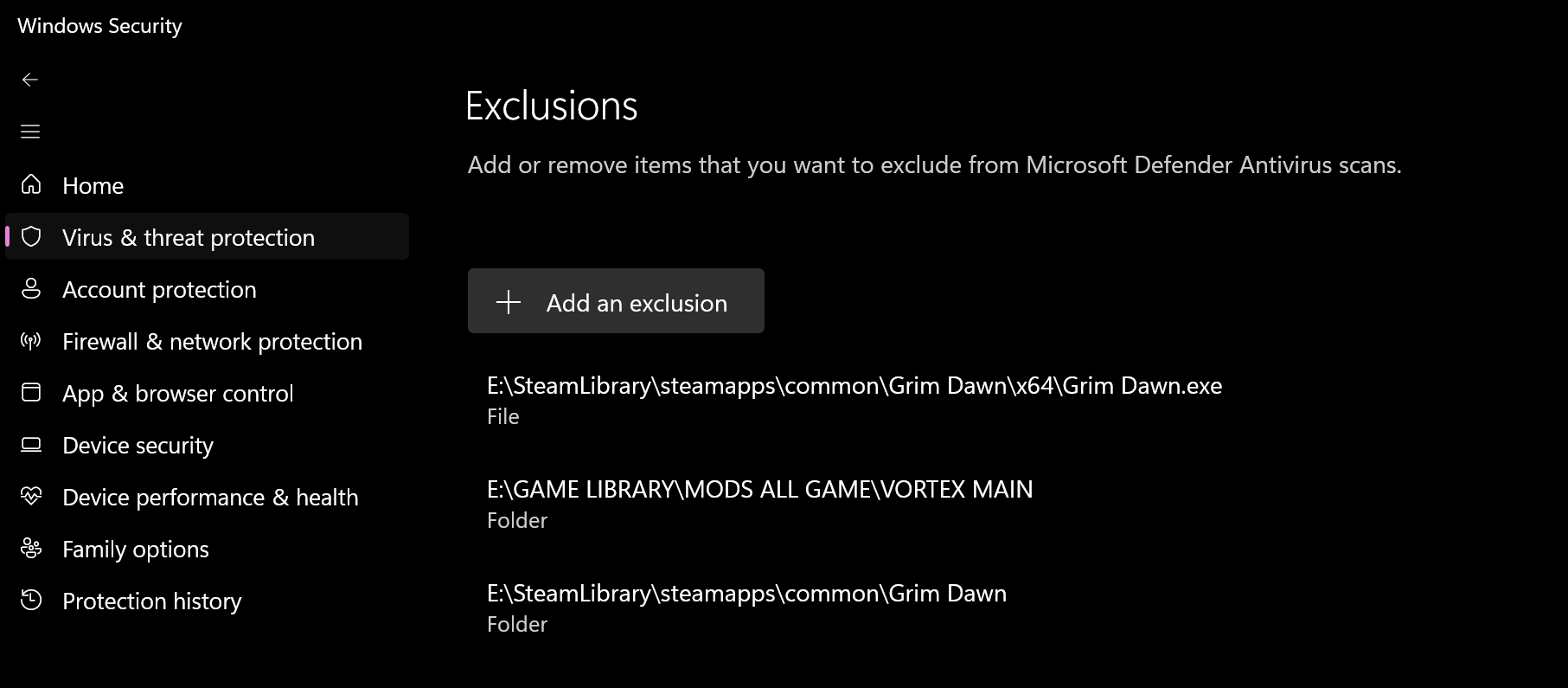
- Security Feature: Smart App Control (enabled)
Description:
It appears that Windows Smart App Control is blocking the game executable from running. This happens immediately upon launching the game from Steam, preventing it from starting entirely.
To rule out local issues, I have already:
- Verified the integrity of the game files via Steam
- Completely uninstalled and reinstalled the game
Despite these steps, the issue persists.
I understand that disabling Smart App Control may allow the game to run; however, this introduces several security risks:
- It reduces protection against untrusted or malicious applications
- It increases exposure to potentially unsafe or unsigned executables
- Re-enabling Smart App Control is not always straightforward once it has been turned off
For these reasons, disabling this feature is not a preferred long-term solution.
I have not encountered this issue with THIS GAME and other games in my library, which suggests it may be related to how Grim Dawn’s executable is recognized or signed under Windows security policies.
Steps to Reproduce:
- Launch Steam
- Click “Play” on Grim Dawn
- Error appears instantly, and the game does not start
Additional Notes:
- No modifications or third-party tools are installed for the game
- The installation is clean and verified via Steam
Could you please look into whether this might be related to code signing, compatibility with Windows Smart App Control, or any known issues on your end?
Thank you for your time and support.
Best regards,