Have you tried deleting or moving the options and settings files from the settings directory? The game when started again will make fresh new files which may help your game.
I just did this myself as I had several random black screen crashes that have been drastically reduced so far. Worth a try!
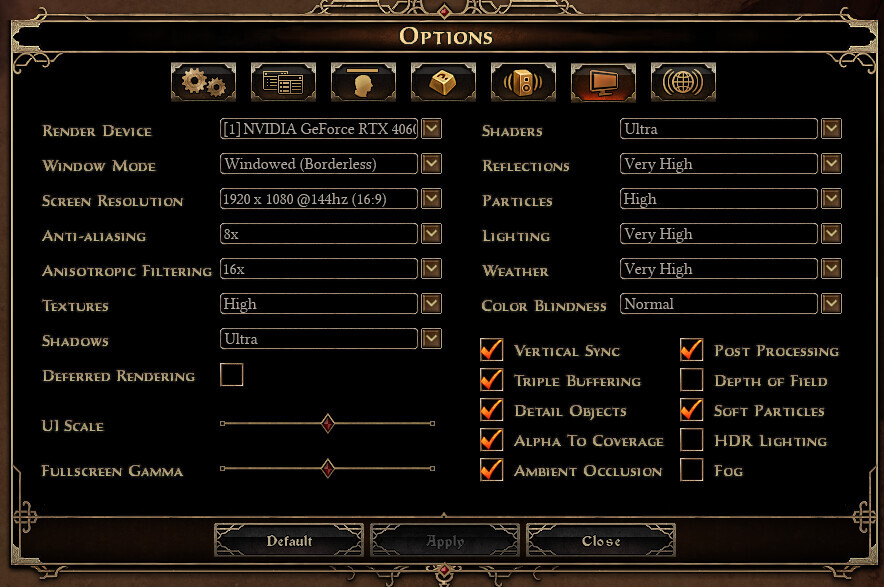
I saw another post with a similar issue, it turned out to be the deferred rendering option. Checked off, the game gets a black screen in devils crossing. Checked on, the game loads fine. This issue with the portal in the conclave is new to me but it might be connected.
I will try it, at this point I think that is an issue with my PC configuration/settings or my GPU.
I think they could be the same issue. Before realizing it was the portal, I had trouble teleporting to the conclave because game crashed every time. Entering in the conclave “by foot” was fine, until the portal get on screen.
I think a similar thing was happening with Devil Crossing.
you need to actually activate deferred rendering. I had the exact same issue, with devils crossing and conclave. so in case it’s turned off, try turning it on