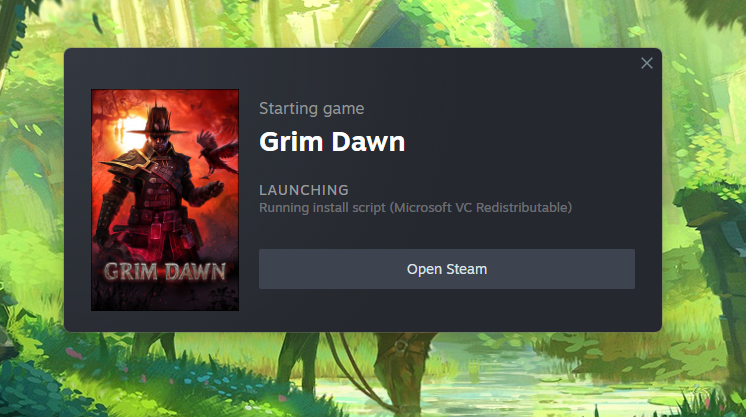
aside from basic permission approval "allow steam to make changes to this pc"prompt (which i’m guessing wasn’t obviously ignored?) 
is this the laundry list?
Verify Integrity of Game Files.
Run as Administrator: Close Steam completely, right-click the shortcut, and select “Run as administrator”.
Clear Download Cache: Go to Steam > Settings > Downloads > Clear Download Cache.
Delete
runasadmin.vdf: Navigate to the game’s installation folder and remove this file if it exists.
Delete
appinfo.vdf: Close Steam, go toSteam/appcache/, deleteappinfo.vdf, and restart Steam.
Manually Install Redistributables: If it’s stuck on a VC Redist package, go to the game’s
_CommonRedistfolder and run the installers manually
idono, far fetched might be other permission issue, like steam folder needing to be whitelisted or having folder protection removed if basic permission prompt wasn’t enough (assuming the above wasn’t a fix either ofc)
1 Like
Yes that was pretty much it. That fourth one worked somebody else had just linked me info on trying to delete appinfo.vdf and it launched multiple times after that. Thank you very much!

This topic was automatically closed 60 days after the last reply. New replies are no longer allowed.