GDTool v2026_10_23-alpha.zip (621.8 KB)
GDTool is a Grim Dawn multi-tool created by SpiderDave.
It is a command-line tool. You should open a command prompt (not Powershell). You can run the included “CMD Propt Here.cmd” to make this easier, but some knowledge of the windows command line is expected.
Status
This is alpha software. Nothing is guaranteed to work. The goal is to add many useful commands, but it may be useful to some right now.
Features
- Automatically determine Grim Dawn folder
- Extract various game files, and export some data to various formats, such as .png or formatted .txt files.
- Search game files (currently just searches quest text)
Limitiations and issues
Item Extracting
- Item extracting does not handle duplicate names or special cases where items with the same name have different images (Beronath’s Celestial horn, gender specific set images, etc).
- Item extracting does not yet handle non-gear items such as components and quest items.
Quest Extracting
-
Currently does not resolve references to files, tasks, etc. for example a task action might say:
action: BeginQuestTask quests/bounties/dc/bq_dc02.qst 46CCAE00
The file is the quest file and the 46CCAE00 is the task id. All 46CCAE00 just actually refer to the second task. Ideally this would show as:
action: BeginQuestTask bq_dc02.qst, [2] Turn In
-
Shows some quests that aren’t yet in the game.
Lore Extracting
- Formatted specifically for wiki pages (there will be more options in the future).
Usage: GDTool [opts]

Options:
      -unpackgame <folder>                   Uses archivetool.exe to extract all relevant database and resource files.
                                             The files will be extracted to "database" and "resources" relative to
                                             <folder>. If not specified, the app folder will be used (recommended).
                                             Note: This will take a long time and require up to 17.8 GB.
      -getformat                             Get the format of a .tex file.
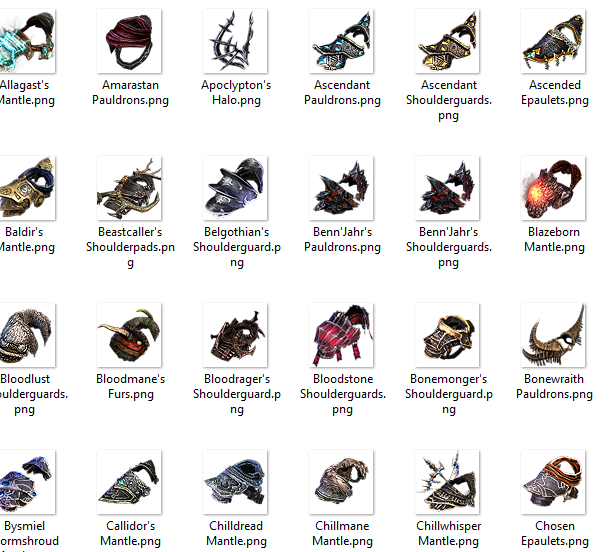
      -items                                 Extract all item images to .png using the item's title.
      -extracttex <file> <output>            Extract .tex file <file> to .png file <output>. Supports RGB8, RGBA8,
                                             DXT1, DXT3, DXT5. Animation supported.
      -extractalltex                         Extract all .tex files to .png. Note: This will take hours.
      -lore                                  Dump all lore, in a format meant for the wiki.
      -gdfolder                              Print the Grim Dawn folder.
      -opengdfolder                          Open Grim Dawn main folder in Explorer.
      -quest <file>                          Parse a quest file and display structured information.
      -exportallquests                       Parse all quest files and save structured information to allquests.txt.
      -findquest <text>                      Search all .qst files in records/quests for <text>.
      -fixquest <file>                       Fix a broken .qst file missing its localization pointer.
  -h, -help                                  Show this help.
C:\nim\projects\GDTool>gdtool -findquest rook
[Devil's Crossing] Welcome to Devil's Crossing - quests\mq_prisonentry.qst

C:\nim\projects\GDTool>gdtool -quest resources\quests\mq_prisonentry.qst
--------------------------------------------------------------------------------
[Devil's Crossing] Welcome to Devil's Crossing
Main Quest
--------------------------------------------------------------------------------

[1] Speak to gate guard
    The inner prison of Devil's Crossing is guarded by Rook, a man loyal to Bourbon
    through and through. Now that you have proven yourself, Rook should let you
    inside. Speak to him outside the gates of Devil's Crossing.

    OnAccept:
        action: GiveToken DC_PRISON_GUARD

    Objectives:
      * Speak to Rook in order to gain entry into the inner prison
        condition: HasToken DC_PRISON_GUARD True

    OnComplete:
        action: CompleteQuest quests/mq_prisonentry.qst

        condition: IsDifficulty = Normal
        action: GiveExperience 100

        action: QuestEvent("prisonGateEntry")

        condition: IsDifficulty = Epic
        action: GiveExperience 5500

        condition: IsDifficulty = Ultimate
        action: GiveExperience 14000```

Let me know if you find this useful or have ideas for features.