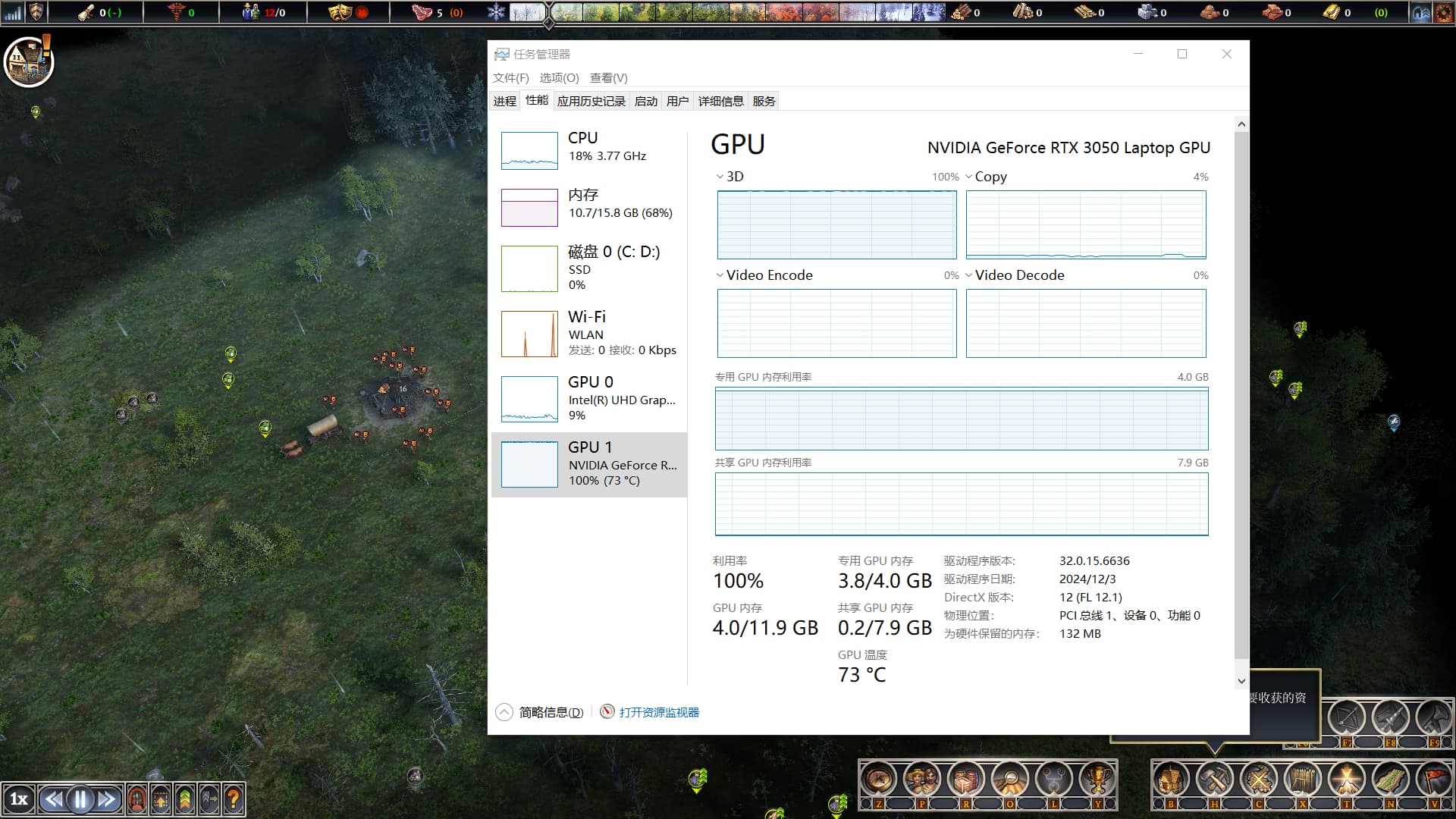
I am seeing GPU issues as well like stuttering every few seconds now since the latest hotfix. I am using GeForce Now with a RTX 4090 on default settings. Prior to hotfix 1, the game ran very smoothly with hardly any stuttering until my population reached over 1k.
The game puts a lot of strain on the CPU and GPU. So how does Factorio work then? They have hundreds, even thousands, of elements and don’t have that kind of load.
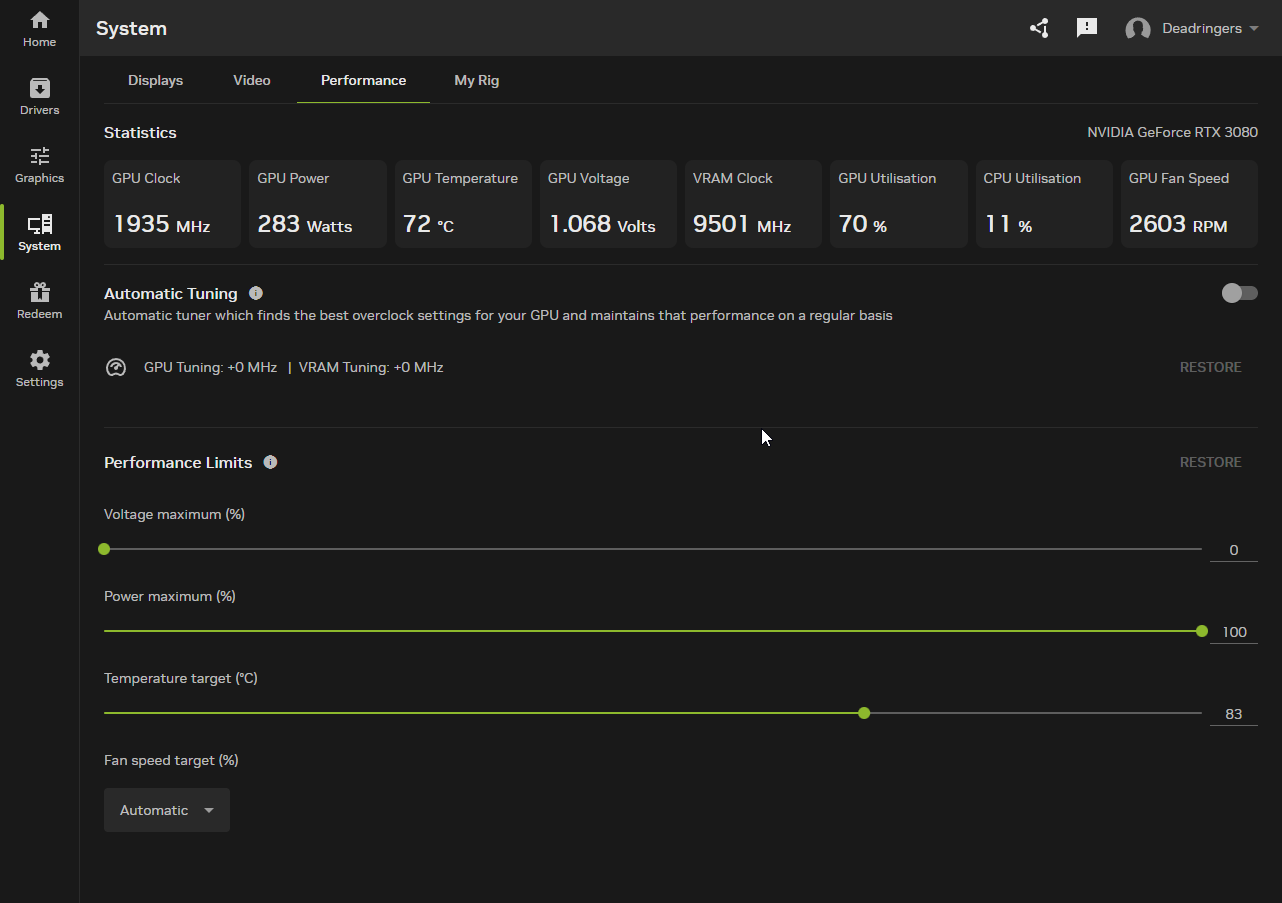
After some further testing, I’ve gotten my RTX 3080 down from 70-80% load, to 50-60 by changing the following:
Foliage - A huge 10-20% drop in usage depending on where you are on the map
anti-aliasing - Going from 8x to 2x gives you around 5-10% less load on average
Everything else doesn’t do much in terms of load.
My GPU is STILL louder than any other game, and is at a CONSTANT 50% usage when just idling looking at the map at 1x speed.
Something is really not right in how the game is coded in terms of using the GPU here, as no other game produces this much heat/noise from my GPU.
And while the game is quite nice in terms of graphics/visuals, it’s certainly not mind blowing enough to be causing this amount of load for what is delivered.
For most of Farthest Frontier development, I had an RTX 3080 in my workstation, and I never experienced what you describe. Did you ever manipulate any of the settings in the NVidia control panel from their defaults? Or any manner of overclocking?
Thanks for getting back to me - good to know you are also using an RTX3080… makes it interesting!
I did not change any of the Nvidia control panel settings, and I have not had any overclock that I know of.
I’ve re-installed MSI afterburner, and rivia OSD - interestingly I can see the Core clock pinned at it’s max of 1900 mhz or so on the GPU, whereas in other games, it jumps around quite a bit depending on load.
So for some reason, FF seems to be doing “something” that the GPU feels the need to clock itself up to the max allowed.
Are there any stats/console commands or something I can provide for you?
My actual card is a Gigabyte 3080 overclock OC - so it has a slightly higher clock speed from factory than a default 3080.
After some testing I’m confident that it’s the clock speed which is the cause of the issue, but why FF requires such a high speed to render I’m unsure.
I loaded up a BF2042 game, 1440p with ultra settings, and according to MSI/Rivia OSD, my clock speeds didn’t go over 900 Mhz, with 50-70% utilization on the GPU.
Whereas FF has similar utilization but the GPU is pinned at the MAX core speed it can for some reason.
I’ve used the monitoring tools to confirm the frame-rate is not going over 60, and it doesn’t seem to be.
I did edit the game-specific value in the Nvidia settings to limit the game to 60 FPS just in case, but same issue with the GPU load.
I’ve had some luck in the past working issues in games by using: https://www.special-k.info/
It also has an advanced framerate limiter that might be worth a try.
Also be worth checking if fullscreen and windowed/borderless makes a difference.
Okay well it’s frustrating as I had a lot of hope for this game, but unless there is something we can do to solve/investigate this I’ll have to get a refund on steam