Currently, increasing the UI scale just stretches the same low-resolution textures, making everything look blurry and pixelated on high-res monitors (1440p / 4K).
Instead, the UI should automatically switch to pre-rendered 2x or 4x quality assets depending on the scale factor - not just stretch the base texture.
Attached is a 4K screenshot showing the stretched UI. On a high-resolution display, this is very noticeable and breaks the visual quality.
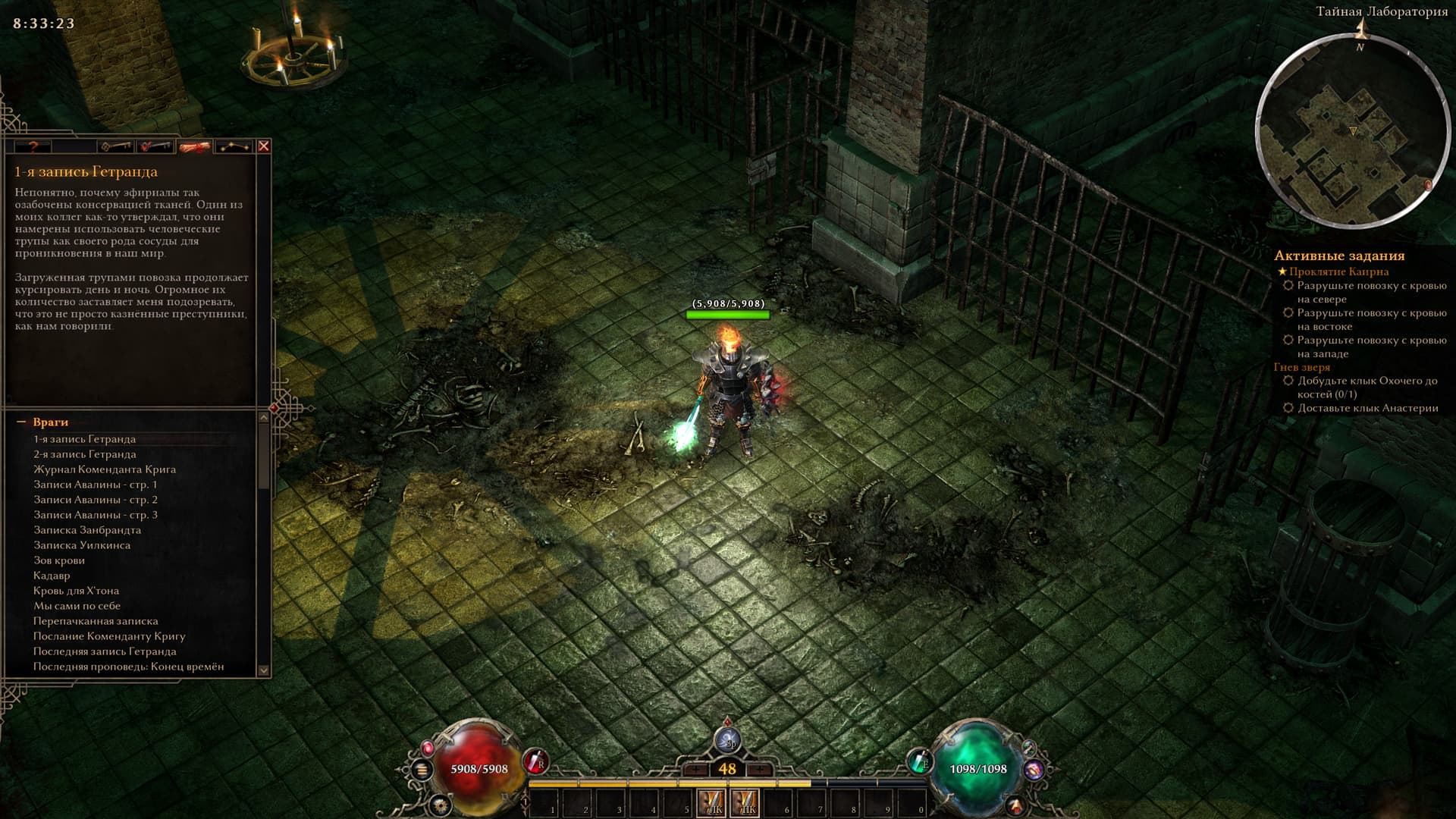
Apologies, the screenshot above got compressed when uploaded to the forum. You can download the original resolution screenshot here:
To understand what I’m talking about, you need to download the image from Google Drive, open it, and zoom in on the UI elements - for example, the HP bar. You’ll see the issue, and I see it constantly, as do owners of monitors from 2K to 4K.
Please consider proper high-DPI asset switching instead of simple texture stretching.