報告してくれて良いのですが、Google翻訳でいいので英語でお願いします!
Feel free to submit a report, but please write it in English—using Google Translate is fine!
Let me add a few points.:
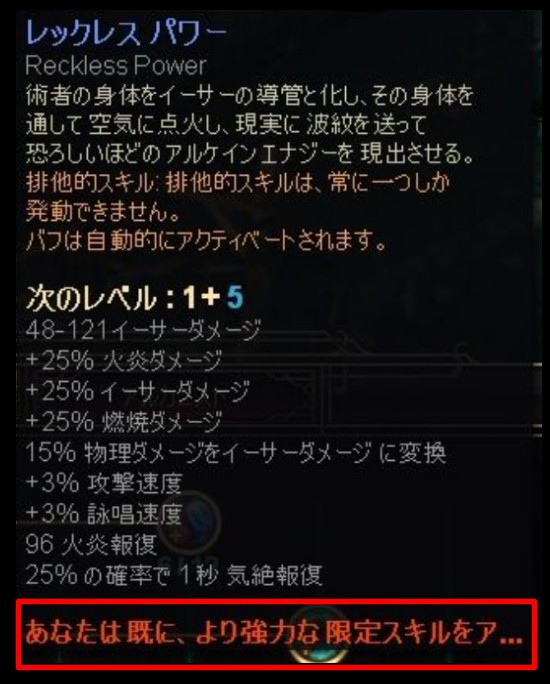
With this patch, the translation team has made several corrections—including those I reported—but it appears the fixes were based on outdated files; consequently, there has been widespread reversion of previous corrections, and lines added in the patch have been lost.
I have restored the sections that were rolled back—including the revisions made by the translation team—and have attached the file. Please review it and make any necessary corrections.
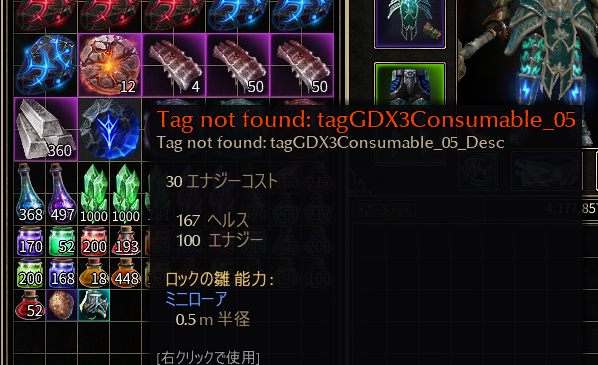
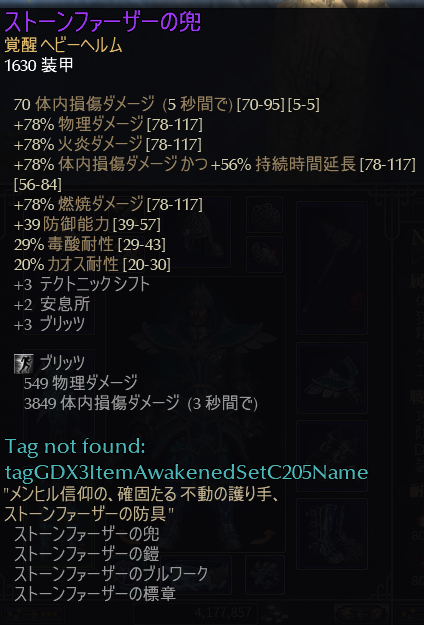
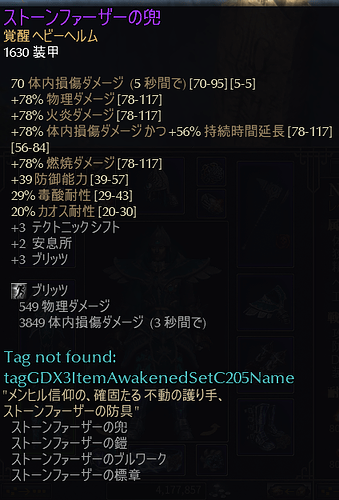
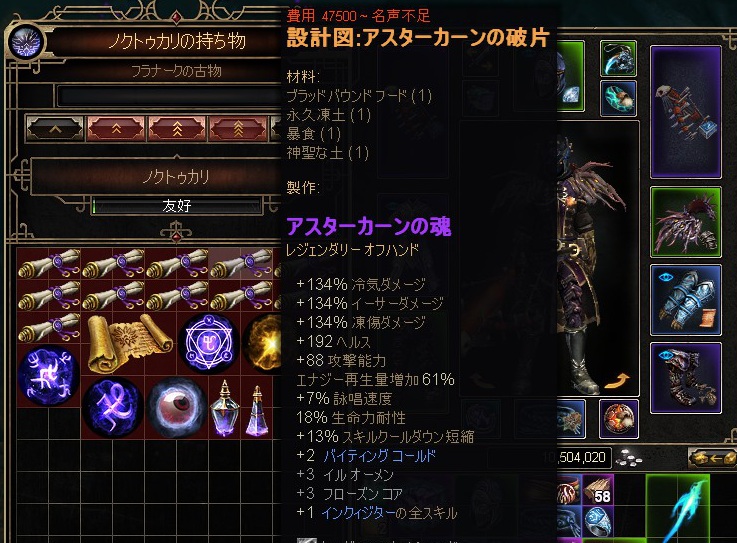
In v1.3.0.7, the item names have been changed to Katakana transliterations of the English names, but the “ドレングール” equipment has reverted to being named “ドランゴール” Also, I’m seeing “TAGNOTFOUND” here and there.
Thank you for making the corrections. However, upon review, I discovered a mistake in the file I sent, so I would like to ask for a further correction. (This was an error on my part.) I apologize for the inconvenience.
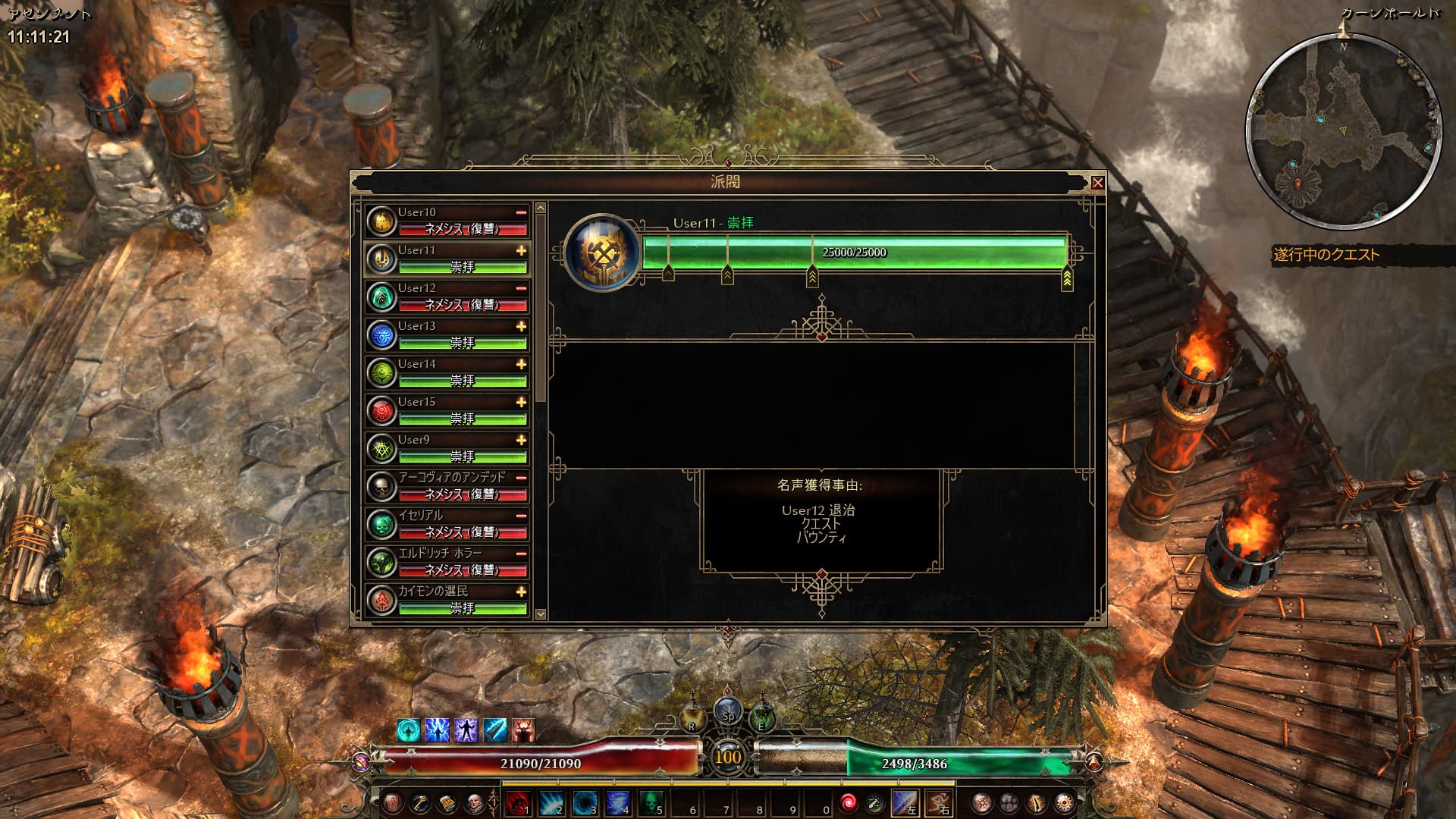
It appears that the factions from AoM and FG are the ones not being displayed.
Since it works fine in an English environment, the issue appears to be specific to the Japanese environment; however, I tried swapping in the files from version V1.3.0.6 and the problem persisted, so there might be some corruption in one of the localization files—an issue that has occurred in the past.
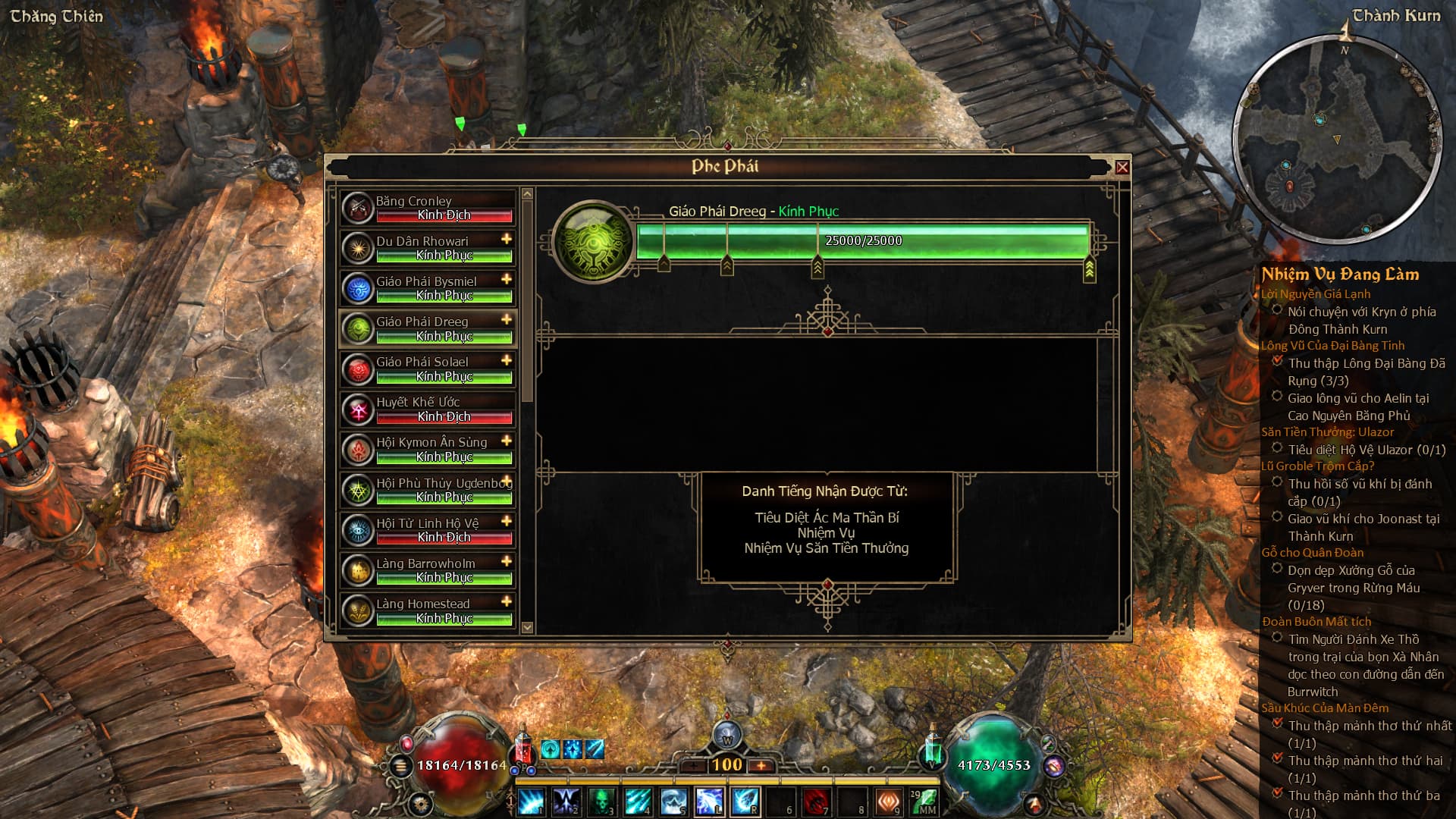
This issue occurs in Japanese and Vietnamese. When using these languages, it appears that the game won’t recognize the AoM and FG faction IDs unless they are placed in the root directory.
The Vietnamese translation has the same issue after this morning’s update. The new Rainbow Filter (Grim Raynbow) doesn’t work anymore either. I had to manually add the faction names and color tags to the tagsui.txt file as a temporary fix.
As you mentioned, the issue affects all factions in the tagsgdx1_ui and tagsgdx2_ui files.
Regarding the issue where DLC faction names are no longer displayed, a similar problem has occurred twice in the past; the cause then appeared to be corrupted game archives, so it is possible that the same thing is happening now. (Therefore, I expect the developers to fix it soon.)
For reference, here is a provisional workaround for this case; in addition to adding the faction name to tagsui.txt, the following method is also available and may be useful to know:
Move tagsgdxX_ui.txt and tagsgdxX_skills.txt, located within the DLC folder of Text_xx.arc, to the top-level folder hierarchy.
Place the Text_xx.arc file modified in step 1 into \Grim Dawn\gdx3\resources.