Does anyone else have a similar problem? The corresponding icons for the assigned skills aren’t showing up on the bar either. I used the official profile. Crate, please fix this.
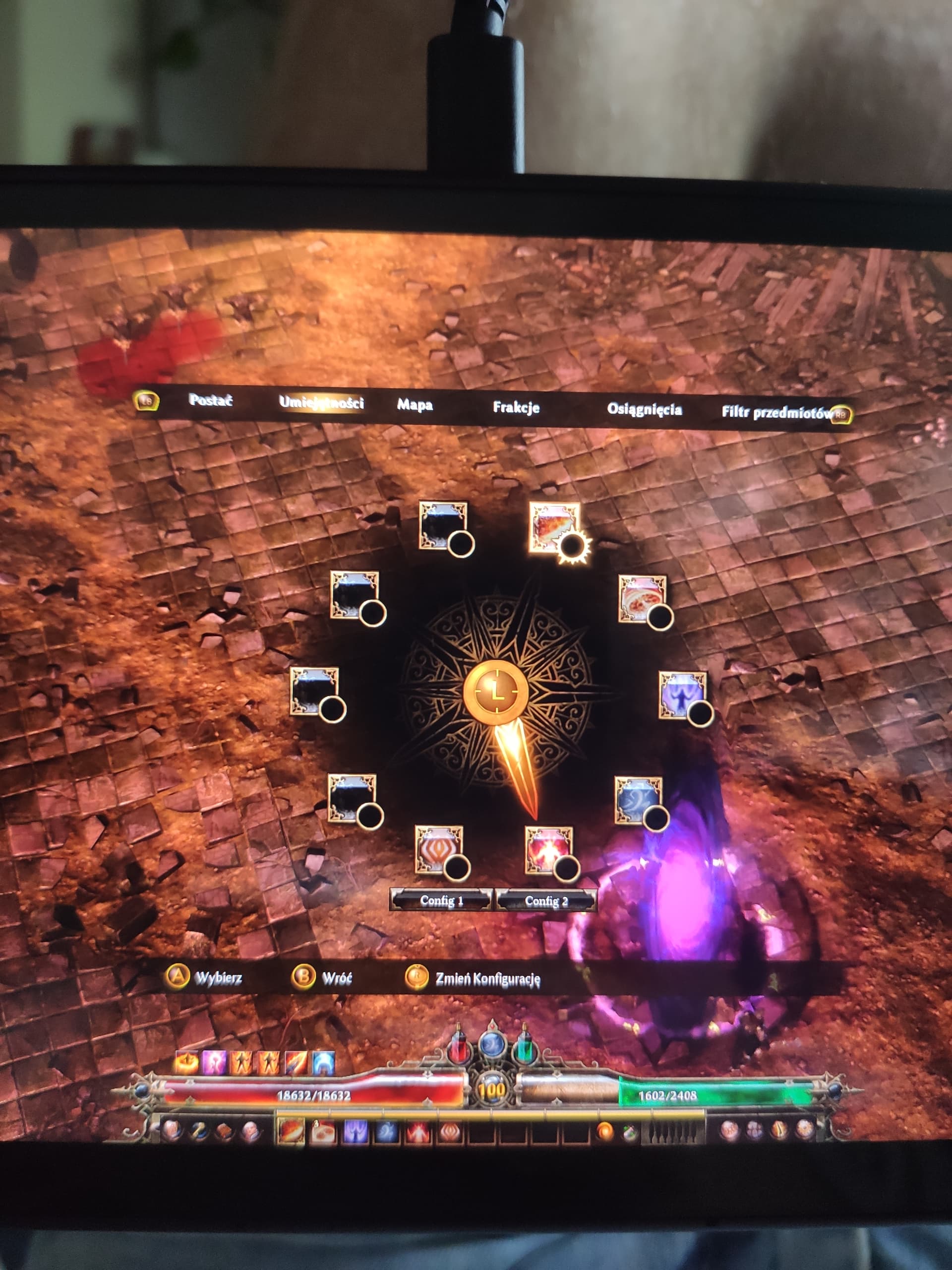
We’ll add support for this controller type in the next build. Thanks for the report.
1 Like
After the update, another problem arose. On Legion GO S, it only shows me the base game, even though I’ve purchased all the expansions
The problem has returned following today’s update related to SteamOS/Linux compatibility
The Linux compatibility launch option does not have the necessary API to support this device.
Does the game run for you in the default launch option?
The game won’t launch at all in the default launch option right now, it only works in Linux/SteamOS compatibility mode or when Proton Experimental is set manually. Before the hotfix, everything was fine with the button labels
So seems you are unfortunately trapped between two incompatible states until Steam’s SDK is updated for compatibility with Linux.
1 Like