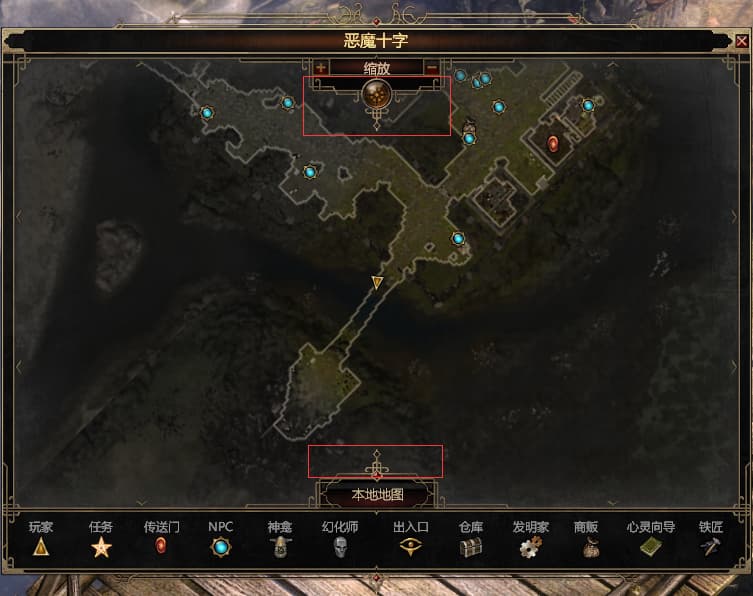
location names like barrowholm, mourndale, lone watch lost font borders so (compression notwithstanding) they became barely legible in-game.
1.3 playtest:
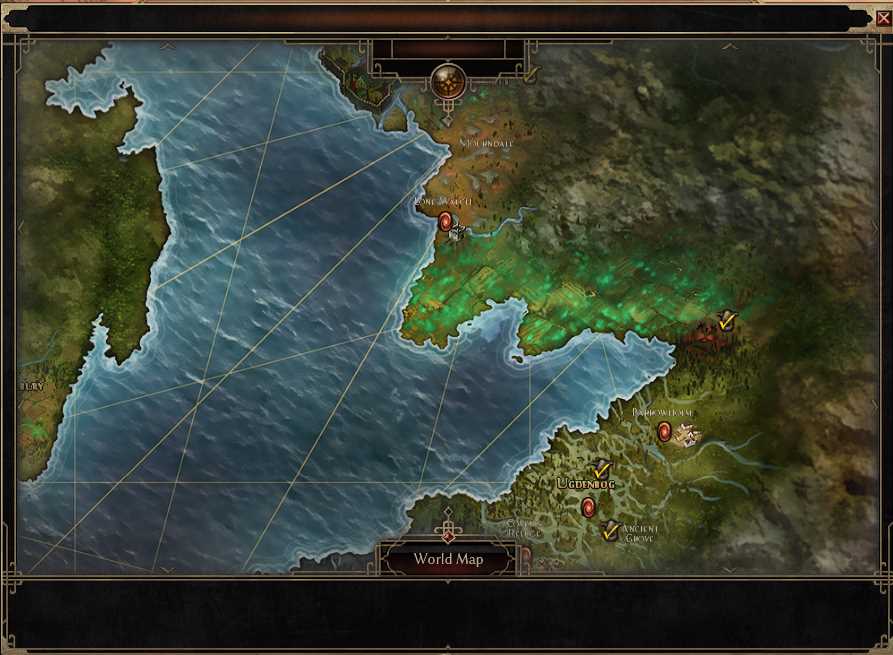
1.2.1.6:
location names like barrowholm, mourndale, lone watch lost font borders so (compression notwithstanding) they became barely legible in-game.
1.3 playtest:
side note, are those protrusions really supposed to be there? why take up map real-estate with those vs them having them in the bars or OG smaller arrows 
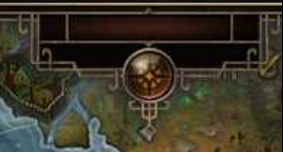
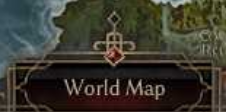
example
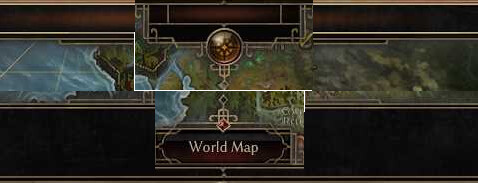
also more spikes, 1.3 shall henceforth be named the bejewelled spikes’ patch 
Apart from the weird spike, I really wish the world map button stayed on the bottom there. I click on random rift gates every time I try to press world map.
This happens to me all the time. There are several locations in the game where the worldmap button overlaps with a riftgate. I already reported it as a bug, there was a similar bug once where the lowest NPC dialogue option overlapped with the evade button, that was fun lol. But they fixed it, so hopefully they can fix this as well.
I don’t mind the current layout with the spikes and everything, I only think it could look a little bit more grim.
The world map should be displayed on the entire screen, not in a window, as it is now. I constantly have to move the mouse cursor to find the portal I want. This is not very convenient. With the release of FoA, the world map will become even larger.
I don’t have a problem to navigate the world. Even if they provide you with a “entire screen” you still need to navigate to locations, and let’s be honest, it only takes a few seconds.
Go look at Sacred 1 and 2 for example, they did provide you with a “entire screen” but you still need to move around to your locations.
Maybe if they slightly increase the portal icon size it will help you and others