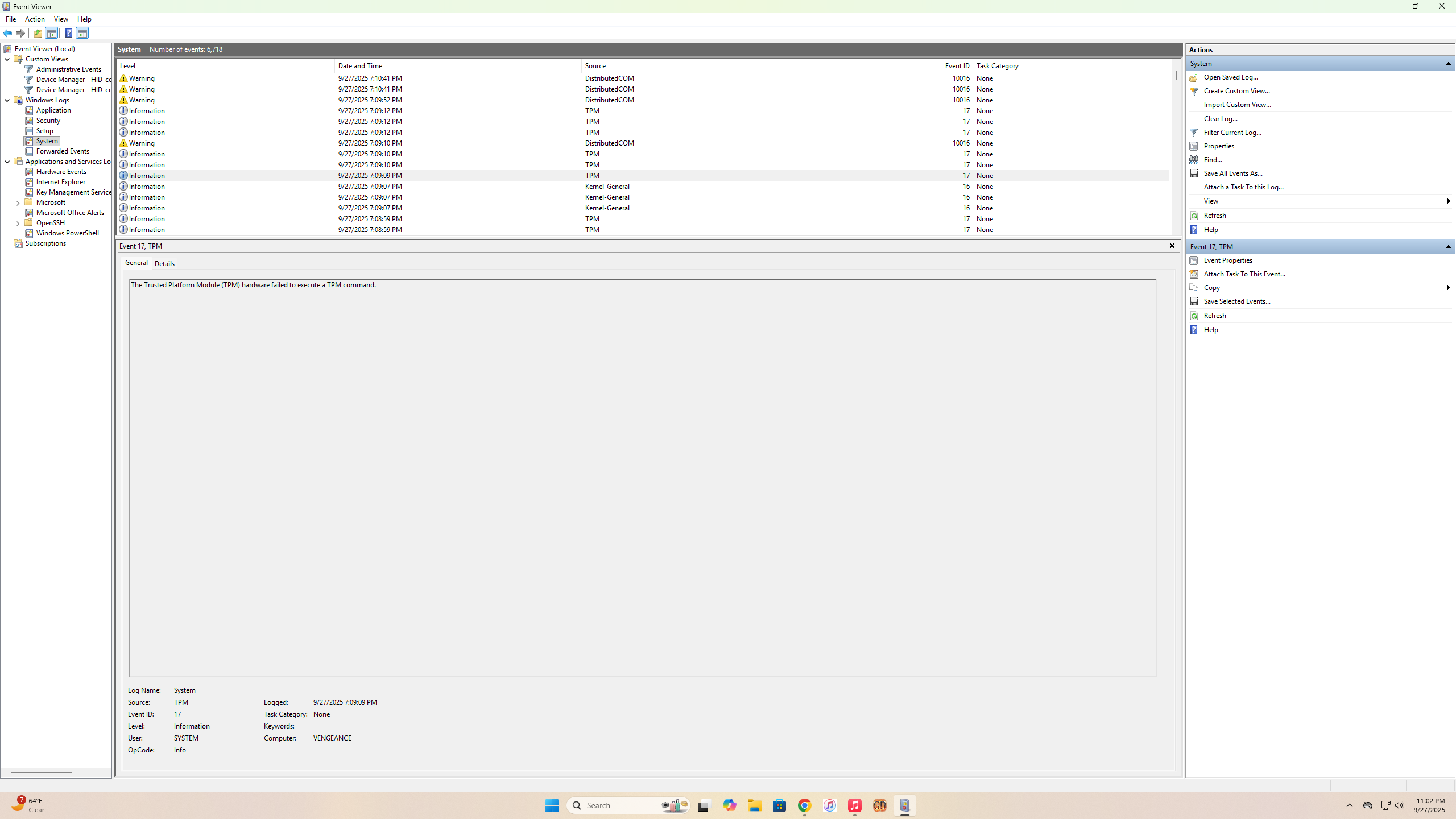
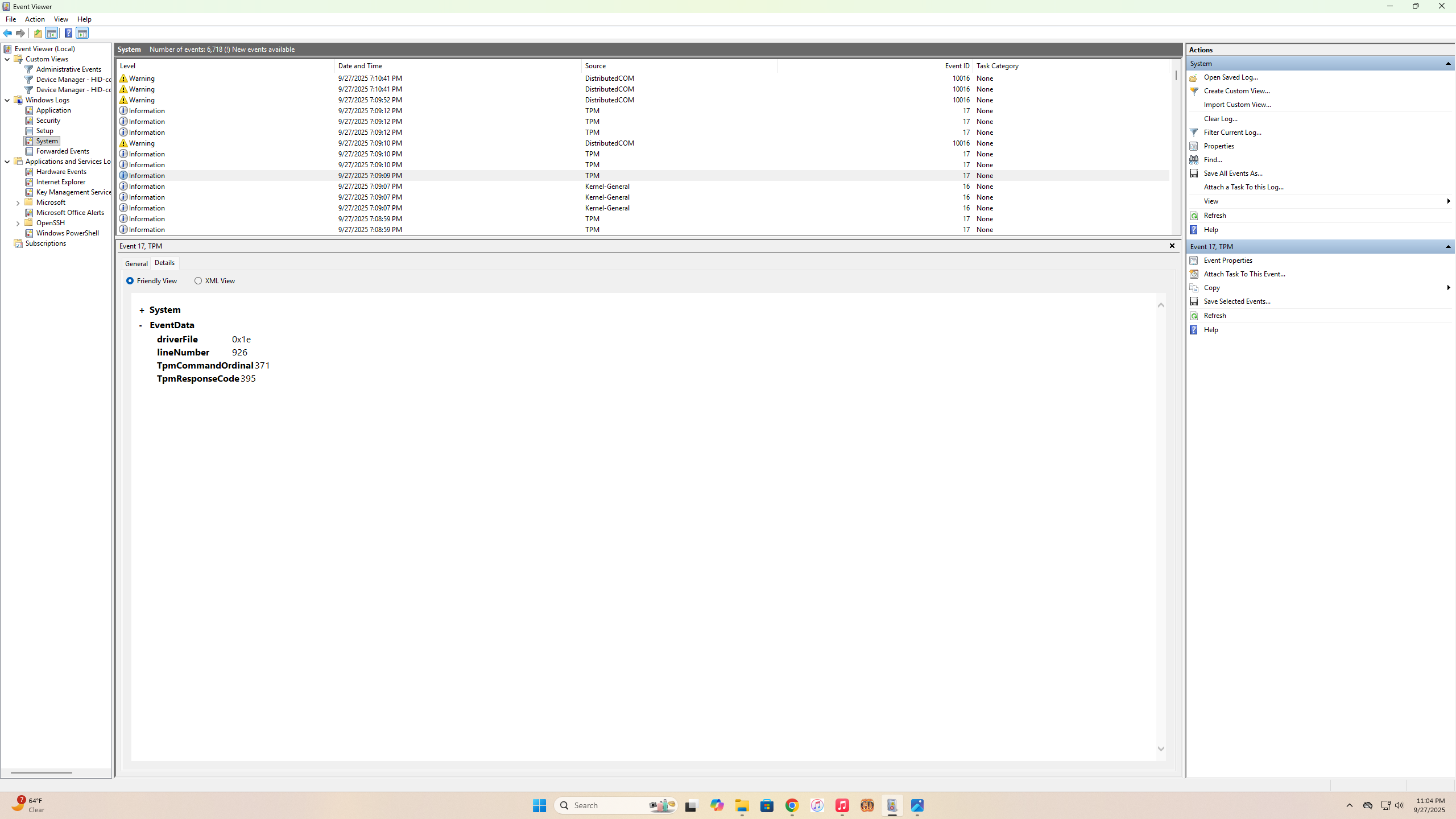
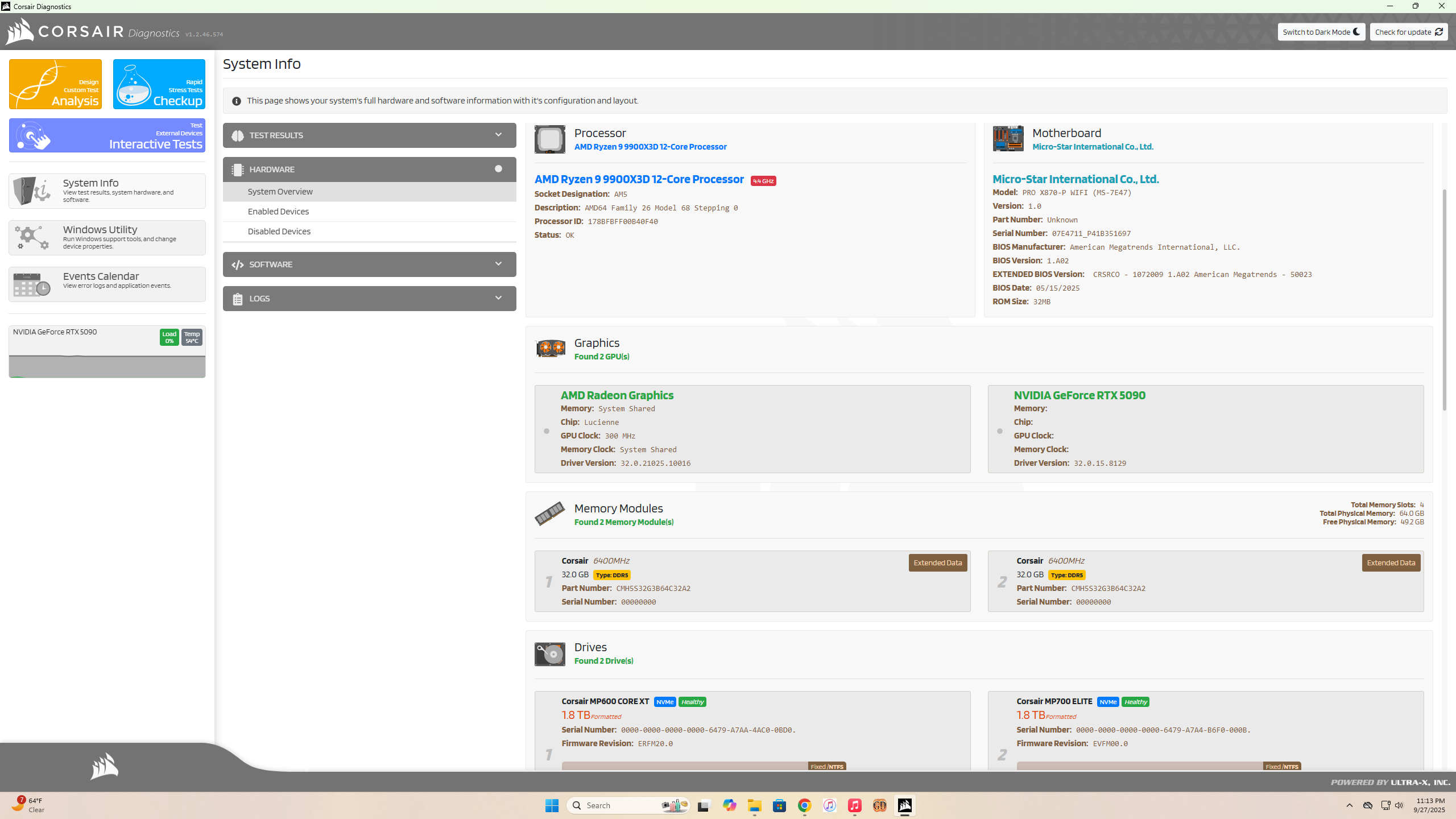
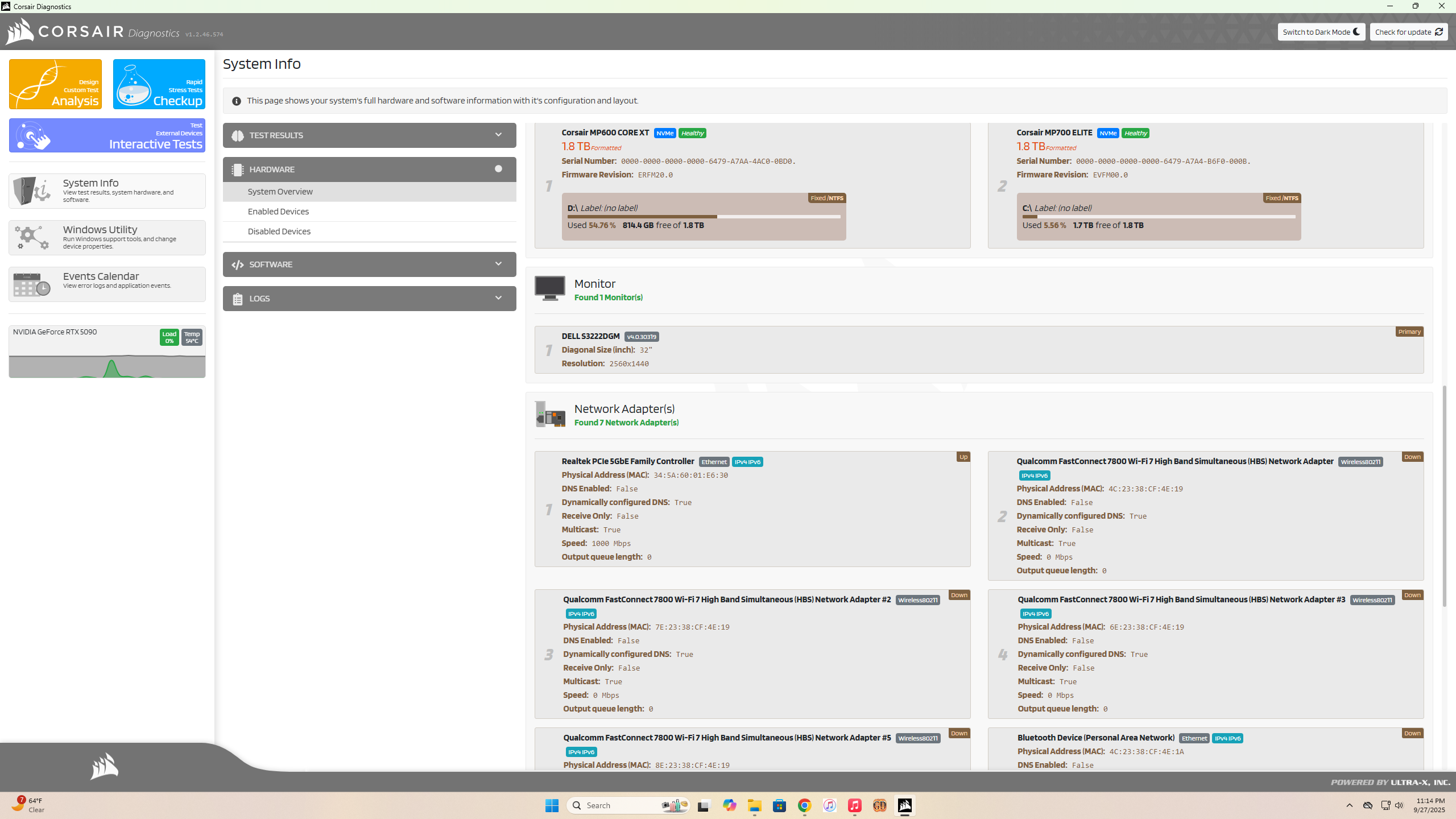
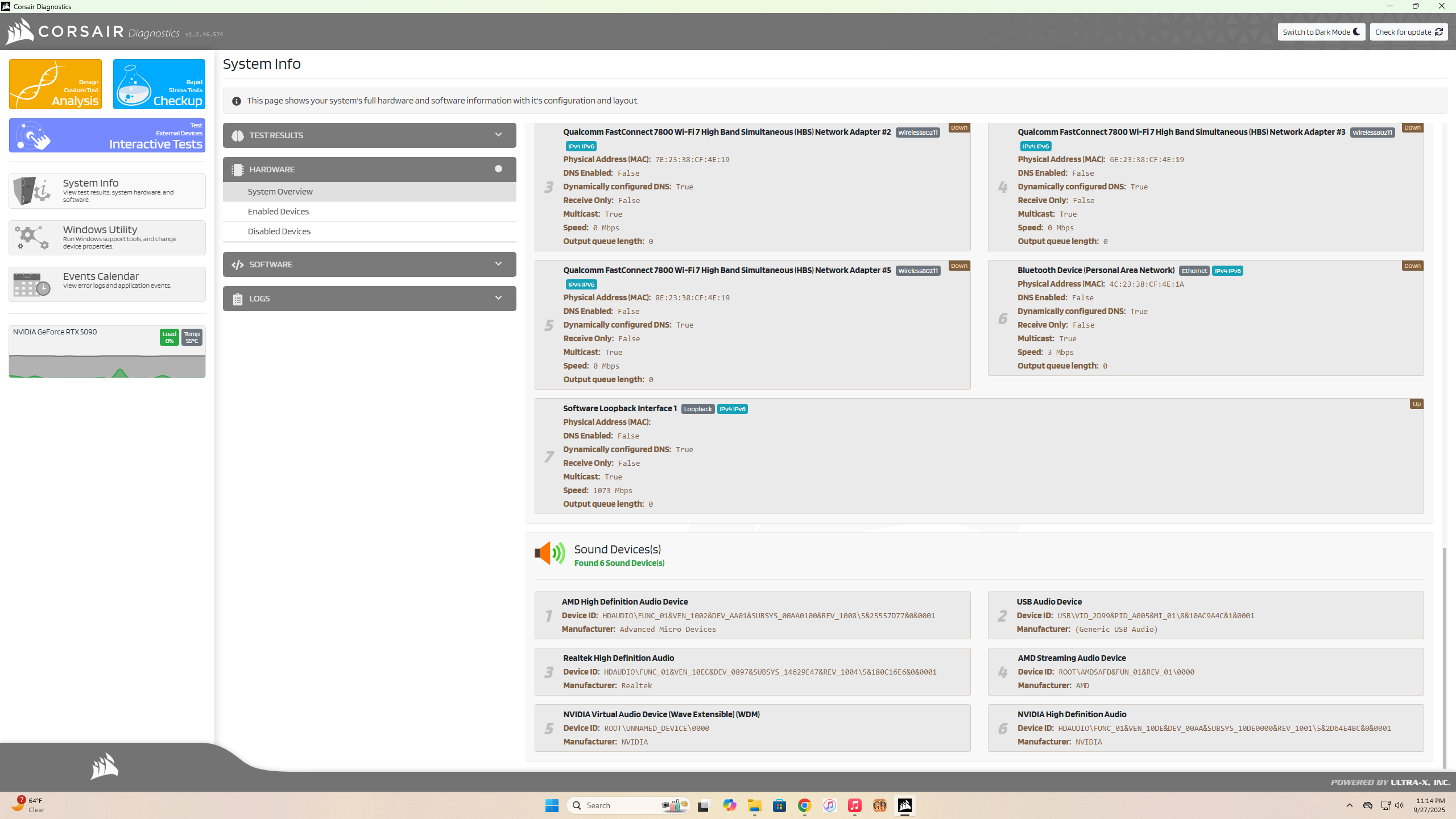
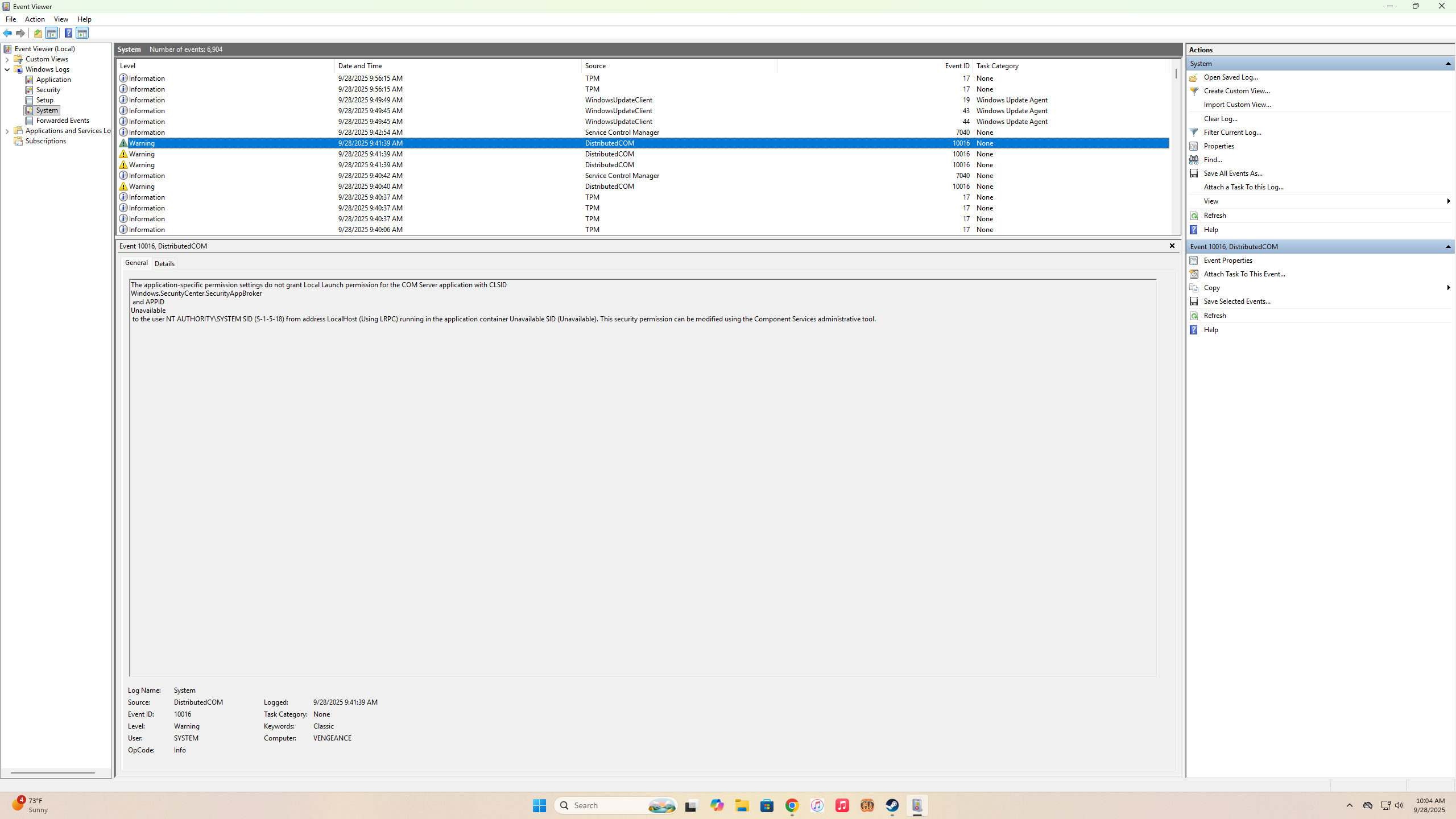
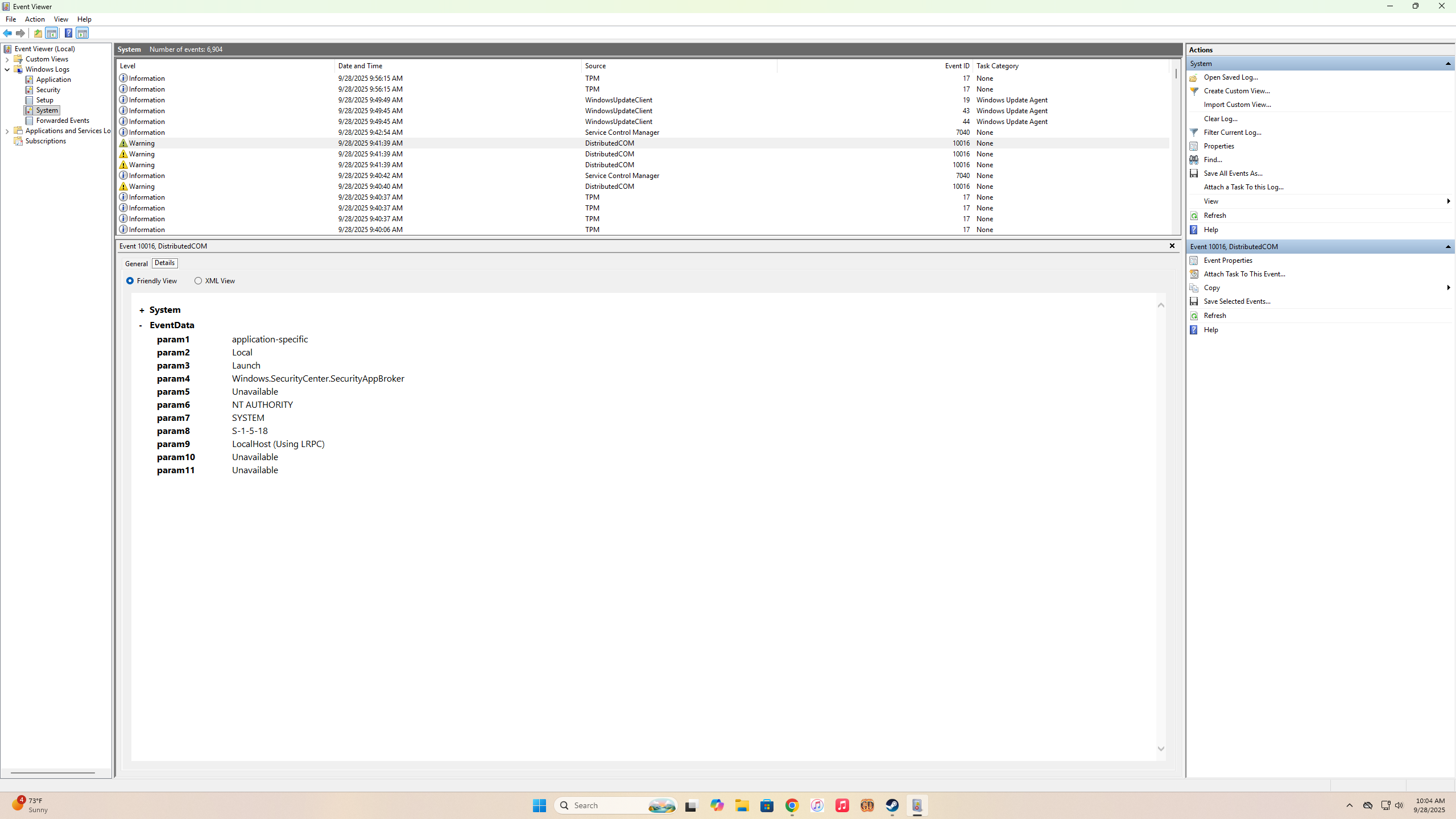
What the flaming infinite hells?
That’s not normal, you really shouldn’t get two motherboards in a row showing the same USB fault. Maybe it is a driver issue, but with the USB drivers? Either way, sounds like a bad batch got brought and used to build those computers 
Anyhow, do not under any circumstances ever buy anything from Alienware that isn’t a laptop. They always fuck up cooling on the desktop systems, per Gamers Nexus’ testing of them the last 5+ years. Which in turn results in thermal throttling of the usually Intel CPU’s, because those run extremely hot these days.
Best bet actually is a) build it yourself or b) ask Reddit about pre-built alternatives to Alienware/Corsair. Also, AMD’s X3D type CPU’s are the utter best in gaming at the moment and are not the issue, rather it’s dodgy USB hardware/drivers/Cthulhu-knows-what. Were as Intel’s current generation have quality control issues and last year were failing left and right after mild use.
As for building it yourself - it’s actually pretty easy, hard part is, as always, plugging in the bloody CPU power cable if you forgot to plug in before putting in the motherboard or don’t have a modular PSU. I recommend Corsair’s side mounted modular PSU for helping with this, because plugging in the various cables becomes easy. 2000W, Gold or better is what you’re wanting, with a 12V power connector.
As for motherboards, Gigabyte are your best bet price/performance wise, and MSI is the best performance wise. ASUS and ASRock are to be avoided, because they’ve fucked up this generation of AMD boards, plus ASUS have been complete dickheads over warranties.
Cooling wise, a tower fan, namely a Noctua one will do best, as it will last a decade+ before you have to replace the fans. AIO’s may seem good, but they have a 5 year life span at most and can potentially leak.
Case wise, that’s entirely down to you, I currently go for Fractal Design’s R series, but then I like having a 5.25 bay for an optical drive and enough space for 9 HDD’s at present. 10 if I hack a bit off the GPU shroud and get a flexible extension for the bloody oversized USB3.0 top panel cable. Corsair also make good, solid cases, and Be Quiet! are also good and more importantly great at making a quiet PC :3 Just annoyingly expensive here in NZ lawl. Otherwise, you get what you pay for with cases.
Everything else is pretty simple, aside from memory, which you want the fastest speed and tightest timings. But you’ll pay through the arse for the high end stuff, and frankly mid range on timings/speed works fine and the difference it makes is less than picking the right motherboard.
One note on HDD’s, for the love of data hoarding, just get a 2nd hand Pro/WD Black or a similar server HDD. Everything else is SMR these days and gets progressively slower and slower once it hits 80% full. They also fail a lot more often than the old PMR drives  Main issue is noise, or in the case of some ex-server drives, ISO standard breaking bs with the power rail unused by every other HDD ever. Which we have Toshiba to blame for. Seagate HDD’s however don’t use this feature so are far more idiot proof.
As for SSD’s, as big capacity wise M.2 drives as you can get that are at least PCI-e 4.0 and you’ll be right. PCI-e 5.0’s just aren’t worth the price and are pretty much only needed if you do a lot of 4K video editing etc. While cost per TB 4.0 ones are really, really good and provide more than good enough performance.
GPU wise, just get a 4000 series one, as the next step vis 5000 series cards is less than 5% in terms of raw performance/RT. So they’re not worth the price tag and worse yet, the fake frames are still not ready for prime time. Much like DLSS was a shitshow when it first released sadly.
And of course, use an anti-static wrist band, it’s not strictly speaking needed (I for one have never used one lawl), but it does reduce significantly fun with static electricity that can wreck components. I just touch metal/etc before working on mine  But then I have a solid as 1970’s steel framed office desk that’s built like a tank.