Continuing this discussion from another thread:
I am using Mouse & Keyboard and I’ve seen this happen with several skills as well, for example Ill Omen, Canister Bomb and Storm Totem. So I did some testing and I think this has something to do with the maximum cast range of those skills and how close your mouse cursor is to your character when you use the skill.
As far as I can tell, this seems to happen only under two conditions:
- The target under your mouse cursor is not within the effective range of the skill, so the character is forced to move into range
- You are holding down LMB to move or attack, which continuously overrides any previous move commands
If only the first condition is true, your character will start moving towards the target. Once it is in range, the skill is executed.
However, if the second condition is also true, the command queue to move into range and execute the skill gets immediately overridden by a new move/attack command from LMB.
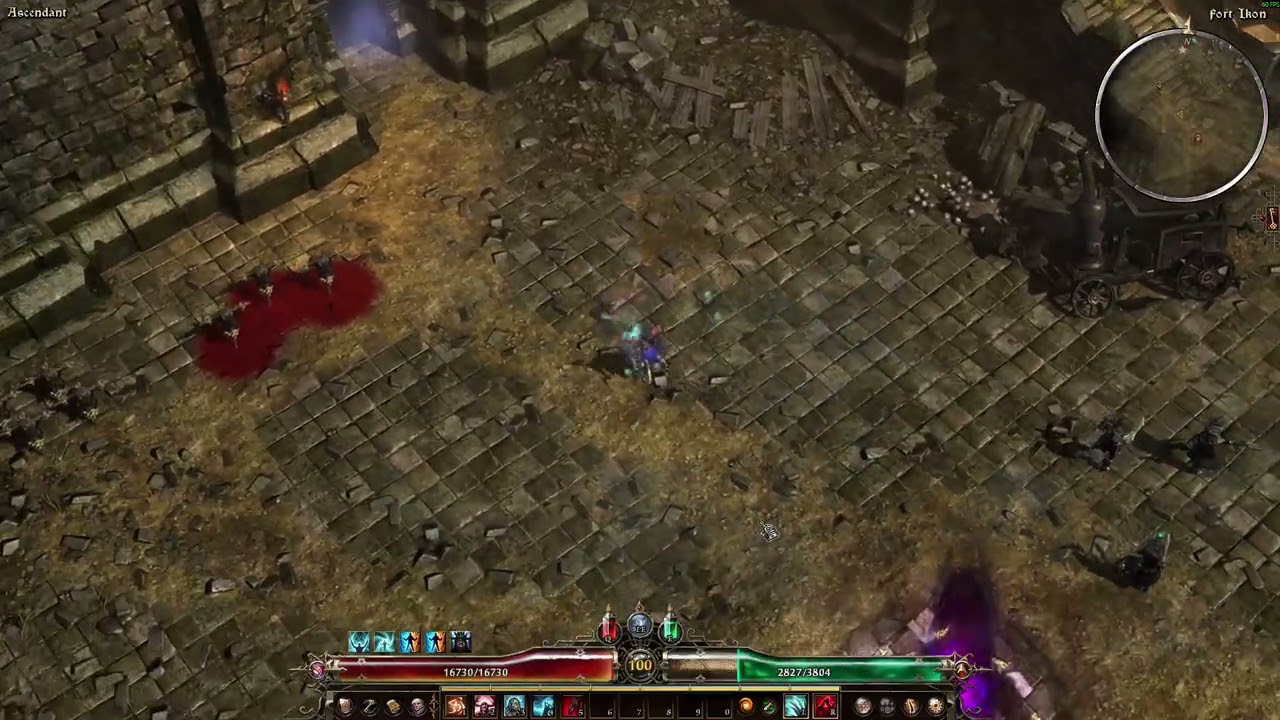
Here’s a video that demonstrates this with Ill Omen. You can see how I repeatedly press the skill key (the button on the skillbar changes to its “pressed” state) while running towards the dummy but it doesn’t execute since I’m still too far away. Only at the end I get into range and Ill Omen is cast.
I haven’t tested this with short range skills like Blade Arc yet, but I can imagine it’s the same issue. You probably have to keep your cursor very close to your character for BA to execute while autoattacking.
edit:
Maybe increase the range of some of those skills. Ill Omen has a very short range compared to some spells like WoP. I guess it’s a matter of QoL in this case.