I mentioned in the Discord chat the testing I did with my wife’s hyper-threaded laptop i7-6700HQ and the results but I’ll mention here that I got the best results (haven’t extensively tested yet) by doing the “every other core” trick on it. It actually went on to each of the cores fairly evenly.
I also tested turning off hyper-threading in the BIOS, which brought it down to 4 cores. Default activity was surprisingly showing on all cores not too badly spread out - once I toggled Core 0 off/on it spread out much better on all the cores.
Oh, and Valinov - looks here like there IS a 9900k user that it works with:
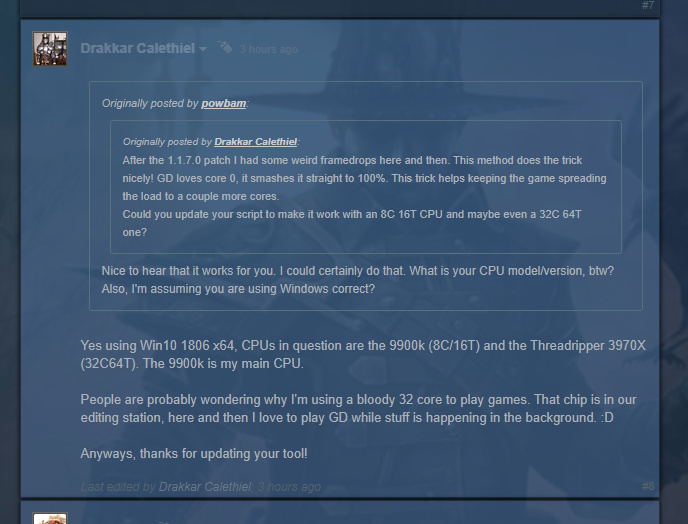
Which makes it even more puzzling. What’s the difference on your end then I wonder?
I will mention here for anyone reading that I am working on a couple new hotkeys for the tool to do the “every other core” trick for people that might want to test a different method if the Core 0 toggle trick isn’t working.
One hotkey will toggle every other core OFF starting with Core 0. So Cores 1,3,5 and so on will be active.
The other hotkey does the opposite toggling OFF every other core starting with Core 1. So Cores 0,2,4 and so on will be active.
And since these 2 games share common heritage and performance behavior I am also adding in support in the tool for TQAE as well.