if you’re dealing with just direct char transfers just use the ingame transfer stash?
take item off char, put in transfer, go to main menu, load the char
otherwise, in GDstash, load the char stashtab the item is in (you can’t take items off the char mannequin), click the item so it’s selected, then in the char roster select the char to transfer to, click in their inventory and the item will be placed
*this creates duplicates if you don’t go back and delete the item from the original stash tab
I like to make my life complicated I’m transferring from a custom character to a non-custom character. What you outlined won’t work for that as far as I know since you can’t transfer in-game between a mod and the standard game.
This will work for characters in the standard game. However it won’t work if you have an item in the shared transfer stash of a custom character and you want to move an item from there to a standard characters stash (shared or non-shared) so I need to do the dance I outlined. I don’t think there is a way to get around that. Not a big deal, it’s only a few clicks. That’ll teach me for doing edge cases that the tool wasn’t exactly designed for though it does accommodate it
then don’t transfer items while in the transfer stash page, move them to chars first?
either way it sounds like you’re making things more complicated on your own by not setting things up first ingame
heck you could just transfer chars as “mod mules”
*alternatively alternative you play as basemod if possible, since you don’t really need custom mode unless you’re having big changes like Grimarill/DoM etc
Yes I could move the items to one of the other stashes. That would make life much easier
now that it’s been pointed out. I’ve been so used to doing things a certain way.
I use the Grim UX mod on a character. This gives me oodles more stash space. I use gd-edit to generates items - up to 900 of one item using that stash. I then run an SQL query using GDIA that gives me the best item out of those 900. Then I transfer that item to the build I’m making with gd-edit (which allows creation of a build from a GrimTools link). GDStash is the last link it putting everything together.
Is this a crazy way to create a build ? Yeap - but it’s also a lot of fun (for me) to do it this way. I come out of it with a pretty kick ass build
I could probably streamline things but where’s the fun it that. Appreciate the tip on transferring between stashes though. Was not aware you could do that. Definitely saves me some time.
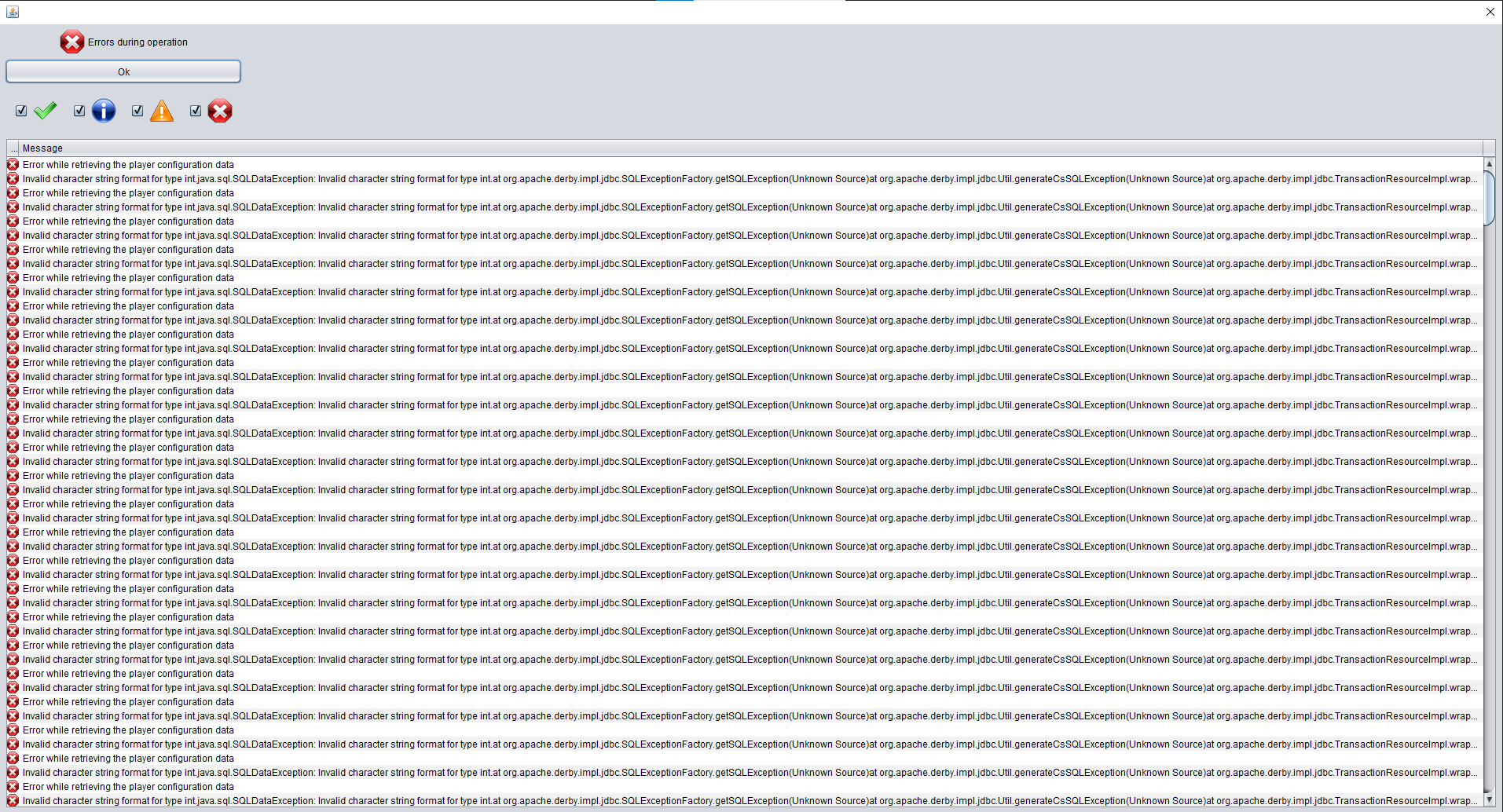
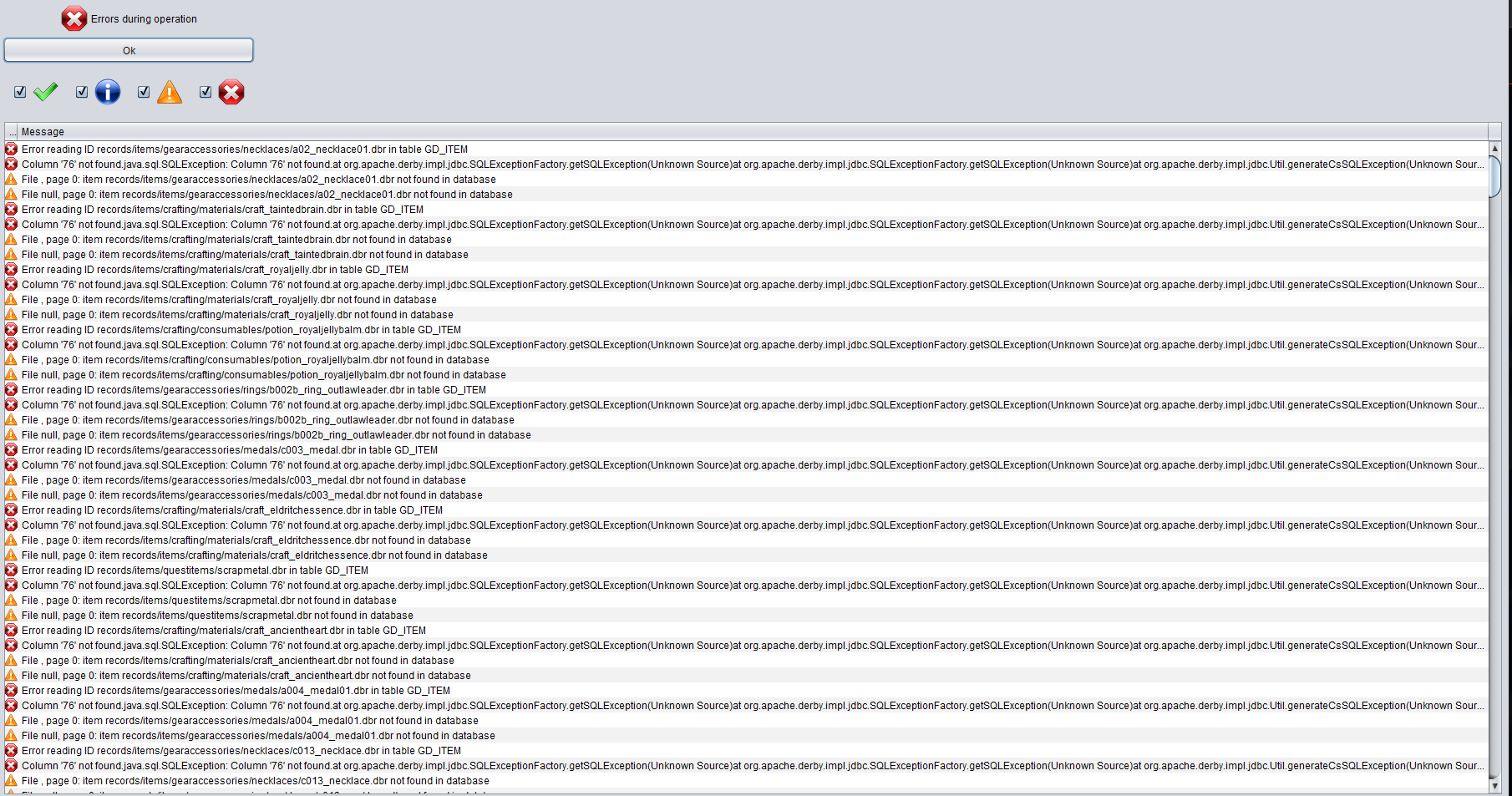
Ok im confused. Just when i think i understand, GDS shows something different…
In the Char Transfer page, the “DB” in “Move item to DB,” i thought that was the last database i loaded from the Import/Export page.
I have two databases i work with, one named “Over50.gds” and the other named “Lessthan50.gds”. When i want to transfer the items from a character to either DB, i click the “Load GD Stash file” button and load the GDS file i want to transfer to.
Then i go the Character Transfer page, but when i do a search immediately (to make sure im using the right DB), it’s not showing the one i just loaded. (It SEEMS to be showing the previously loaded DB.)
What am i looking at in the Char Transfer page?
I think there should be labels over each searchable list that makes it clear what the list refers to.
You do not create or choose databases directly. You select stash files and characters. You only have indirect control over the db by selecting vanilla GD or a specific mod.
The .gds files are not the database, they are a manual export of the items within the database, and I would expect all items to be in it, not sure how you distinguish between <= 50 and >50… in any case, neither file is the database and adding items to the db does not change any exported .gds files.
I thought i could save (and load) DB to store items in, kinda like a suitcase with its own items. So i had one for items less than level 50, and another for over level 50.
So there’s only one DB to work with, and you cant save a separate DB?
Now im wondering what you can export in that page…
alright, so, huge disaster,
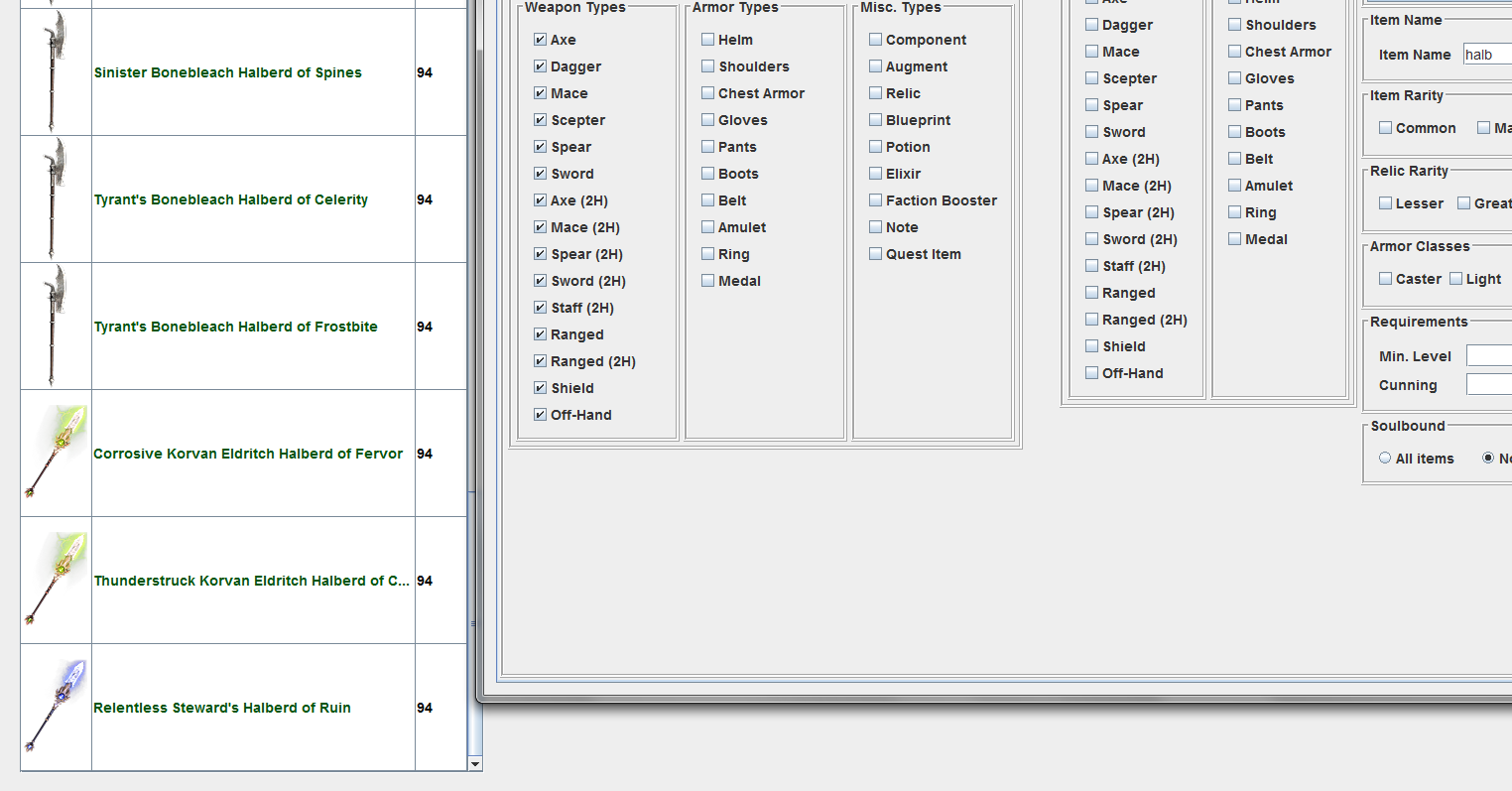
i just discovered at some point going from 7.6 to 7.7 GDstash “erased”/poofed all former FG Statue axe halberds now spears and only accepting new donations
GD Stash does not delete stashed items, I suspect that they still have the 2h melee category and are not being picked up by the search. Will check if the category is getting updated after a DB import (pretty sure that for the longest time it wasn’t, as this case never occurred, so I did not consider it a dependent field, I believe I did add that ‘recently’ though because of this change)
You can also check that by importing the GD data again
i did try import database again (also just now); and it just gives the usual all clear/database successfully imported, 41000 items successfully updated
but when searching for halberds only the (few) recent storage entries show up (just halberd name in field, rare selected, all weapons/items)
 I’m transferring from a custom character to a non-custom character. What you outlined won’t work for that as far as I know since you can’t transfer in-game between a mod and the standard game.


 I could probably streamline things but where’s the fun it that. Appreciate the tip on transferring between stashes though. Was not aware you could do that. Definitely saves me some time.