Yes, I think I was slightly inaccurate. The errors I described come from using the Application (.exe) one. Running the Jar file does absolutely nothing, and I notice the same is true for everything in that lib folder. Only the JTattoo-1.6.13 one even opens a GUI on About and that’s it. I don’t see anything else that I can run.
Open a command prompt (cmd.exe)
Navigate to GDStash folder
And run the command
Java -jar name of jar
Then it will run or display error.
Or at command prompt type
Java —version
Or
Java -v
If it throws an error something wrong with Java install.
no, that tool is no longer supported and stuck on an old Java version as a consequence, so I dropped it
if double-clicking the .jar does nothing, then you need to figure out your Java installation
Thanks for the feedback. It seems that it cuts off the path even when I make it as simple as possible?
C:\Users\PC>Java -jar C:\GD Stash!\GDStash.jar
Error: Unable to access jarfile C:\GD
Seems it’s due to the space in the name so I had to make the folder in one word and then it gave me this:
C:\Users\PC>Java -jar C:\GDStash!\GDStash.jar
C:\Users\PC\GrimDawn_English.properties (The system cannot find the file specified)
java.io.FileNotFoundException: C:\Users\PC\GrimDawn_English.properties (The system cannot find the file specified)
at java.io.FileInputStream.open0(Native Method)
at java.io.FileInputStream.open(Unknown Source)
at java.io.FileInputStream.(Unknown Source)
at org.gdstash.util.GDMsgFormatter.setGDLocale(GDMsgFormatter.java:61)
at org.gdstash.ui.GDStashFrame.setGDLocale(GDStashFrame.java:705)
at org.gdstash.ui.GDStashFrame.(GDStashFrame.java:224)
…uhm, do these forums have a tool for inserting code or something in a proper box so it’s not all wall-o-textish? Anyway, the version is this.
C:\Users\PC>Java -version
java version “1.8.0_421”
Java™ SE Runtime Environment (build 1.8.0_421-b09)
Java HotSpot™ 64-Bit Server VM (build 25.421-b09, mixed mode)
Why are you starting the jar outside of its folder? Looks like it looks for the files where you start it, not where the .jar is
This really should look as follows C:\GD Stash!>Java -jar GDStash.jar. If Java cannot start from there, you have found your problem / why double-clicking the .jar does not work. In that case add the dir Java is in to your PATH
If your path has spaces in it, you need to surround it in quotes. Otherwise it cuts off at the space.
1 Like
Could add %CD% as a prefix to the jar file in the .bat, that’ll ensure it runs in the correct directory.
Though even shortcuts will generally fill in the correct current directory… 
Get rid of the exclamation mark ! At the end of the folder name.
Wrap any path with a space in it with quotes.
Try again.
I don’t really speak code and practically never use command lines, and as such these advises are not as crystal clear as they are for you guys who are more used to this stuff. Your help has set me on the right path and by trying stuff out and applying some logic I figured it out. I’ll describe it now for future reference but just to be clear the command line thing still doesn’t work.
C:\Users\PC>“C:\GDStash\Java-jar GDStash.jar”
‘“C:\GDStash\Java-jar GDStash.jar”’ is not recognized as an internal or external command,
operable program or batch file.
Quotes or not, and even now that it’s fixed that is all it keeps giving. I am probs super clueless about this stuff or maybe it’s to do with my Windows config but if there’s an underlying issue a lot of “normal circumstances” stuff wouldn’t apply anyway.
Regardless, what I did is I looked into making -jar visible and read a bunch from here on making jars run . I thought about trying some stuff, but rather than start messing with stuff at random I gave Jarfix a run.
Still nothing changed even after that, but then I thought about making the path as clean as possible for the command prompt and I got rid of the exclamation mark and then it just magically ran perfect. Not sure how much Jarfix did or did not help, because I tried another Java app, but only after it, but for the sake of being thorough I need to mention it. It seems that Jarfix solves the double-click run thing, but command line wise it still won’t work? So idk.
I did a bunch of experiments with changing the folder name, running it from within other folders or other partition, but the only thing that really messed with it is the exclamation mark. So that’s odd and quirky, but alright I guess, lol.
And as I typed all this it seems that ibugsy found the answer too so in the end it would have been solved. All in all thanks for all the help everyone!
1 Like
“C:\GDStash\Java-jar” “GDStash.jar”
Wrap the command in quotes.
Wrap the parameter you are passing in quotes.
However, neither has spaces in them, so you don’t need quotes.
If there is a .bat file in GDStash directory, run it.
C:\GDStash\gdstash.bat
If GDStash.bat is the file name.
By running it from the command line, an error message should appear OR GDStash runs.
Thank you for trying but nope, neither of those 2 exact commands work =_=…I did manage to run the gdstash.bat normally and a command window popped up and then GDStash, but from command line it’s just:
C:\Users\PC>C:\GDStash\gdstash.bat
Error: Unable to access jarfile GDStash.jar
However running gdstash.bat actually fixed a new problem I had. The game database couldn’t be imported. But afterwards it successfully imported it and seems software can run all as intended from now on.
Idk what’s going on command line wise, and I’m fine both ways with more fun troubleshooting or not, but just to make it clear, practically the problem is solved, so thanks again.
Hi, anyone knows how to search for a specific resist reduction(e.g. all possible items with -N% or -N to lightning resistance)? I tried checking the damage class resistance and flat damage lightning but I can’t get the result I expected. Any help is really much appreciated
*unsure if GDstash can make that specific search
but what i found is to just use grimtools item db, search for “special” stuff there, then look it up in stash manually/by name - idono maybe i just suck at gdstash searches 
fwiw, afaik there is no (vanilla) items with flat lightning RR specific, you’re either looking at all flat or ele flat - which wont be minus(-N) marked but just N’th reduced
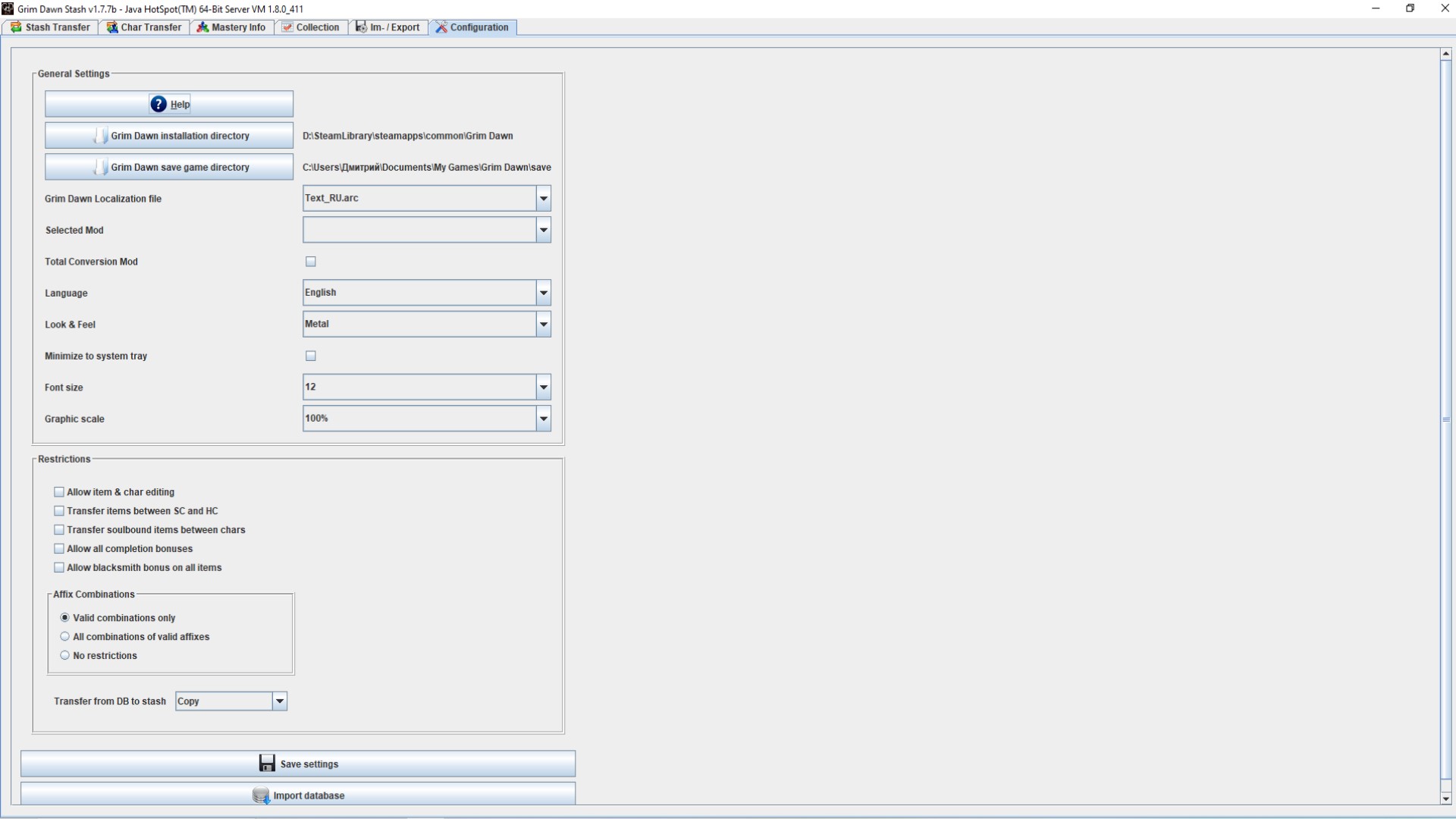
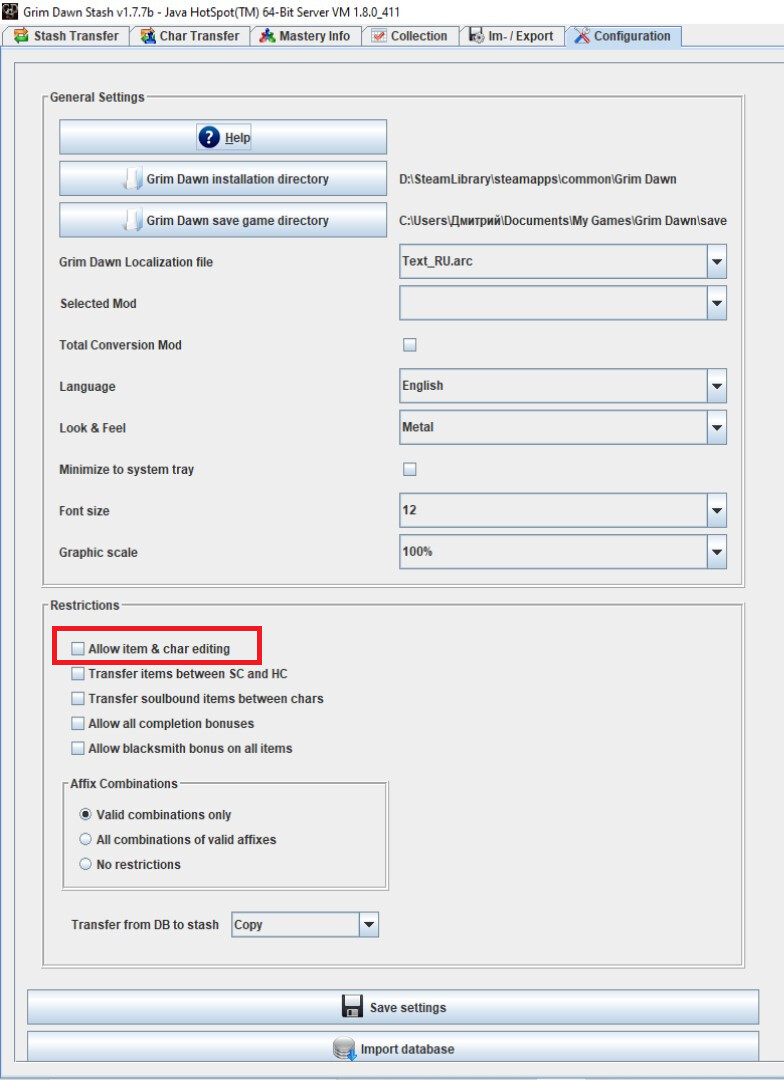
Collection tab does contain, what I want, but I can’t copy and paste more than one line. Can’t “select all”, mouse doesn’t do anything…
sry wouldn’t know about functionality just that it was there, would have to ask Mamba if it’s possible to snag the collection data/in way you can use
1 Like
@mamba Collection tab does contain, what I want, but I can’t copy and paste more than one line. Can’t “select all”, mouse doesn’t do anything…
I need to transfer items in a characters stash (transfer, inventory, bags, etc) but cannot remember how to do that in GDStash. Been quite a while since I used the tool (or even played GD for that matter).
For the transfer stash I’d use the Stash transfer tab. For the other stashes I’d use Char transfer. Apart from that I’m at a loss as to how I transfer actual items in these 2 tabs to another character (either a custom character in a mod or a non-custom character in FG). A quick step by step would be helpful if anyone has one.
Edit: I think I figured it out.
- Copy the item into the DB (from stash or character transfer tab). Note the seed number of item. Save item to DB
- Go to Character transfer tab. Search for item. Double click item. This will add it to stash.
- Save character. Item has now be transferred to character.
This seems to work. If there is a quicker solution let me know, otherwise I’ll just run with the method above. It would be nice to do either a batch file at command line to do this in one hit or an SQL statement if possible.