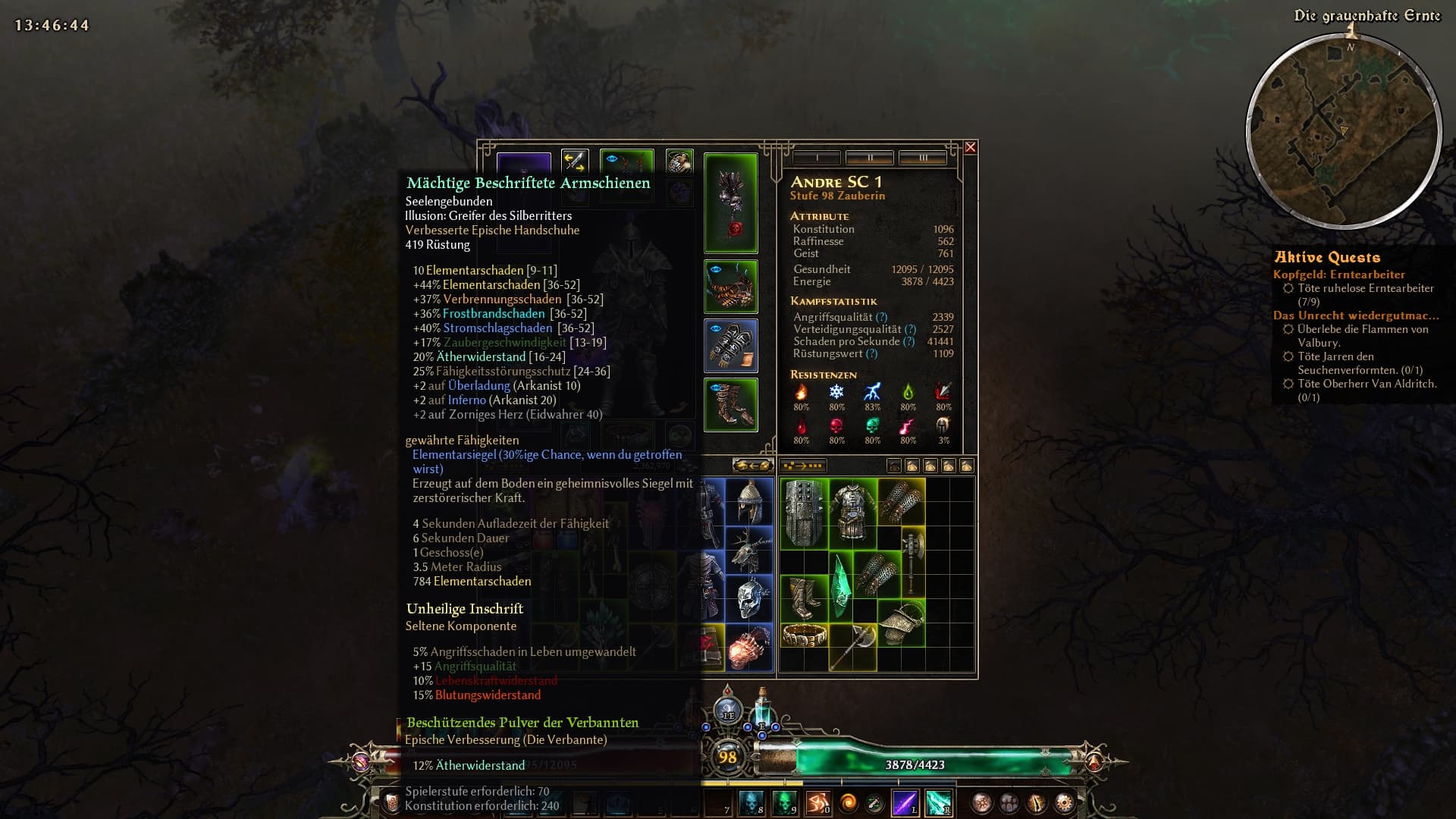
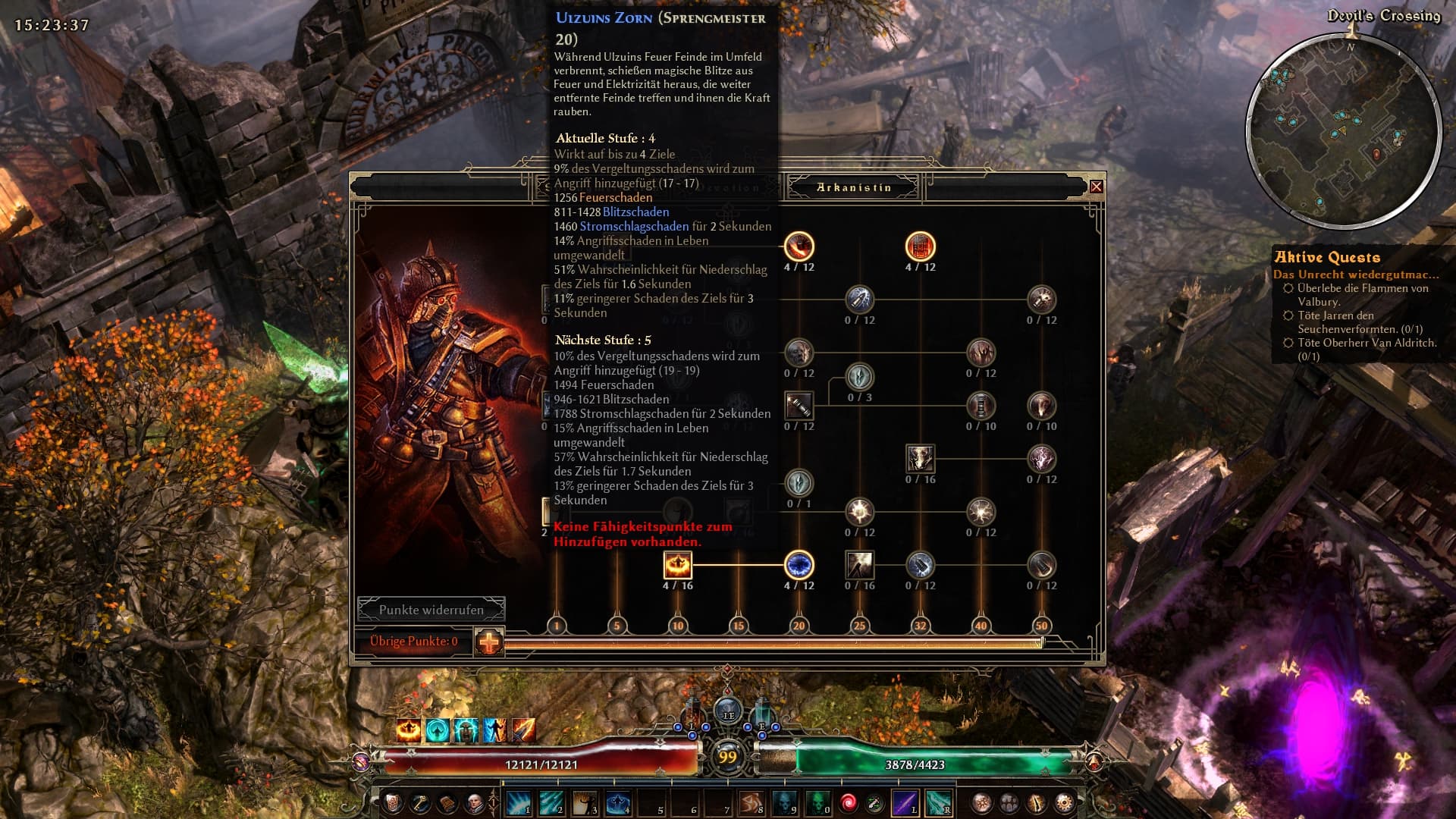
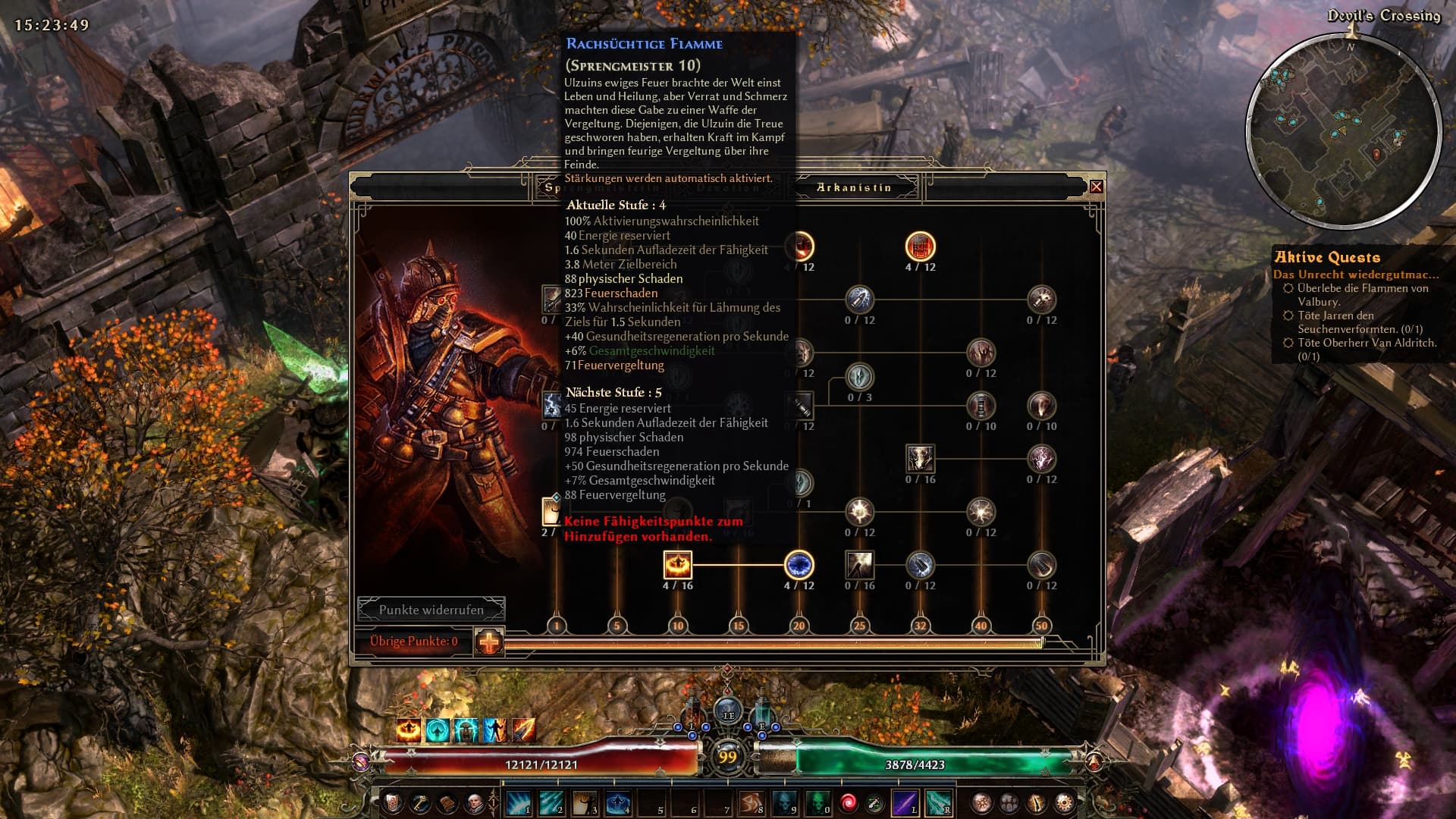
Possible? Sure. Can a text file do it? No.
The closest a text file can get is coloring Affixes and Stats the same way, with the example from above’s build specific filters, if you have a red prefix you know the cold damage is coming from the prefix. This will probably be in v0.0.4.
Once I’m done with all the text file stuff I’ll move on to other things which will bring it as close as it gets, when we think of pressing alt in poe.
When the mod is complete we will can differentiate stats that come from the prefix, suffix and base item just putting 3 diferent colors on it?
i just don’t care about the colors for damage types, just wanna know what is what on a item whitout the need of grimtool because of the new alteration system…
like this on all itens
base item stats = white
prefixes = blue
sufixes = red
There is no way to tell the difference where something came from for a text file, they are combined and use the same text with only one text to color inside the text file.
But if you want to go crazy on coloring affixes a certain way you can.
Since the available colors are limited, you’d have to reduce the colors for rarities, so you could make every affix/item the same color and just use colors for affixes/items to let you know the stats they have. Stats would be the same color as the color used for the affix/item.
Let’s say:
red is HP
blue is cast speed
white is cold dmg
green is resists
a prefix may have one or more of those, having one is obvious, it is just colored like it, so if you have a red Prefix you know the HP on the item is from the Prefix, if Prefix and Suffix are red, HP is from both. Once you have more than one stat per affix you could have half the affix in red the other half in blue, now you know it has HP and cast speed.
Obviously that’s a bunch of colors, so you could also use Symbols. Sets are using (S), but it could be anything the game can display, however, anything Unicode wise isn’t going to work by default. Once again we are limited, but if you were to add [HD] infront of the affix to know it has HP and cold dmg and that applies to a bunch of different affixes/items, you’ll end up with long names. So mixing it up for the more common stats to use colors and the rarer ones to use a Symbol may be an option. But at that point if the Prefix only has the color/symbol you know the cold dmg in the tooltip is from the prefix.
I’ll give examples and presets to use with v0.0.4 as well. Whether it is coloring affixes based on how many stats you want in total or coloring them different for each stat you want is up to you. You could just have affixes red that have all 4 stats you’re looking for and use a different color for 3, 2 and 1. Basically make your own rarity system on what you need.
Until I get around to working beyond the text files that’s as good as it gets, and frankly it’s pretty good, in some ways even better, since it literally tells you how good an item is based on the name. You won’t be looking for double rares, you’ll start looking for double red
In other words, there is no simple way to separate or display everything that constitutes a prefix and everything that constitutes a suffix for an item.
I agree and I think it’s just an oversight, because it can simply be fixed with adding {^E} after each tagConversionDAMAGETYPE ?
like so:
tagConversionPhysical={^K}Physical Damage{^E}
That only colors the “Physical Damage” leaves “converted to” in the normal text color. I say it as a question, because I don’t know if it’s the correct tag to use, I just put it there and tested it and it worked:
But as I stated before I have no idea if it’s the correct tag to use, as I don’t even know what {^E} does, all I know is it works… lol
EDIT
I tried searching in this topic and it seems {^E} is a color tag, so maybe it’d be better to use the {^-} tag, so it doesn’t use a color but rather returns the previous color used? Which would make it the color of the percentage…
Like this:
Could you restore your program icon to your new website so that the icon appears in the browser tab at the top, rather than the default icon (that weird globe)?
What’s the difference here? Why are the gloves completely turquoise? I thought they used to match the pants, weren’t they supposed to be depicted accurately now?
A lot of time has gone into the UI, trying to make it easy to navigate and understand, while also giving access to all current features and preparing it for upcoming features.
General
New: Two presets have been added to the website.
New: downloads for Base Game, AoM and FG. FoA is the default.
New: All Modules and Blocks can be disabled.
This was only possible for the entirety of Masteries before.
When disabled, the Module or Block contents will not be changed by Raynbow.
New: All Blocks can have their colors changed.
Color: The color the text will appear in.
EndColor: The color at the end of the text, primarily used to reset colors for following tags or set the color of the following tag.
BugFix: Conversion text color between damage types had the color of the first damage type, it is now the default color again. | Report
BugFix: In some Languages Epic and Legendary style tags would not clear their color for all genders causing the item name to be in the color of the style. | Report
Preset: Basic Highlighting
Info: A less colorful variant of Full Rainbow, with tooltip stats/properties being more grouped up.
Info: Set items don’t have a symbol.
Changed: Color for Poison, Decay changed to purple (from fuchsia in previous versions) - due to attributes using the same color.
Preset: Diablo / PoE
Info: Items/Affixes follow the Diablo/PoE color scheme.
Info: Set items are green rather than having a symbol. With MI Set items being dark green.
Mastery
New: Point requirements display may be disabled.
Info: Point requirements are now disabled by default.
BugFix: missing point requirement for Soldier.
Website & Tech
New: Change Log added to the website
Major updates will have a change log.
Live Update Tracker has been renamed to Hotfix Log and Hotfixes will be shown there with their version number.
Info: Language selection has been moved to the top.
Updated: Info text above filter settings as a rough guide of what is going on below it.
Updated: The bottom part of the website has gotten a full style rework.
Every Module and Block is collapsible/expandable and its state will be saved for the selected Preset.
You cannot break anything, so feel free to mess around, if something isn’t showing as intended Reset Modules will set it all back to default values.
Not to correct you, well that is stupid to say as I an correcting you, but in regards to the Conversion text color fix, I believe you used the wrong one. You used the {^E} which is a color, would be better to use the {^-} which isn’t a color but a feature that uses the previous color. In this case it’s the color of the % stats.
So instead of tagDamageConversion={%.0f0}% {^E}{%s1}{^E} converted to {%s2}
should have been tagDamageConversion={%.0f0}% {^E}{%s1}{^-} converted to {%s2}
You can see the difference in the 2 pics in my reply to that bug…
No, {^E} is the color Crate uses for this text after the conversion percent value, hence the {^E} before the placeholder {%s1}, {^-} will just remove the color and use {^H}. So the damage type changes {^E} into what the damage type uses and I just set it back to {^E} after.
Now the argument is more about personal preference or maintaining original colors the game uses without Raynbow:
Crate uses {^E} for all their stats texts and {^H} for stat numbers. Depending how you look at it, using {^E} is wrong since the text already colors the damage types or {^-} is wrong because that’s not what stat texts use, since that goes to {^H}, and that’s the number before the stat and the range after in the detailed tooltip or any other value number.
Tags like that will be in a different section eventually to change those colors, because if we ask everyone what they want we probably get a dozen different colors.
I do admit I didn’t go deep enough into the colors and just thought the explanation I found about {^-} was the correct one, looking at it’s color and how the other texts color was. Not remembering that rainbow also colors everything else…
Everything looks good to me right now, just like it used to be with the old Rainbow. Thanks a lot; the errors reported yesterday are gone, too. What are your plans for it now? What’s coming next?
Just one small thing, though:
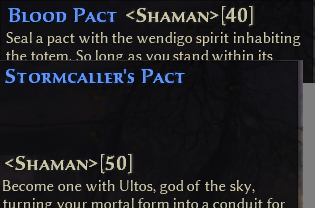
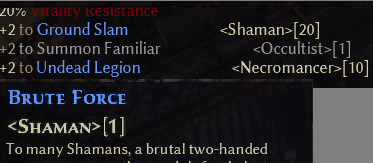
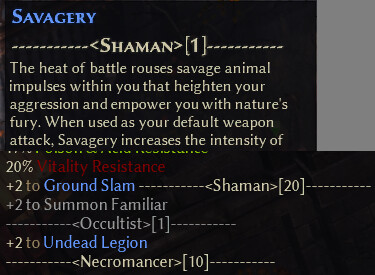
Is there anything that can be done about that line break? It just looks like crap. Could it be set to the second line by default, like in the second image?
Prepare for the playtest, it will help set everything up to support mods
Link generation to access custom filters, right now it just has a Cookie to store all of that, there will be a save button that generates a link to not rely on the Cookie. That link can then be bookmarked and/or shared.
Item Stats overhaul and build specific filters, I mentioned here
Line breaks are weird, it doesn’t work until it naturally breaks first.
A bunch of line breaks
So the only way is to make the name long enough to force it to go into its own new line or add a bunch of spaces before. However, anything added to it also makes it look weird in item tooltips.
A bunch of spaces
Making the Mastery Name string longer with dashes
The GD version? I hadn’t updated the database, since the patch notes had nothing that would affect it, but it also feels wrong to change the version if I didn’t actually update anything.
nein ich glaube deine version ist aktuell, aber gd wird die 6 angzeigt stats 8. das ist aber weil die woche 2 updates nahezu zeitgleich kamen. wollte es nur erwähnen.
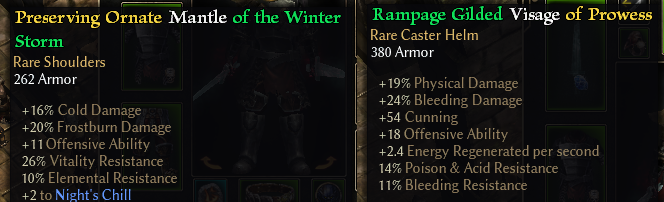
When I updated to 0.0.3, some gear (mostly whites I guess) got bugged in their display (this wasn’t happening on previous versions). I tried downloading the file as both Full Rainbow and Basic Highlighting and the result was the same. Could it be related to disabling some of the modules? I only enabled the “Items & Affixes” and “MI” modules, while disabling all others.
In the image below, “Ornate” and “Gilded” shouldn’t be coloured, but yet they are, and are taking after the color of its preffix.
Correct, those are Common Style/Quality tags, so that has to be enabled.
Items may have a Style or Quality before their name. [...] Items that cannot have a Prefix can have their Style and Quality color safely disabled.
Epics/Legendaries don’t have prefixes, so those can be disabled and they will get the game default, but common has to be enabled or you get wrong colors for them.