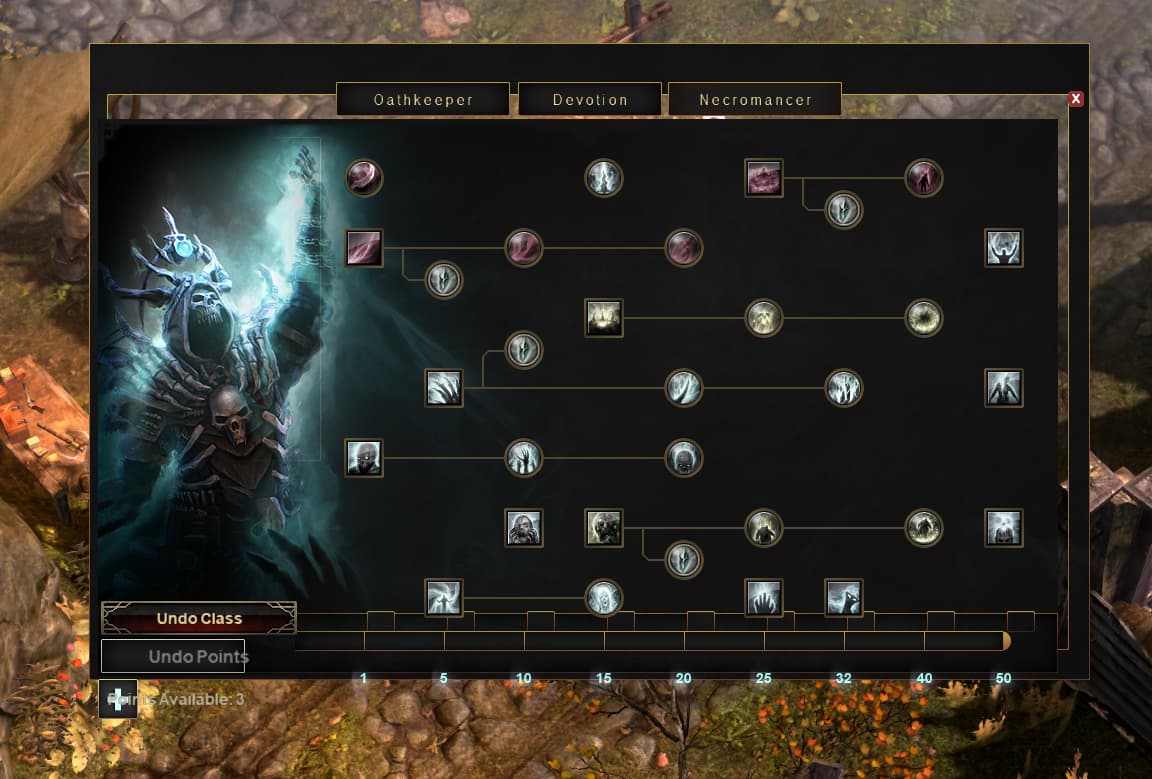
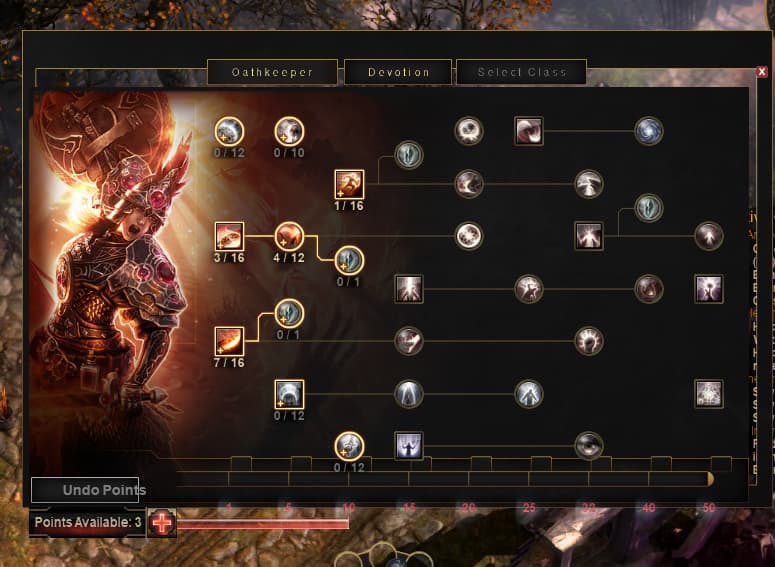
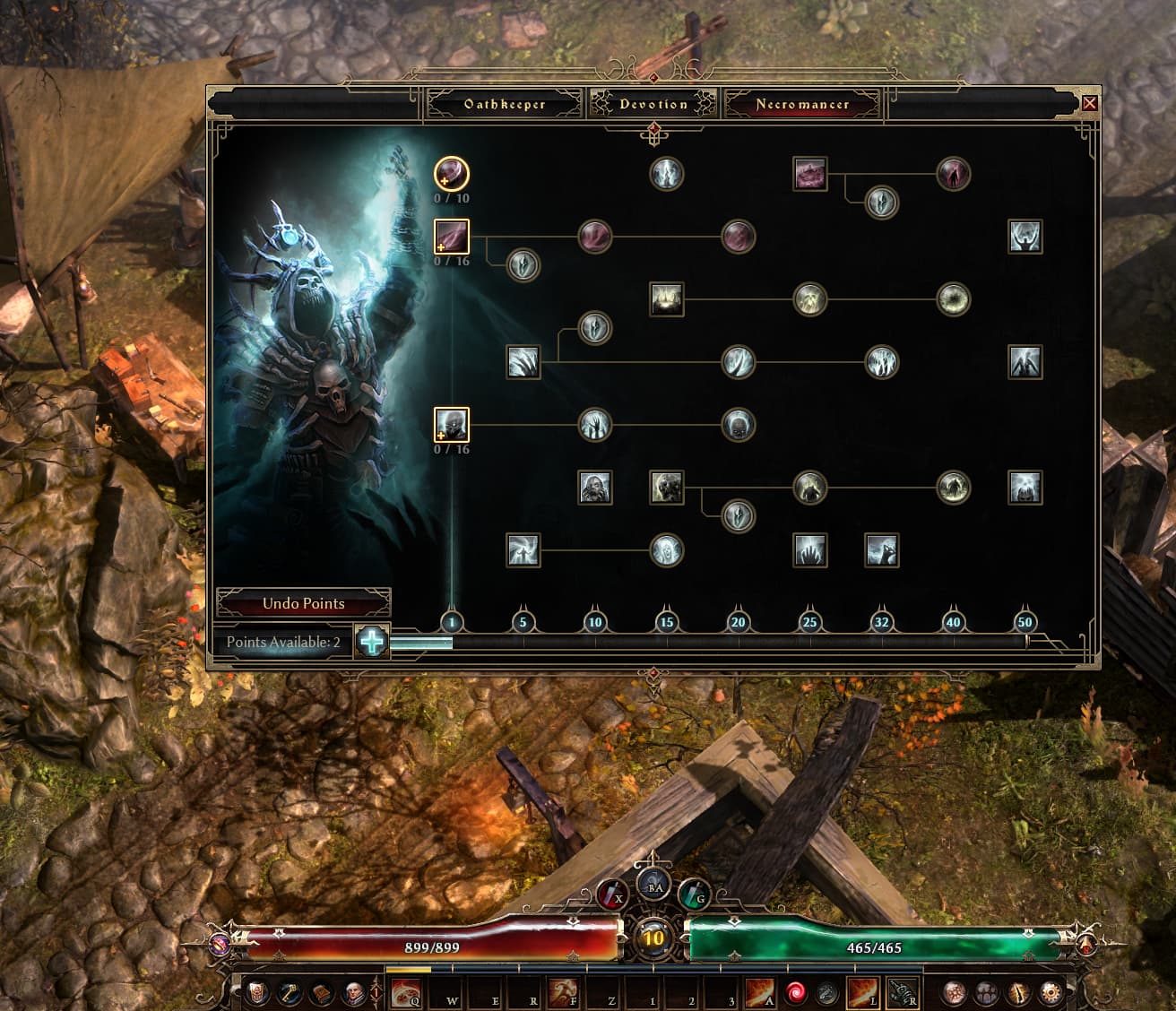
I’m having this issue where my talents panel and other parts of the UI are misplaced, can’t even press the button “+” to add points to the bar.
I understand playtests have this kind of problems but now I can’t even launch the live version of the game, it opens normally but as soon an i get to the main menu, the game crashes.
I spoke to people on Grim dawn discord and they told me it’s probably my save files that need to be reverted (somehow).
I have the “crash.xml” from the crashreport if needed…
remove the save folder, and replace it with your backups you created before entering playtest,
1.3 saves/stash isn’t compatible with 1.2.1.6 version so need to be removed from the save folder
*unsure if it was actually necessary, but it’s possible you also need to delete the options.txt (or can use the repair tool to reset it after reverting to live version, - also verify game files just to make sure)
i’d check the other ui posts if there was a suggestion there (i don’t remember)
like Giver says, verify game files,
can also use repair tool to reset settings, then go by incremental option settings incase it’s a specific box impacting yours
(remove any modifications if using such just to clean check, grimtex etc)
Interesting, then like Gnomish mentioned, try the repair tool in the games install directory. Did you play with any mods prior to installing 1.3? You’ll want to make sure those are gone. When you uninstalled the game, did you remove any leftover files from the install directory and install fresh? Also cut/paste the options.txt file located in Documents/My Games/Grim Dawn/Settings to your desktop to make the game generate a fresh file.
If none of that works, let us know the resolution you’re playing at and what the UI scale is. Maybe we can recreate the issue so the devs have as much info on this as possible.
Never installed any mod before.
As soon as i update the game to playtest version, some files change and repairtool disappears from directory, but i’ve used it before for the live version.
Removed options.txt as well as both UI and Fonts files, nothing worked.
I’m playing at 2560x1440 @164hz 16:9, but tried 4:3 multiple resolutions and the UI stays bugged just the same way, both windowed and fullscreen. Tried UI scale all the way left/right and middle, nothing.
Already reinstalled and verified files multiple times, no errors.
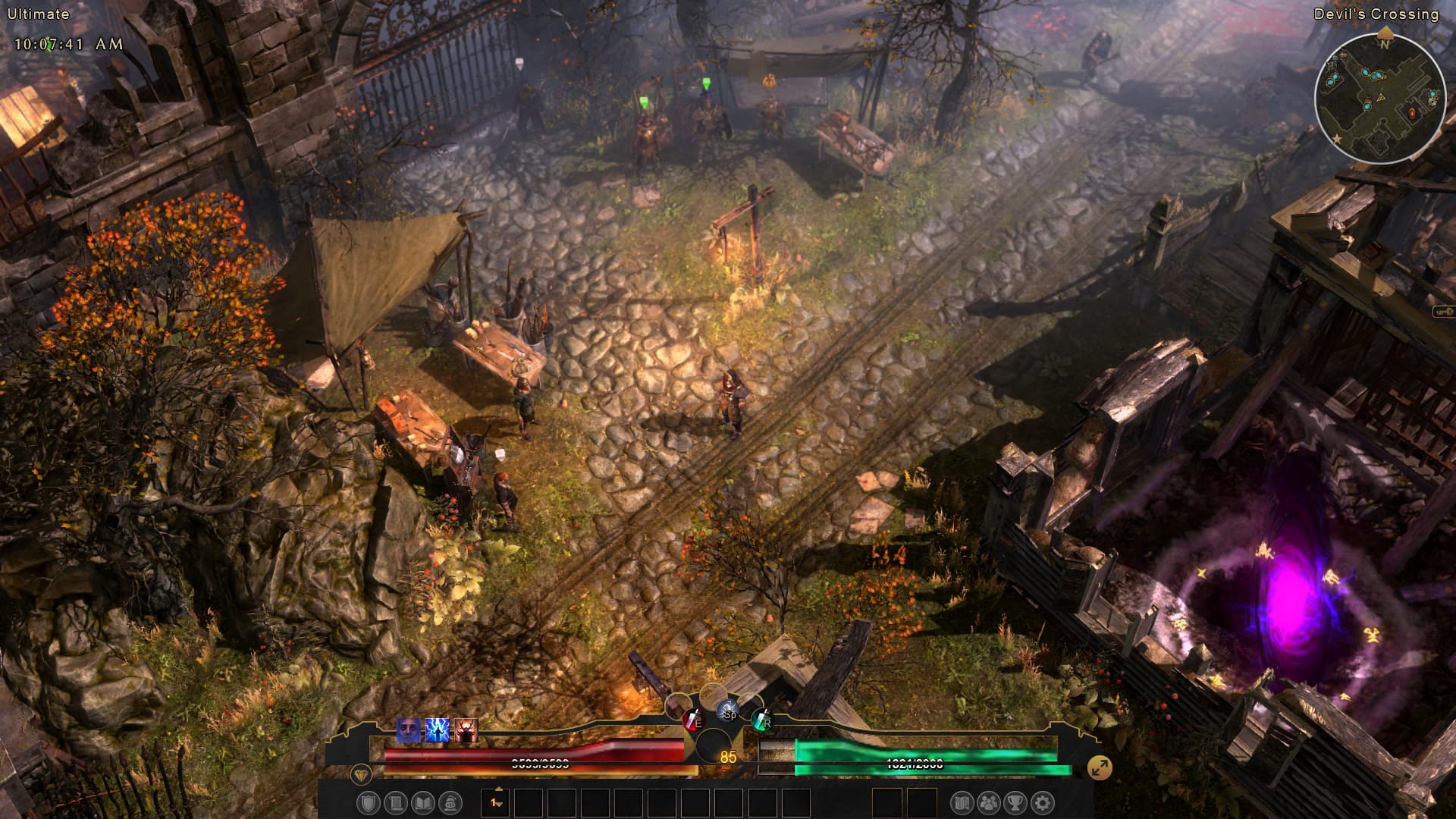
If i check classic HUD, this is the result:
Yeah it looks like my repair tool is gone as well. This is going to be difficult to recreate.
It seems like something is corrupted with the install if it’s doing this consistently but I’m not sure what. It looks like the UI is dealing with conflicting files so that leads me to believe that it’s either not being fully installed or something previous isn’t being removed.
What all is in your settings folder? I only have keybindings.txt and options.txt. Try removing everything but those two files and see what happens?
Edit: I was able to recreate this issue exactly by installing the ModernGrimDawnUI mod.
Thank you so much, I wouldn’t be able to detect this any time soon on my own!!
Edit: somehow, the first time i tried removing both files they appeared there again for some reason (i didn’t delete them i placed them on my desktop) but now it’s clean with only the keybinds and options txt