After downloading 1.0.1 my unit window scale has changed and now requires scrolling to view the information. I have not altered the UI scale. I now have to change from 1.0 to 0.7 to be able to view the same amount of unit information as I was able to prior to the patch.
Can you clarify what UI element you are referring to?
Sorry for lack of clarity. I was unsure of what to call it. Here’s an image:
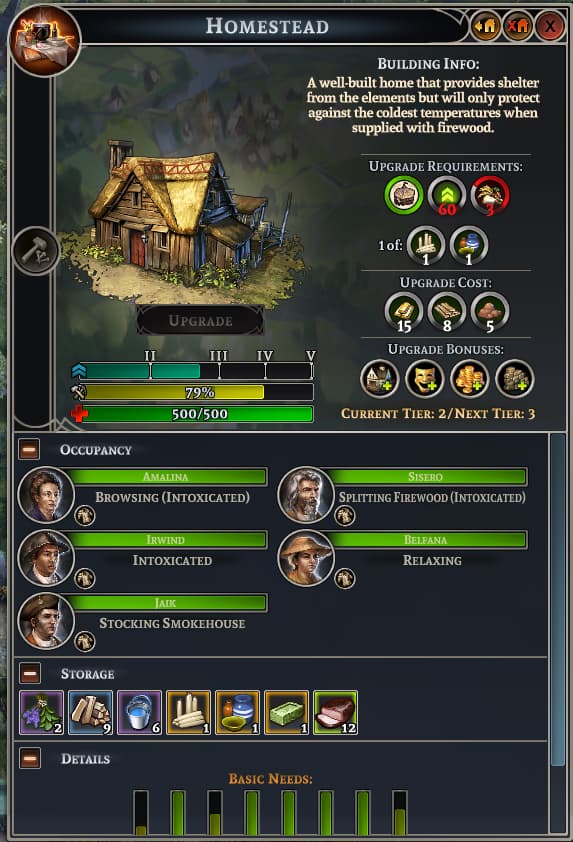
This window used to be larger and I could see all of the information without scrolling on most units.
Thanks for the prompt response.
Hi. I’ve been running into something similar. Apparently, every time I click Apply Changes in the Settings (may it be General/Video/Audio) the UI scale changes.
Game version/build: 1.0.1
DxDiag.txt (100.4 KB)
Video of the issue:
Steps:
- Open the Menu with Esc
- Click General or Video or Audio
- Click Apply Changes
This topic was automatically closed 60 days after the last reply. New replies are no longer allowed.