Only abxy and RT are showing icons. They are still missing for Dpad buttons in stock config.
on my custom layout my right thumb stick binds dont have icons either. Prior to them all being missing all the icons worked (even custom rebinds). The hotfix has not managed to restore them all.
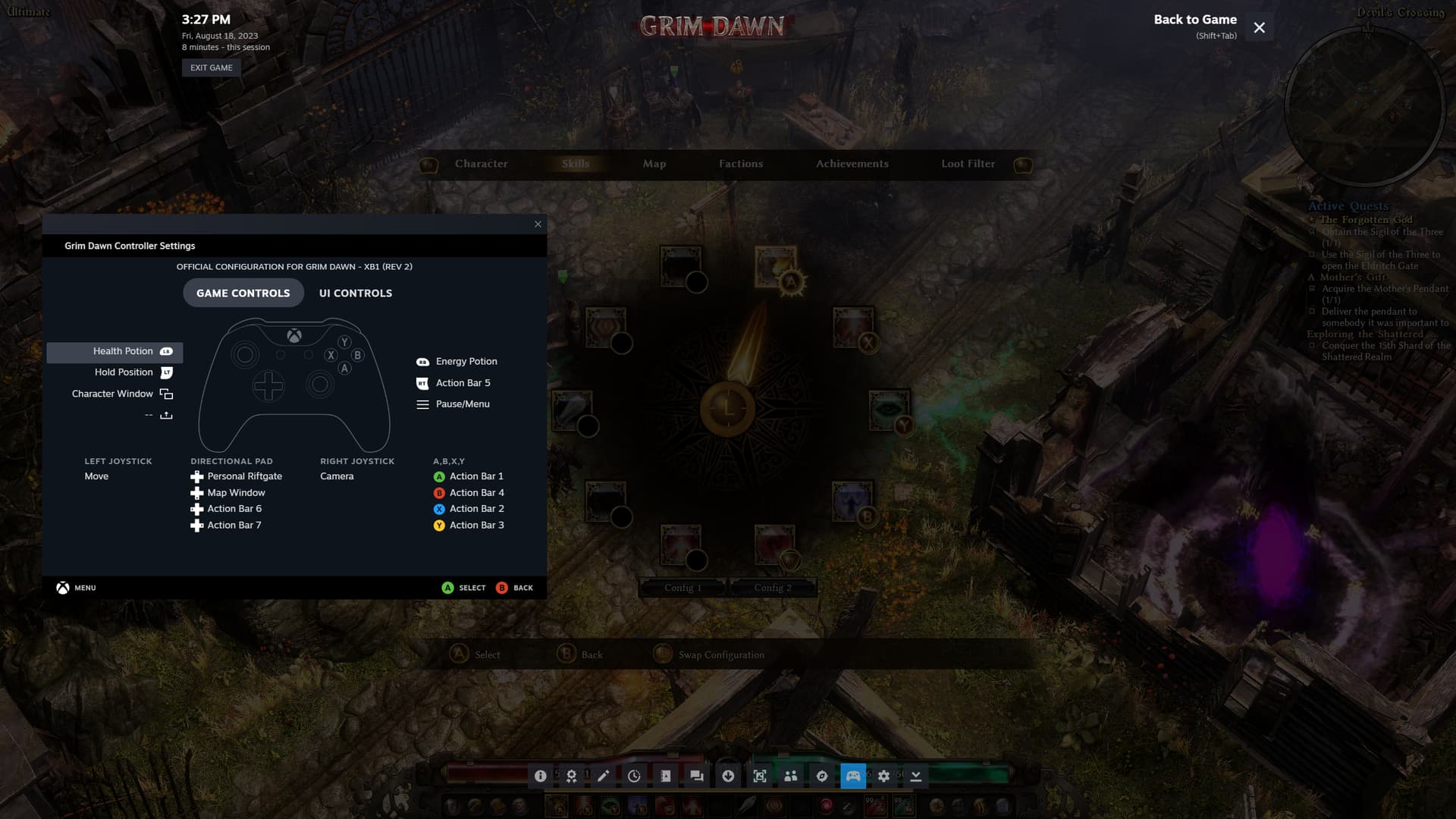

What controller is this for?
Was using XB series. But these controllers are having the same resaults as the first post.
XB ONE and Logitech F310
I also tried combinations of “enable nonsteam gamepad”, with Logitch/Xbox
And tried DirectInput vs XInput on the F310
Dug out my unused steam controller to test that, when using a Steam Controller everything is working correctly.
Toggeling on or off the steam setting for “enable steam input for xbox controllers” didnt halp either.
EDIT: I tested removing the GD my games folder and verified files but it didnt help.
Ok turns out GD was set to override the global steam input settings. I found the option under Grim Dawn/properties/controller/override for grim dawn. It was set to “enable steam input” I have turned this off to test further.
I must have turned this on years ago, before controller support for fully implemented.
So everything is working correctly so long as steam input is turned off.
When turned on:
steam input with Steam controller has all icons working
steam input for Generic controller has some icons missing
steam input for Xbox controller has some icon missing
I’m not able to test steam input for Switch or Playstation.
Hopefully this is helpful and the remaining button icons can be restored for non steam controllers while using steam input.
This topic was automatically closed 60 days after the last reply. New replies are no longer allowed.