The thing is, after swaping to linux mint and reinstalling the game, I “lost” a character. He dissapeared from the the menu. (The character’s name was mefistófeles. Notice the accent)


Well, that must be the problem. So I changed the folder name to “_mefistofeles”
BUT HOLD ON, new problem: i’ve the character locally and it seems that synchronizing the saves (yes, i play with cloud save enabled) it is not obvious.
In short, in spite of not being obvious, it’s easy. To synchronize GD local saves with the cloud (thanks, google):
“Disable cloud (on steam properties and ingame), put the save files into cloud save directory, reset steam app (shut it down completly), open steam, turn cloud back on in game properties, open the game, turn on cloud saves, shut down the game, shut down steam, open steam again and open game again”
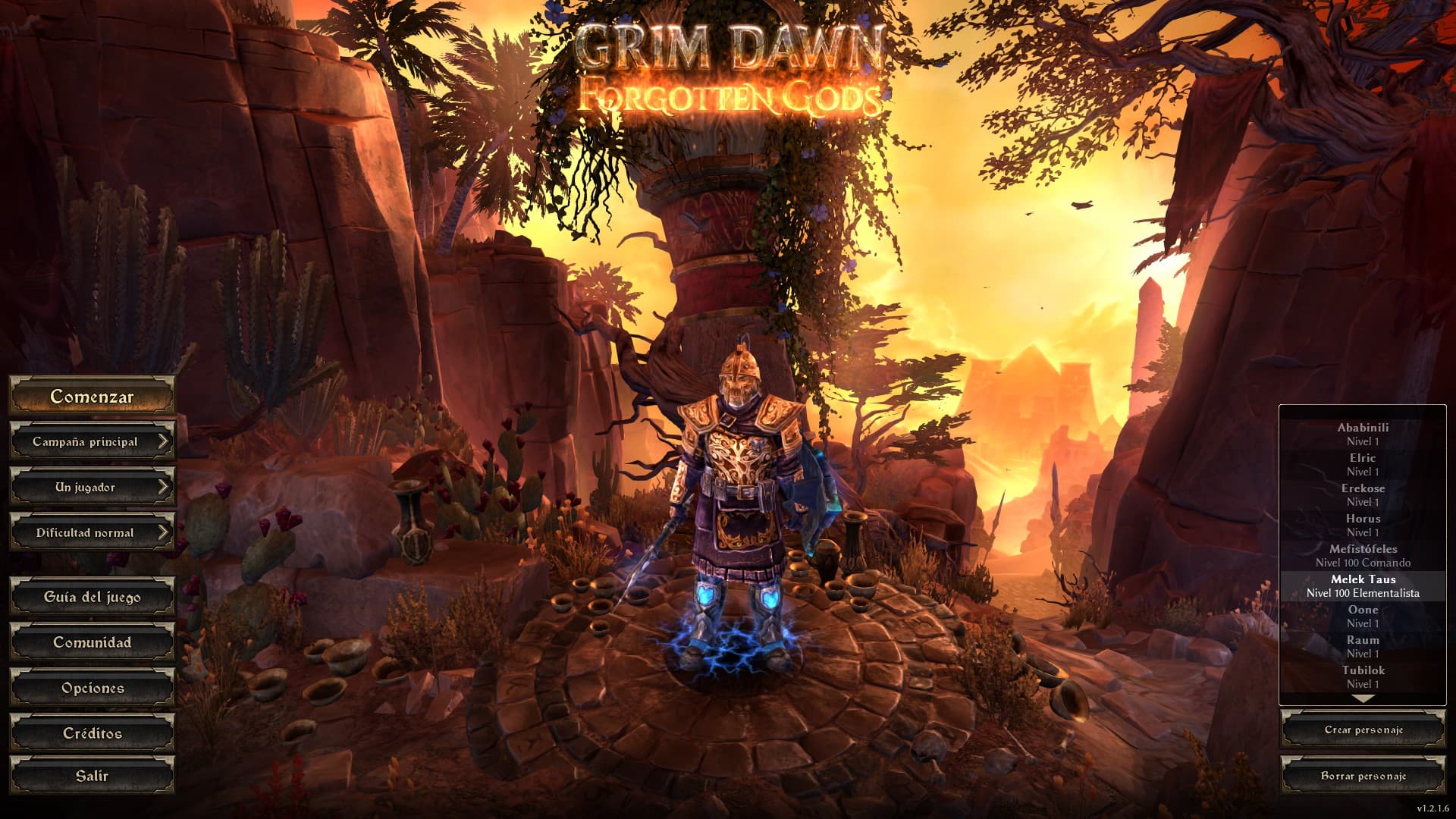
yeah yeah yeah and a lvl 100 character BUT I’VE MY GREAVES BACK
IN SHORT: BEWARE WITH THE NAMES, TRAVELERS.