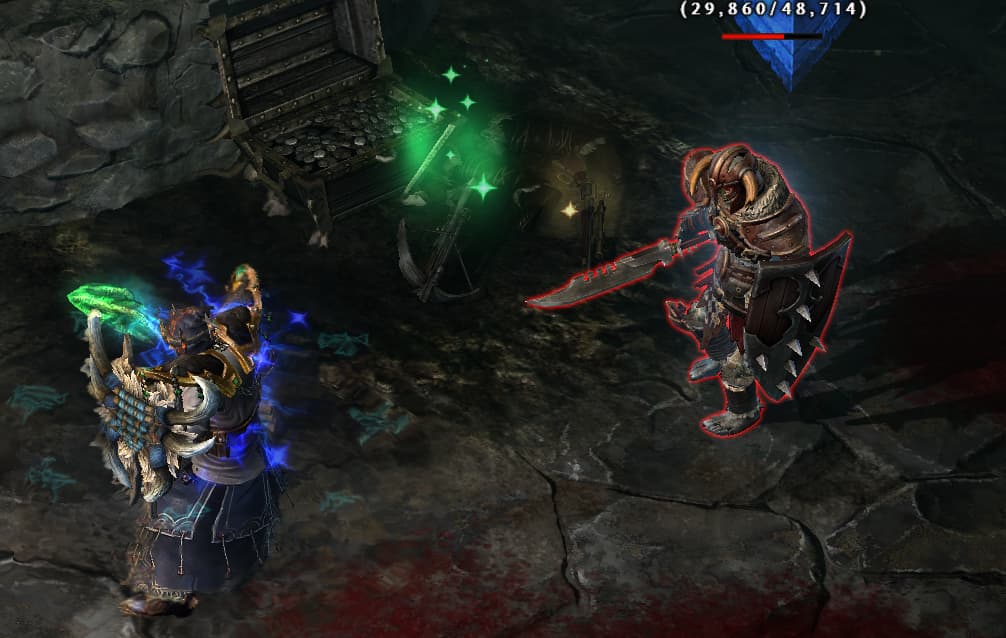
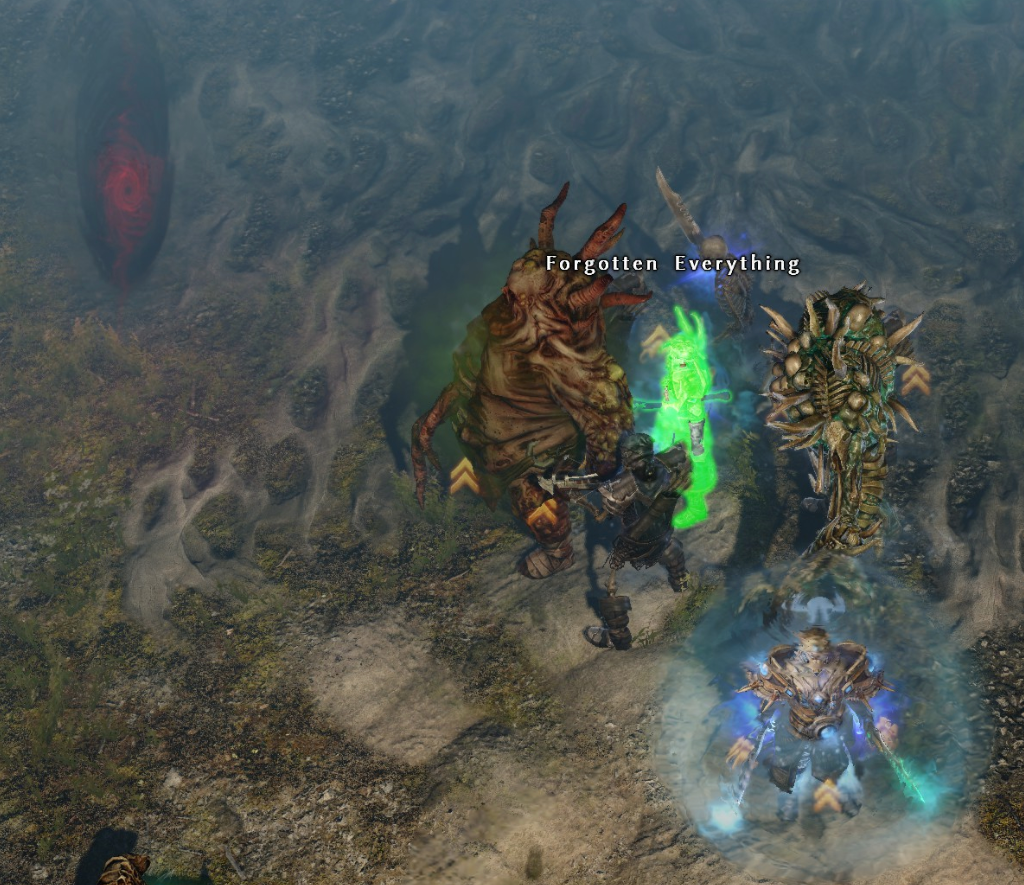
Camera distance seems to be a factor as well.
max zoomed out:
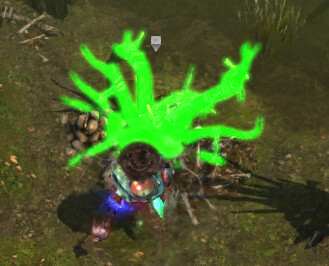
slightly zoomed in:
Camera distance seems to be a factor as well.
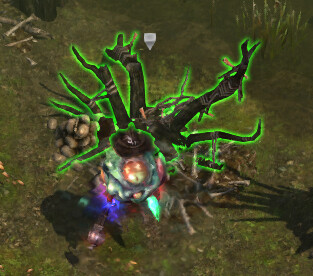
max zoomed out:
slightly zoomed in:
Can confirm. Same for me.
Still present for me as well
Link for linking
Maybe after they fix it, implement it properly and make it an option like ‘full target outline’ or something, it’s definitely interesting and makes it super obvious what you are currently targeting.
On Linux this does not happen when PROTON_USE_WINE3D is enabled, but it does when that is not set, so it might be Vulcan related
Confirming this bug is still present in 1.3.0.5.
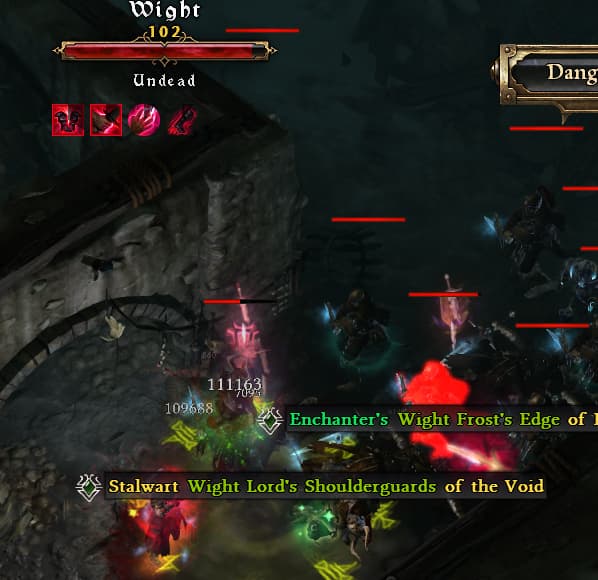
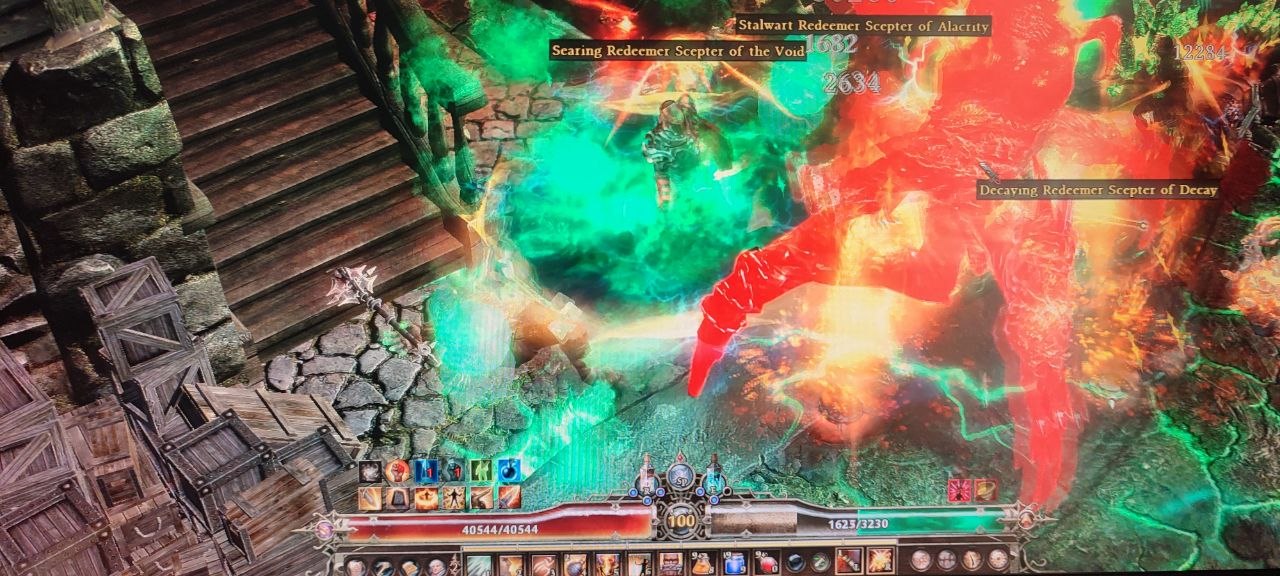
I feel like it’s connected to hovering over an item on the ground. Had it happen usually when there are a ton of items on the ground. A highlighted item on the ground and an enemy become “linked” and usually, some of the specific gear pieces start getting highlighted on the affected enemy when hovered over. Because as soon as the item that caused it disappears from the view port, it no longer happens.
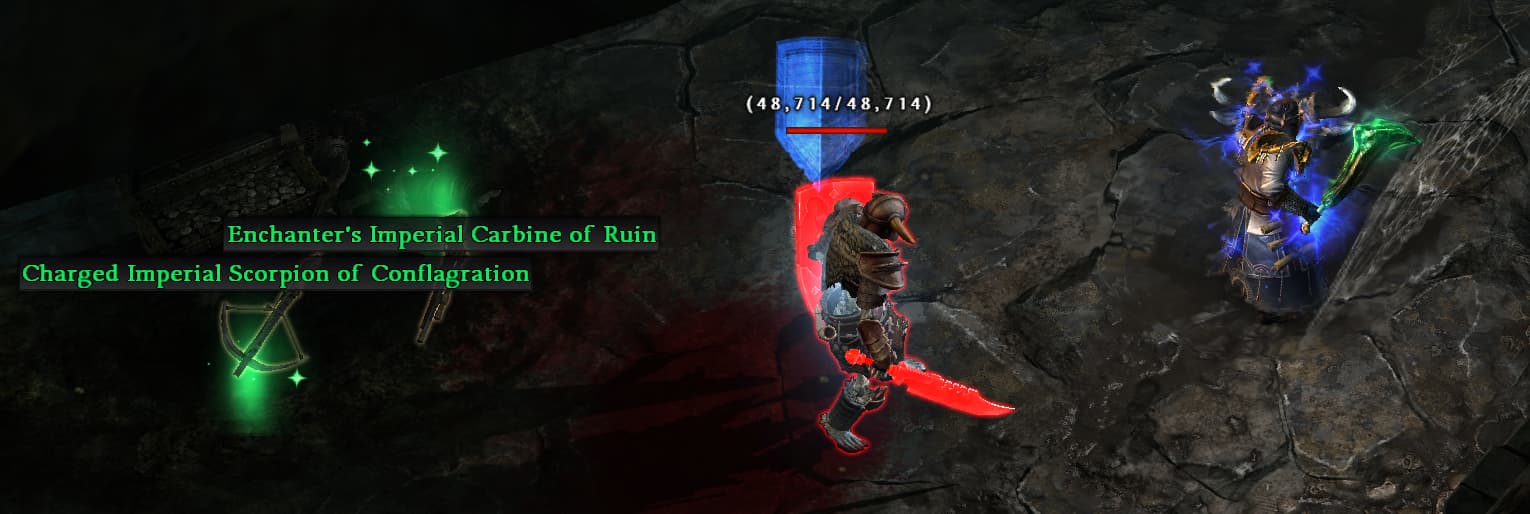
Here is an example I just had happen after opening a trove:
The Charged Imperial Scorpion of Conflagration is causing it. As long as it’s in the view port, if I hover over the enemy, the bug happens.
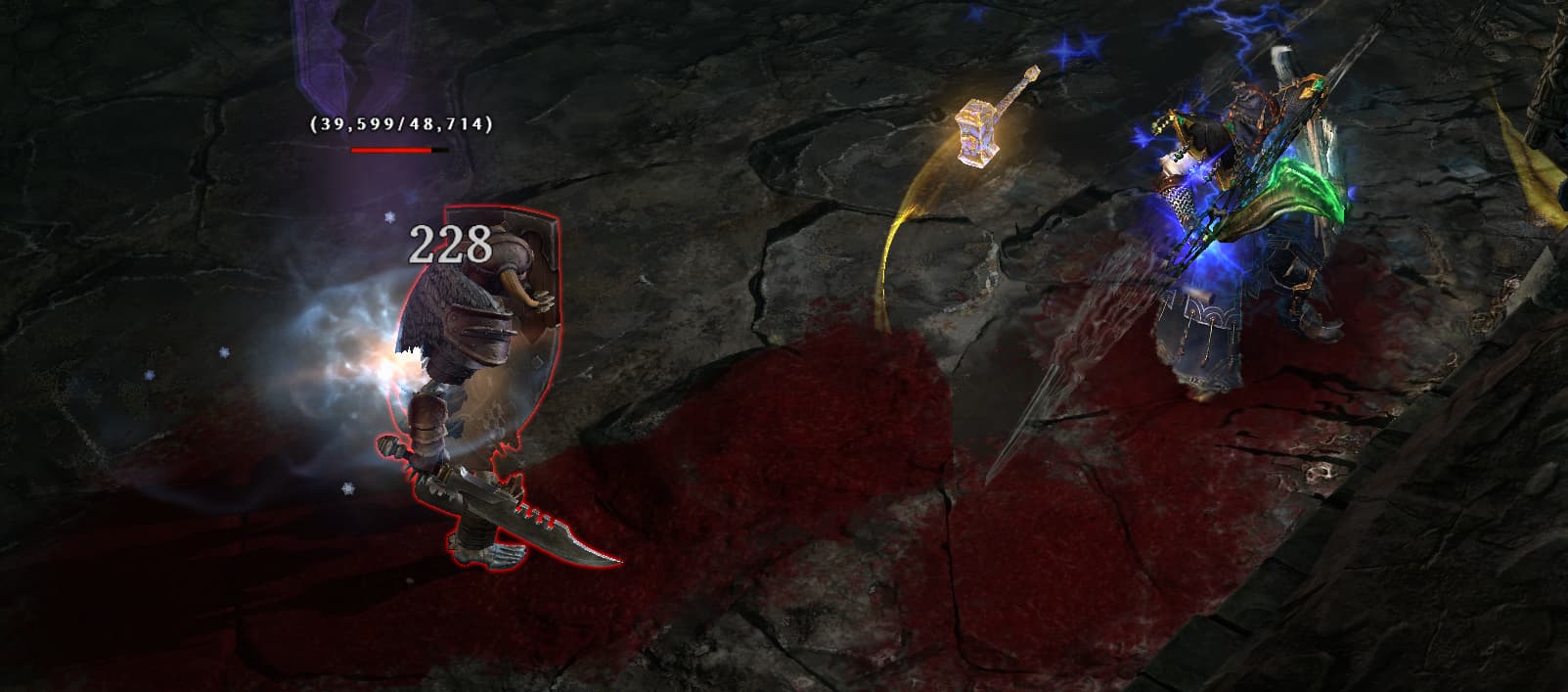
And if I zoom in/move so that the item in question disappears - voila:
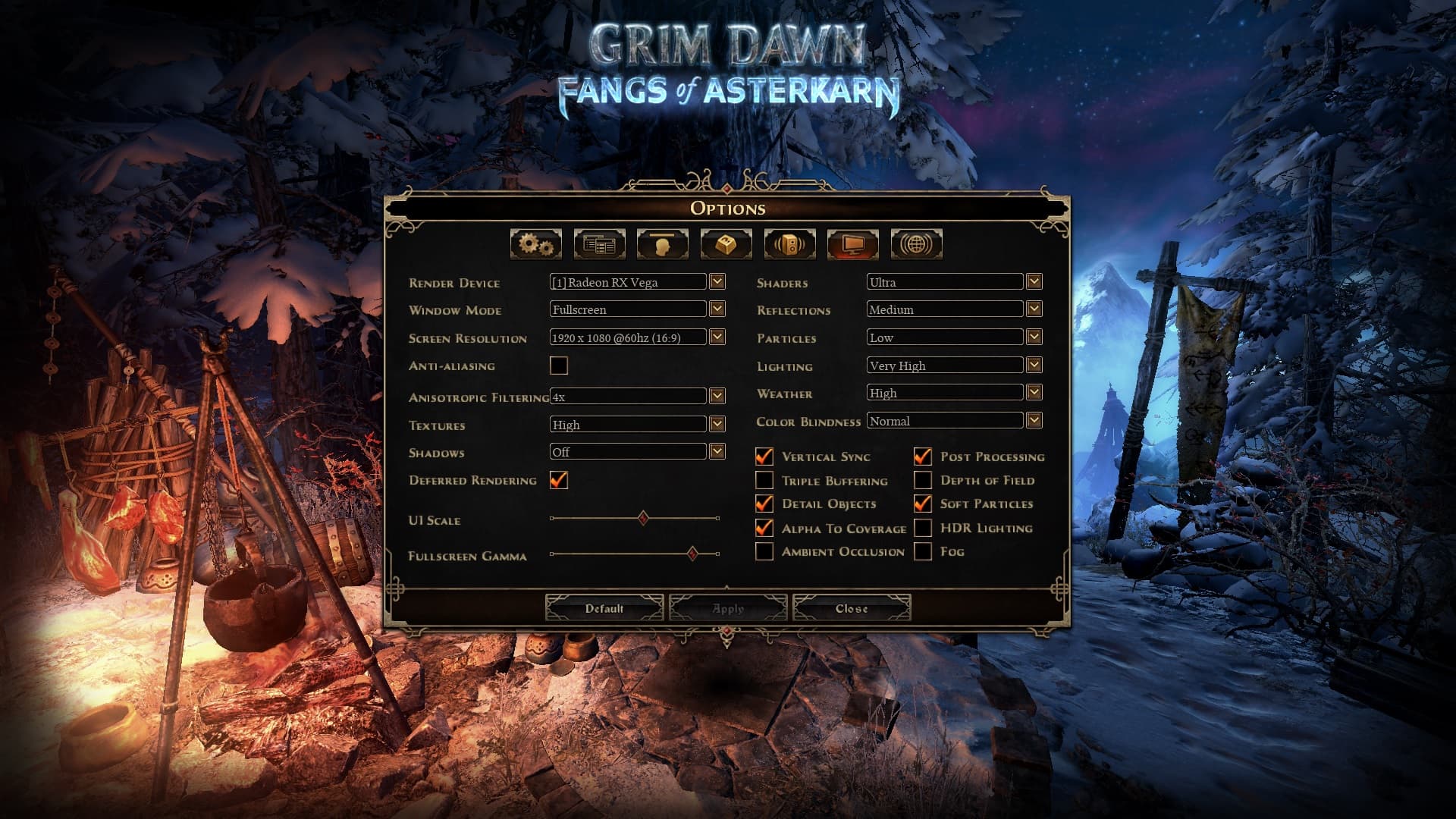
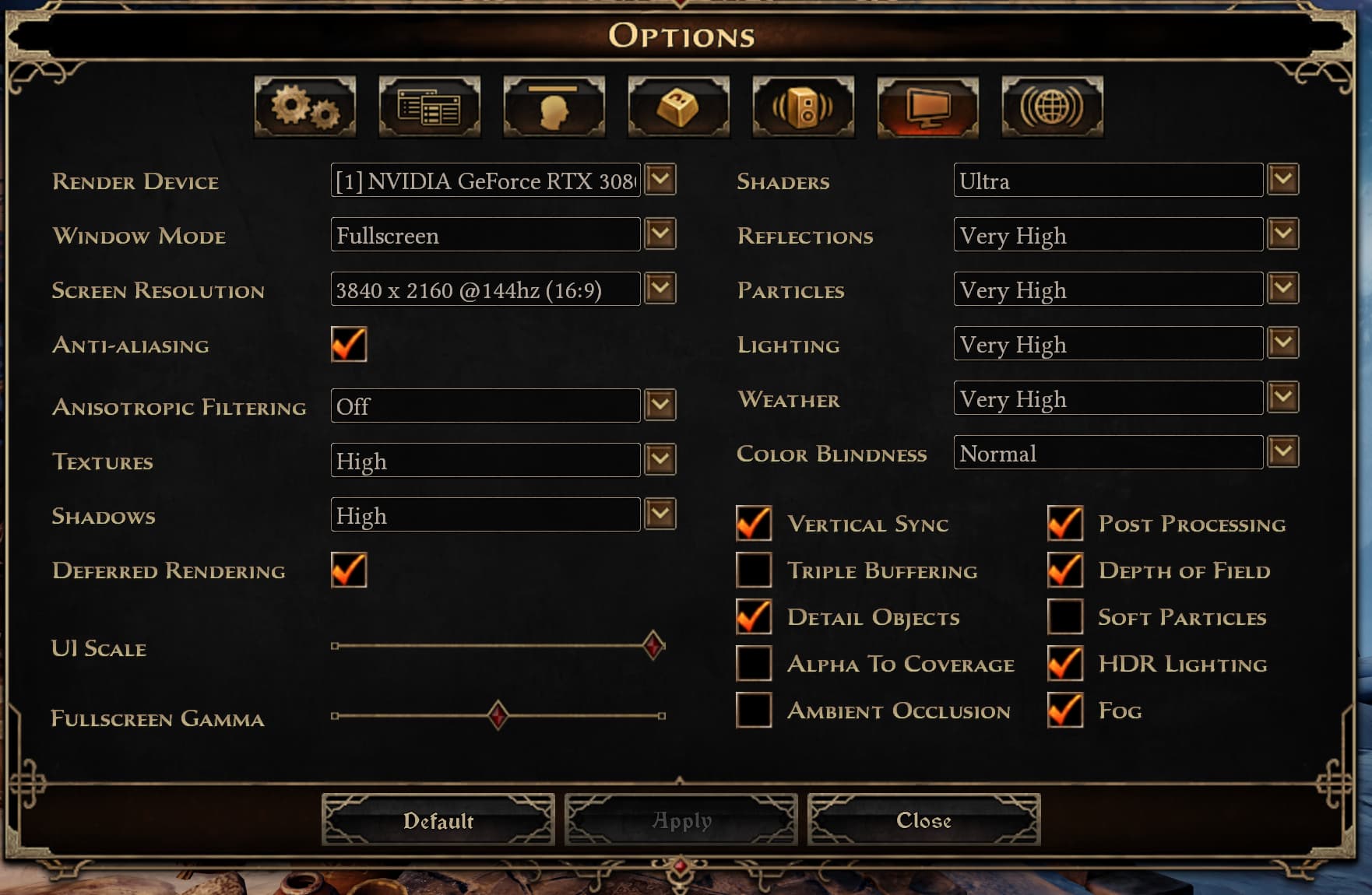
As for how/why it happens, I have no idea. Seems almost entirely random. But I think there must be some conflict happening with the item & drop highlight/loot filter functionality. That’s when it happens to me pretty much exclusively. A highlighted item on the ground has to be on the screen. I seriously doubt it has anything to do with video settings, which are most likely the same for the vast majority before and after update. The better question would be - what change in the first hotfix update might have caused it.
I think it’s the beavers breaking through the 4th wall and adding to the game. 
1.3.0.6 – It Continues (maybe to a lesser amount?)
I think I saw a fully highlighted Kastorran spear in red too.
Still getting this as well. So far I’ve seen it on some Dranghouls and Cronley’s men. Edit: Seeing it on a bit of everything now
Since 1.3.0.6 I’m seeing this on Kastorran Lodges very often.
Same here, still seeing it quite often on all types of enemies.
Sometimes it seems to follow the transparent effects drawn on top of the enemies.
It seems to be happening less in 1.3.0.6 than in 1.3.0.5, but it still happens.
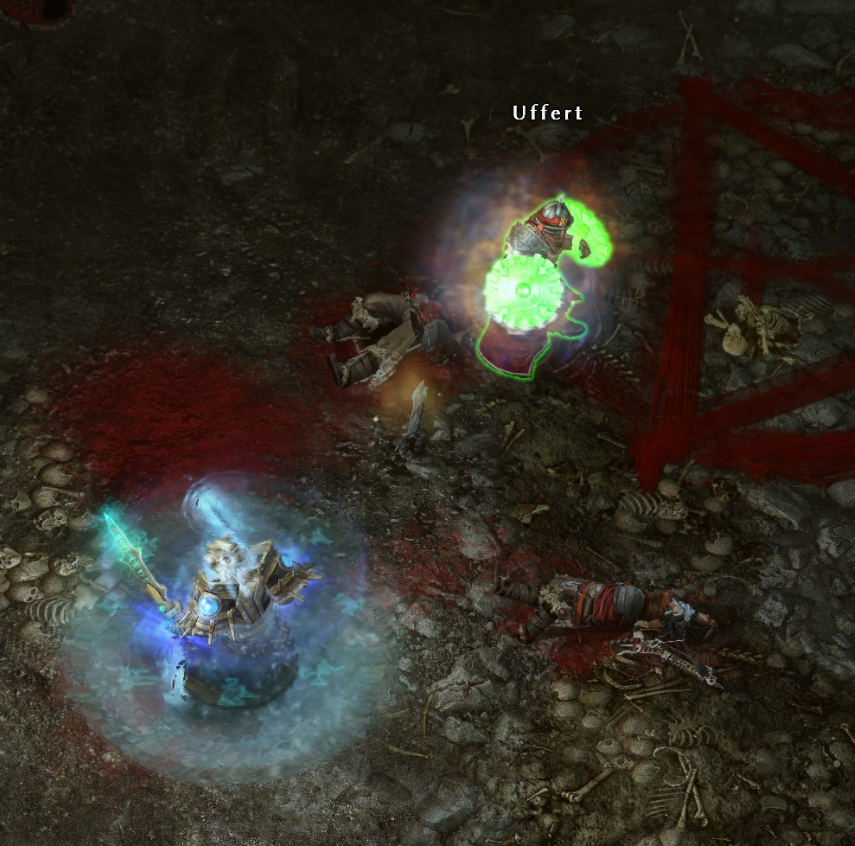
It seems that a lot of freshly dropped items cause it frequently. You can see it here that Kubacabra becomes normal again once the item names leave the screen:
Later I brought another enemy to the screen with a lot of items and it became fully red too. I couldn’t reproduce this by dropping a lot of items near a training dummy however.