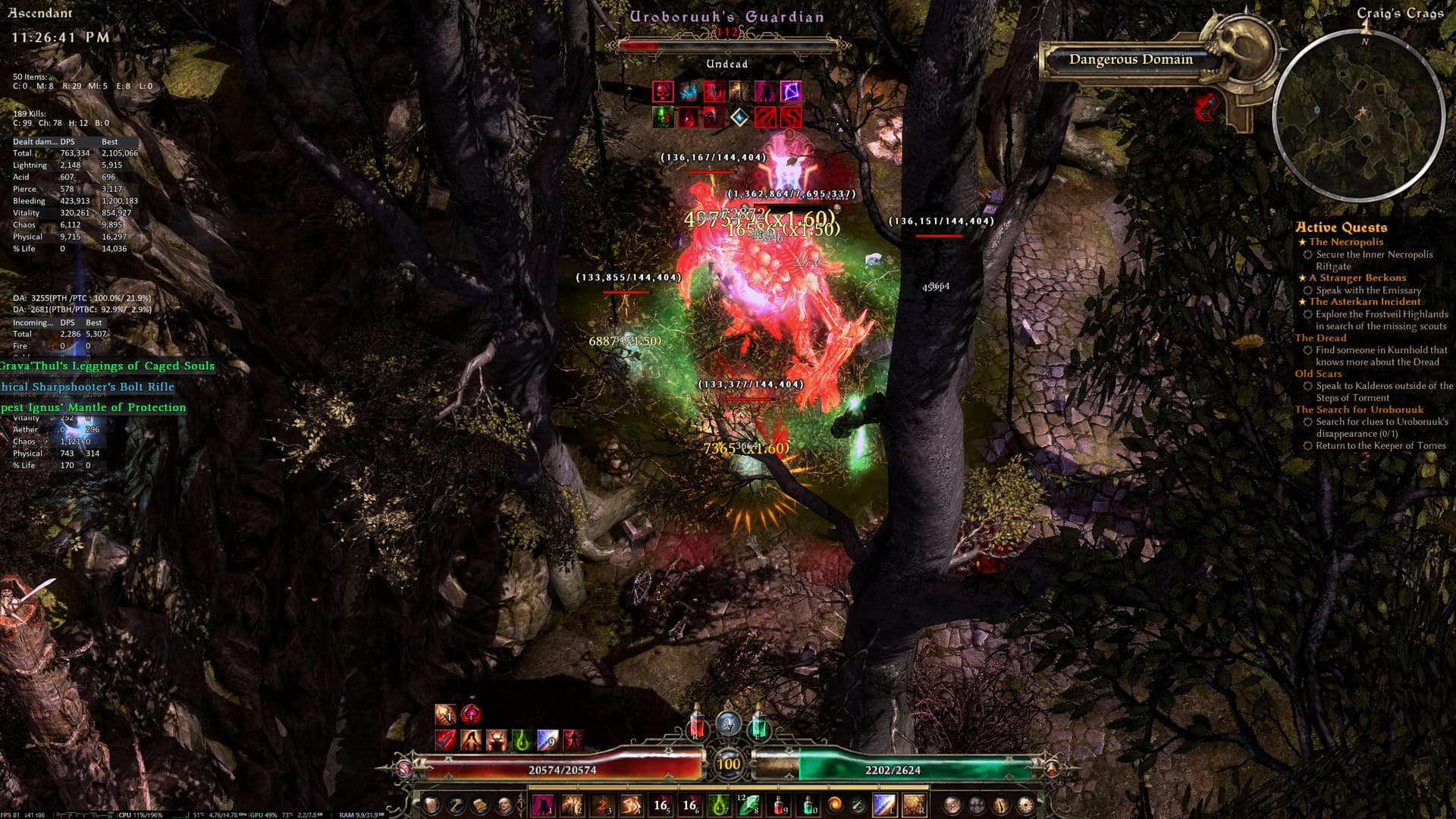
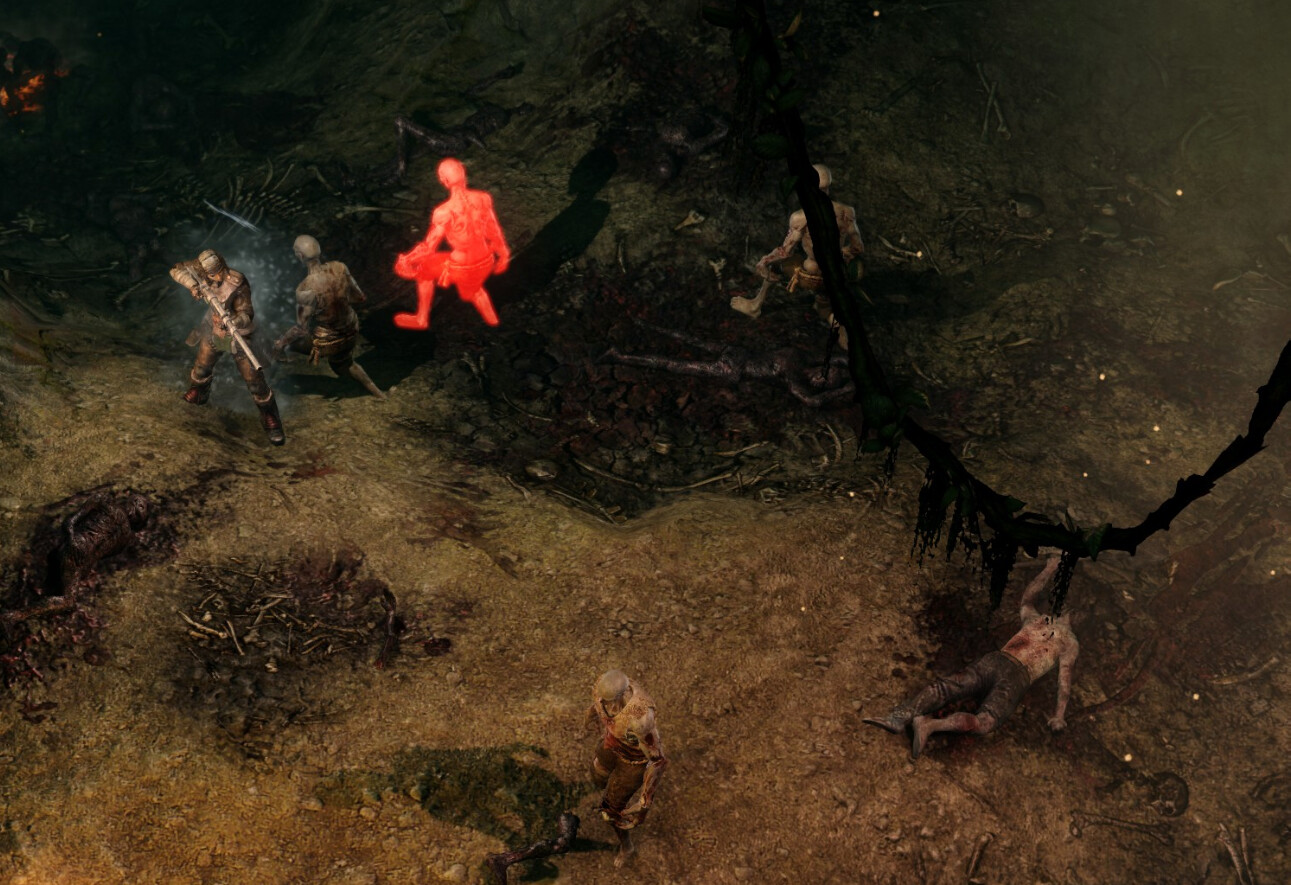
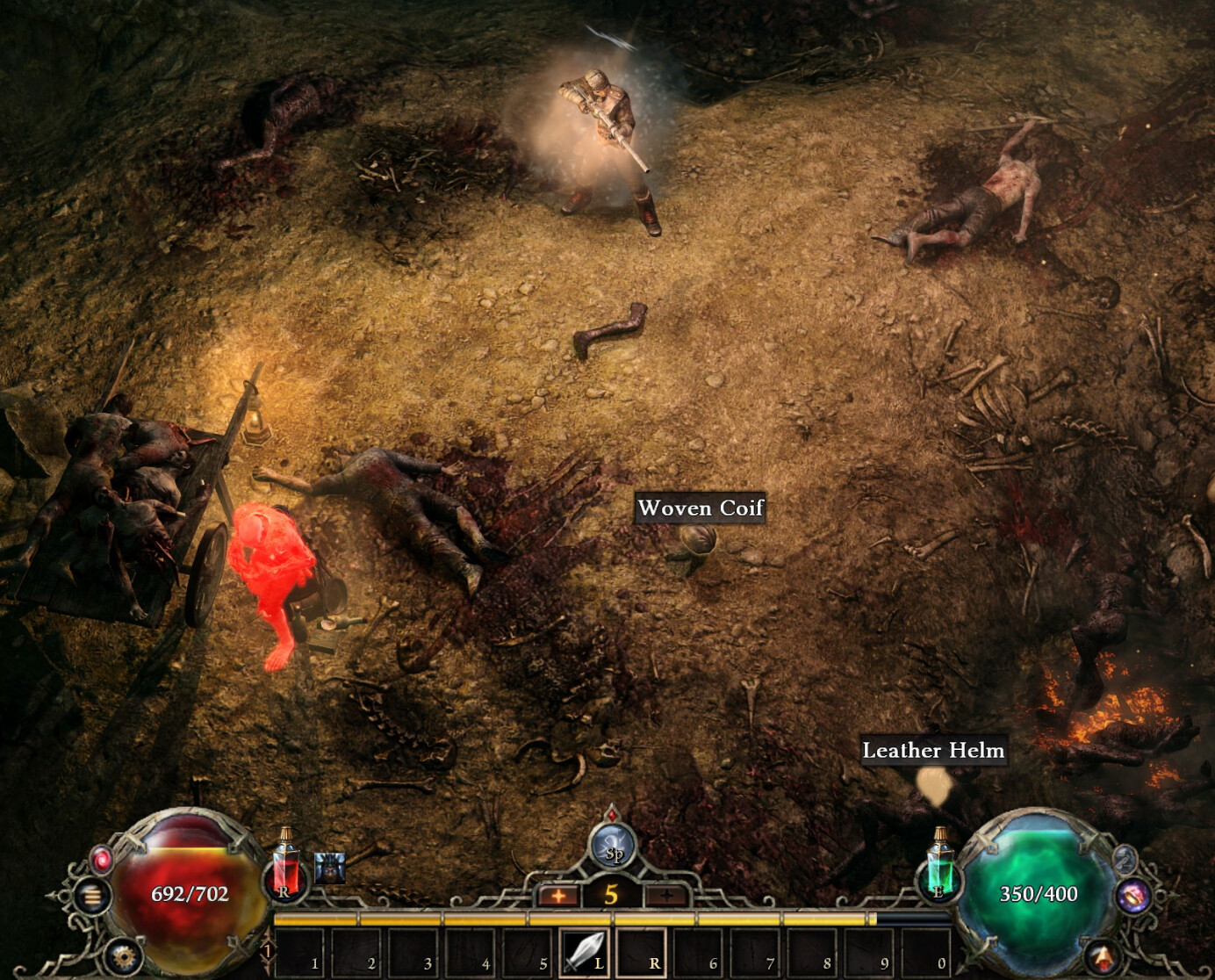
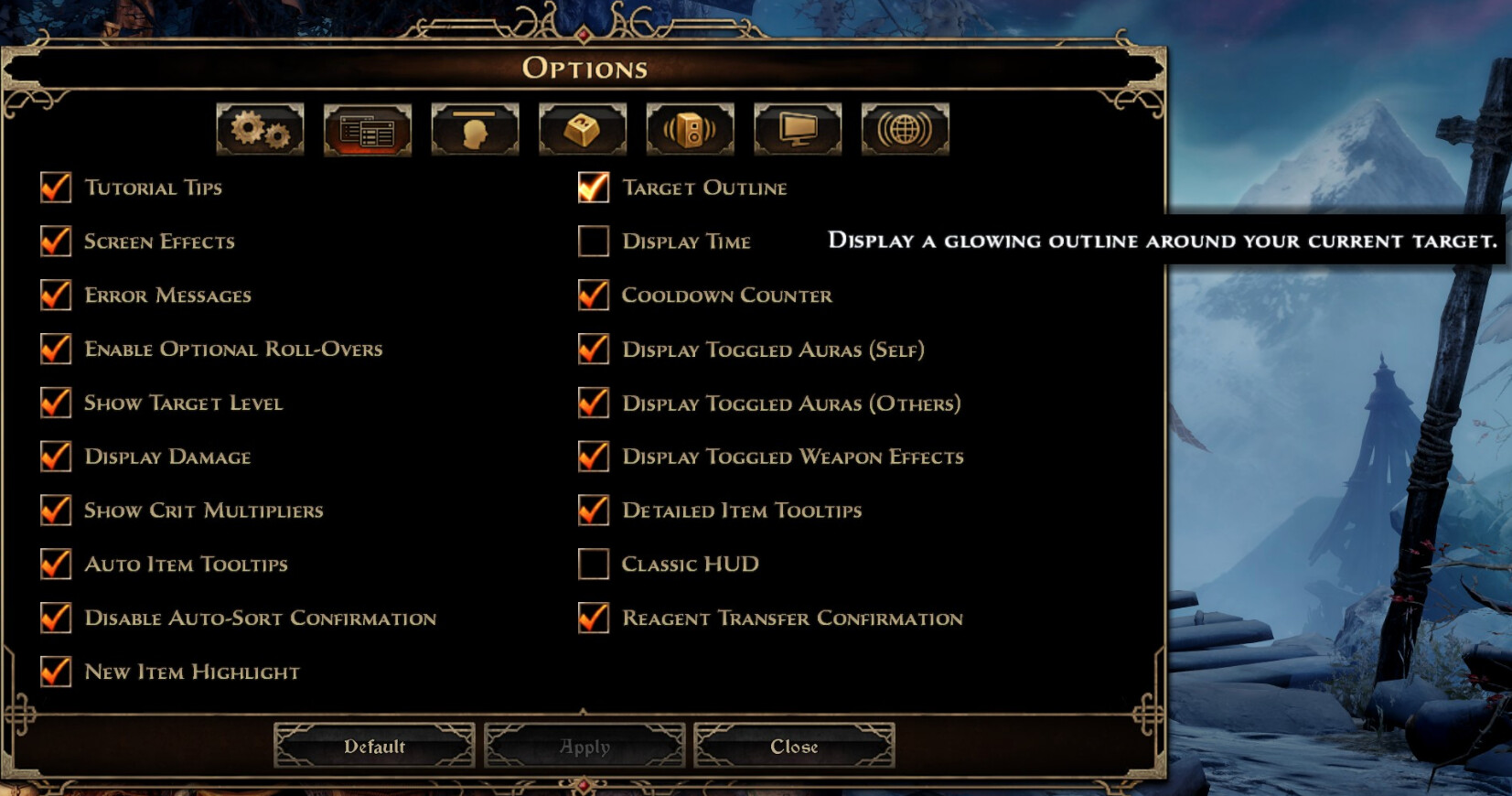
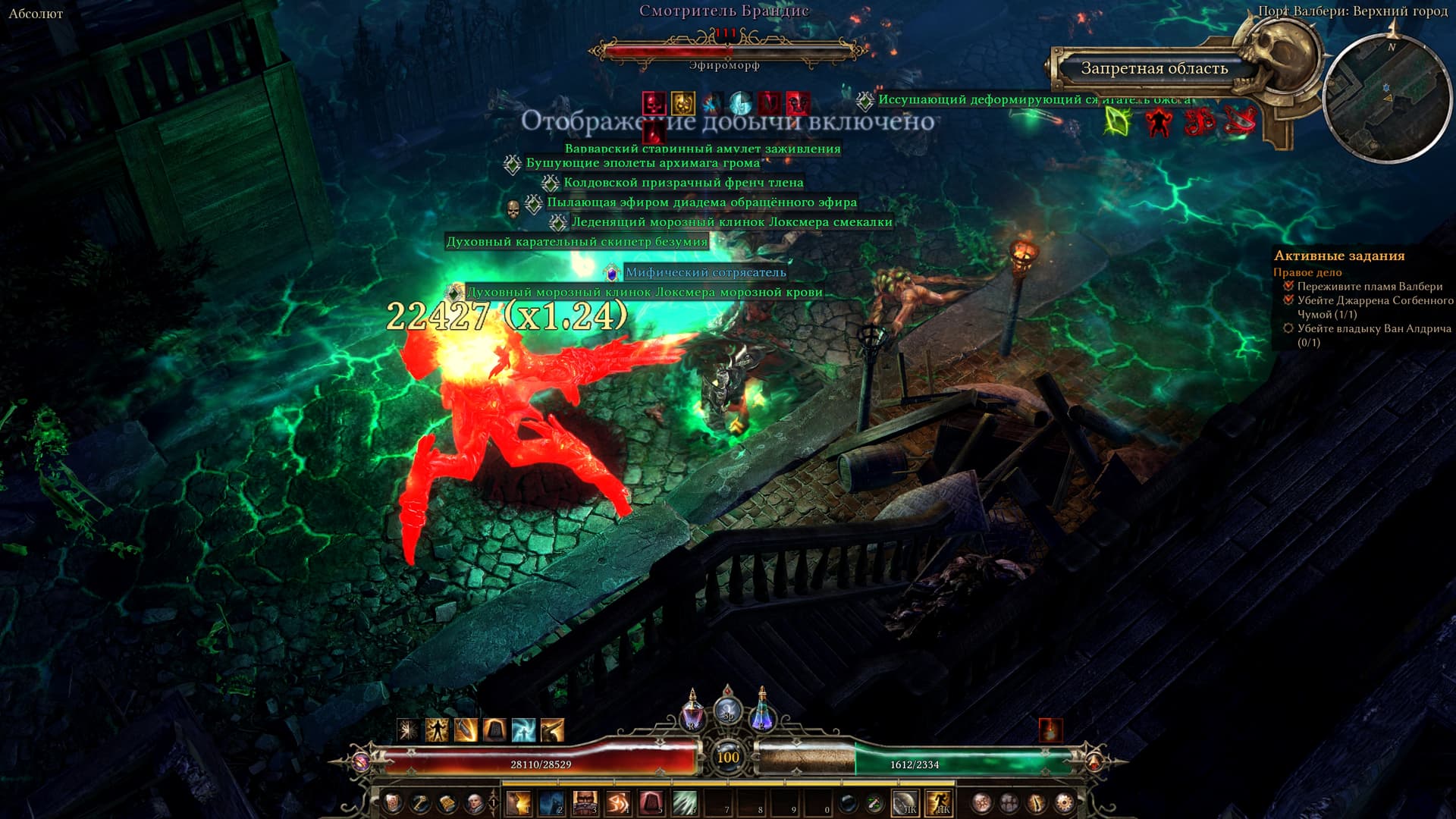
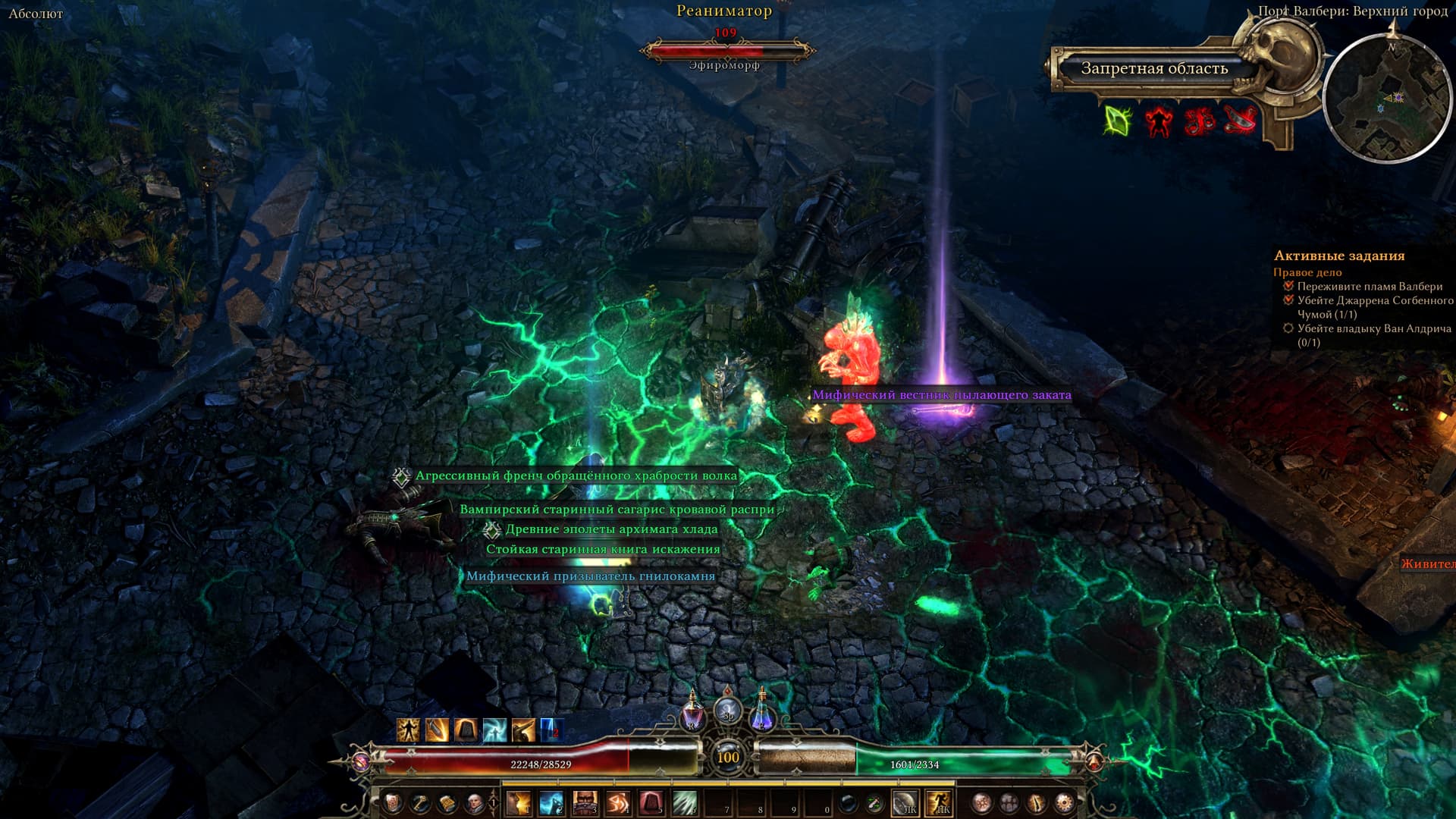
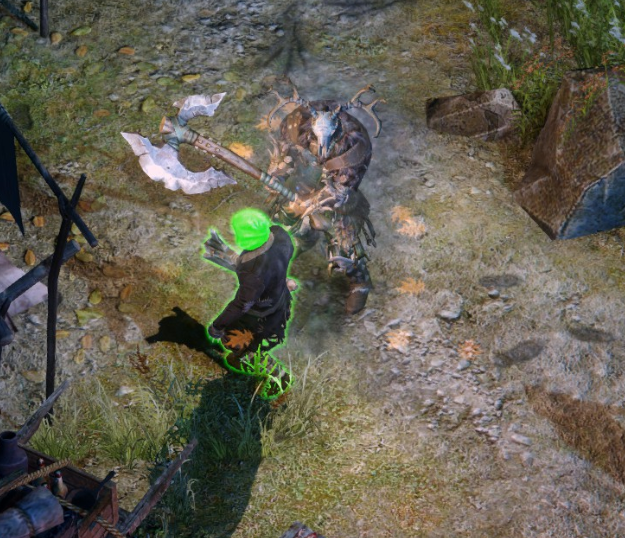
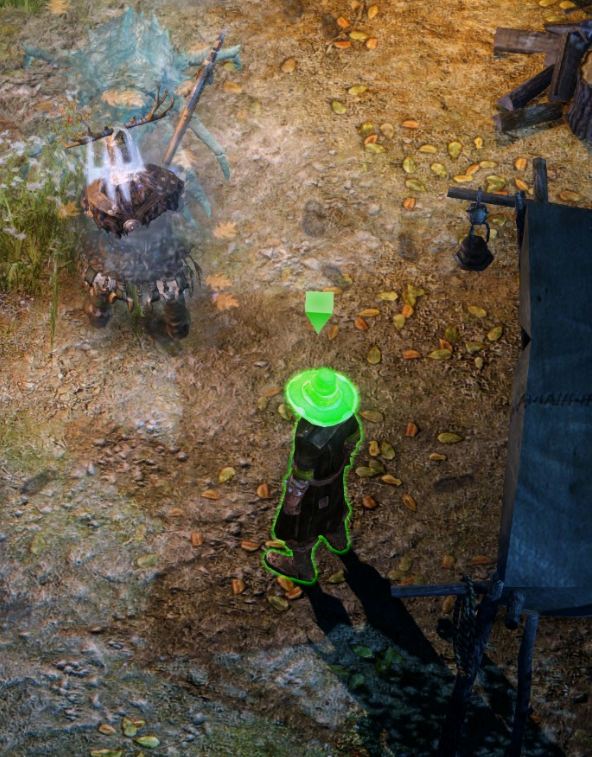
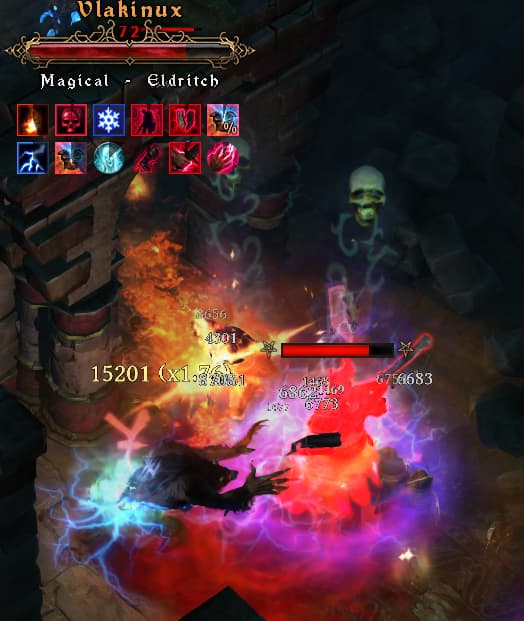
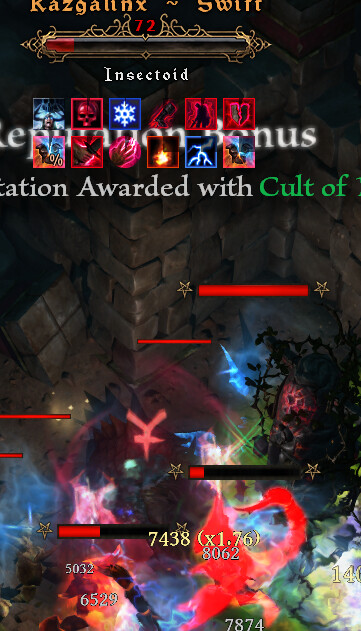
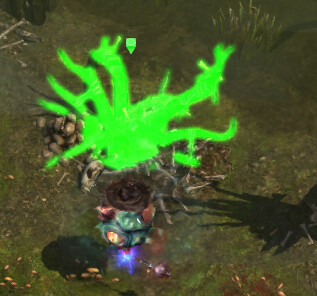
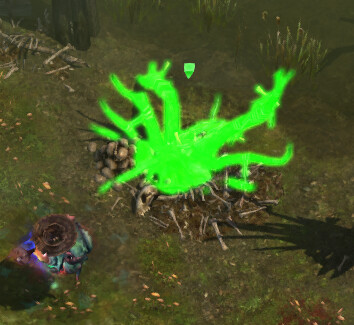
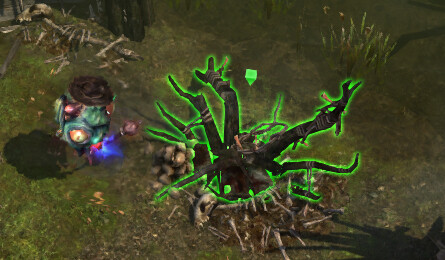
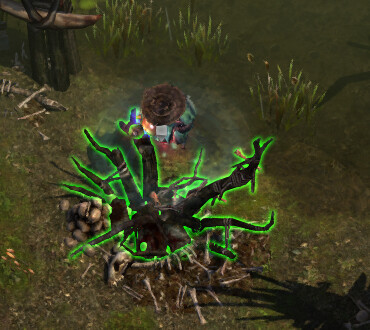
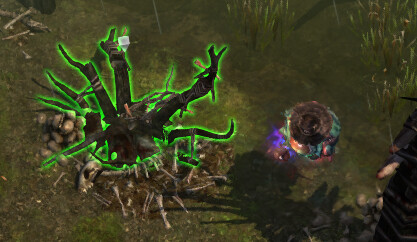
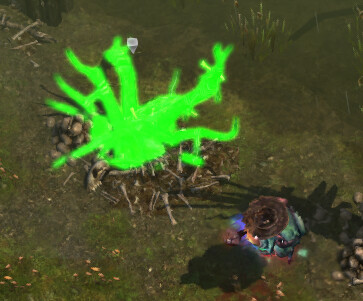
Sometimes enemies are fully red when placing your mouse over them, which seems to correct itself after a bit. You can uncheck & check the “Targeting Outline” option to fix it, but it returns.
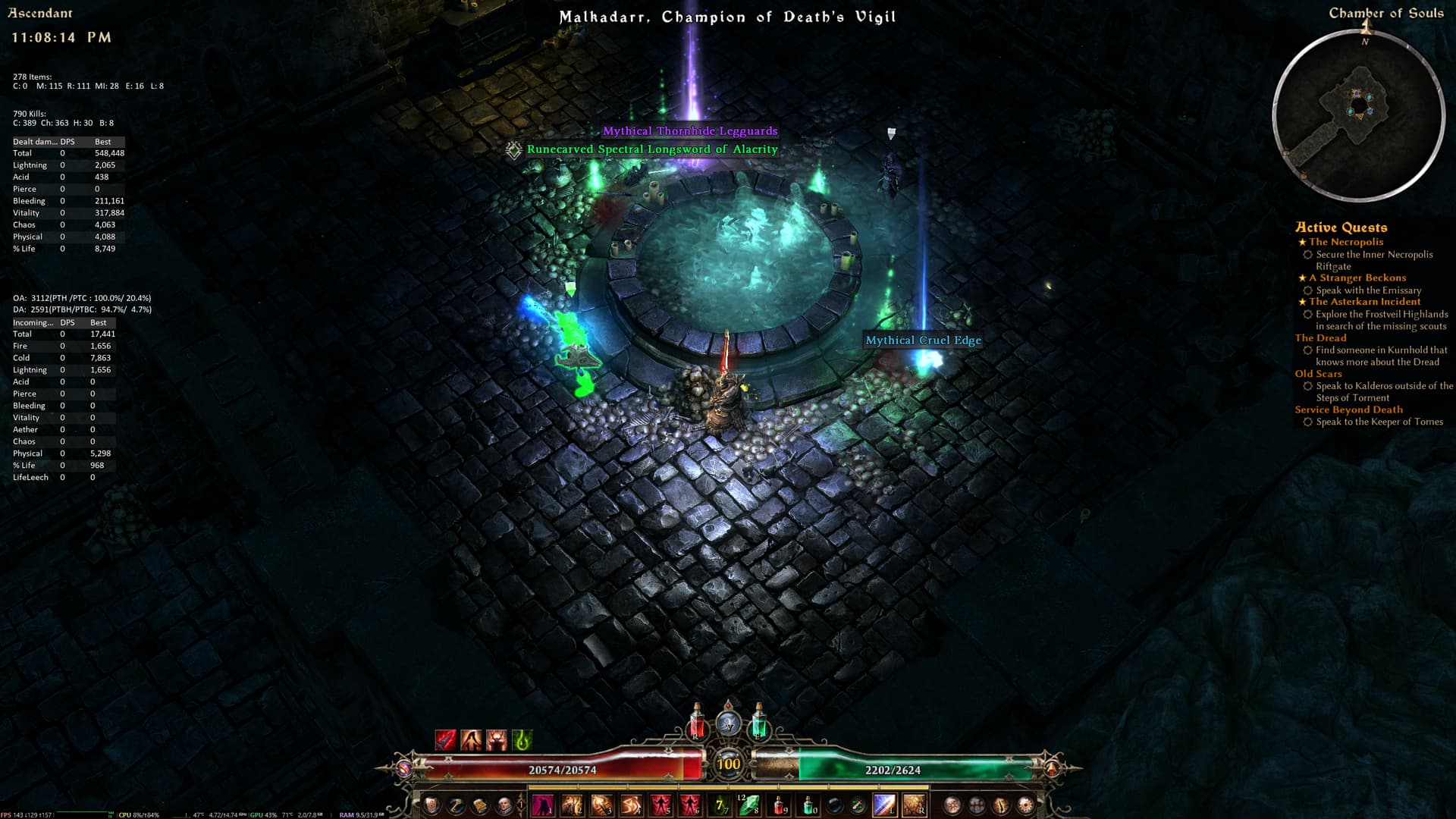
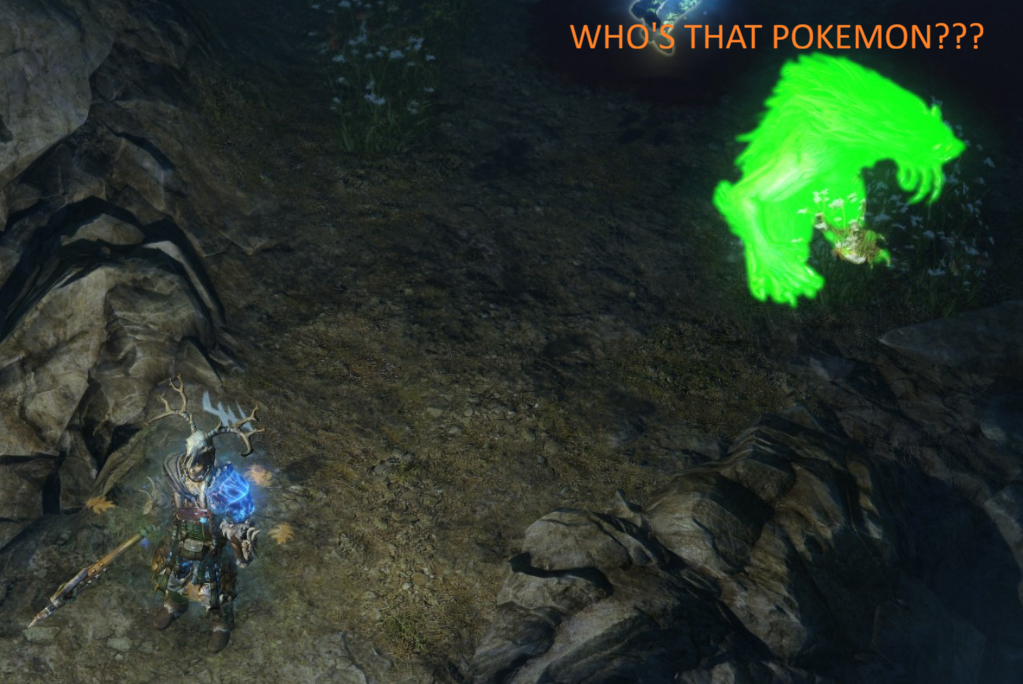
It appears to happen for me when monsters are being summoned like when triggering a Totem or a Voidmarked chest similar to when I had the green outline for friendly NPCs during the Malkadarr binding ritual.
I have not seen this happen with regular enemies that are populated in the world.
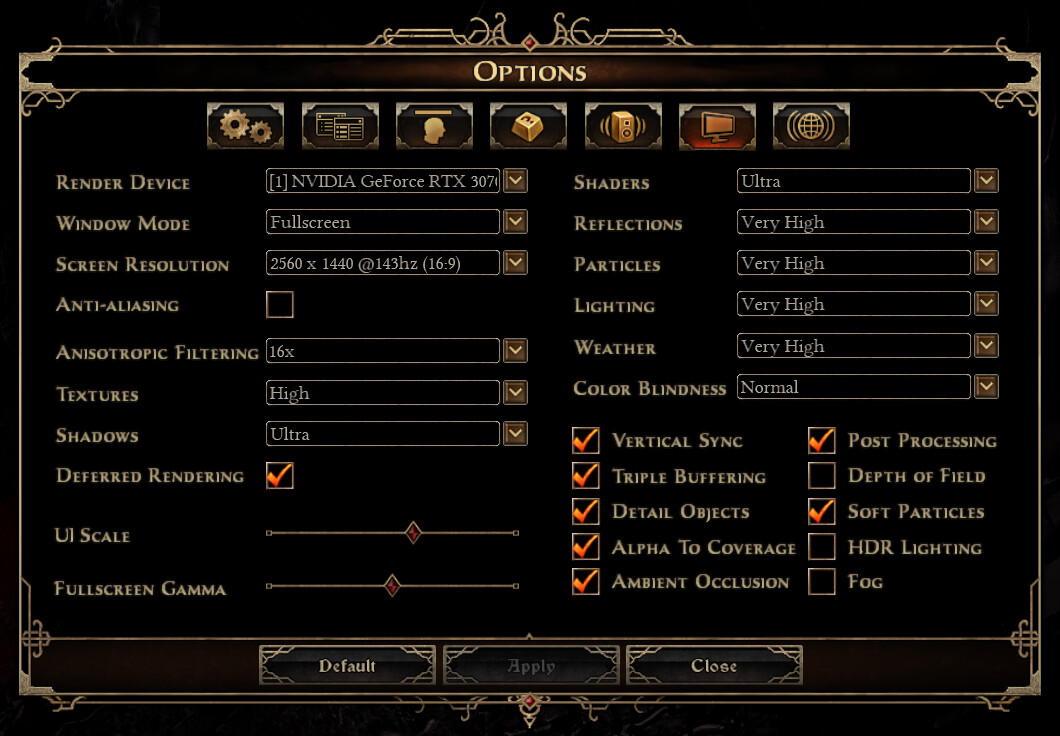
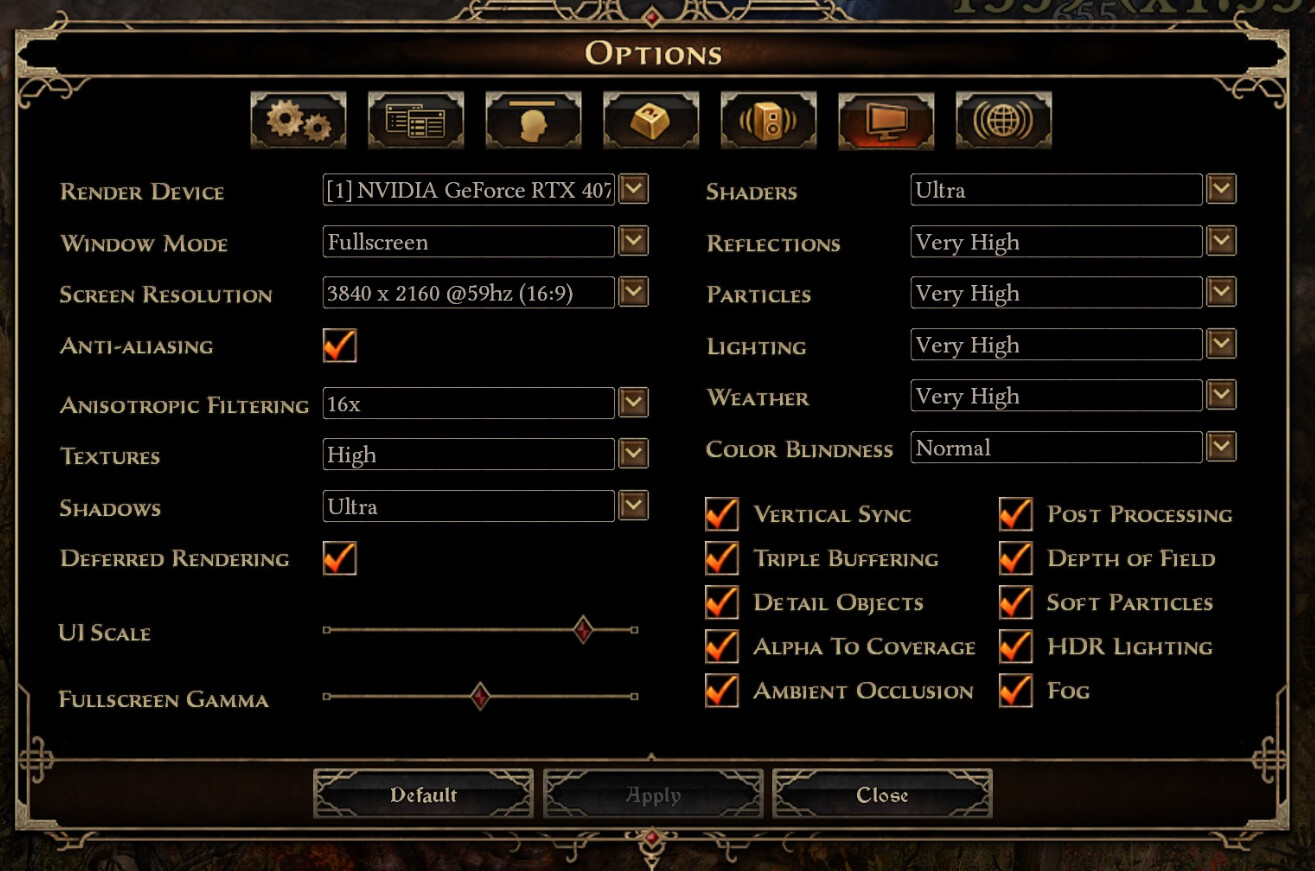
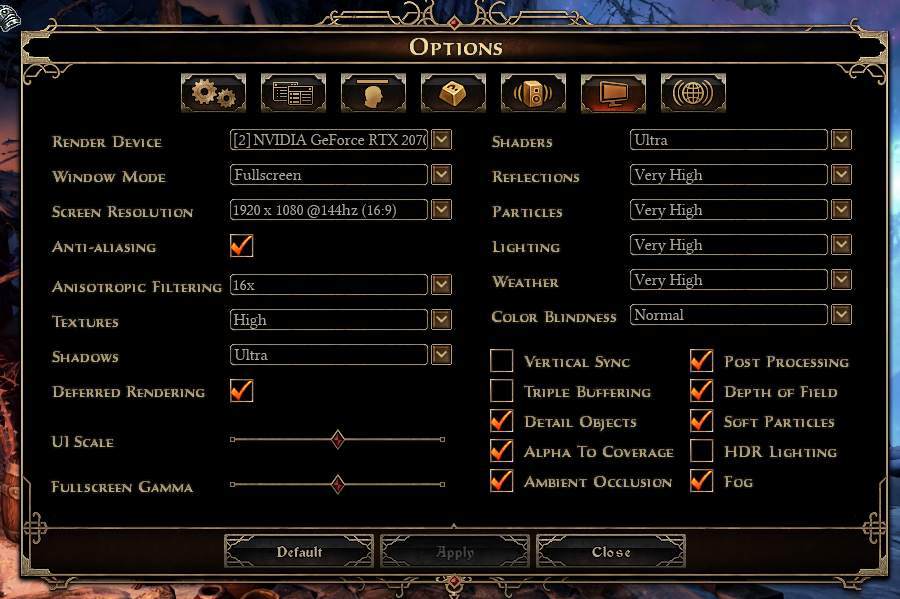
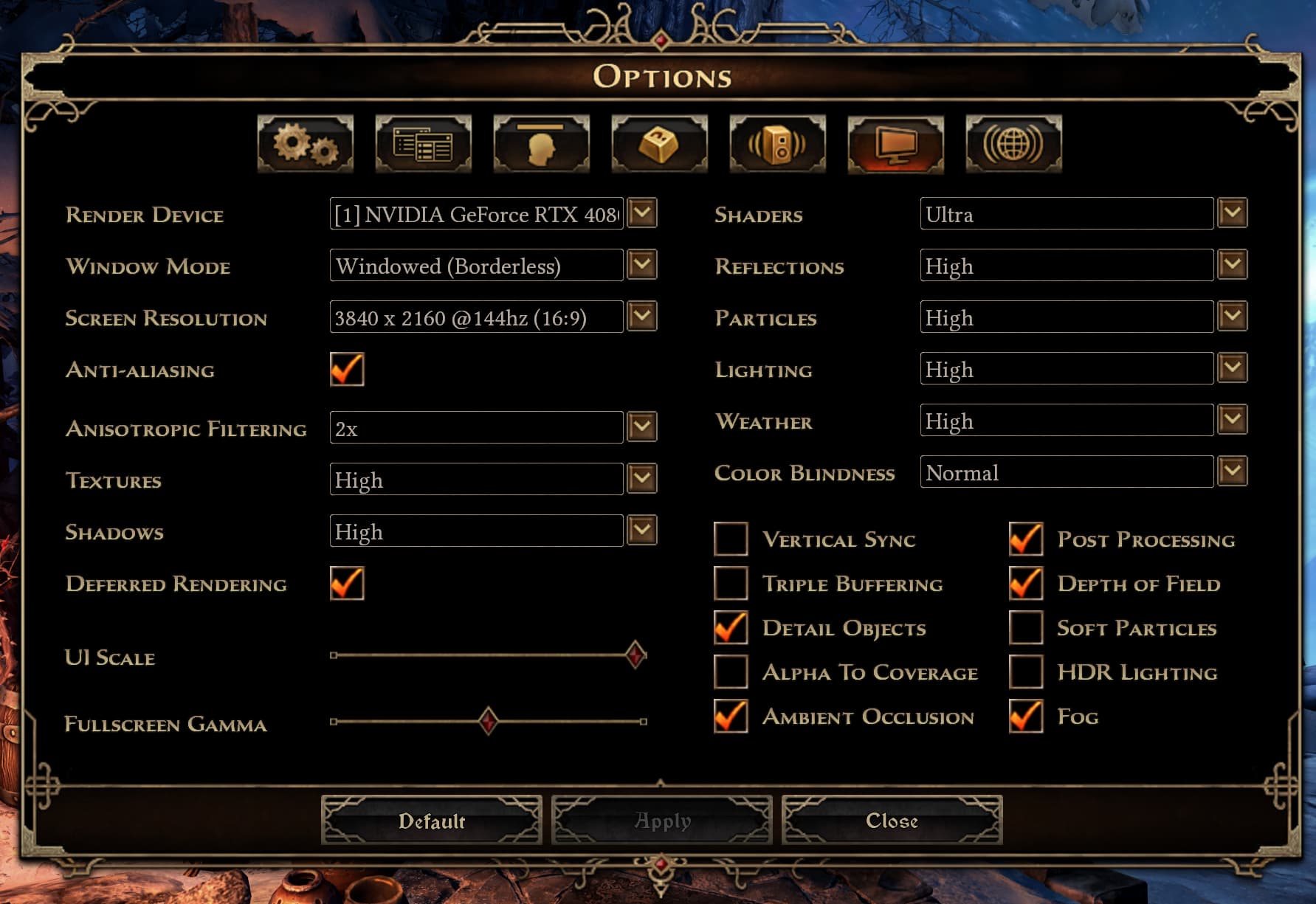
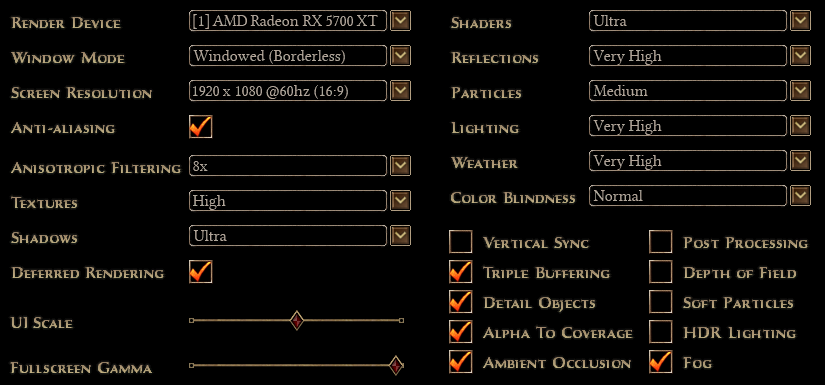
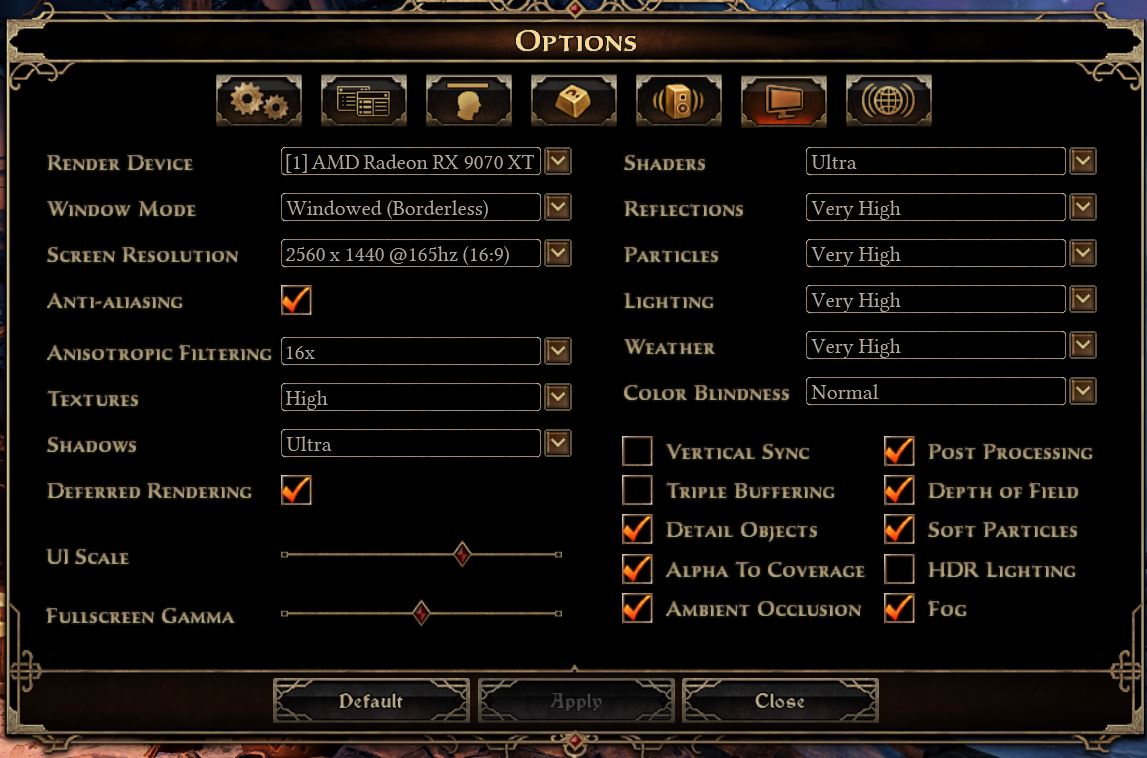
Seeing both of your options I realized I haven’t been playing with “Fog” turned on in probably forever (10+ years maybe? ), so I turned it back on and it’s like GD is a different game…
I just saw this happen with monsters that were spawned from the Homestead portal (when you first arrive there during the main quest). Haven’t seen it before or after that.
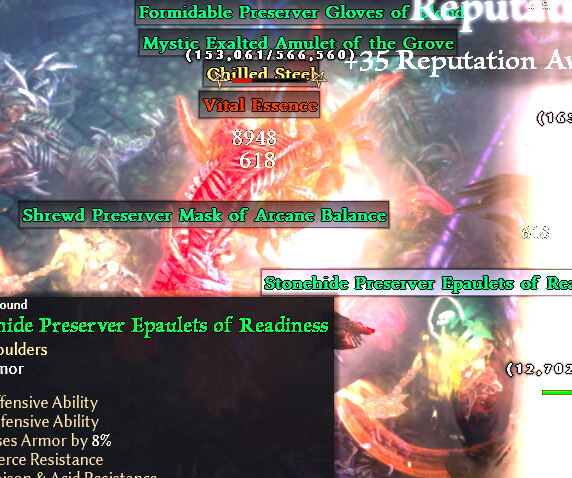
I’ve had it happen to, seems like a ~2% chance to happen on any object that can have the usual outline, I’ve seen it red with enemies, green with NPCs and even white/yellow with some items on the ground.
Also have the same bug, for me it seems that the terrain somehow effects to this as sometimes when the monster moves the red outline changes from buggy to normal but if the monster stays on the same spot and bugs, it will bug until i kill it
This makes total sense and why monsters when running around when I’m fighting them will turn red, then normal, then back to red depending on where they are in relation to me on the screen.