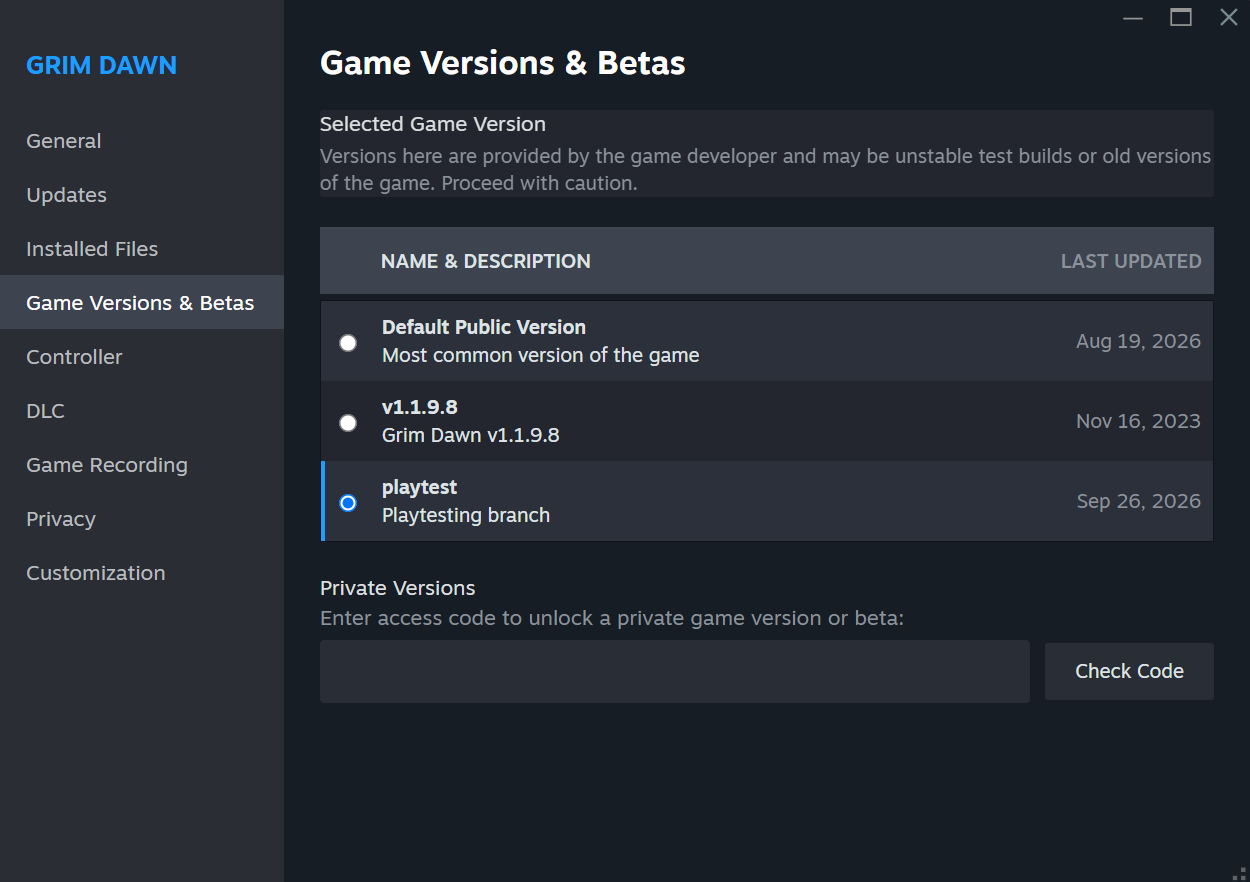
The playtest is compatible with all editions of the game, so you must have something in your data that’s sensitive to having FoA installed.
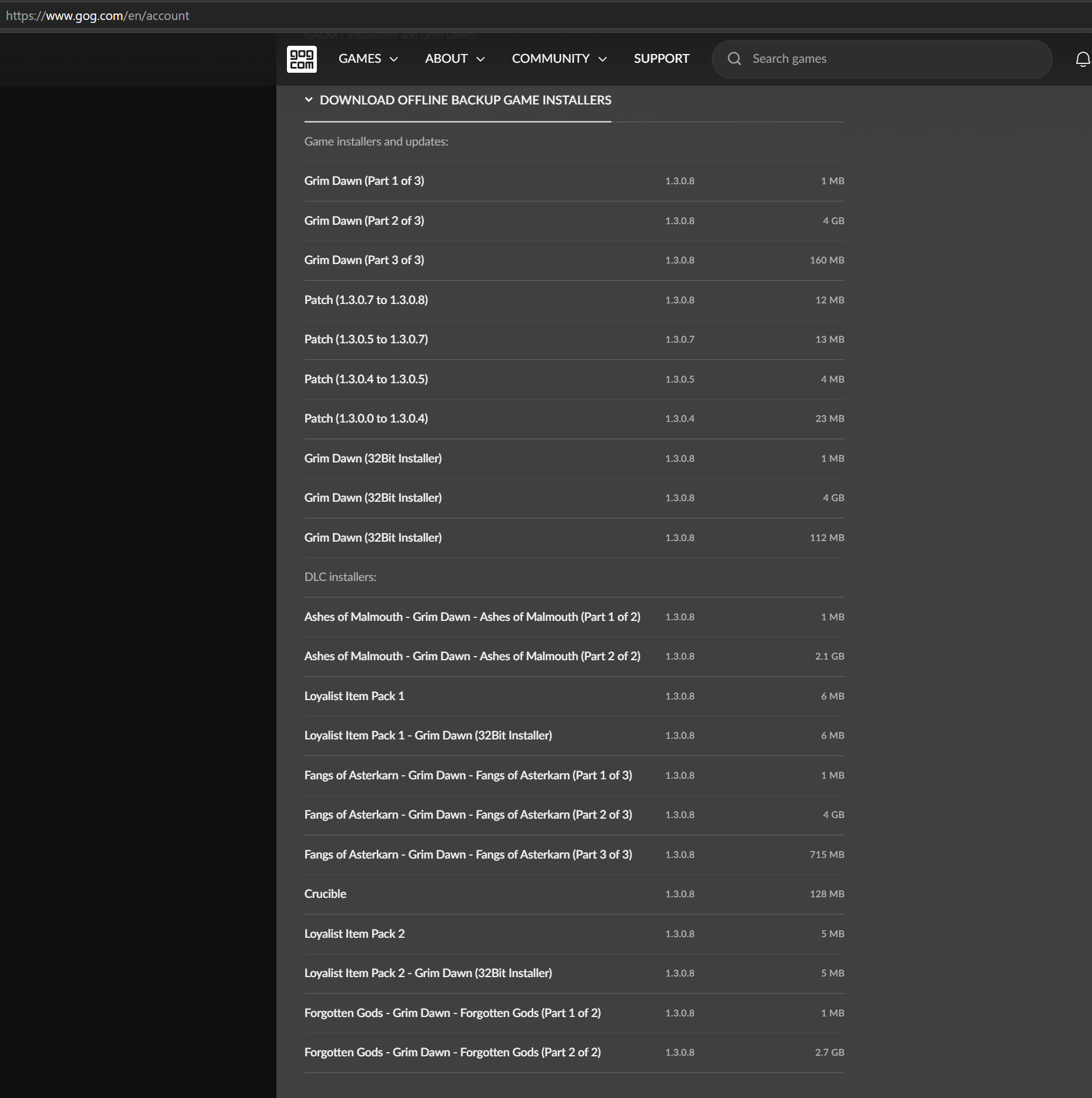
Owning DLCs on GOG does not confer the ability to play with DLCs on Steam, so if you want to experience DLC content in the playtest, yes, you would need to purchase the DLCs on Steam as well.
I completely uninstalled all versions of Grim Dawn (GOG and Steam), deleted all save files and settings, and disabled cloud synchronization.
I then made a fresh installation of the Steam base game without any DLC. I launched it, and everything worked perfectly.
After that, I deleted everything again and installed the Steam Playtest version (September 30 build), again without any DLC. This time, I got a black screen with only the cursor visible after entering the game world with a new character.
Finally, I purchased all three major DLCs and installed them while using the Playtest branch. After that, the game started and ran normally.
So, it seems that the Steam Playtest version may require the DLCs to work correctly, even if you are only trying to play the base game.