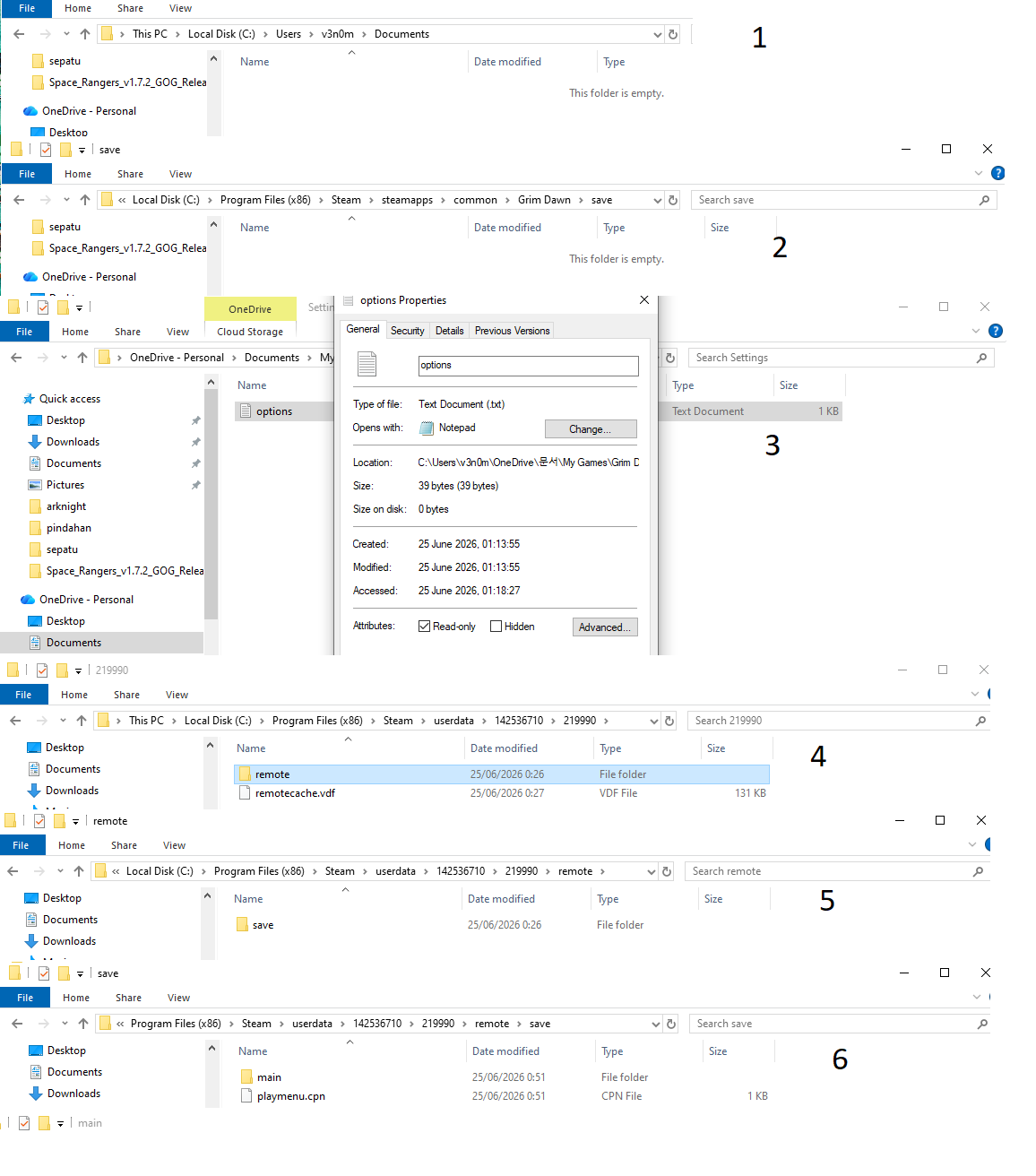
- i dont have my game folder in drive c
- in steam folder my save is blank
- in 1drive just settings folder no save
4,5,6 my save game is in steam cloud, but i dont have the options.txt
already use repair tool in game install folder
Remove the Documents folder from OneDrive if it’s in there. That thing is a nuisance hi-jacking it. Uninstall OneDrive afterwards even better.
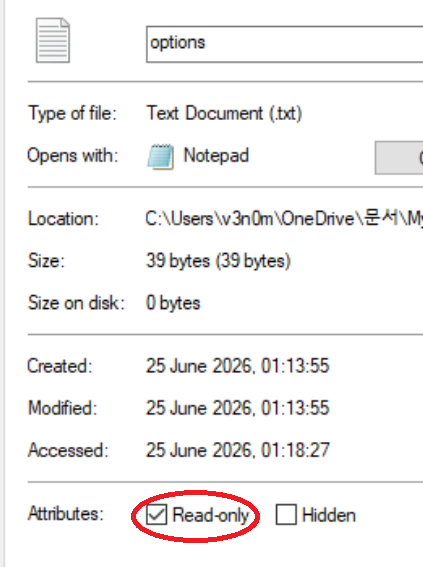
And remove the read only attribut from options.txt properties, thats why the game cant save the settings, dont know what tool sets this attribute to read only. May be its One Drive.
I never ever used such cloud systems.
C:\User\YourName\Documents\My Games\Grim Dawn folder is located on drive C, theres a settings folder and theres the optins.txt file and the keybindings file. And this was never ever in all the years read only on my side.
Thats the folder 1 at your picture.
Folder 2 is empty, if steam cloud is disabled, at steam itself + ingame. I recommend that.
If all files located at position 1 of your photo, then your complete save data are located and saved local at your PC and not in clouds.
At the moment your settings are read only save at One Drive and your save data at steam cloud (folder named save).
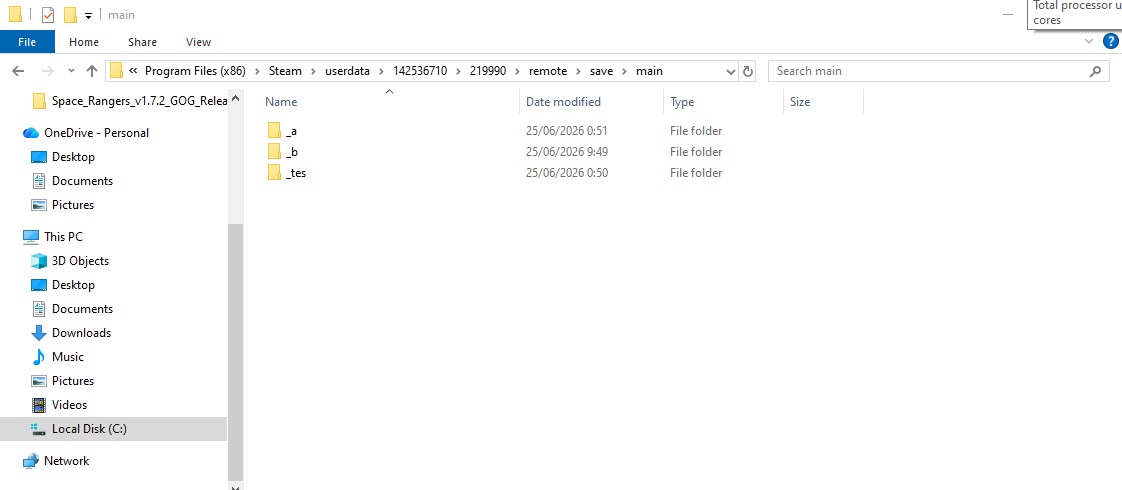
And one tip: goto settings of your filemanager and enable showing file extension and and enable showing hidden files. Im shure that not all is displayed on your side. The folder “main” includes a lot of files, which i cant see at your pictures 3,4,5. These are the files for receipes from blacksmith, the illussions, your shared stash and so on. So you can see, if you are looking into the right folder. And the timestamp shows you the last time of playing and saving.
from the start instal win11 and instal game at steam there is no folder my game at pic 1,
it go to my game at one drive
delete my folder grim dawn at onedrive
in pic 4,5,6 there is no other file because i delete it
steam cloud is disable, but some reason still make save game at save in steam cloud (5.49kb store)
What is your goal exactly ?
If you want to have all your saves in documents/my games/grim dawn/ and be able to use apps alike Item Assistant and gdstash…
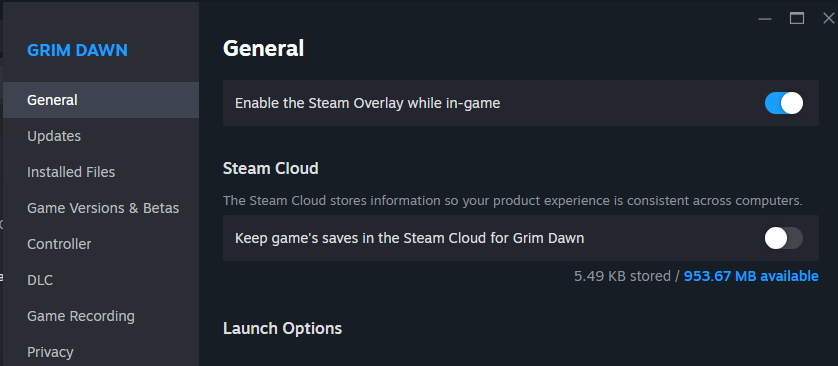
Then you need to disable cloud save from steam, which you already did from the image above.
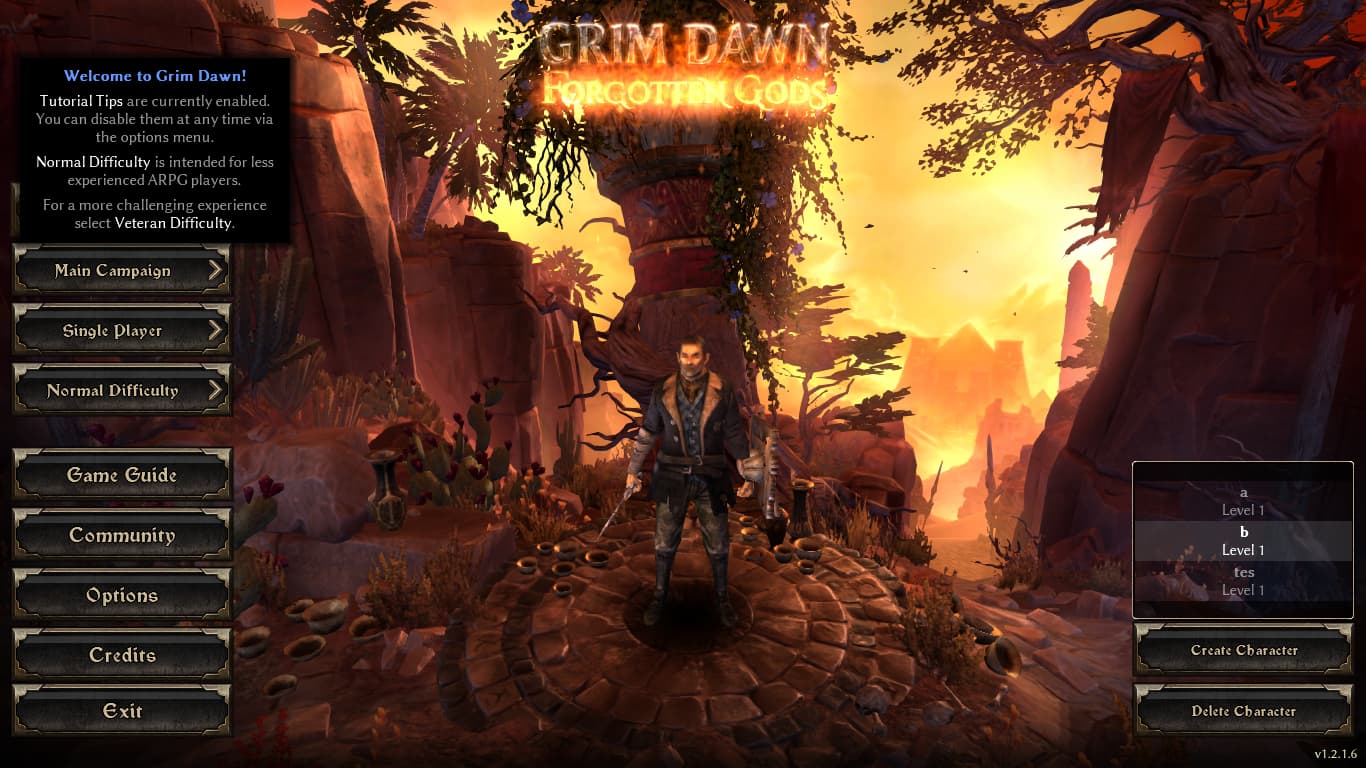
There’s also a setting in game for cloud saves that you need to disable :
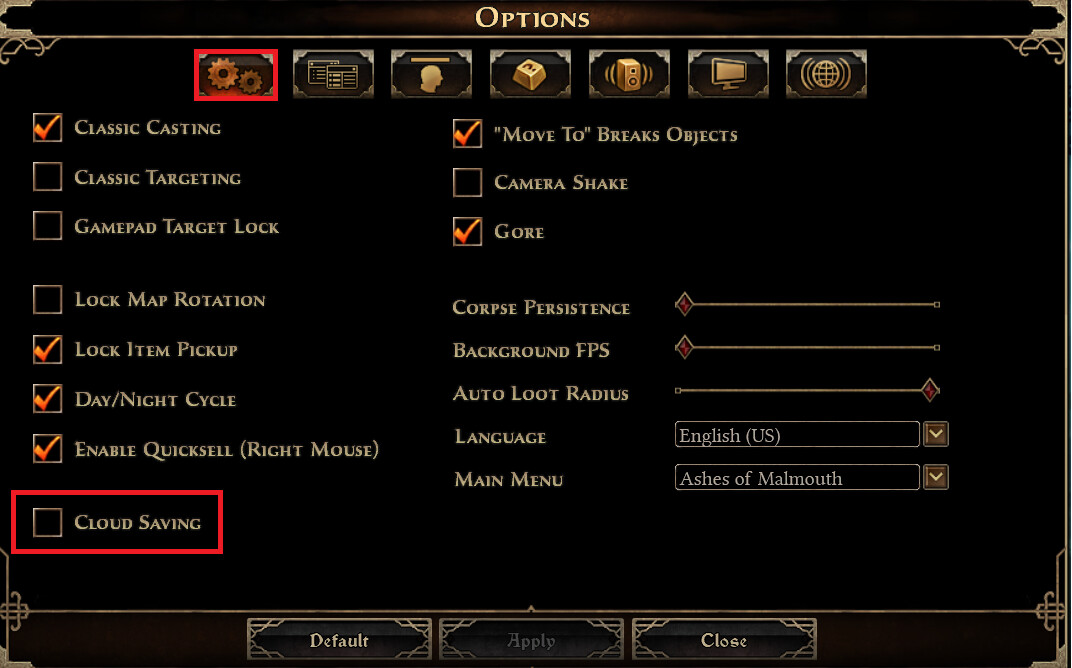
I also use OneDrive and I don’t have any problems.
Again remove the whole Documents folder from OneDrive, not just GD’s save folder. And you need to turn off cloud saving in the ingame Options menu as well as in the Steam settings.
I didn’t see the read-only attribut from one of the image above, that’s probably the problem.
OneDrive shouldn’t to do anything with it. As far as I remember, I’ve been using OneDrive with GrimDawn from the start (10 years ago), The only problem I have seen is having problem to delete characters but I never had any problem saving option settings.
At best he can pause the OneDrive and test. But first he need to remove the cloud saves from the in-game menu (if not done) and remove the read-only attribut on the options file.
my goal is to change my setting
- re instal window, done
- un istal onedrive, done
- re instal steam, done
- turn off my steam cloud, done
still cant change the setting
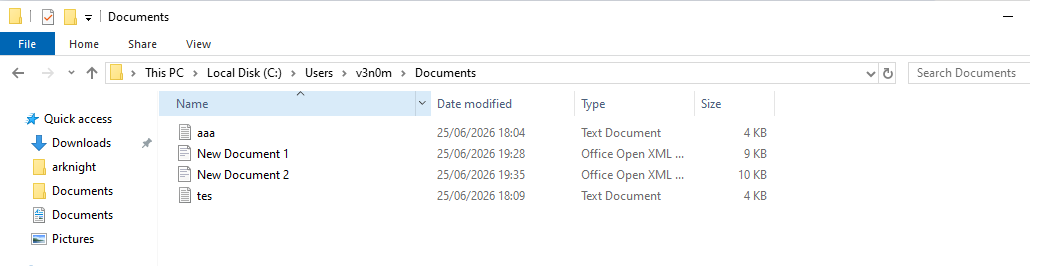
C:\User\YourName\Documents\My Games\Grim Dawn => still no folder " my game " in drive c
Turned off cloud saving in the ingame Options menu?
Also to move your cloud saves to loca ones follow the instructions in this post.
it was in your onedrive folder, so it’s likely in your onedrive folder again immediately after you reinstalled
you need to unlink it or remove the folder itself at least, - but again all you had to do was turn read only off in the first place
There is 2 cloud saving setting you have to turn off or on depending on where you want your saves and if you want to use tools alike “Item Assistant”
In-Game
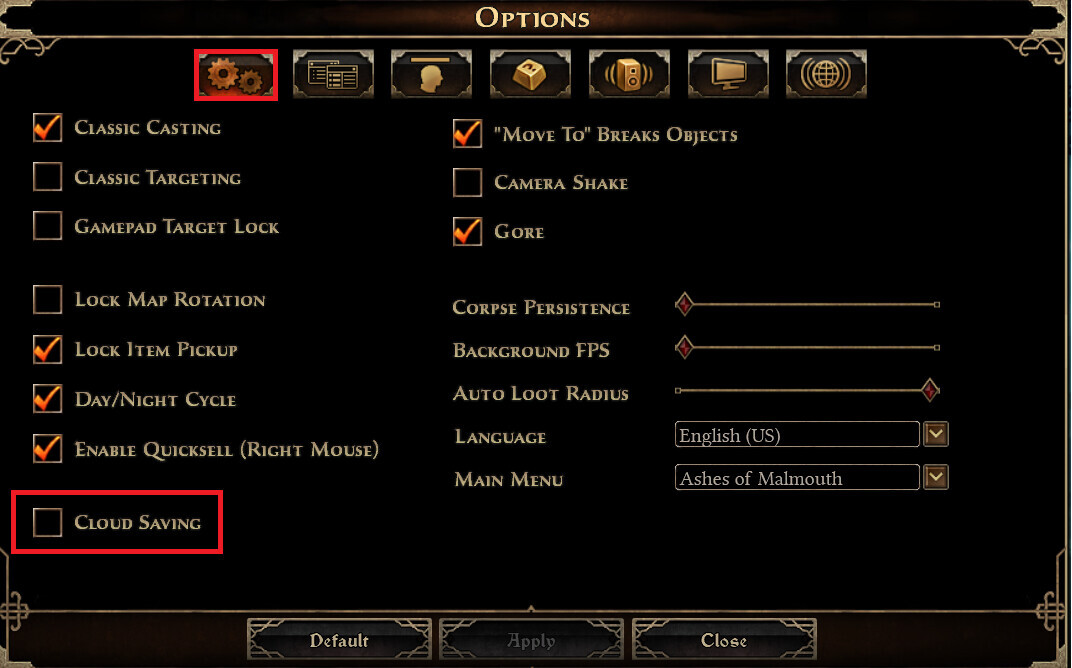
Steam properties of the game
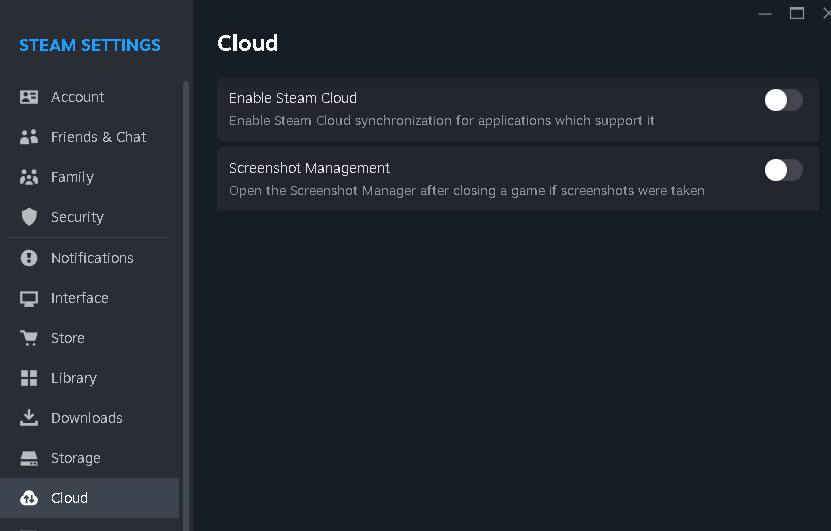
you only need to turn the ingame off if you want to change save folders, the steam setting has nothing to do with it besides syncing the steam save folder to the cloud backups if the ingame option is on/the the steam option is sync not folder.
People keep mixing it up for some reason 
also, if OP can’t change settings; they can’t turn off the ingame settings for cloud 
the options file need to be writeable first.
Javanta, go to grim dawn install folder, use the repair tool
if it throws an error, notice it,
if it doesn’t, then start the game and see if you can change settings now, if you can’t; do a system search again for the options.txt and see what path it placed the folder
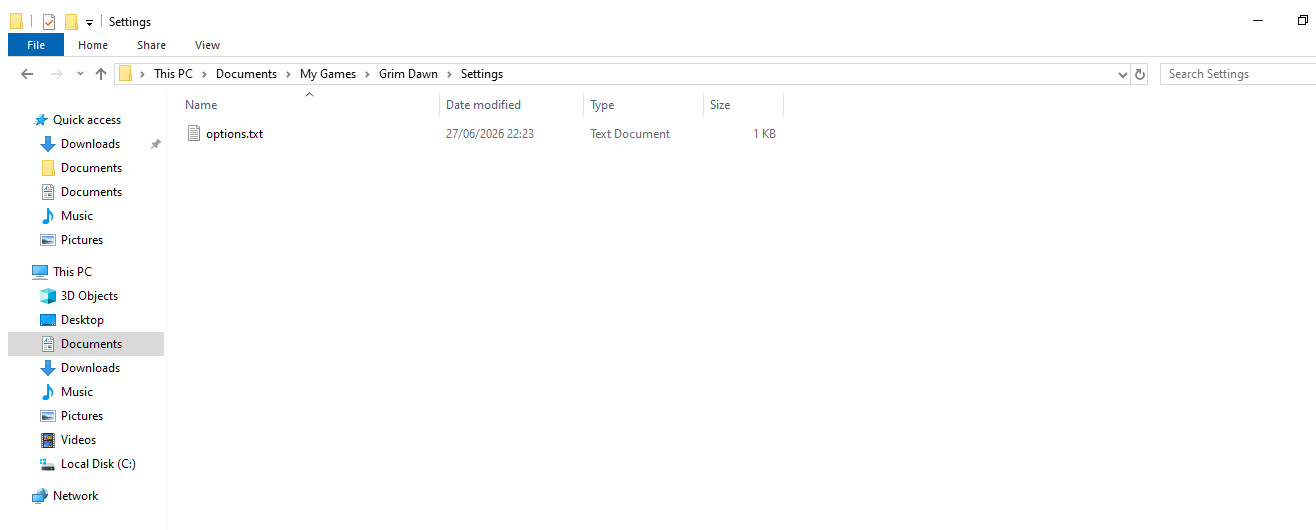
now make sure read only is not on the options file like it was earlier
then you should be able to start the game and change settings
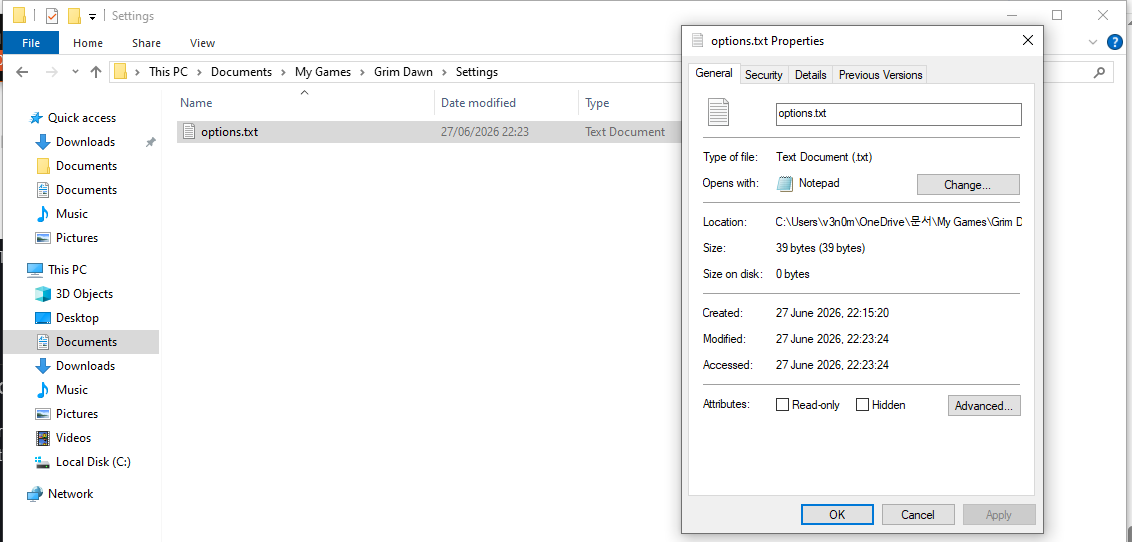
try launch the game with admin elevation
after that you can try see if launching the x32 or legacy version works for you
besides that it’s usually windows defender/controlled folder access or third party av blocking it, but i kinda doubt it’s that in this case
since if the repair tool could make the folder fine it shouldnt’ be restricted from the folder now (usually it pops up with an error using the repair tool then)