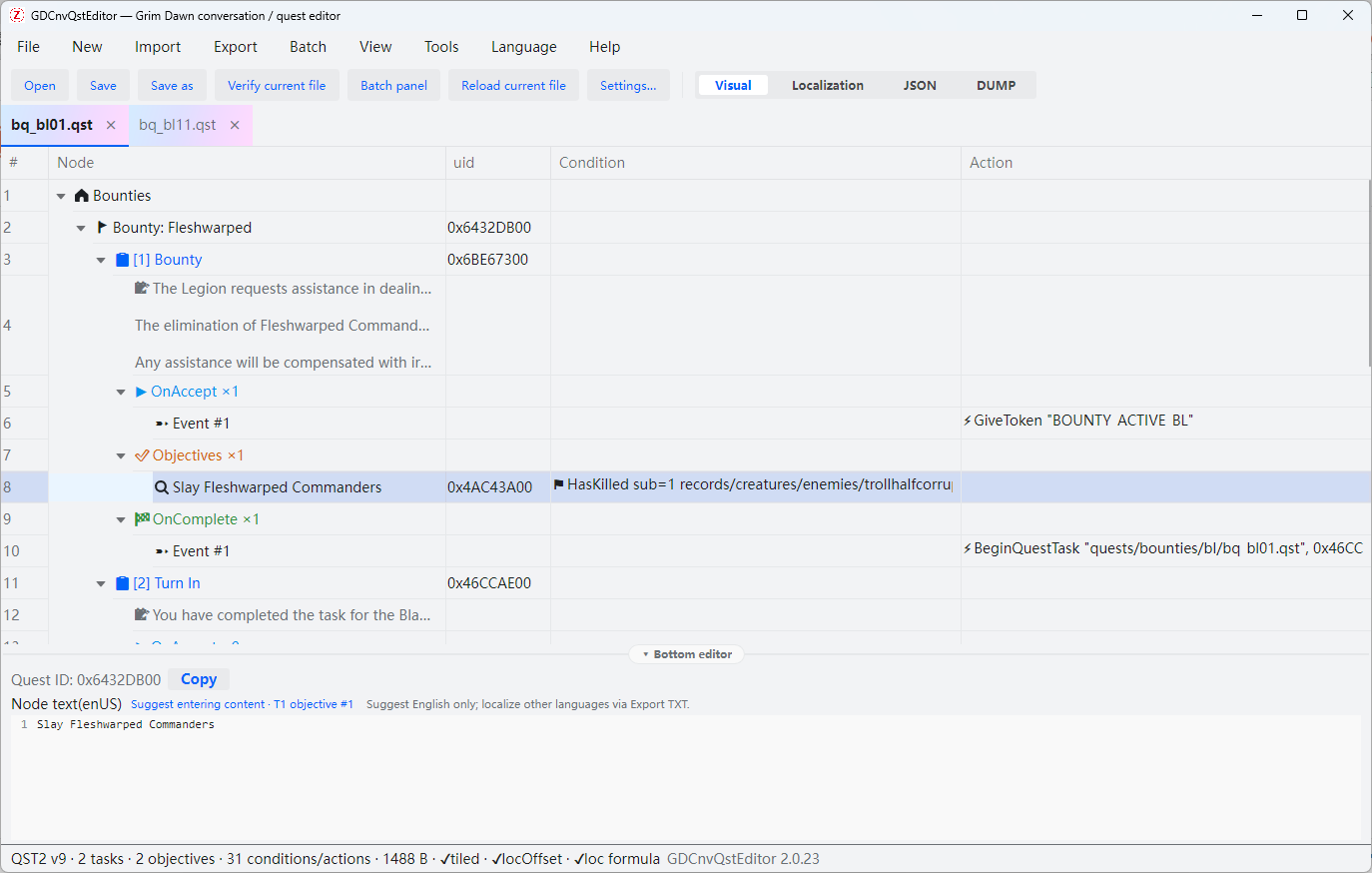
GDCnvQstEditor, a third-party independent editor for the mission files .qst and dialogue files .cnv of Grim Dawn, is abbreviated as GDCQE.
The modified CNV can be entered into the game and correctly recognized.
Simple text modification, structural browsing, and localized text export are all available, along with a cli version and usage instructions.
Function:
Open, modify, save, verify, export to TXT, export to JSON, import from JSON.
Visual editor, JSON editor, TXT read-only viewer, DUMP tree structure viewer
Node creation | Editing, condition editing, action editing
The GD root directory can be set up, with five levels of directories including DLC1, DLC2, DLC3, and MOD, generating a built-in file tree. The loading method is consistent with the official one, and it is used for file input for editing conditions, actions, and so on.
A CLI version is provided, which can convert CNV to JSON and QST to JSON. It can also convert JSON to QST or CNV, following the specified format. Detailed format descriptions and examples are available. AI can generate JSON based on the descriptions and examples, and then convert it to CNV or QST.
Environment: Requires the installation of the .NET 8 runtime. Download link: Download .NET 8.0 (Linux, macOS, and Windows) | .NET
Download:
Thanks to the GitHub - R-Hidayatullah/gd-utility: A research and reverse engineering project focused on Grim Dawn internals, file formats, assets, data structures, and development tooling. · GitHub repository. This project has referenced its reverse engineering achievements.
This is an unofficial community tool. It is not affiliated with, authorized by, or endorsed by
Crate Entertainment, the developer of Grim Dawn. See Copyright & Disclaimer.
If there is any infringement, please inform me, and I will handle it in accordance with the wishes of the copyright owner!