A few general ideas to improve keyboard shortcuts to be a bit more consistent overall:
About the “Del” key:
Have it work for build sites and not just for fully-constructed buildings. This saves a lot of “clicking time” when the player has to delete several build sites for fences, for example.
Have it remove the currently selected crop on the Farm window, and only delete the entire farm when all 3 years are empty. I’ve deleted the entire farm accidentally even though it was in use all 3 years because of the key’s current behavior.
About the “Esc” key:
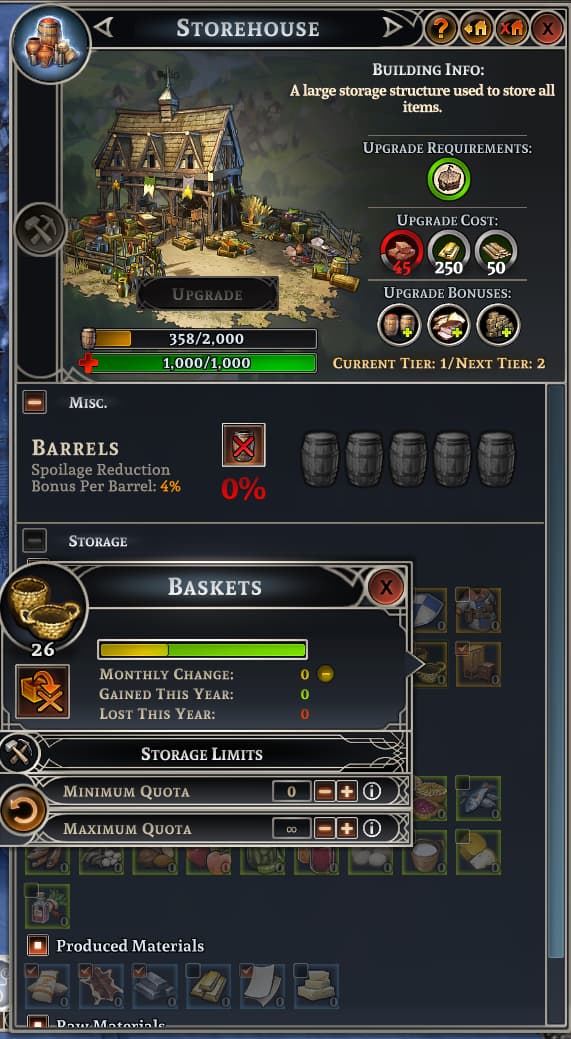
Have it only close the last opened window. If I want to close multiple windows it’s super easy for me to press “Esc” multiple times. But if I just want to close one sometimes that’s impossible and it forces me to click on the “X” of each window repeatedly. The “Esc” key closes multiple windows at once (which was quite confusing when first learning this game) when selecting resources to set storage limits or discarding items. A few specific examples:
Like with many RTS titles, have it add / remove soldiers from a control group. Example: I’m controlling my archers and one of them gets hit. I order the wounded archer to retreat to safety, but there’s no easy way to remove him from the control group of the archers. So as soon as I reselect the platoon and order them to fire, the wounded archer moves forward again and risks dying.
Please let us CTRL group hunters and guards (very useful in the early game)
Please remove a soldier from all its CTRL groups when order to retreat/garrison
Please don’t allow any unit to belong to two CTRL groups at once
These last 2 points are currently a big problem that makes it next to impossible to retreat/garrison injured units in the middle of battle.
I often CTRL+1 all my archers to micro them, but when one archer gets severely wounded, I have no way to remove it from the control group. If I send that unit back to garrison, as soon as I move all the archers on group 1, the injured unit moves right back into battle.
This is an alternate way to solve the problem I mentioned in the post above, since shift-click doesn’t work to select / deselect individual units, and even if I try to CTRL+9 the wounded soldier individually, that unit remains in control group 1 and the problem continues to happen.
Edit:
Also, it would greatly help if there were any key for an attack-move command for the military. Currently sometimes they just walk into harm’s way and die without even reacting to nearby threats along the way.
For anyone finding this thread in the future:
The problem with wounded soldiers I had above can be solved with Ctrl+Click.
It’s a pity that these are not documented anywhere, took me a very long time to realize it.
Basically:
Shift+Click adds a soldier to the current selection of soldiers
Ctrl+Click removes a soldier from the current selection of soldiers
It would be easier if “Shift” did everything. Anyway…
So pressing “2”, then “Ctrl+clicking” on a wounded soldier, and then “Ctrl+2” will remove that wounded soldier from the control group so he can run back and garrison while the rest of the soldiers can continue to receive combat orders.
I do like the ability to have units in multiple control groups put the army in Ctrl+1, the swords in Ctrl+2 and the archers in Ctrl+3. Makes it easy to maneuver the entire army, then split, send the swords forward and keep the archers safely back.
Perhaps Ctrl+0 could reset all group asignments for the selected unit for when you want to be sure that they are not part of a control group
On the lower right control panel there is a new button labeled ‘CLEAR’.
It gives several options.
One of them is ‘Buildings’.
You can delete several buildings, or build sites, all at once.
Make sure you have only what you want to delete highlighted.
Best to uncheck anything in the options you don’t want deleted, before selecting.
I don’t really remember using Esc for anything here, so…
Removing wounded from combat can be effectively accomplished by repositioning the hurt ones and ‘re-grabbing’ the healthy units with a drag box, instead of a series of keyboard commands.