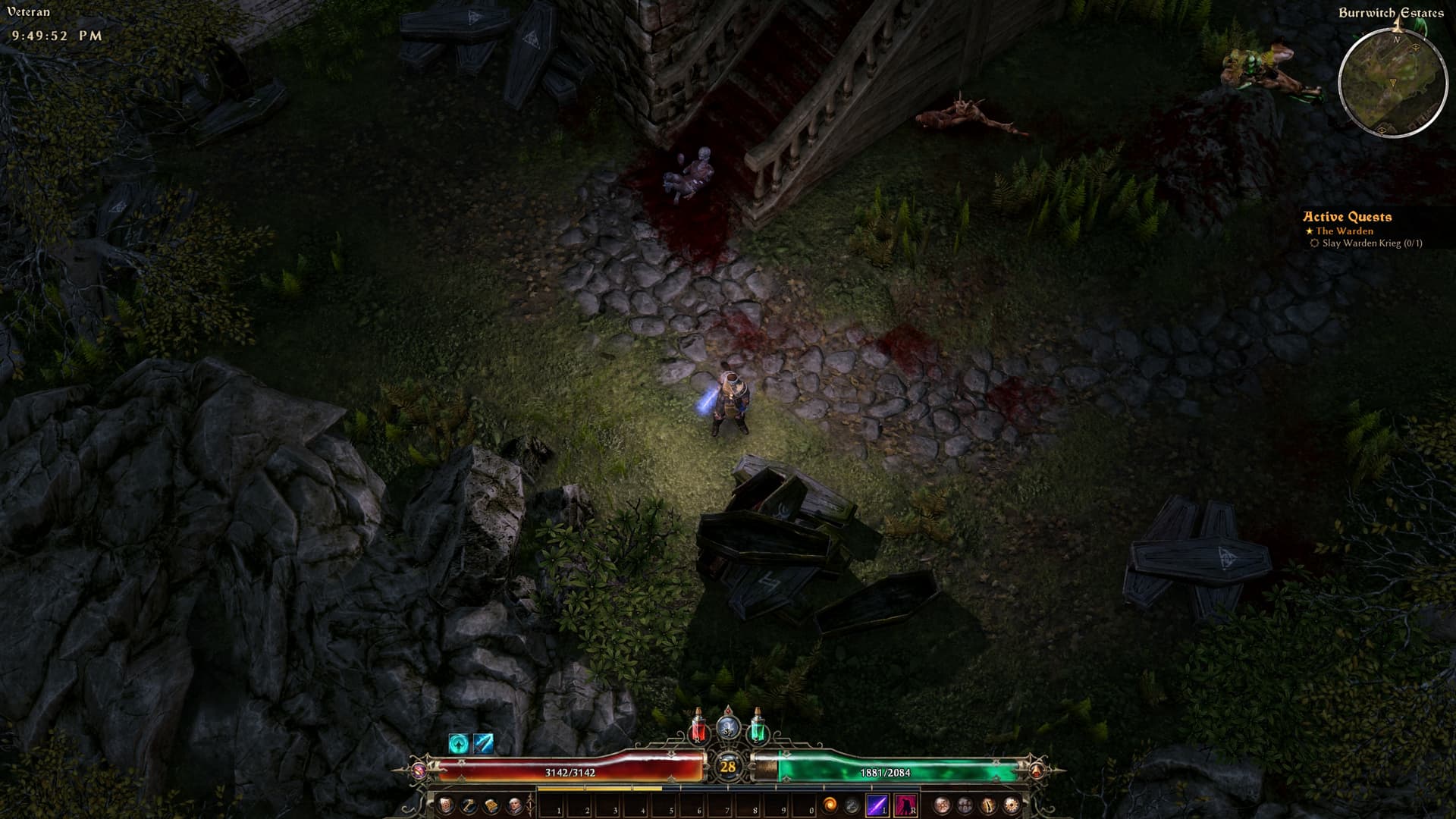
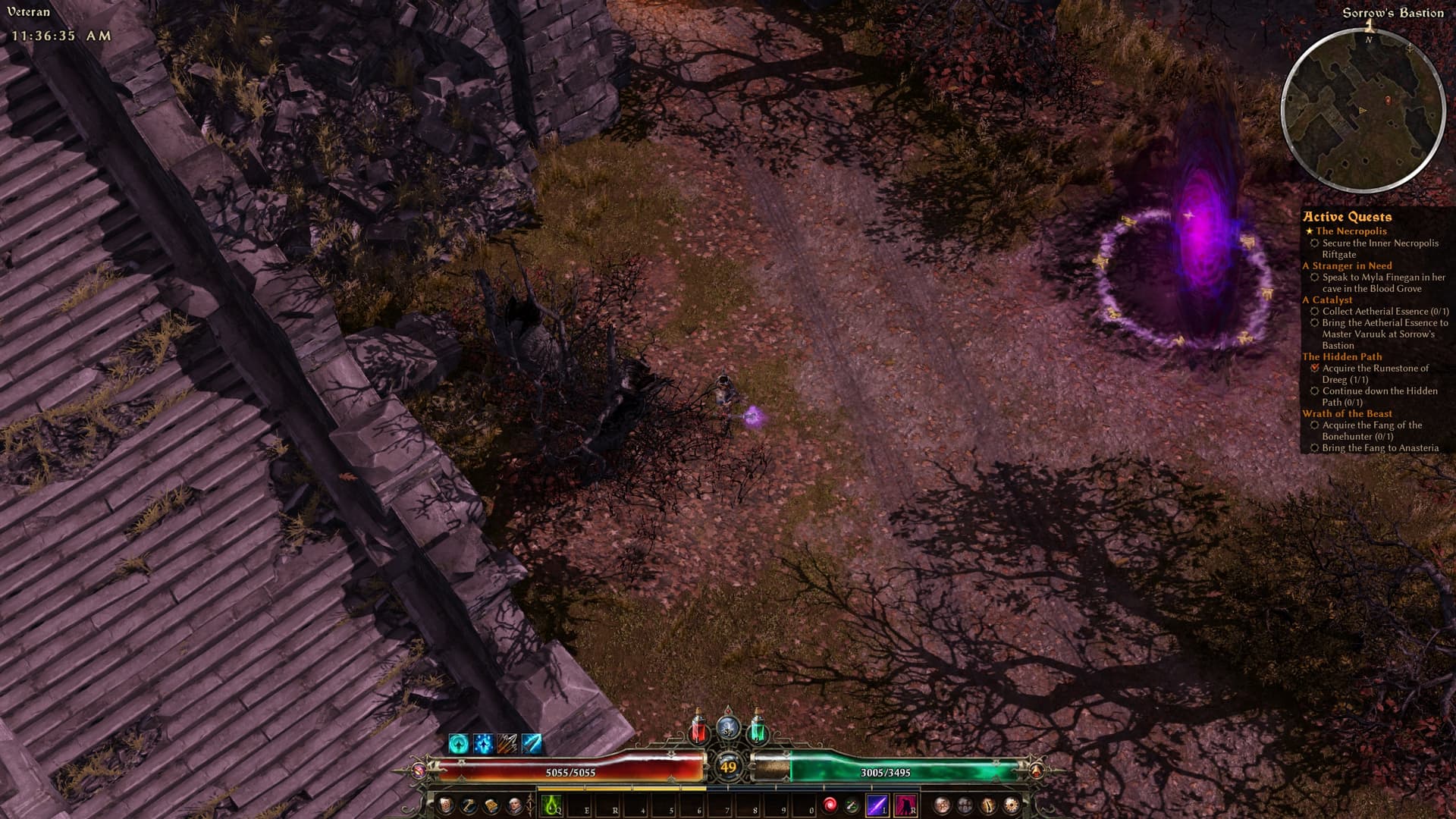
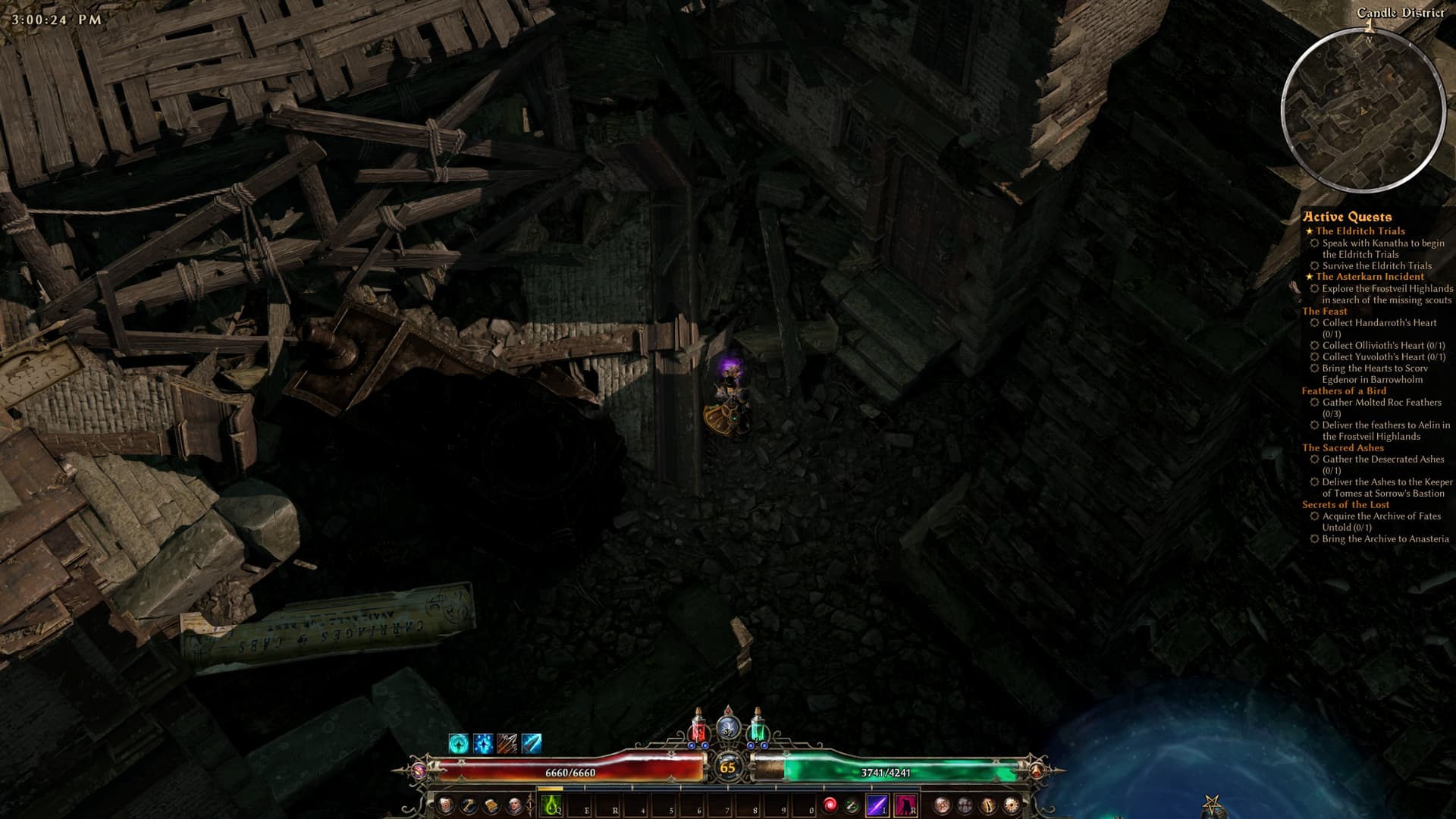
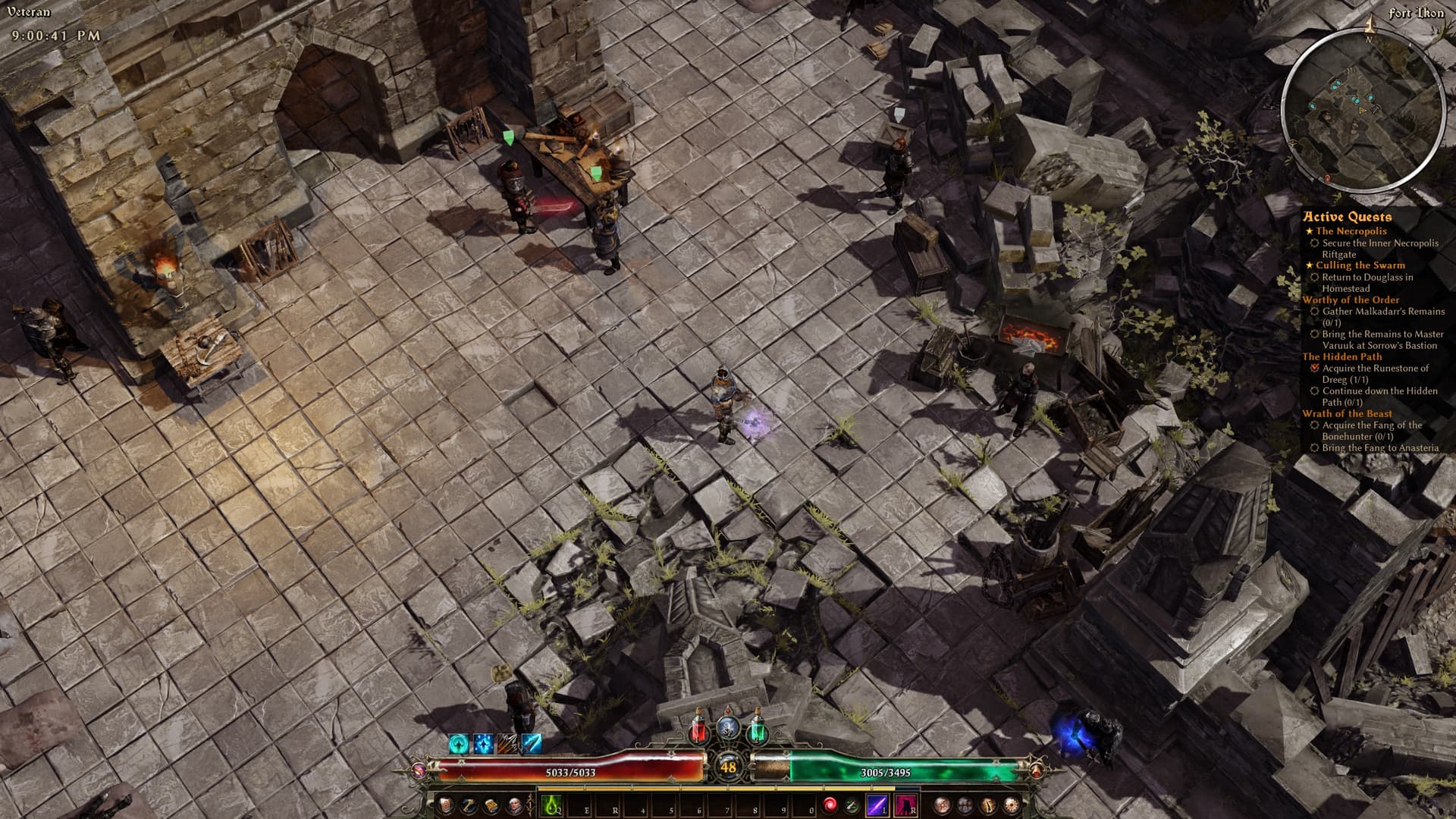
EDIT: new version is available. I reprocessed all the base game + AoM textures, so you have to download them all again (I’m sorry). Future updates will be iterative and include only new textures.
EDIT: I uploaded a compressed textures archive on Nexus, for those who has <6 GB VRAM
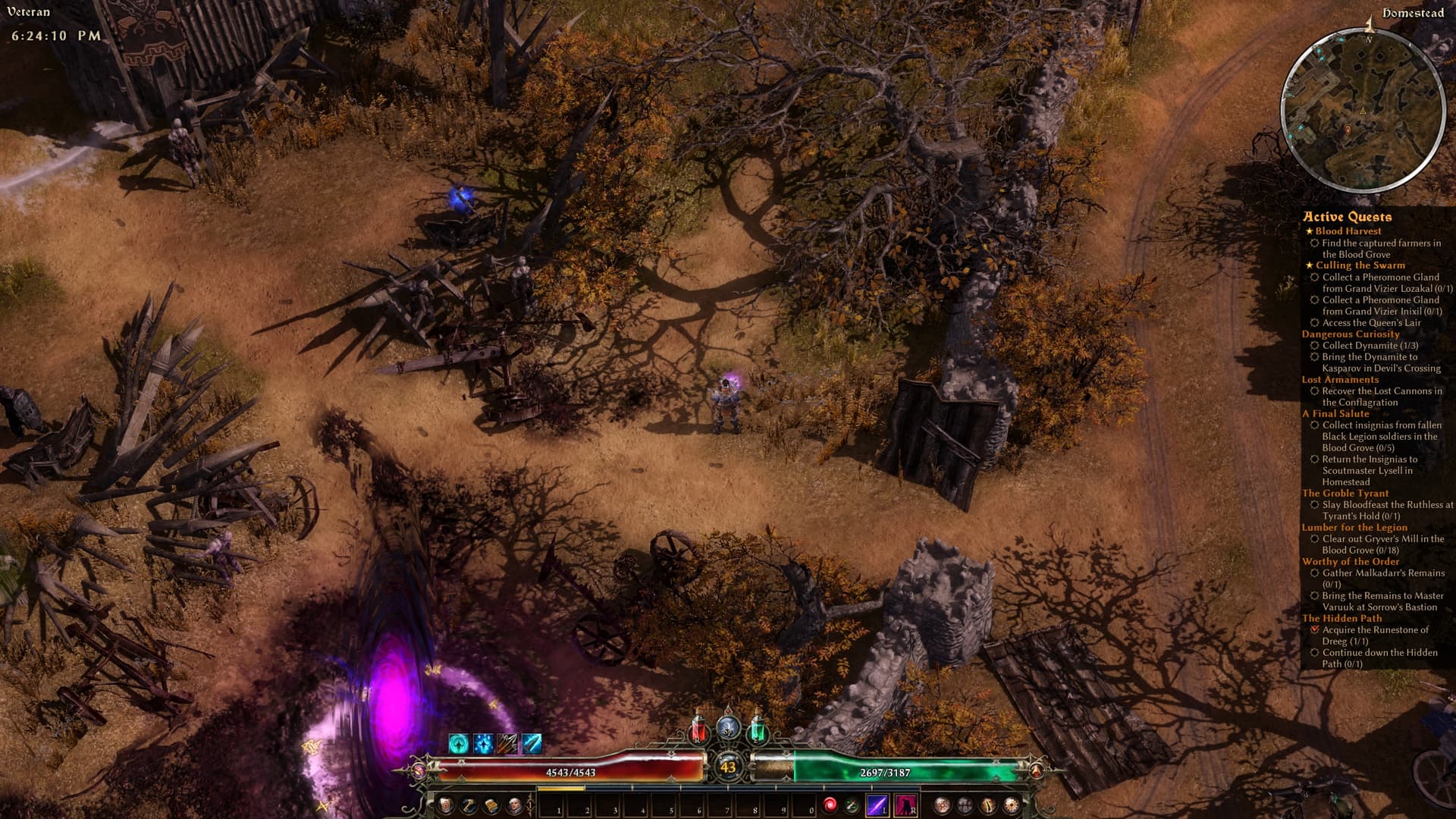
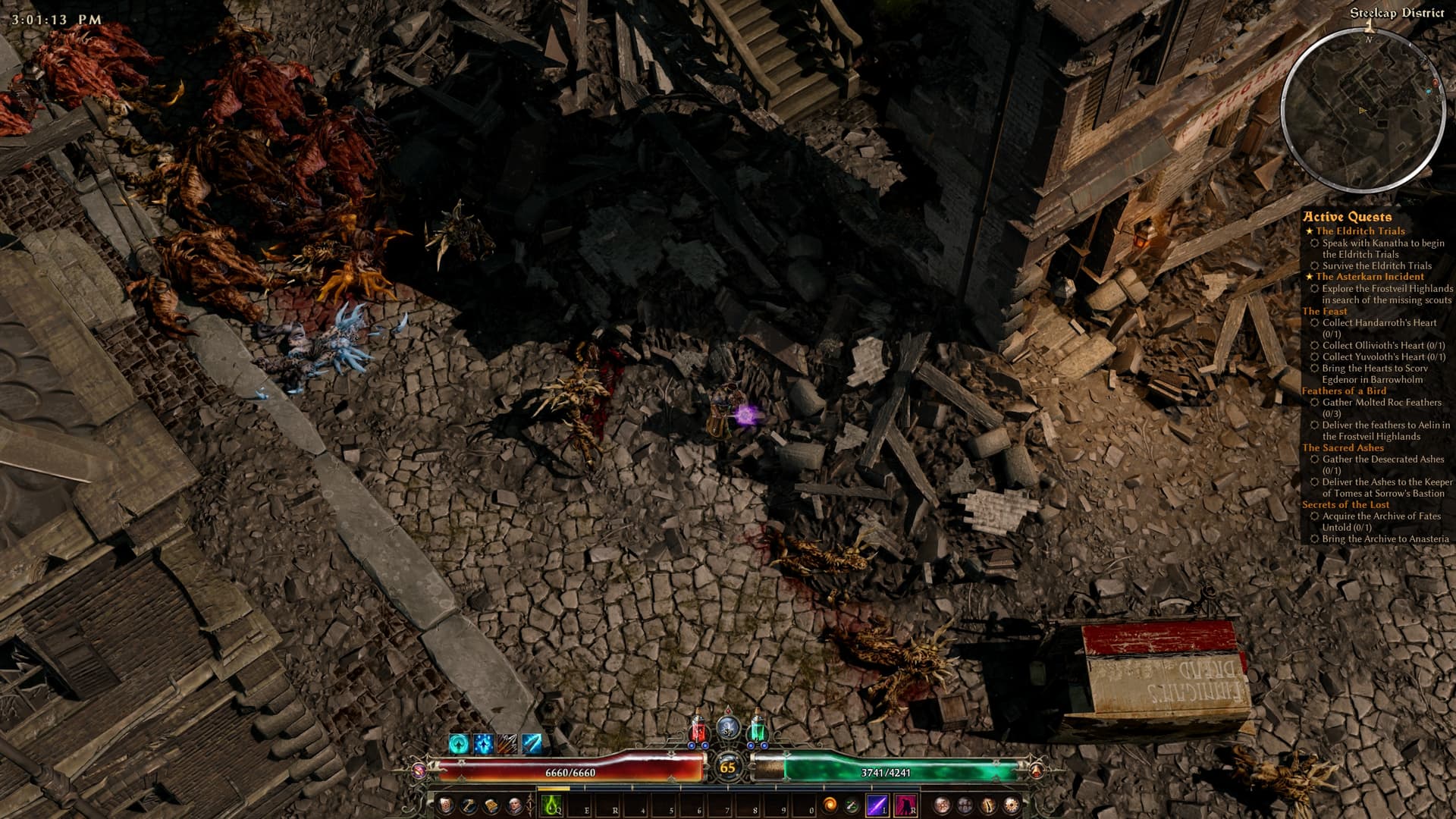
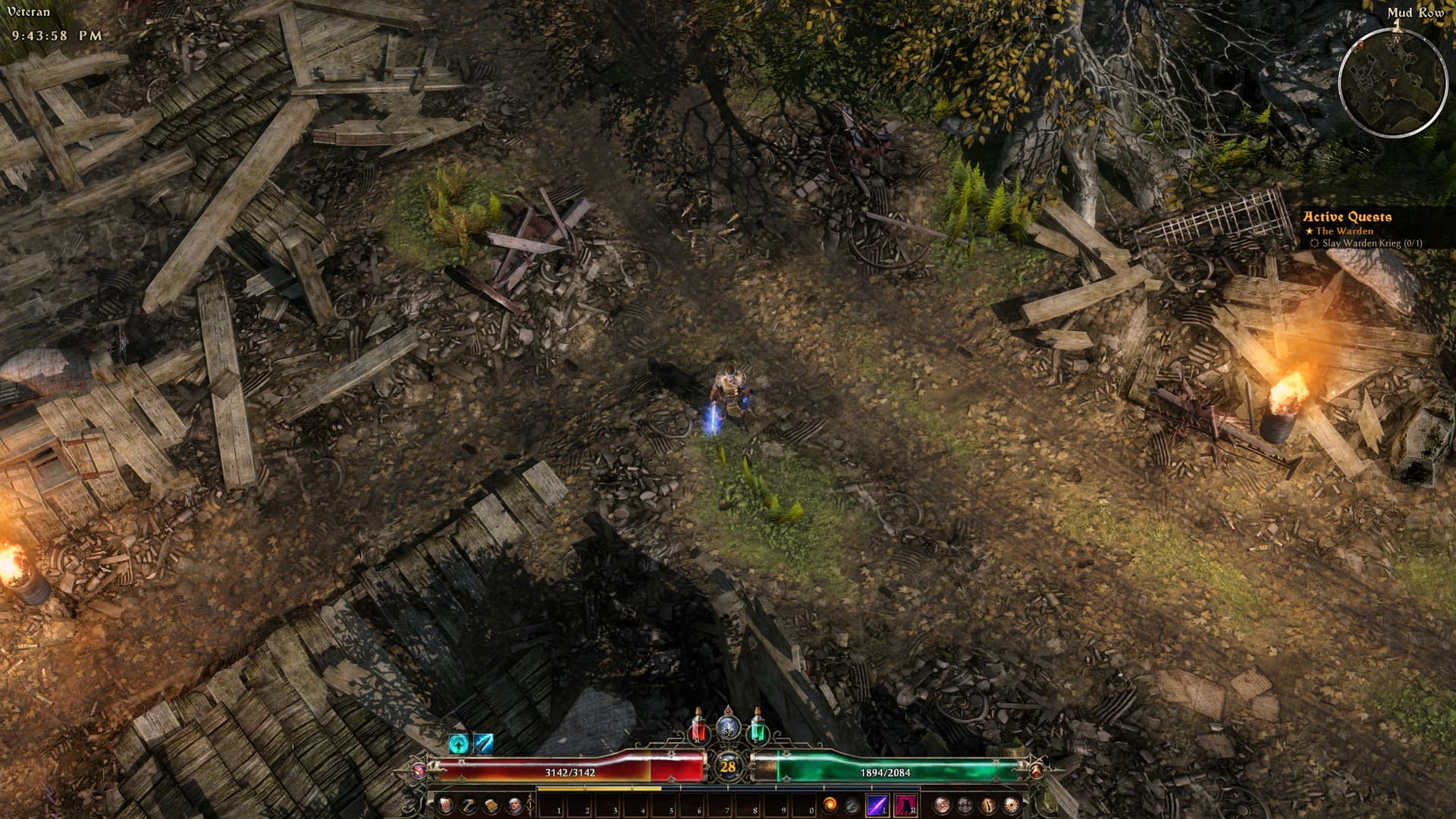
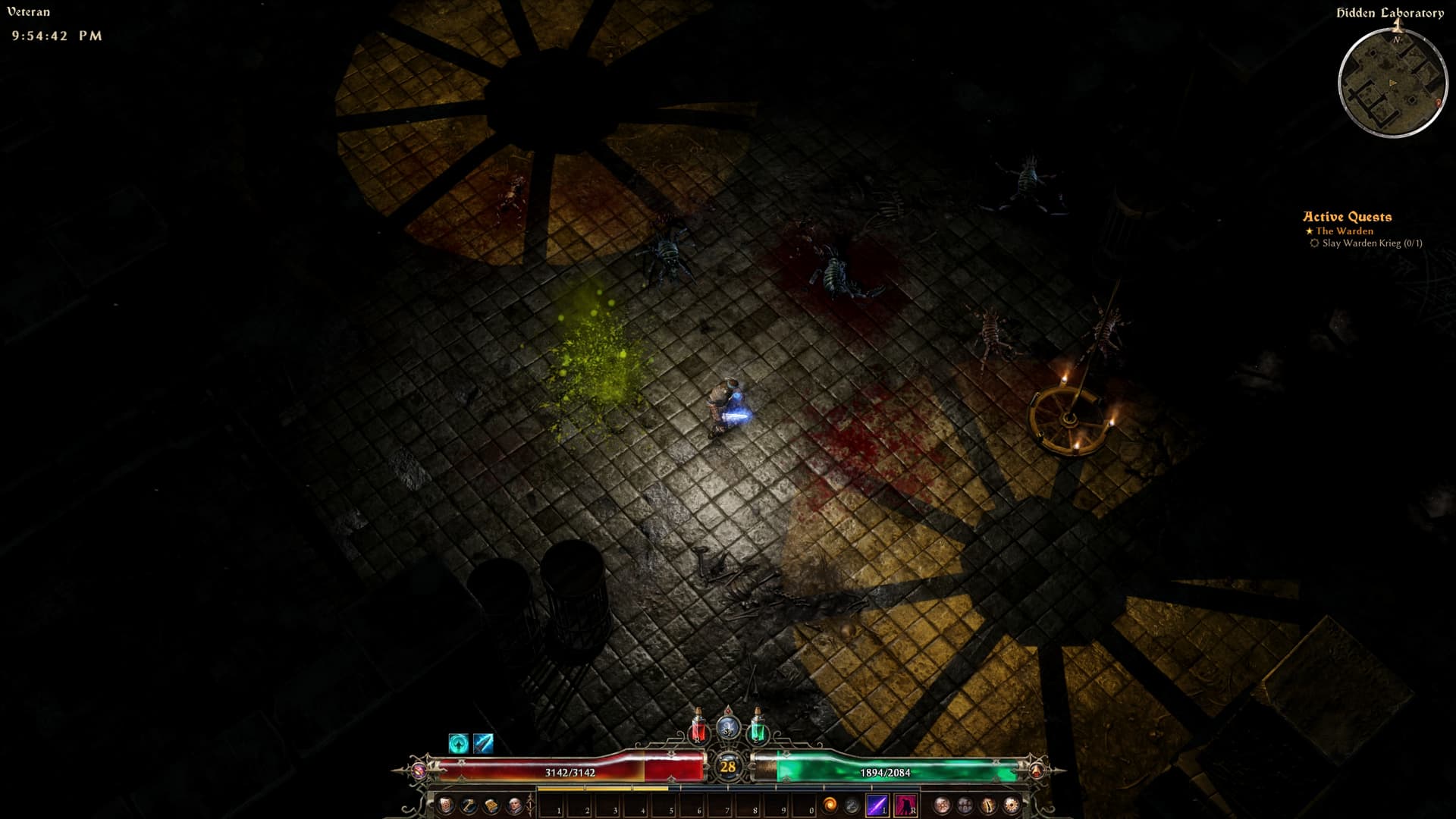
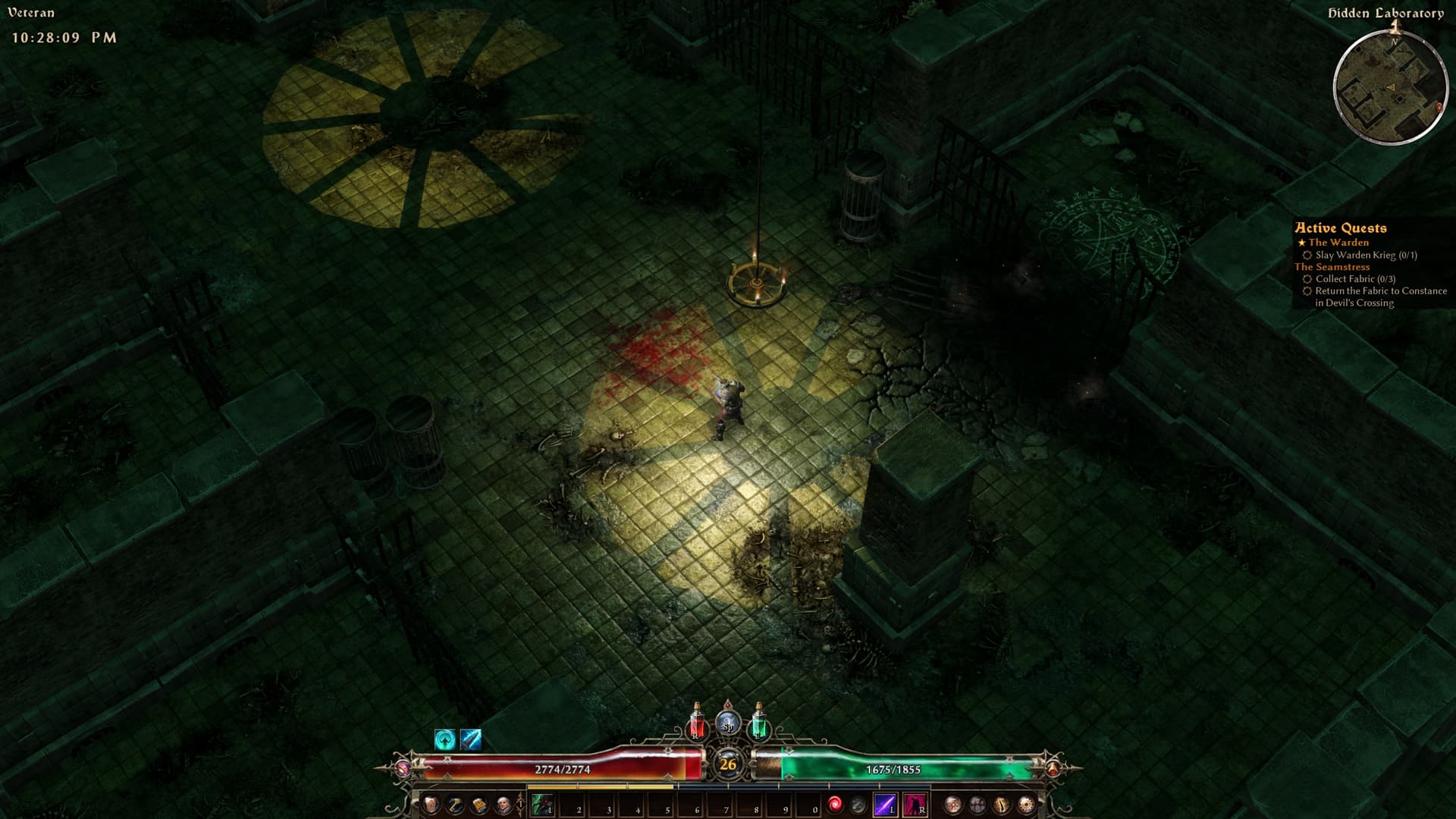
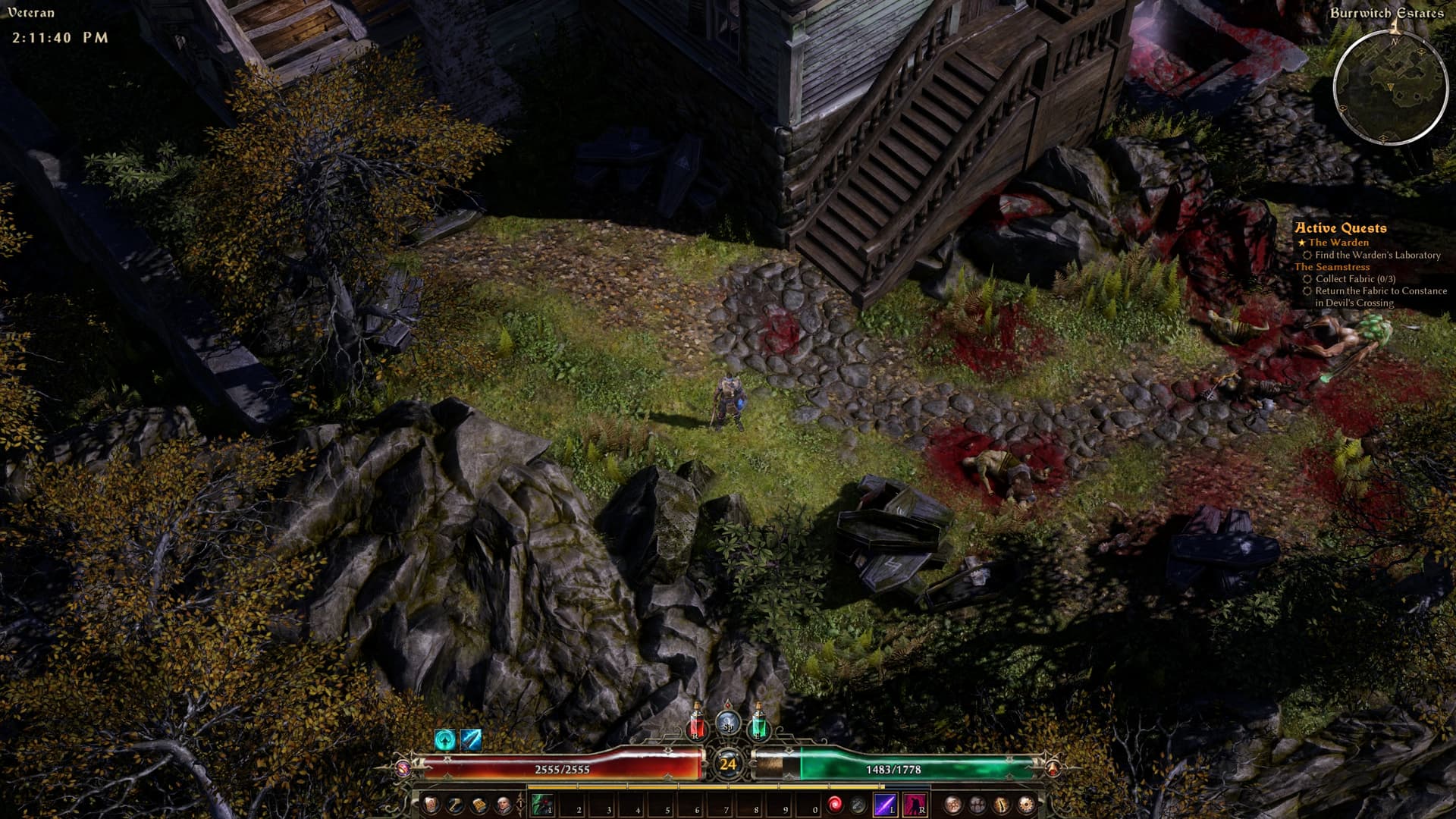
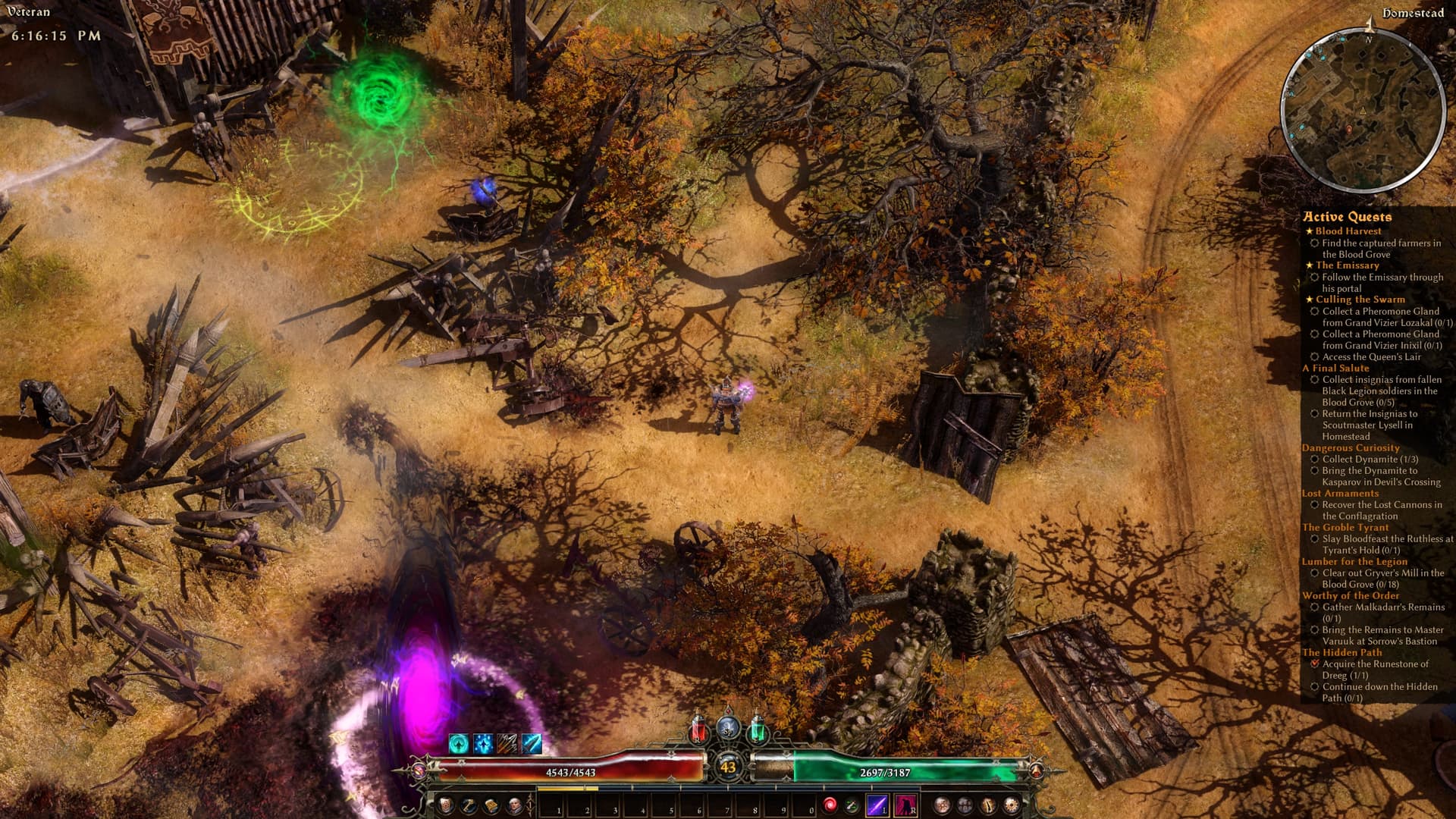
So I’ve been trying GD since 2023, and my biggest complain was the state of visuals: the colours, the saturation etc. I hoped FoA expansion will do something to the main campaign, but since it didn’t I decided to “remake” the textures myself. Core idea is to tone down the saturation, upscale textures to 1024 and 2048, and adjust the lighting.
Disclaimer: I’m not re-using anything from GrimTex mod, every texture is reviewed and processed from scratch, nor I’m feeding the textures to AI model - only old good image processing using java.awt.image package.
So far, I’ve got these “modules”:
Texture pack. Currently, it’s surface textures, effects, and monster textures.
Optional camera mod, to lock the pitch and make it closer to PoE camera angle.
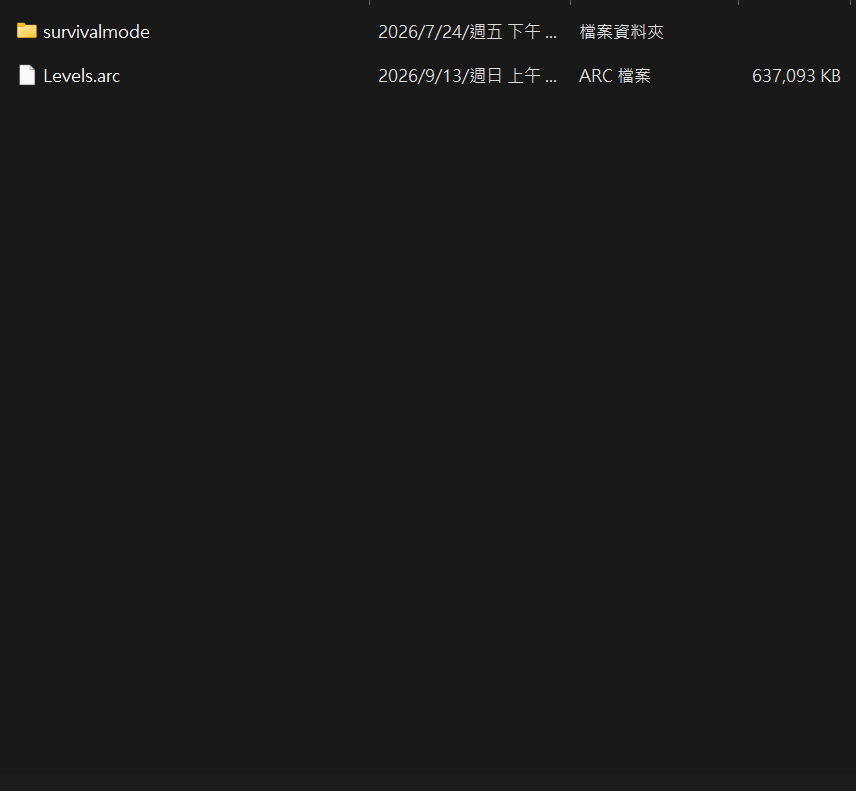
Act 1 zone re-lighting. This is the biggest pain point, because light presets are stored in the world itself (or I didn’t find the actual DBR records), so the mod requires replacing the whole Levels.arc. Also, for certain areas I decided to remove direct light and leave only ambient lights; it’s surprising how well the GD world is actually designed.
I’ve attached a few screenshots from WIP, and in my opinion, players can finally see what developers were trying to show lol.
I’m running into an issue right now. I don’t think it’s a problem with the materials; I think it’s related to changing the launch options.
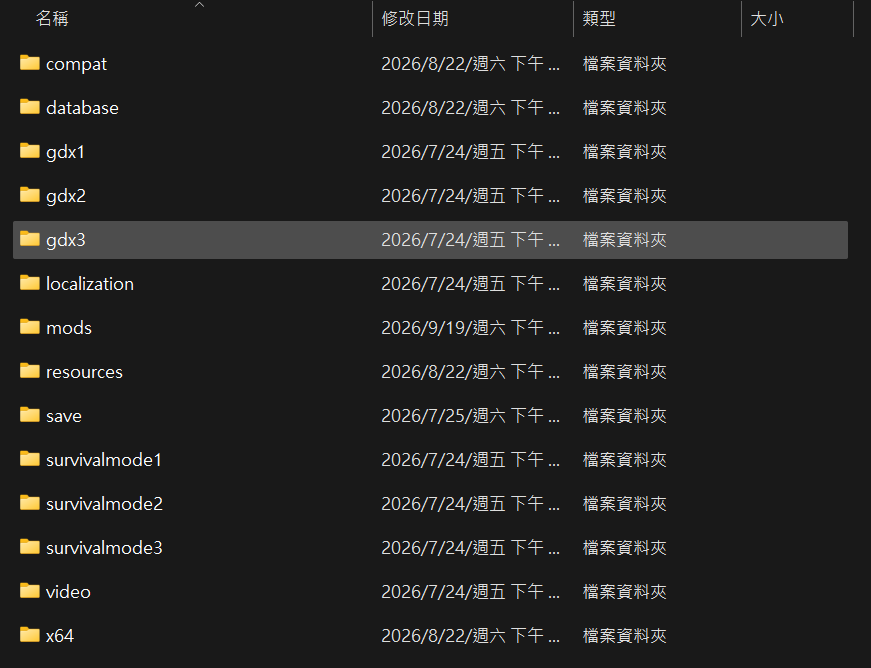
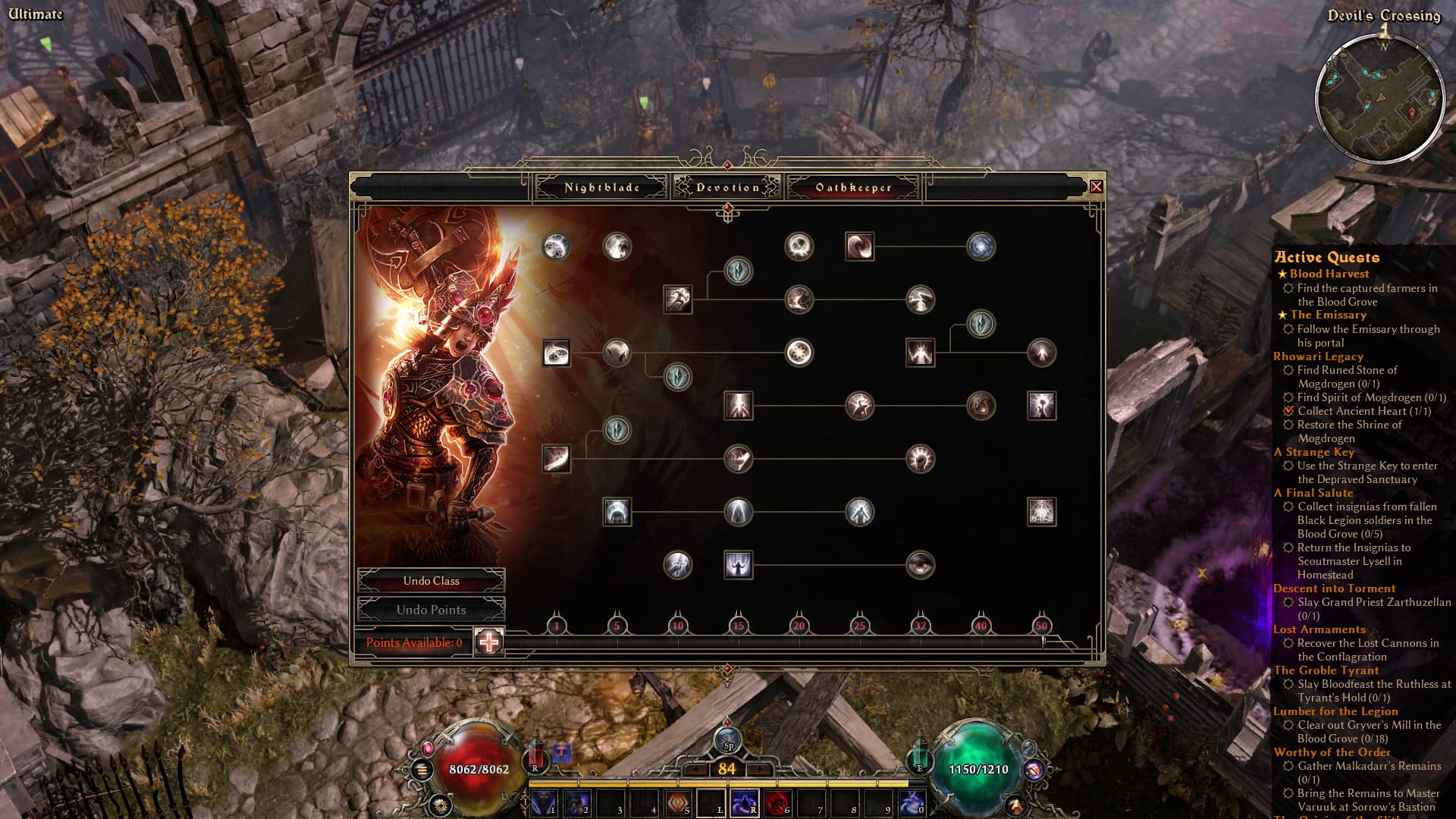
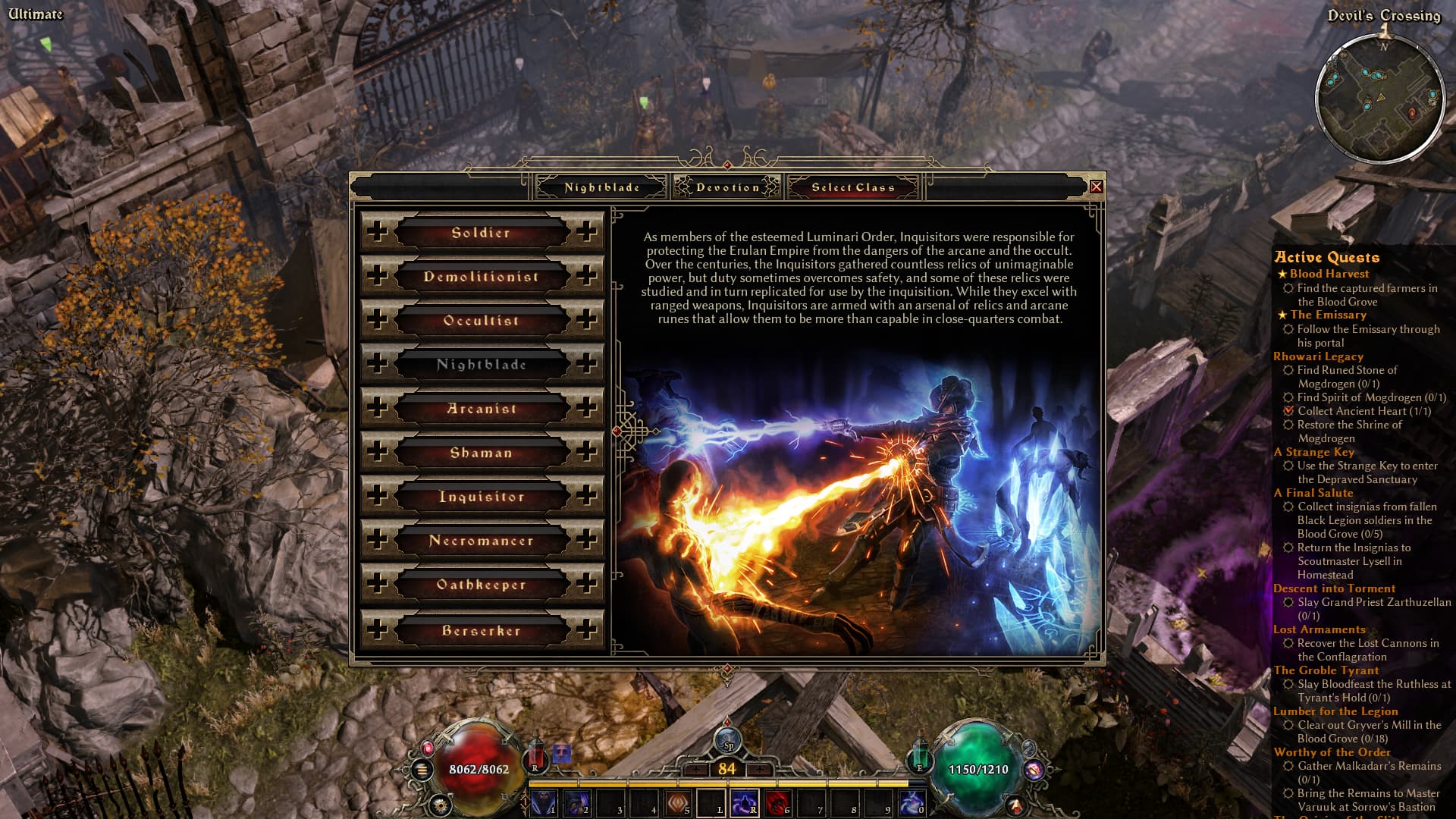
My DLC specialization was removed, and my character is now left with only one specialization. I’m not sure if the points were refunded either. Even if I try to respec, the DLC specialization isn’t available to select.
After changing the launch options back and launching the game again, the DLC specialization is available to select, but I no longer have any skill points to spend on it.
At this point, it looks like my save file may be corrupted. I can only hope that the save file on my other computer can restore everything.
Hello!
I’m sorry it happened to you. It is hard to figure out what happened without screenshots from you. “/basemods” flag enables override mechanism, but it’s behavior is unclear if yo have several mods. Without details, I’d say it is one of this:
You don’t have ALL the DLC, and my mod requires you to have them all
You had another mod adding masteries, and now my mod replaced that mod, so the mastery is not longer available.
Could you please share your “mods” folder content, and tell me what mastery has disappeared?
I see.
Please share what mastery is not working, the name of it. Also, you can check how many points were refunded, if any, by clicking on another mastery and checking available points there.
There is also an infamous problem with cloud saves, it sometimes (but regularly) corrupt people’s saves. Do you have cloud/steam saves enabled?
Thanks.
I played a Soldier without “/basemods” to level 10, then chose Oathkeeper as the seconds mastery, then restarted the game with “/basemods” and had no problems. I’m afraid the problem might be related to something that is not in my mod.
I’m sorry it happened, you can repair your character using GD edit tool: [Tool] GD save file editor
Thank you for the wonderful work. It seems the skeleton key’s texture size is too large. My apologies if this is just an issue on my end, but please kindly check.
Hi!
Looks like it might be an old installation, because I don’t see the problem.
You can manually delete its texture:
Documents\My Games\Grim Dawn\Settings\items\misc\skeletonkey01.tex