[Mod] [Tool] Grim Dawn Enemy and Item Randomizer (now with a GUI)

Does exactly what the title suggests.

Randomizing Bosses
All boss entries are shuffled, while quest and script related information is preserved to prevent anything from breaking.

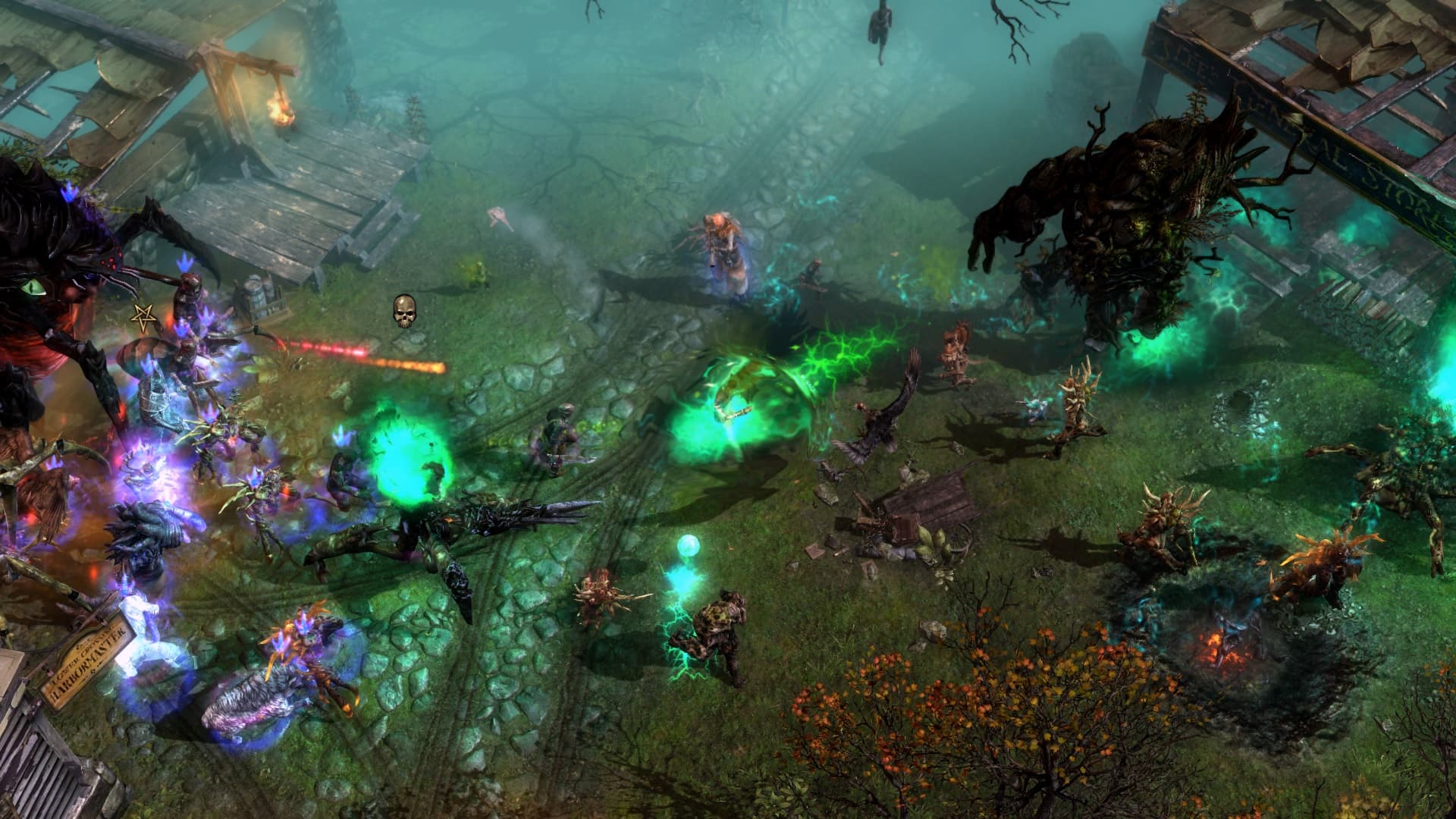
Randomizing Enemies
Non-boss enemies, including Heroes, are removed on spawn and replaced with a proxy at their spawn location. This proxy spawns a different random enemy. Enemy rarity is taken into account, as well as the proxy type (e.g., whether it is an ambush).

Randomizing Scale and Shaders / Appearance
Allows you to randomize the scale (height) of enemies within a specified range and apply different pre-selected shaders based on a set chance.

Extra Spawns / Density
Enemies can trigger additional spawns based on a set chance.

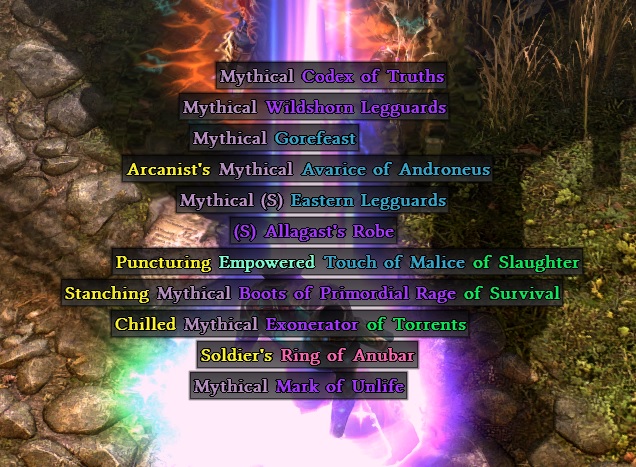
Randomizing Items
Randomizes all items either within their rarity or across their entire category. Guaranteed drops become less predictable. For components, this means rare components may become common, and vice versa.

  • Example 1: Shuffles all items of each category → For example a common item (a01_hands) will always be replaced by the same legendary item (d015_hands)
    • This makes certain uniques very common
    • Uniques that replace a common item can roll their affixes
  • Example 2: Shuffles all items of each tier/rarity → For example a legendary item (d102_hands) will always be replaced by the same legendary item (d015_hands)
    • This makes guaranteed drops less predictable

Randomizing Loot
Adds all unique items to their respective basic loot tables, meaning all uniques can drop anywhere, such as the Totally Normal … items. Additionally, all uniques have a low chance to roll affixes.

Item Randomizer


NEXUS MODS

Note: The tool is written in Python, and the executable packages the Python interpreter along with all required libraries, which explains its size. Alternatively, you can use the source if you know how to set it up.

Installation guide

  1. Expansions are required!
  2. Extract the contents into the Grim Dawn installation directory where the Grim Dawn.exe is located. There should now be a templates folder inside “Grim Dawn/database/”.
  3. Go to “Grim Dawn/mods/Randomizer/”.
  4. Start the tool (Randomizer.exe) and customize your mod.
  5. After the mod files are generated, you will be prompted to open the Asset Manager to build the database.
  6. Done! Load the mod in-game through Custom Game.

log_bosses.txt and log_items.txt will be generated. The tool automatically reads the previously used seeds from these files.

Download Grim Dawn Randomizer Tool

Download Grim Dawn Randomizer Tool (Source)


Tip 1: Running the randomizer tool a second time resets the full mod, regardless of the selected options!

Tip 2: If you encounter any issues related to bosses, you have two options:

  1. Use the in-game console to spawn in a kill switch: game.give “randomizer/k.dbr”
  2. Re-randomize the bosses (so the full randomizer) with a new seed.

Tip 3: If you no longer want components to be randomized, simply deselect the option and re-run the randomizer tool using your previous settings (including the same seed). Note that doing this with faction items will re-randomize at least components.

Tip 4: If you have randomized items, keep in mind that re-randomizing them will also change your currently equipped items.

Tip 5: Every randomizer option can be easily removed by running the randomizer tool again, except items, see above.


Merging with other mods (that have a low conflict potential)

  1. Extract the contents into the Grim Dawn installation directory where the Grim Dawn.exe is located. There should now be a templates folder inside “Grim Dawn/database/”.
  2. Move the contents of the Randomizer mod folder over to the other mod folder. Do not overwrite.
  3. Create a backup of the “Grim Dawn/mods/[other mod]/database/[other mod].arz” file.
  4. Start the tool (Randomizer.exe) and customize your mod. Do not build the database yet (but run the randomizer).
  5. Run both “Merge with other mod.*” scripts (they have to be where the Randomizer.exe is).
  6. Copy the created backup .arz file back to where it was.
  7. Build the database.

Do not randomize huge mods such as Dawn of Masteries or Grimarillion. It won’t work.

New enemies or items won’t be randomized.

I tested assume this works with my Lightweight mod. Great combination by the way, since it speeds up the early game, which might normally be a bit slow with all the randomized enemies.

Scripts for merging with other mods.zip (819 Bytes)


In the old version, you do the randomization process yourself through PowerShell scripts: PowerShell version

2 Likes

image
Hi, What is the difference between these two compression packages?

The number inside the brackets is their specific seed.

Randomizer Version 2.0

Changes

  • Refined Boss Randomizer script
    • Previously different versions of a boss for each difficulty could potentially replace every other boss, meaning a Ultimate version could be encountered while playing on Normal → This is now taken into account
    • Bosses can now be excluded from being randomized
      • Super Bosses are excluded by default
    • Log file now also includes the actual names of the bosses for better tracking
  • Added Item Randomizer script
    • Option A: Shuffles all items of each category → For example a common item (a01_hands) will always be replaced by the same legendary item (d015_hands)
      • This makes certain uniques very common
      • Uniques that replace a common item can roll their affixes
    • Option B (default): Shuffles all items of each tier/rarity → For example a legendary item (d102_hands) will always be replaced by the same legendary item (d015_hands)
      • This makes guaranteed drops less predictable
    • Customizable script
      • Categories can be removed from the list to exclude them from being randomized
      • By default, materials and faction equipment are randomized too
      • By default, normal items (non-uniques) are not randomized
  • Added Loot Randomizer script
    • All items of a rarity (and inside a level range) are added to their respective base loot tables → All items can drop anywhere (e.g. “Totally Normal …” items)
    • Customizable script
      • Uniques can be set to also roll affixes (with a low chance)
  • Added a script to fully reset the randomizer to its default state
  • Added a script that merges the randomizer with any other mod
1 Like

Question: Is there a way to make this run on the steam deck?

You need PowerShell to run the relevant scripts, which you could get on the SteamDeck too.

But I will try to upload one or two already randomized mods tomorrow, you could simply play these instead of putting any work into it!

1 Like

I just wanted to add that I have yet to play more than just the beginning. So there might be issues, feedback is much appreciated.

I might also do random boss ambushes and maybe shuffle around some sound effects in the future, cause that would be really funny.


Here are two already built mods. Faction items and non-uniques were not randomized. Uniques can drop with affixes.

EDIT: Linked further down below.

1 Like

I still don’t understand what the numbers behind these two MOD file names mean. :melting_face:

I think those are the seeds used when generating the pregenerated mod file using the script

Awesome! Thank you very much for the mods!

Hey, what do i do when a boss is stuck and wont attack and I can’t speak to him or anything. I tried restart but when i go to the boss it does not give me any options to talk or anything anymore.

If there is an issue with any boss, then your only choice would be to re-randomize them all, unfortunately. Can you tell me which boss has this issue, so I can exclude them from being randomized?

From the OP:

The quest is “The Aetherial Farm” and boss should be Aetherial Amalgamation. But when i go fight it different one shows up that’s called “Anasteria Wrath of the Aether” this boss does not attack or do anything. So i can’t progress the campaign or anything. How can I re-randomize it? I’m using the most recent randomizer that you posted in comments.

There are a few hundred boss entries lumped together, so such cases are hard to catch!

Here are the two already done mods with this faction related boss removed:

Grim Dawn Randomizer (1440435017).zip (2.6 MB)
Grim Dawn Randomizer (1578302078).zip (2.7 MB)

Not tested.


If someone is doing the randomization themselves (basically doing the steps in the OP):

  • Note down the seeds from each log file
  • Edit each script you want to use (e.g. 1 RandomizeBosses, 2 RandomizeItems) and type your seed in the first line
  • Go to “randomizer/files/creatures/boss&quest” and delete all theoutcast files
  • Run 0 ResetRandomizer and then do the whole randomization process from the opening post again
3 Likes

Can we use this with DOM< or Gramilion ?

Merging with other mods. You say move the contents from the random mod folder to the mod you wanna merge with, and follow steps…ok, but the steps then take you to the asset manager where it says that you pick the random folder in the mods folder (where the contents of it have been moved into the other mod folder for the merger) so, what now ?

Since both mods are huge overhauls, there is a lot of conflict potential. So, I don’t know how well it would work, but you can try.

As for the mod to select in the Asset Manager, you have to select the new mod (e.g. dom). Trying to select the random mod and build it would do nothing, since you moved all its contents.

EDIT: If you won’t try using the item randomizer (I don’t recommend it for such huge overhauls), delete the “Randomizer\database\records\items” folder before moving files and doing anything else. Do not run the scripts 2 and 3.

1 Like

Randomizer Version 3.0

Changes

  • Full rewrite in Python with added GUI and packaged as one executable
    • The whole randomization process should now be pretty straightforward!
  • Added kill-switch trigger to “fix” either broken or too difficult bosses
    • In-game console: game.give “randomizer/k.dbr”
  • Added chance for bosses to spawn anywhere when Extra Spawns are enabled
  • Added an easy way to exclude any boss through a selection list
    • You can easily toggle all Super Bosses and Wave Events
    • You can save your current selection and load it again later
  • Removed some non-bosses from the boss list (such as vines)
1 Like

I’m new here, could you please explain what “Reroll seed” means?

The seed (the starting value for the random number generator) determines the result you get in the randomizer. If you input a seed - for example 642683578 - you will always get the same result.

“Reroll seed” simply rolls a new seed, even if a seed is already put into the text field (either by you or by the randomizer).

1 Like