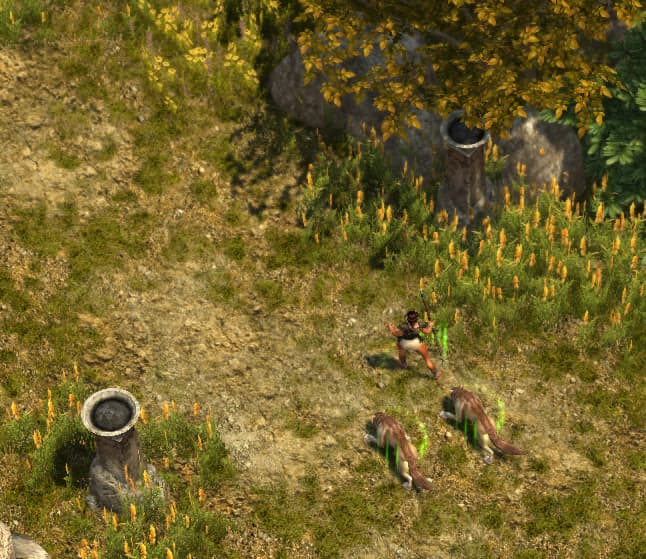
Not sure what the other pets are like but wolves need to be more aggressive. Have to get quite close to monsters before they’ll engage with them.
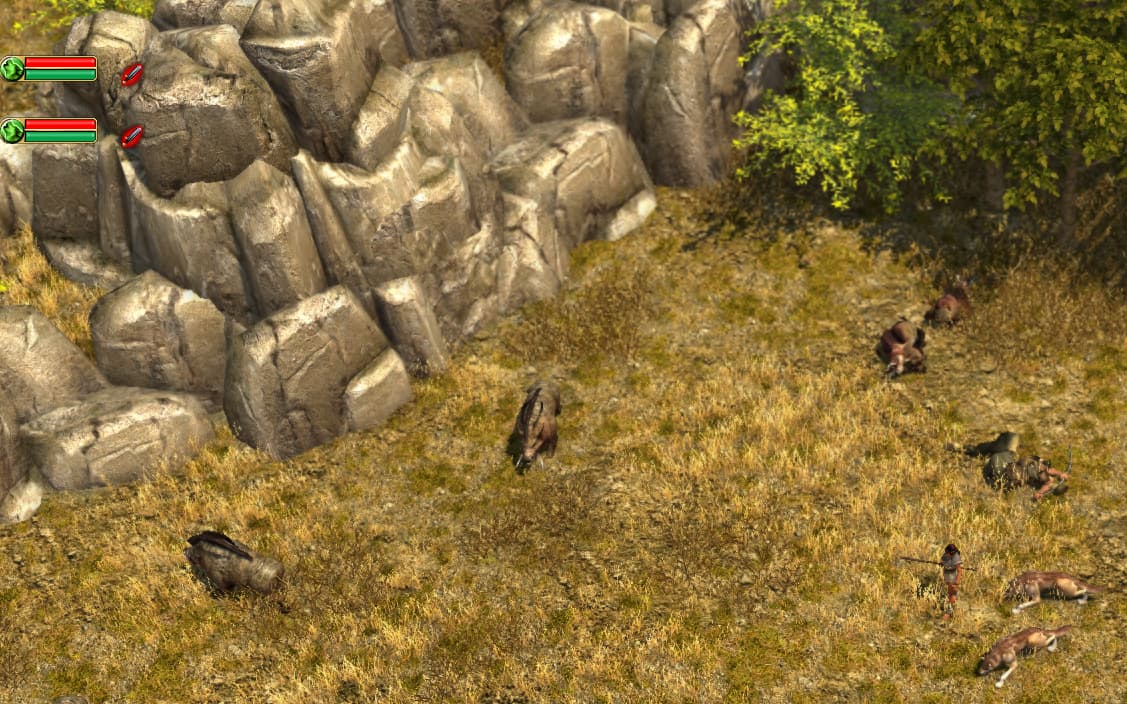
In TQ and GD they’d be going for the nearer boar at least from that distance.
Not sure what the other pets are like but wolves need to be more aggressive. Have to get quite close to monsters before they’ll engage with them.
In TQ and GD they’d be going for the nearer boar at least from that distance.
All summons uses exactly same ai controller as original game. Although I think, I can increase pathing view distance to make them more aggressive.
 I’m playing Nature atm. Will add Dream in a little while.
Not sure if it’s a bug or just can’t be done in the engine, but the pathway torches don’t light up as you pass through them. Some are already lit, but any that aren’t won’t start when you go by them.
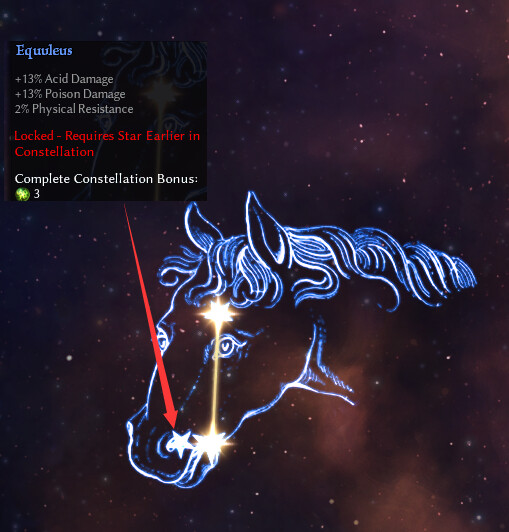
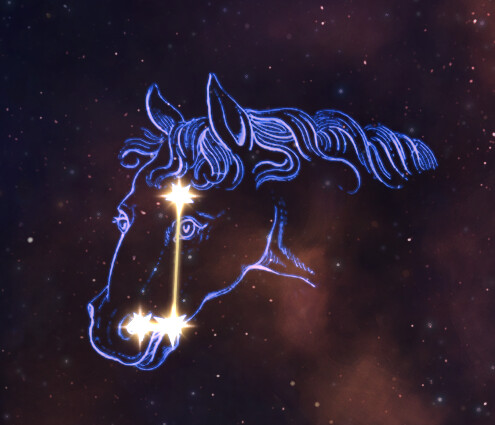
And wow! You reworked the devotion constellations. That must have been a big job Denis.
As said Details in OP, zone markers static and lits absolutely random. GD doesn’t have native code to interactive environment objects without LUA.
Gave the mod a shot. I played both vanilla TQ Anniversary and TQ ReDawn up to the Spartan camp to make sure my memory wasn’t playing tricks on me, and I noticed a few notable things:
Gameplay differences:
Stuff I appreciated:
Other misc comments:
Overall, thanks for your work on the mod, it’s an impressive achievement with only that ever-elusive 5% polish missing to make it a superior experience to the Anniversary Edition.
Is any of the online advice about how to make a good pet build still valid, BTW? Nature + Spirit seems to be the recommended way, but thematically I prefer the Nightmare from Dream to the Lich King.
(Damn are the Grim Dawn gamepad controls bad in shops compared to TQ:AE, though. I just realized that playing both back-to-back.)
Thx, for feedback.
Enemies AI could be related with pets AI issue listed above. I’ll check it too for next update.
Engine limitation for Tile objects. Low priority to fix.
Quest still could be completed via dialogue. “Is this it?” line appear if character have dowry in inventory.
I did not touch any gamepad related code.
ReDawn based on classic TQ:IT include enemies and lootchests density. I can’t say for sure how different it is from latest TQAE.
… that can’t be changed. You gain extra health for investing in any stats and additional energy for investing in Intelligence.
As soon as TQ will have dodge.
Many people likes challenges.
It’s not planned to add more languages, at least right now, as it require more work, including translation (mainly new content)
As far as I can judge, the solution with LUA is unnecessarily labor-intensive
Thx. will be fixed in next update.
Until that, You can build this file to your database:
records.zip (1.4 KB)
Thank you very much, the problem has been solved with your help.
Hello, the way you modded the camera is fabulous.
For a second I thought this was the default camera behaviour and was so excited to play other grim dawn mods and vanilla base game like this , but unfortunately, it seems the way your camera zooms in to a more traditional ARPG/MMORPG combat style is making me very jealous.
I absolutely love your mod, but now wnat your camera in all mods for this game as I dont want to go back to playing the old zoomed out boring same old way this genre is usually played.
i really enjoyed playing like I was playing WoW or Skyrim… butr only this mod has this capability.
How Can I replicate your camera for other mods?
I just cant go back any more, the super zooomed in play style is insanely fun.
I had no it was even possible before now to play this genre from that point of view, but not only is it possible ,it’s actually more fun than I ever thought… it really makes you feel like you are playing a more traditonal rpg thus making it far more immersive in my opinon.
You can try to use DPYes utility. It have advanced camera settings.
so there seems to be an issue, I keep crashing at Kerata Forest (after Megara) every single time, I can’t progress any further due to the crash… I can upload a crash log if there is an easy way to do it.
I could not reproduce. However I’m on 1.3.0PT where I fixed some file format related crashes.
I don’t need log cause it useless.
I apologize for the confusion, GrimCamera was most likely the culprit, the farclip (Draw Distance) was set at 1000 for some reason ( I don’t remembert setting it that high.) and after lowering it to 120/or disabling it, the crash has stopped occuring , ( I was able to bypass the troubled spot and arrive to AMbrosia Village in Boeta, and have not crashed again since.
I did not have a single crash before Kerata Forest so my brain did not connect the dots right away relating to GrimCam.
Sorry again about the false alarm.
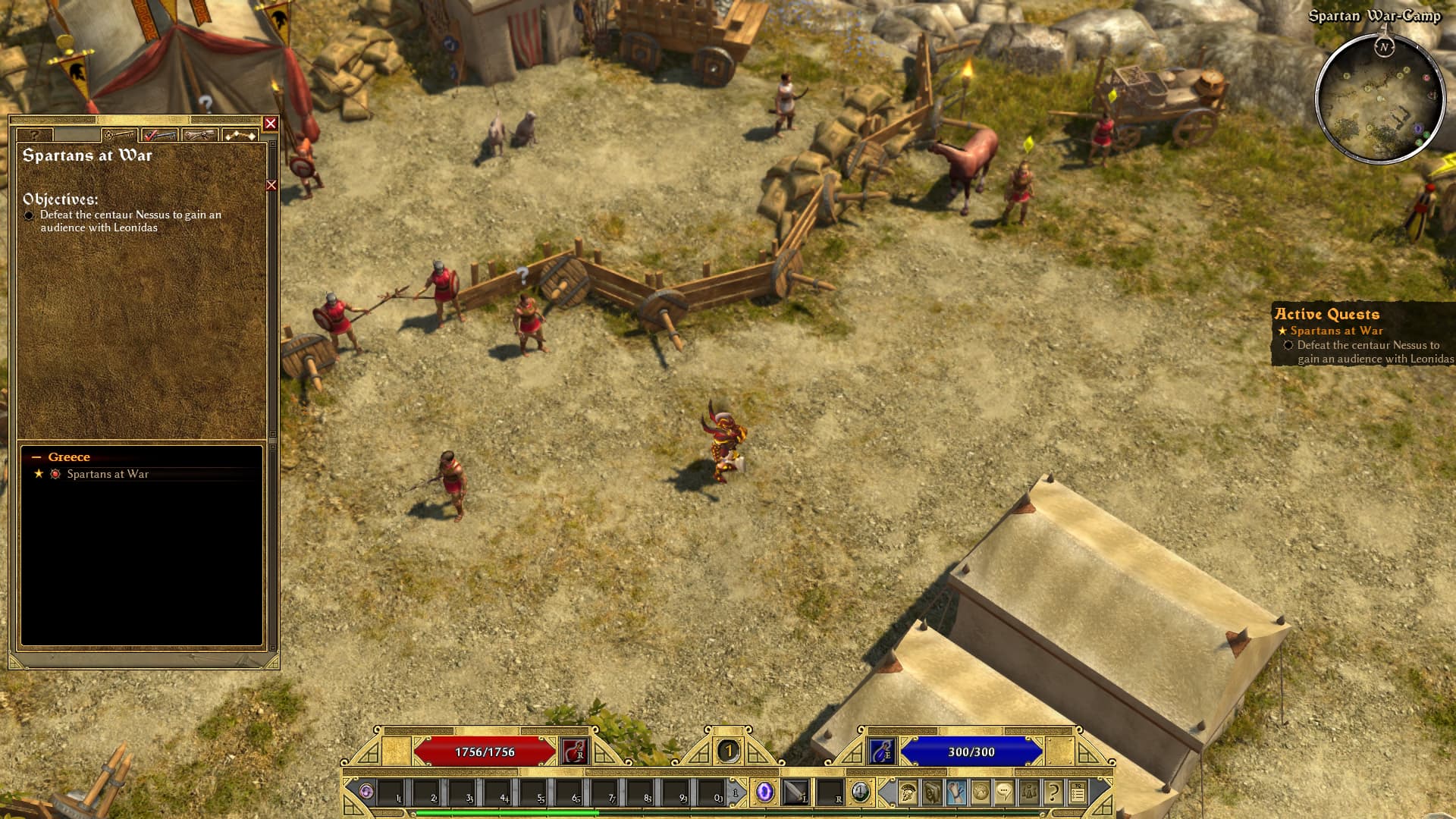
Downloaded the patch but the Nessus quest in Act One does not show up in the HUD. Any suggestions? Thanks for the GREAT mod!
What does “does not show up in the HUD” mean?
My apologies for being unclear and using abbreviations. The Nessus quest is not displayed after getting it in camp where the quests are listed on the right. HUD is a generic term for ‘head up display’
Have a good day and thanks for the quick response.
Checked once again, all works correctly.
Quest #2 doesn’t work in v1.2.0 since it missed link in world file, but v1.2.1 patch fixed it. Be sure you correctly install latest patch.
Thank you…figured it was something on my end. Downloaded the patch and it works!