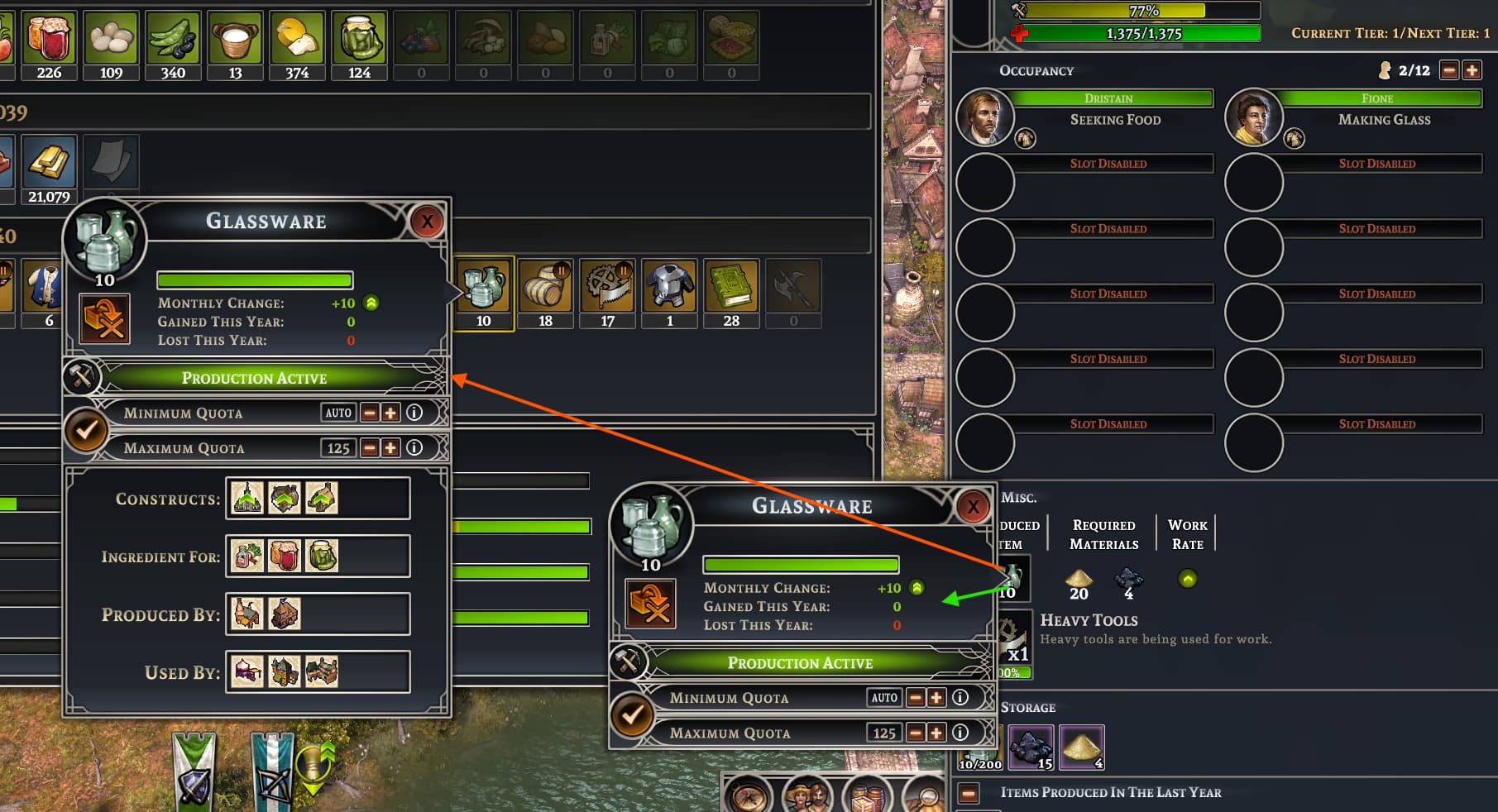
When a building is selected, suggest right-clicking item icons shown in the building’s window would show the same pop-up that appears when clicking an item in the Settlement Items (press R) screen.
In this example, left-clicking the Glassware icon shows the pop-up with the green arrow but I suggest right-clicking shows the pop-up from the R screen. The latter made it much easier as a newbie to follow an item’s supply chain: “I’ve made an item, now where does it go?” The red-arrow window gives that information.