Can you check if the update function within the editor is working. I’ve tried to use it the last few times and it won’t update to the latest version. It shows it downloads and opens a new cmd once done, but it is still the old version Probably just something on my PC, but since there is no log of what happens I can’t say why it is not working (the gd-edit file does get updated, but it shows the old version number too). A manual download and replace works fine so not a huge deal.
Hmmm! I think I ran an update successfully yesterday when I was looking into the transfer stash bug you were talking about.
When it runs a self update, it will usually adds a .bak extension to the currently running exe just in case something goes wrong. Can you try running that old version for me? It sounds like after the update happens, somehow you end up with two copies of the old version. Just want to verify that that really is the case.
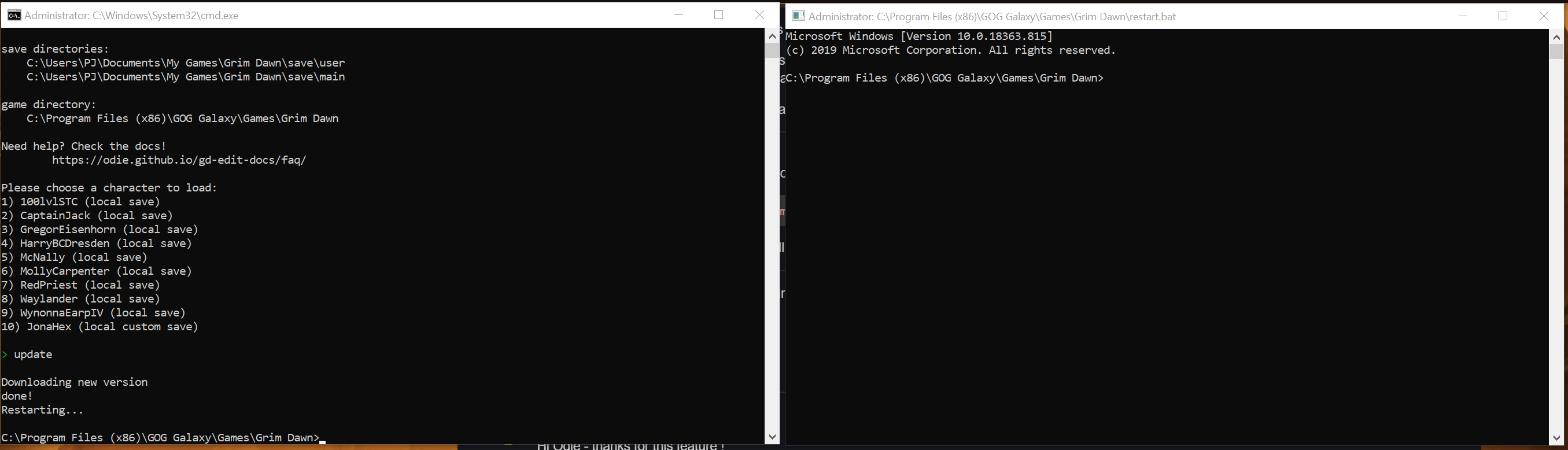
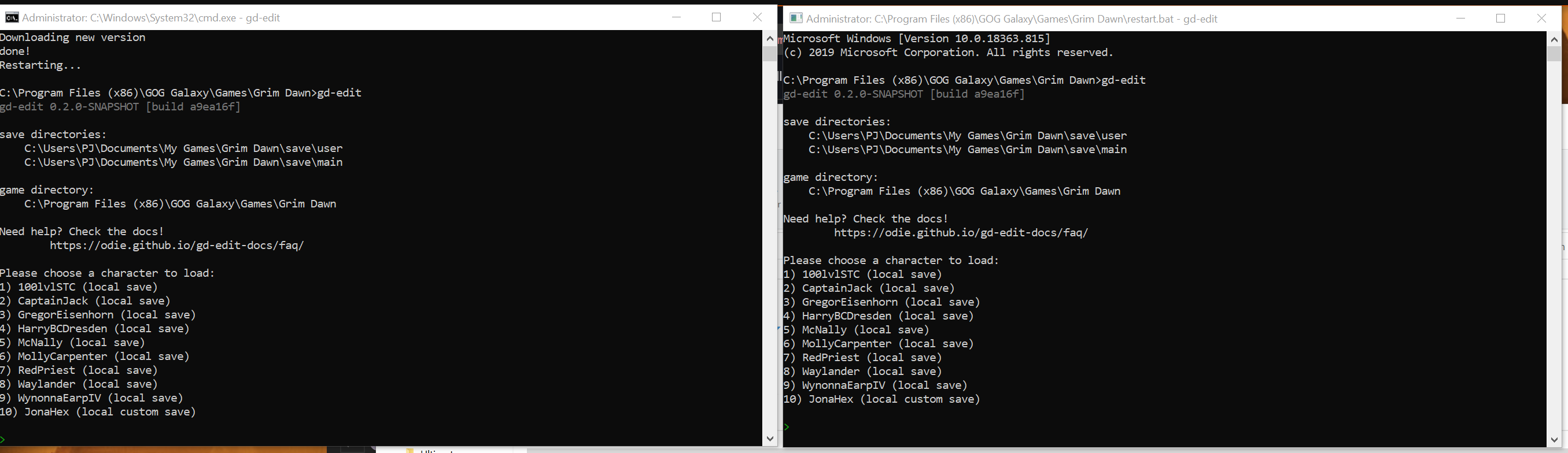
Here are some screenshots. In screenshot 1 LHS is the original version. RHS is the updated version. I opened the first cmd window. The update opened the second one (it says restart.bat).
My windows-fu is pretty weak. But it looks like you have the editor sitting under the “program files” directory. Maybe it doesn’t have proper permission to write files correctly?
Can you move the editor to somewhere in your user directory and try again?
Yeap that fixed it. Pretty sure updates used to work where it was, but that’s windows for ya. It updated to new version and made a .bak as well so we’re all good
BTW - I tested the remove function in mod transfer stash, for a single item and a 600 item batch (thanks for the wildcard option !). All ran ran fine. Expect it will run as expected on other stashes too. Thanks again !
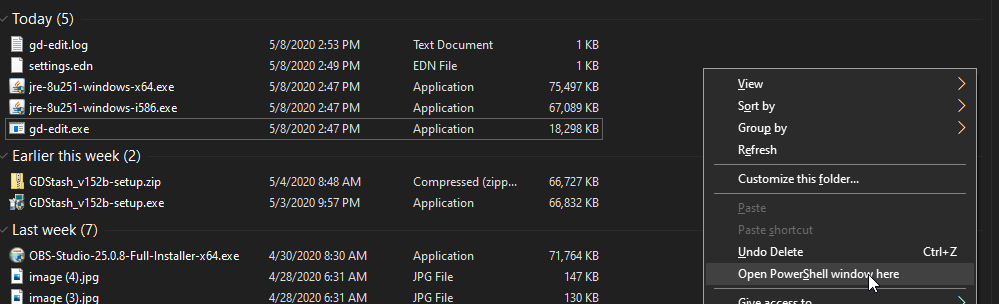
You can still use cmd, it’s just powershell is the default. See below from Microsoft.
You can still enter cmd (or powershell ) in File Explorer’s address bar to launch the command shell.
For those who prefer using Command Prompt , you can opt out of the Windows Logo Key + X change by opening Settings > Personalization > Taskbar , and turning off, Replace Command Prompt with Windows PowerShell in the menu when I right-click the start button or press Windows key+X .
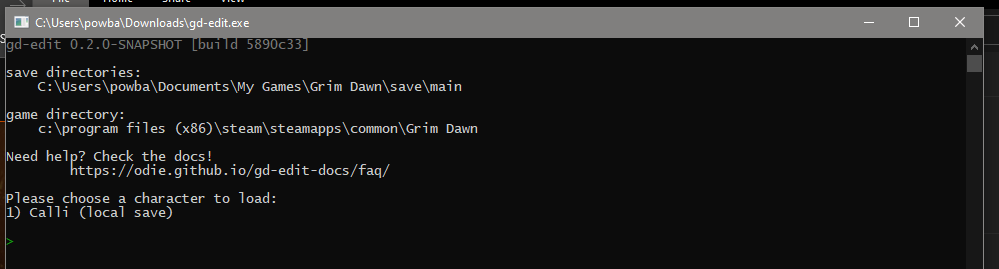
Hmm. I just tried it out. First time ever using Odies tool. Installed Java since I hadn’t yet on this Windows install, double-clicked the .exe, and got this…
What version of Java do you have installed ? For gd-edit you need to be running 64 bit version. When you open a command prompt type java -version. It should say 64-Bit Server
A new command “delete” was added in the last update to move characters to the recycle bin.
If that update is causing issues, the pre-update backup gd-edit.exe.bak should still be in the directory. It you need to use the editor right away, please run that older version for now.
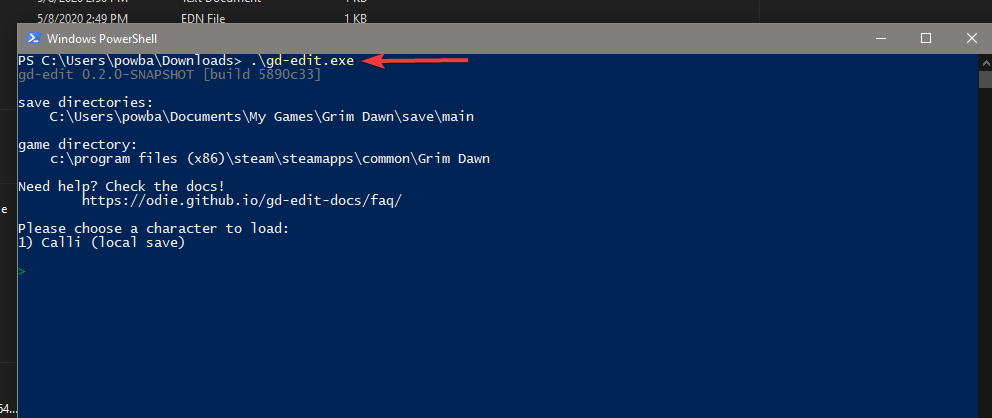
As for things crashing… not having a 64 bit version of Java is the only thing I can think of. The editor usually catches its own exceptions/errors and attempts to continue functioning instead of exiting/quitting/crashing. Please try starting the editor from the command line. You should be able to see any error messages left on the screen after the program quits.
hey @Odie - i’m playing a mod with it’s own set of rift gates/waypoints - is there a way using gd-edit to unlock gates from a mod? tools like gd stash, etc will only work with the original GD gates. Thanks!
Highly unlikely, afaik the rift gate data (GUID) is not stored in the database but in the map, which is why I never bothered figuring out how to add it to GD Stash.
If Odie has a way, I am curious where he gets the data from…
That being said, if you already know the ID you could theoretically set it with gd-edit, but I am not sure how you would get to the ID in the first place…
 Probably just something on my PC, but since there is no log of what happens I can’t say why it is not working (the gd-edit file does get updated, but it shows the old version number too). A manual download and replace works fine so not a huge deal.