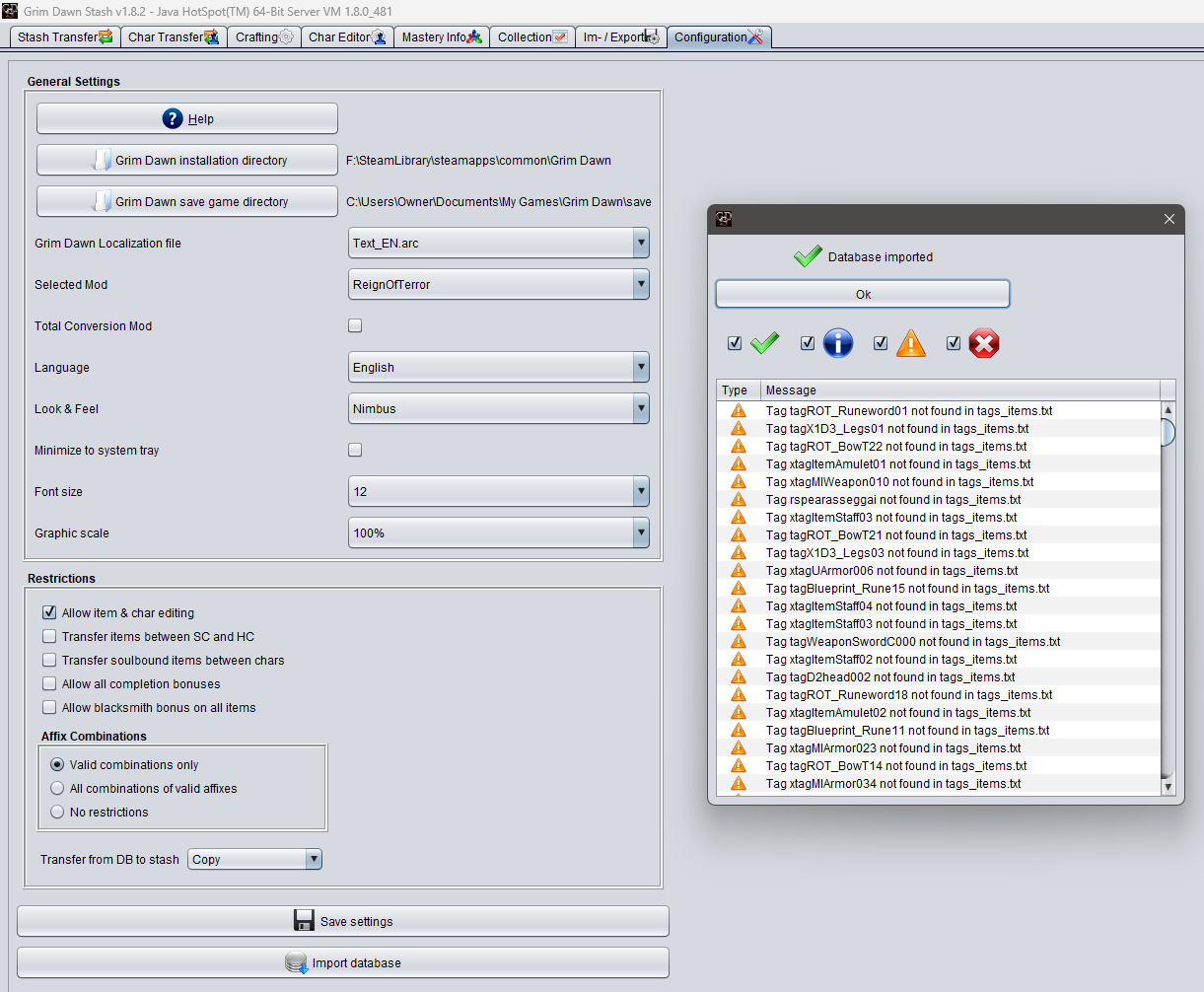
The two are unrelated, the DB import has nothing to do with your characters or stashes. The warnings you see are about some GD loot tables containing the same item more than once, which probably is a mistake (there were 3 tables with this, out of thousands, and there is no reason to ever have the same item in one twice, if you wanted it to drop more frequently, increase its probability…)
As this is odd but does not interfere with GD Stash, the tool shows a warning and then moves on (it cares about loot tables only because they define which affixes can be on which item).
Simply ignore this, there is nothing you can do about it and it has no impact on anything.
maybe I am not sure what you think your problem is…
Let’s start with the obvious, most of your video is showing the DB import and some warnings at the end. None of this is relevant and you can ignore it. This is all perfectly fine.
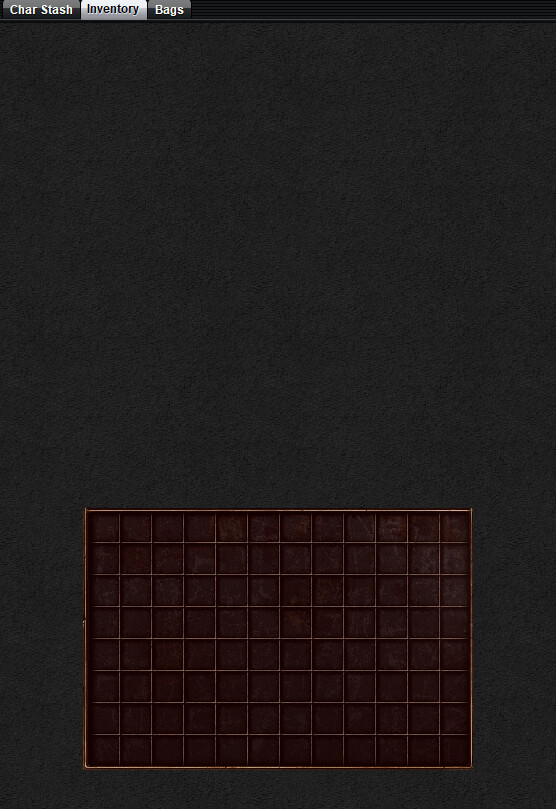
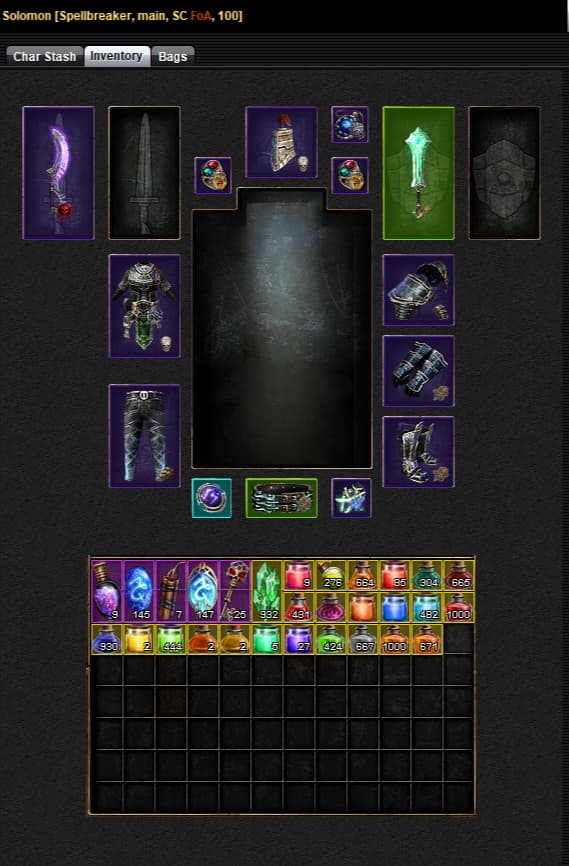
extra stash tabs exist in the beta, nothing wrong with that. Upon rewatching I noticed a char with no equipped items shown and a red inventory, as in the screenshot you now attached.
I have no idea how you managed that, but it should be character specific, so save file related. Can you upload the save file? The player.gdc is enough
I have no idea how you achieved this screenshot, there should always be the image of the equipped items on top, and the inventory below should never be displayed in red. That red overlay only exists for the inventory bags, because you might not have unlocked those yet.
I doubt I even added code for that overlay to anything else (would have to check, might be inherited from a superclass).
Since all your characters work for me, there also is not really anything for me to look into…
anyway, thanks for your help. guess I’ll try deleting and downloading Stash again, and if that doesn’t work…
@mamba is there a way to completely wipe out Stash settings and saved data?
also the problem still persists. if I unlock extra stash tabs in the game for any char, it goes unavailable in stash. and if I go back to the save with no extra shash tabs unlocked, it’s perfectly fine.
Figured out what change I had made in the meantime fixed the issue, didn’t realize the consequences at the time. Only relevant if you have the Fangs of Asterkarn beta (but no harm if you don’t)
when i import database i get a ton of errors of item not found. using this for RoT mod, and have the directories set up correctly (or i think so) i do have my stash visible but i cannot search items to add to my stash. i currently have my grim dawn cloud saving and have tried to turn it off, but the save folder in C:\Users<username>\Documents\My Games\Grim Dawn\save does not exist, even relaunching the game or verifying the game files does not generate the save folder. i just get a settings folder in that location. but i have the directory set to the correct location according to the help page for cloud saving and still get errors of item not found.
Since you are not including any error messages, I have no idea what errors you get. Missing items during an import does not really make sense to me. Are you missing tags for records / items?
Is it after the import when the shared stash is being read? Then that could be due to you having selected a different stash from the RoT one.
You can’t just turn off cloud saving. You need to move your cloud saves to local ones. Follow the instructions here and also make sure that cloud saving is turned off in both the Steam settings and the ingame Options menu.
Once you have done that then in GDStash go to Configuration tab and select the RoT mod, save the settings and then import the database again. If you still have errors then provide a screenshot of those so mamba can take a look.
I actually just got a report that crafting items (Troll Bonecrusher) being sent from IA is invisible to the blacksmith. Even after restarting the game, dropping the item on the ground and picking it up again, the blacksmith won’t recognize it.
Probably some new fancy logic involved in the crafting. Duplicate stored in a crafting-recipe list?
i transfered my saves to local and have changed settings in game to NOT cloud saving as well in steam itself i have turned off cloud saving. still getting errors