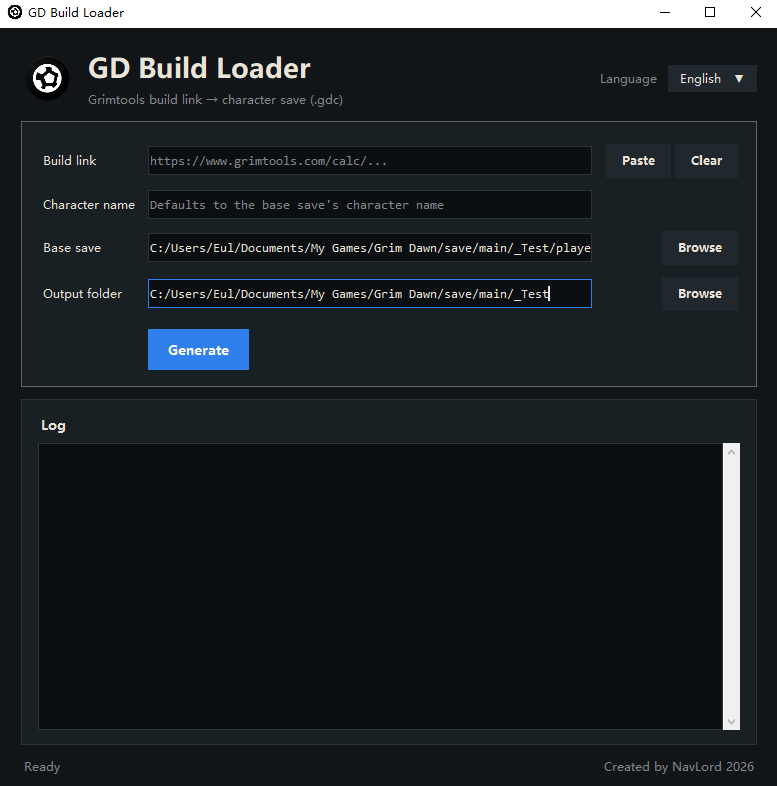
Enter a grimtools link, select a base character file(.gdc) and an output directory, then click “Generate”. The tool fetches the grimtools data and produces a character save file (.gdc) that exactly matches the equipment setup, stats, affixes, ascended affixes, skills, and devotion allocations in the link.
You can specify the name of the generated character (note that Grim Dawn normally only supports English letters + numbers in names).
The generated save file is named “player_date_time.gdc” by default.
Rename the generated save file to player.gdc before use. Note that the game requires the character name to match the name of the folder containing the .gdc file, otherwise the character will not load properly. For example, if the character is named Doom, it must be placed in _Doom folder.
For generated characters, devotion bindings are not set yet; the related devotion levels are set to max level.
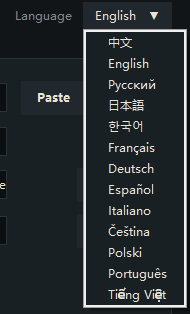
Supports 13 languages.
Software Purpose:
Quick testing and build idea validation.
Yeah,checked that and we need more. This one is still not handy enough, still only generate .gdc file that requires several more steps on game save file. Going to improve that in future version.
This is the Windows WSAECONNRESET (10054) error, which usually means the server reset the TCP connection. Common causes include being blocked by a firewall or proxy, an excessive request rate, a server-side timeout, a TLS/protocol mismatch, or the remote end closing the connection on its own.
I’ve updated software version to version 1.3, hardened the URL fetching part. Try the new version to see if the problem solved.
The generated character already has max skill and attribute points. Is this going to cause skill and attribute points to go beyond the legitimate maximum once I do quests like Kasparov’s Experiment?
If I may offer a suggestion, you could just spawn all the equipment and map the devotion points while leaving the character at level 1. That’s way less fussy than messing with quest tokens, which sounds very bug-prone because you may have to also take reputation into account. People who want to “fast track” leveling could use GD Stash to do so manually, which just entails setting the level to 100. Automating that part seems more trouble than its worth.