Since I never uses GI, most important feature for me is able to disable new features.
2 Likes
What i liked most about GI was being able to customize enemy healthbar sizes through the ini and setting specific colors for health stages, this made it very easy to see what was going on, much more readable than stock healthbars. That, being able to freeze time of day at a chosen hour and gamespeed modification.
Healthbar customization is most important imo.
2 Likes
What i love about Internals is the ability to increase the GLOBAL speed of the game, not just for the player but for mobs too
4 Likes
Where does it download the executable if you execute that command? can you do a step-by-step for laymans?
My guess is this won’t ever even be considered. Primarily because it’s super-easy to “permanently” mod the campaign with any sounds or music you wish.
–
As for my own input to Zantai… my favorite GI features were the fog layer removal, which Glocken kindly integrated directly into GI at my request. It was originally a part of the GrimCam dll. I am unsure how she implemented it into GI.
Along with the main menu tweaks to aid with making screenshots.
as mentioned in the next post you don’t need to do that, just opt in to beta branch in steam for grim dawn properties in your library
I miss several features of GI the most:
Rotable viewing angle up and down
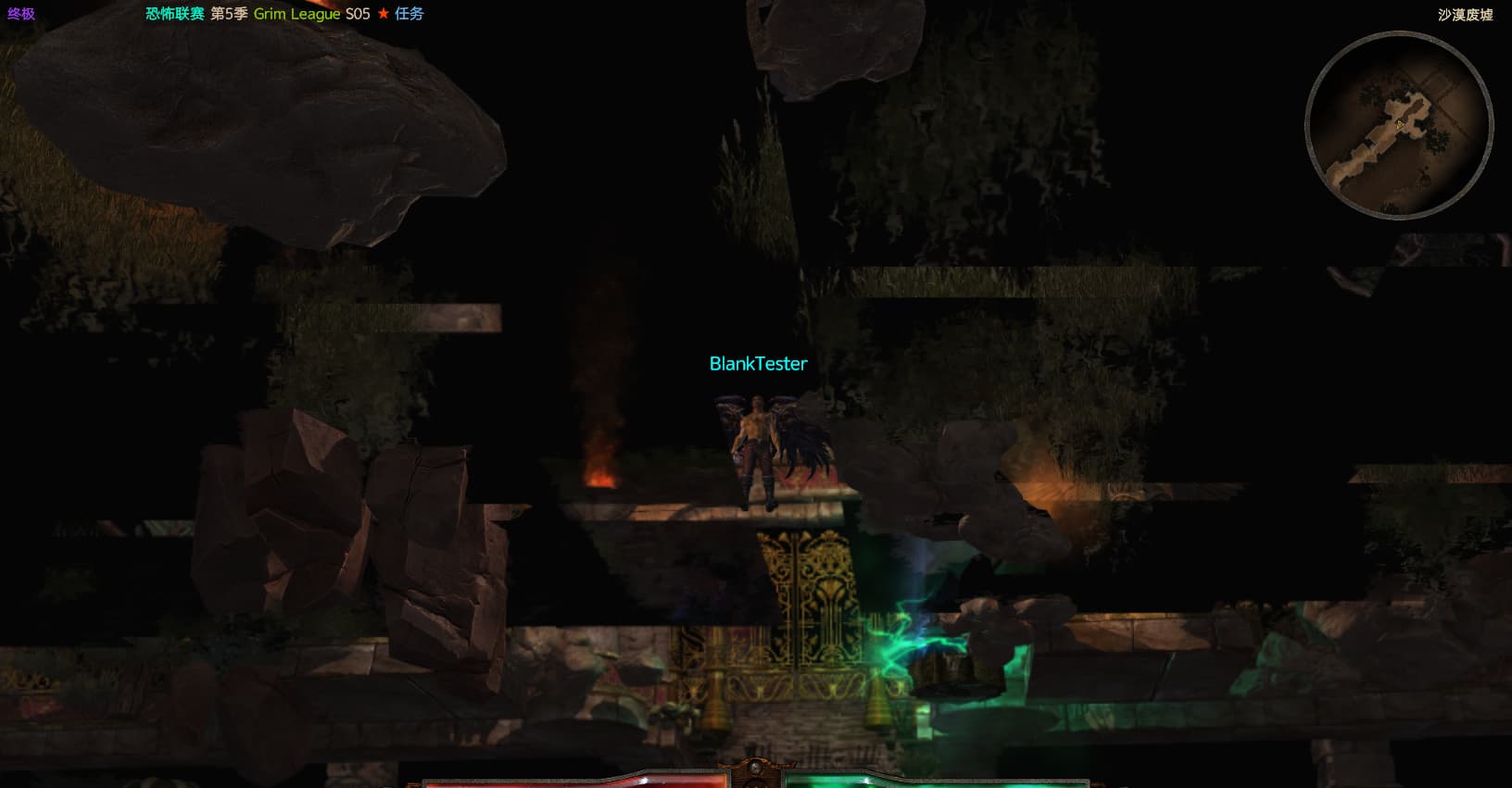
Can display item details

Main Menu Clear Screen

1 Like
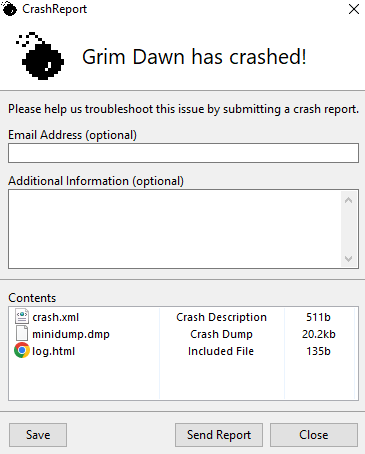
Hi all, after a long time I decided to reinstall the game again with the new patch. For some reason I get a crash after launching Grim Internals. Is GI updated for the new patch or am I doing something wrong here?
Welcome to the forum. 
This is the situation with the tool atm.
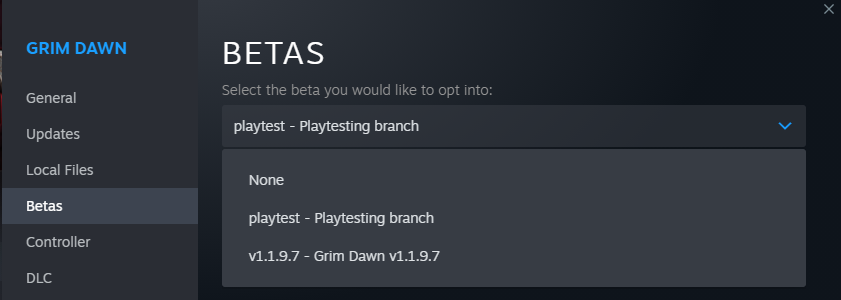
So atm no, GI won’t work with the new patch. You can either wait for Zantai to decide what features from the tool he’ll add to the game proper or you can choose to roll back to the 1.1.9.7 version of the game to be able to use GI. To do that right click on the game’s icon in your Steam library, go down to Properties and over to Betas, then choose the v1.1.97 version there.
3 Likes
Here are my suggestions (not all are in Grim Internals) :
-
Auto pick up of items based on certain criteria (e.g. being able to auto pick up rare accessories, ones with a certain affix, monster infrequent items with at least 1 rare affix, etc)
-
Highlighting of affix names based on whether it is a rare affix
-
Adding a tag for double rares or MIs with 1 or 2 rare affix. Grim Internals displays it as [DR], [MI+] and [MI++] currently. It should also show which affix is rare.
-
More loot filter options. E.G. You can currently show items with double rare affixes, but there is no option to show MIs with 1 rare affix. Ability to filter for items with a specific affix and a certain stat range (e.g. at least +100% physical damage) would also help a lot. More “always show X” options would be good as well, e.g. i might want the game to always show me rare accessories while hiding all other rares.
-
Some sort of combat log would greatly help players figure out why they are dying since the game is so fast paced. E.G. They could see something like “you took X fire damage from Y’s [skillname] and died”.
-
Something like the info box that shows your buffs, debuffs, cooldown times, etc in more detail. There is simply no time during a fight to mouse over a debuff icon and read the text to see “oh im being debuffed by X” (and you cant even pause the game to mouse over).
-
A better indication of when you get nullified and when a nemesis spawns would also be better.
-
I dont know if this is possible but a better way to keep track of your items would be a godsend…it is extremely time consuming to check if you already have an item in a stash and then slowly compare the stats to see which one has better stats and which to keep. It really detracts from the gameplay experience. If you could mouse over an item and see “oh this is already in tab 5 of my shared stash”, and then have it display both items in a side by side comparison, that would save a lot of time.
-
A better way to distinguish MIs from rares. They both have the same green background. Even with Grim Internals adding MI+ to names, it is very time consuming to slowly mouse over each green item and check the name. It would help a lot if MIs were changed to use a different color background…perhaps orange or red. That way you could just rapidly sell all the normal rares and only check the stats of the MIs.
-
Adding to the above, perhaps darkening the background based if the item has at least 1 rare affix would also help. That way you could see instantly “oh this item is dark orange, it has a rare affix”.
P.S. Is there someone in Crate that I can talk to regarding getting a reference sheet for modding equations? See : Any way to ask Crate for some kind of equation reference sheet, for modding purposes? for an example of what i mean.
1 Like
Hello. Is it possible to post a guide here on how to make Grim Internals work for patch 1.1.9.8? Thank you
1 Like
No, because as said many times in this thread GI no longer works with the current version of the game.
2 Likes
My guess is this won’t ever even be considered. Primarily because it’s super-easy to “permanently” mod the campaign with any sounds or music you wish.
Interesting, I’ve never seen this. Do you know of a guide on how we can mod for double rares and legendary SFX?
Game speed settings. I barely used GI because you soon after lumped component auto-pickup into the game from GI.
GI also has the option for upping the speed and it’s both hilarious and dangerous at extreme levels. TQ Anniv does have this, and it works okay, but it’s a bit more grounded in speed levels.
Tbh, I kinda hoped for the final-final (final) patch you’d take a poll for something like this and see what is feasible. Another thing I wouldn’t super mind is rainbow filter baked in, but it’s so easy to acquire I don’t think it’s a big deal and will likely never break.
1 Like
Funny how many people prefer GI healthbars to Crate’s version. I don’t play with healthbars, at all, but Crate’s look much better.
I think that a lot of popular GI features are cheats: teleport, Nullification warning, Nemesis warning…they should not be added.
A detailed combat log, and detailed buff/debuff statuses are ok.
The most important feature for me: the ability to turn off ambient fog. Yes, fog does give good atmosphere to the game, but it also makes the game look blurry. It is much better without it, the game then looks much crisper.
I never used GI because it didn’t seem worth installing it for just the one feature I would like - set time of day/night. I really miss that mod from the old TQDefiler which doesn’t work with the AE version of Titan Quest and wish that GD also had that as an option. I hate fighting in the dark. Please let us set the time of day if we want to.
3 Likes
do you mean you found a way to make it work? - and would like to share/post it?
or are you asking if there is a guide? - asking for Crate/medea to post instructions on how to fix it?
first version, video guide in Russian, but with subtitles
1 Like
Why don’t you just publish it in text here? Why seek consent if it is neither illegal nor against the rules of the forum? 

Note: I am just discussing the situation and have no intention of offending the moderator. 
1 Like
Hey!
If you are on the 1.1.9.7 beta on steam, copy the “Grim Dawn.exe” that is in the x64 folder (probably put it somewhere, I just pasted it to my desktop).
Go back to steam and turn off the beta (so back to 1.1.9.8) - let the patch install.
Take the copied “Grim dawn.exe” and replace the one in the updated x64 folder.
Boom! Grim Internals works on 1.1.9.8! At least it does for me, hope it does for you too!
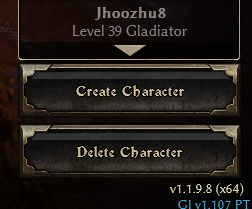
I am unsure how much of this works. Only tested with basic GI options (autoloot, game speed, healthbars) and compared some of the updated devotions. So there could be some issues or stuff missing from the update
2 Likes