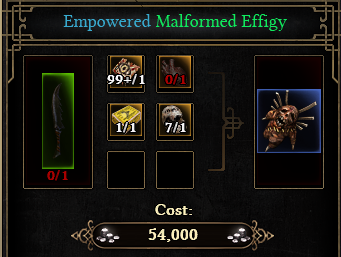
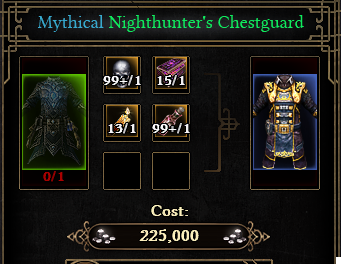
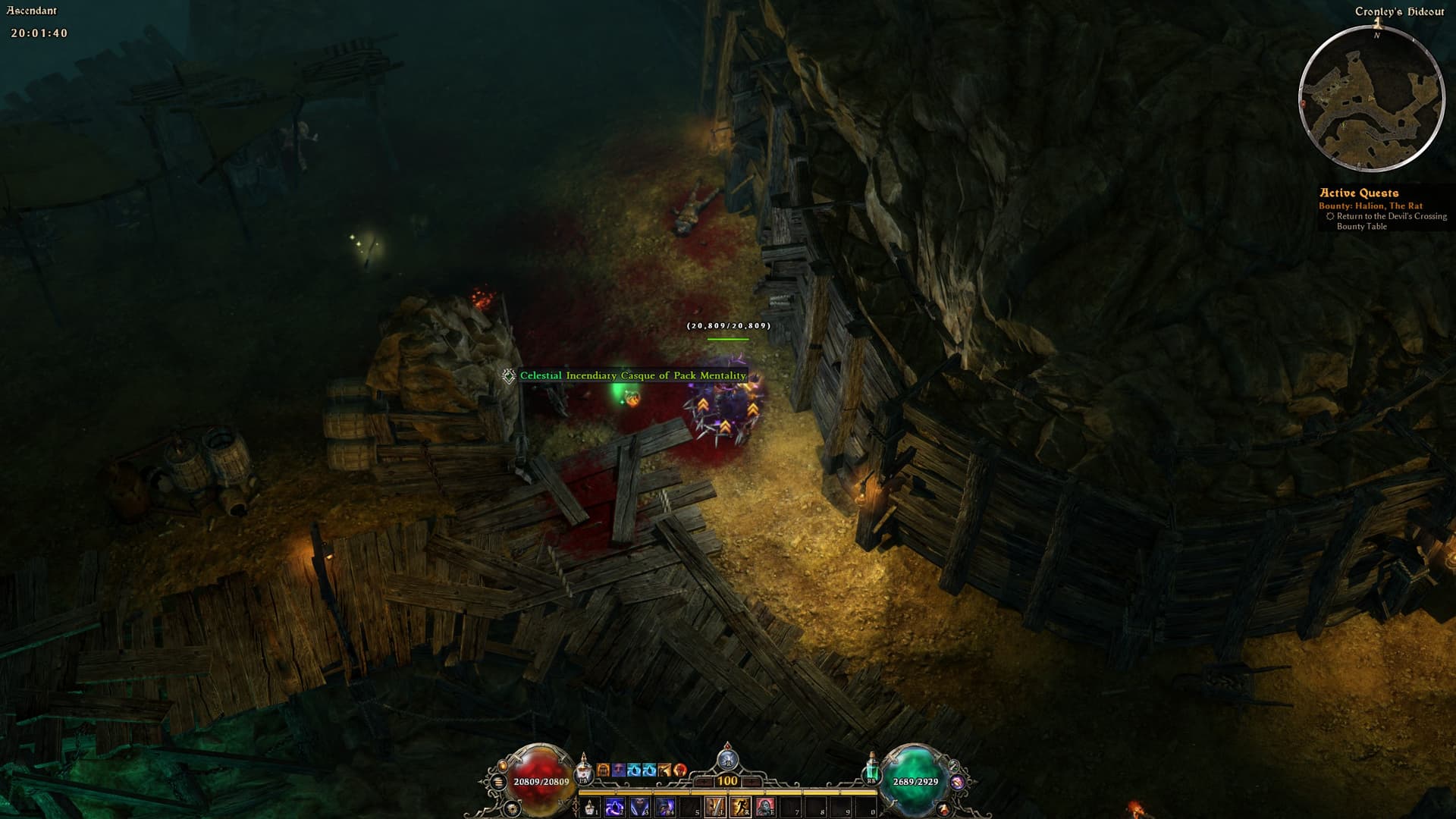
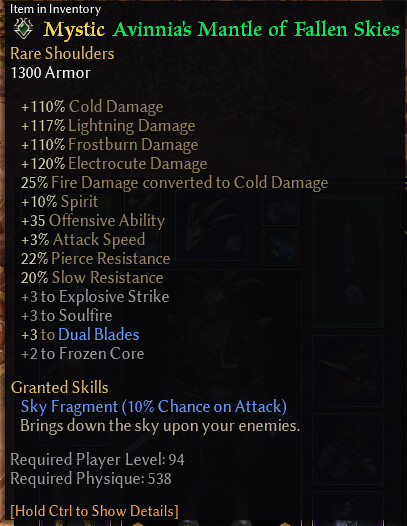
The game can use RGB, but text files are limited to the letters. As far as I could find Epics use
(0.200000, 0.550000, 0.808000)
Screenshot from Crate a while ago
Makes sense to use a slightly different color for rarities than texts can use for coloring, it’s not exactly intended to change item colors in text files. The RGB is inside the DBRs, so that one is moddable.
Curious, @WareBare, will you be combining ALL colorable text into one txt file, or separate files based on context or mod?
I think i can help you either way. Im redoing all my txt files by hand and coloring (and in some places just modifying the text) to something more logical for me.
Using MSWord and a lot of Find&Replace, im also reorganizing the entire file so that everything in one context can be found in one place in the file, such as Unique Item names, HUD text, etc.
I also found how the character page layout is done (they DBRs), which i wanna change so it makes more sense, and i will tackle that at some point — unless you get to it first!
It’s all in one file, it’s easier to manage and maintain.
If somebody doesn’t want stat colors anymore and they disable the module, they are gone in the new file, if it was split up they’d have to delete the ui file themselves. And using a file that hardly gets updated by GD patches prevents a lot of the missing tag reports.
Everything is generated, hence the wall of tags. The website is using DBRs to determine tag colors. So any GD patch will automatically have new items colored properly and any mod that has its DBRs/tags on the website will have access to the same system. The Launcher will have the functionality to send that data to the server given the person has permission, it doesn’t have to be the mod creator to do it.
Most stuff is changable in DBRs, it’s just a matter of wanting to play custom game or updating a hardmod every hotfix. And if it’s a custom game it also locks you out of playing mods, unless you merge it. Assets can just be thrown into the settings folder, stuff like the UI look or models/skills can be changed the same way as the text files.
There is files for items that don’t drop with a different rarity but the same name.
Disabling blocks can mess with that until I have droppable items flagged properly. Setting the block color to the one on the far left where it removes raynbow colors for the item should solve that for now rather than disabling the block.
I checked for those items and removed them in here tagsgdx3_uimain.txt (75.3 KB)
Suffixes have to have a color or they will take the item’s color.
Either leave the color for items/affixes enabled or if you want to keep affixes the way the game handles it, set the EndColor for Rare MI to green, so all suffixes (on Rare MI) will be green.
Is it possible to have another txt file next to the raynbow file, with lines that overwrites the ones in the raynbow file?
Ex. say I want to always have the Gryphon Eye have (HAT) in white after it like this: tagGDX3MedalB304={^L}Gryphon Eye{^W} (HAT)
how can you overwrite the raynbow txt file with that? I know you can do it by making an .arc file and have it load with the /basemods command, but can’t it be done with just adding a txt file beside the raynbow file in the settings?
Tags in a file overwrite tags in files before that. Raynbow uses the last file so it can replace any other tag in the game. However, the same tags can be in the same file and the first tag is used, so you can just place your tags at the top and any same Raynbow tag below it is disregarded.
Sure it requires editing the file every time you download a new version, but if by the time the tool is v0.1, I can’t make it easy to have Raynbow make the tags the way you want, I have failed
Ok, I had a hunch that you were using a file name that was the end of the line. I only asked because I found a mod on nexus called Hephaestus which as it says in the description:
The 90 items required for creating powerful stuff at the forge are marked by Hephaestus (H)
Basically it adds the (H) after items that are used in crafting so you can easily see them. The mod creator however does it with 3 txt files in an .arc but the 3 txt doesn’t only contain the items changed it contains ALL items. So I wanted to clean it up and only add the items changed into a single txt file like raynbow and had hoped it could be done with a txt file instead so it would be easy to edit in the future.
But instead I’ll just do what you said or pack the txt file into a “text_en.arc” and put it into the mods root folder since I already use “/basemods”…
Hi, I’m new and only have the base game at the moment. I have tried using the website utility and have followed the instructions with multiple attempts and redownloading the file but keep running into an issue right off the bat on the game’s title screen. When the title screen appears and the text for (‘thanks for supporting grim dawn’) - not exact phrase - displays instead as the tagmissing line.
Inside the game as well, every item shows this and no colors either. I’ve placed the files in the c/users/name/documents/mygames/grim dawn/settings folder and created a text_en folder because I didn’t have one. I also tried placing it inside the steam directory where the game files are stored but I did have to create a settings folder there to follow the instructions. I don’t know if it matters or not but my documents folder and my steam install folder are on two different drives but I don’t think it should matter.
I keep stumbling on random other files that people link too to githubs with completely different installation files that I have tried separately but nothing seems to be working. I managed to get colors at one point (still with tagmissings) but I can’t even tell you which method I tried because I honestly lost track. I know it says ‘this is the only file you need’ but there’s just a lot of stuff scattered everywhere online and I’m at a loss of what I can try next. I wonder if it’s just because of the base game being installed? I could do a fresh install of grim dawn but I hadn’t changed anything besides what the instructions said. Any thoughts?
Base Game was using the wrong file, it’s fixed now, delete every other file. The only file in text_en for you should be tags_achievements.txt from the website.
Afaik Steamdeck is just Linux with Steam. It works fine on Linux so it should work fine on Steamdeck.
Make sure you have the file for your GD version. The Base Game file won’t do anything for FoA and the FoA file won’t be loaded by the game if you don’t have FoA installed.
Excellent tool, although I preferred when every mastery had its own color. I may be mistaken, but it looks like we are limited to a color per dlc/base game set of masteries?