Thanks, I already had that subdirectory…
1.2.1.X no longer uses the “localization” directory, for custom mods it now uses Grim Dawn\mods\(mod name)\resources\Text_*.arc
May I ask, what language do you use?
Thanks, I’m using English. I went to the mod-specific resources folder and replaced the six tag files, but no luck…
Can you list the file names? I can help you analyze where the problem is.
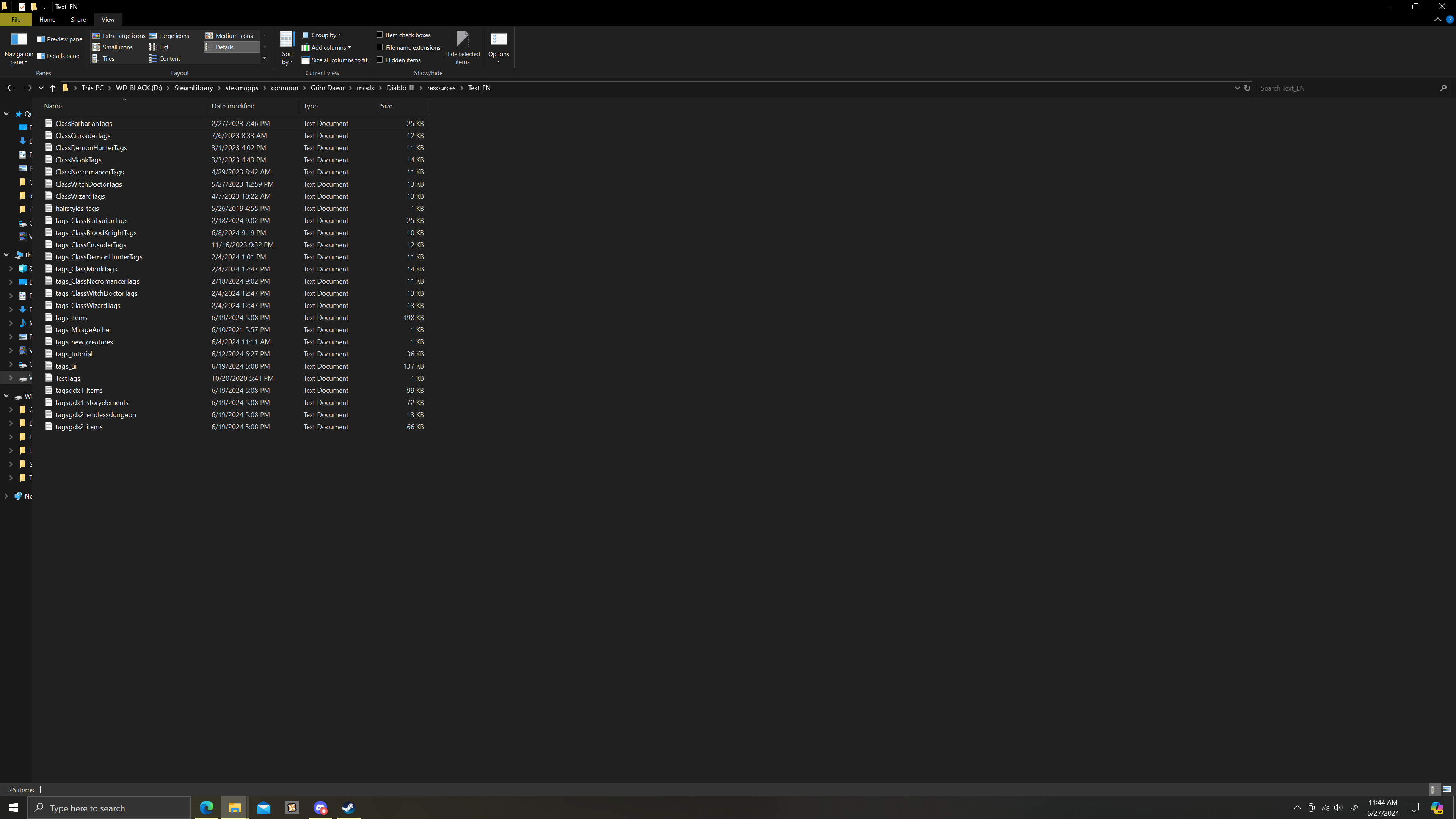
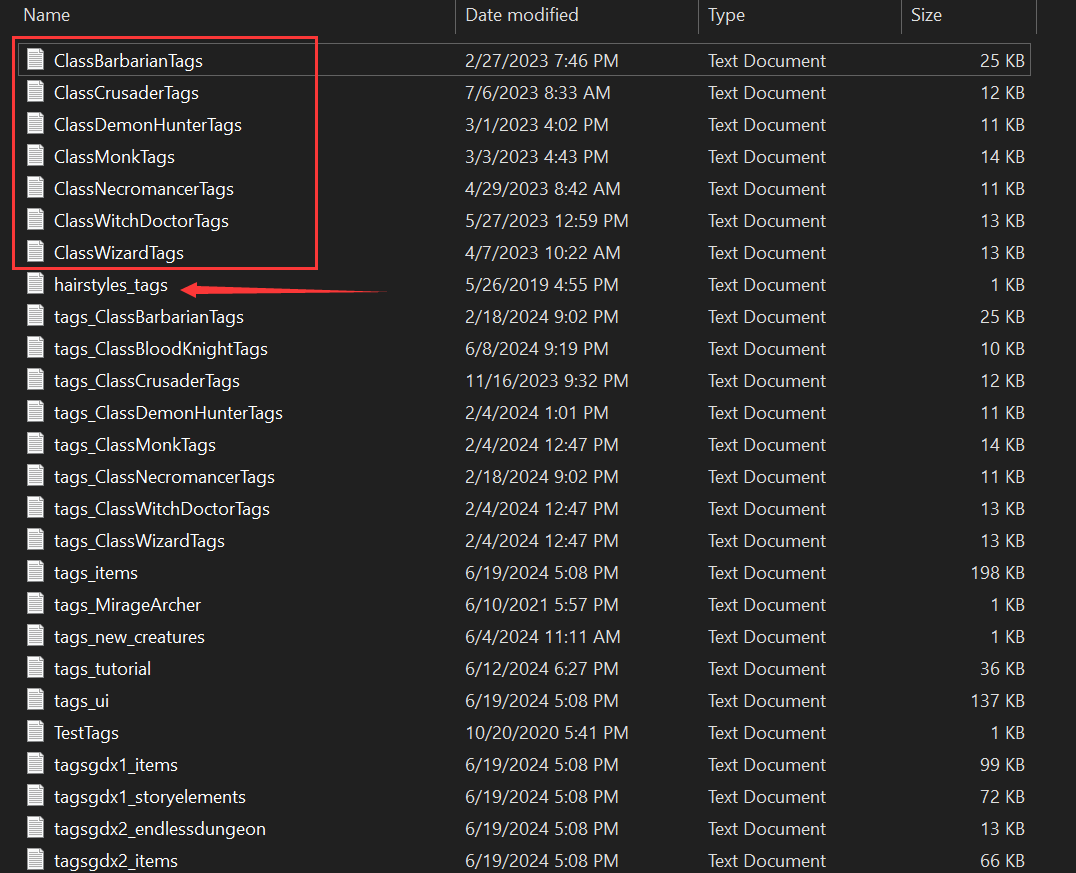
The text in the red box can be deleted, but the one with the arrow needs to be renamed to take effect. Add tags_ in front of the name
tags_hairstyles.txt
 - tags_Test.txt
Hi, I’ve been using the mod for a couple of years and it’s amazing, but I just got an issue and honestly I don’t even know if it’s the mod’s fault. This is my second step in troubleshooting, the first being a re-installation of the mod after deleting the text_en folder from the Settings folder.
I started the game after about a month. A month ago, all was well. Now however, tooltips for components and gear skills don’t show up. I’ve included screenshots. Any help is appreciated.
P.S. I noticed that after I deleted the text_en folder and started the game, the items in my inventory still showed up as colored by the rainbow filter. Does that mean that deleting the text_en folder isn’t enough for a fresh install (or uninstall for that matter)? If so, can anyone please provide any insight as to what I would need to do to uninstall it completely?
Thanks
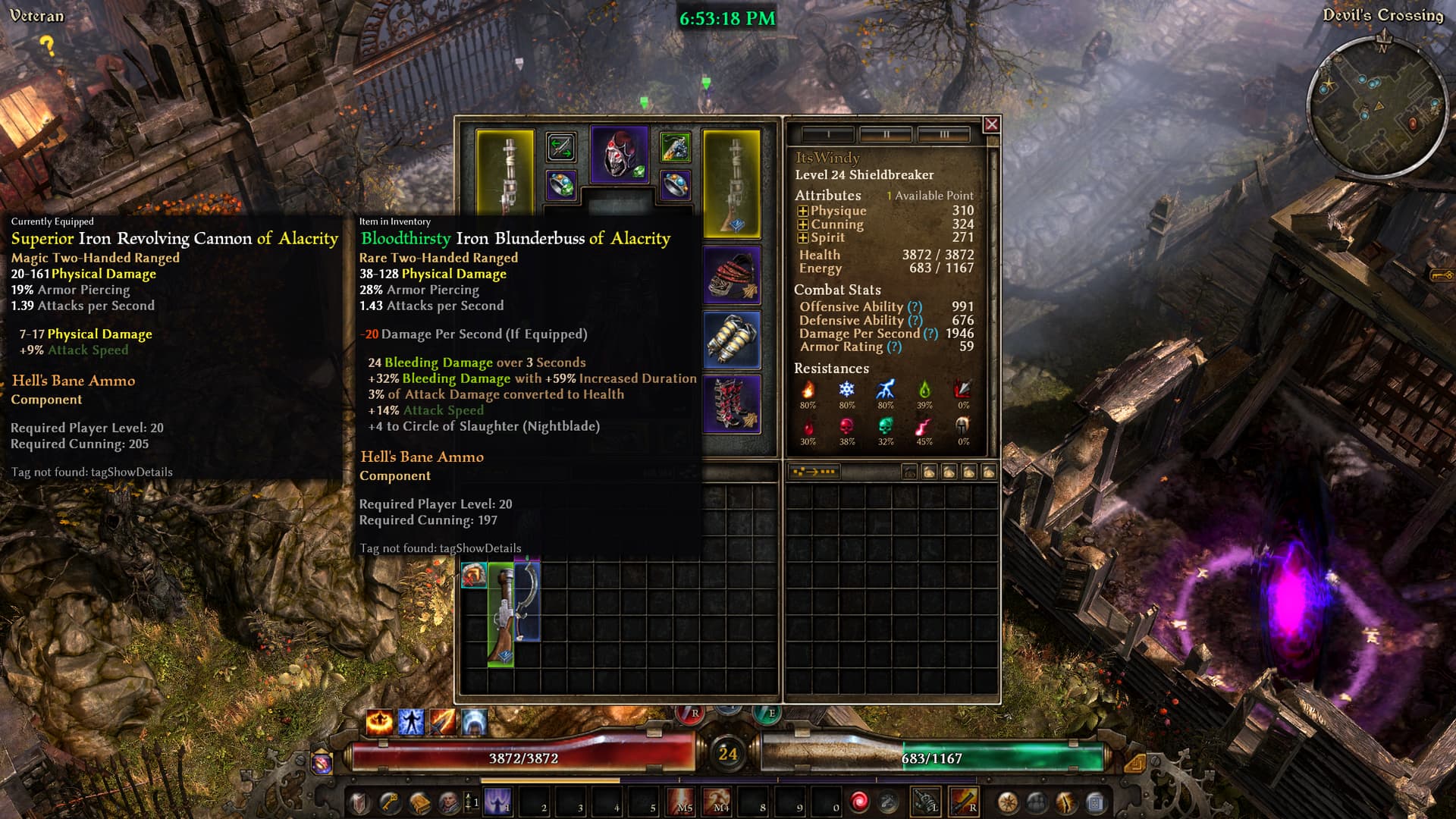
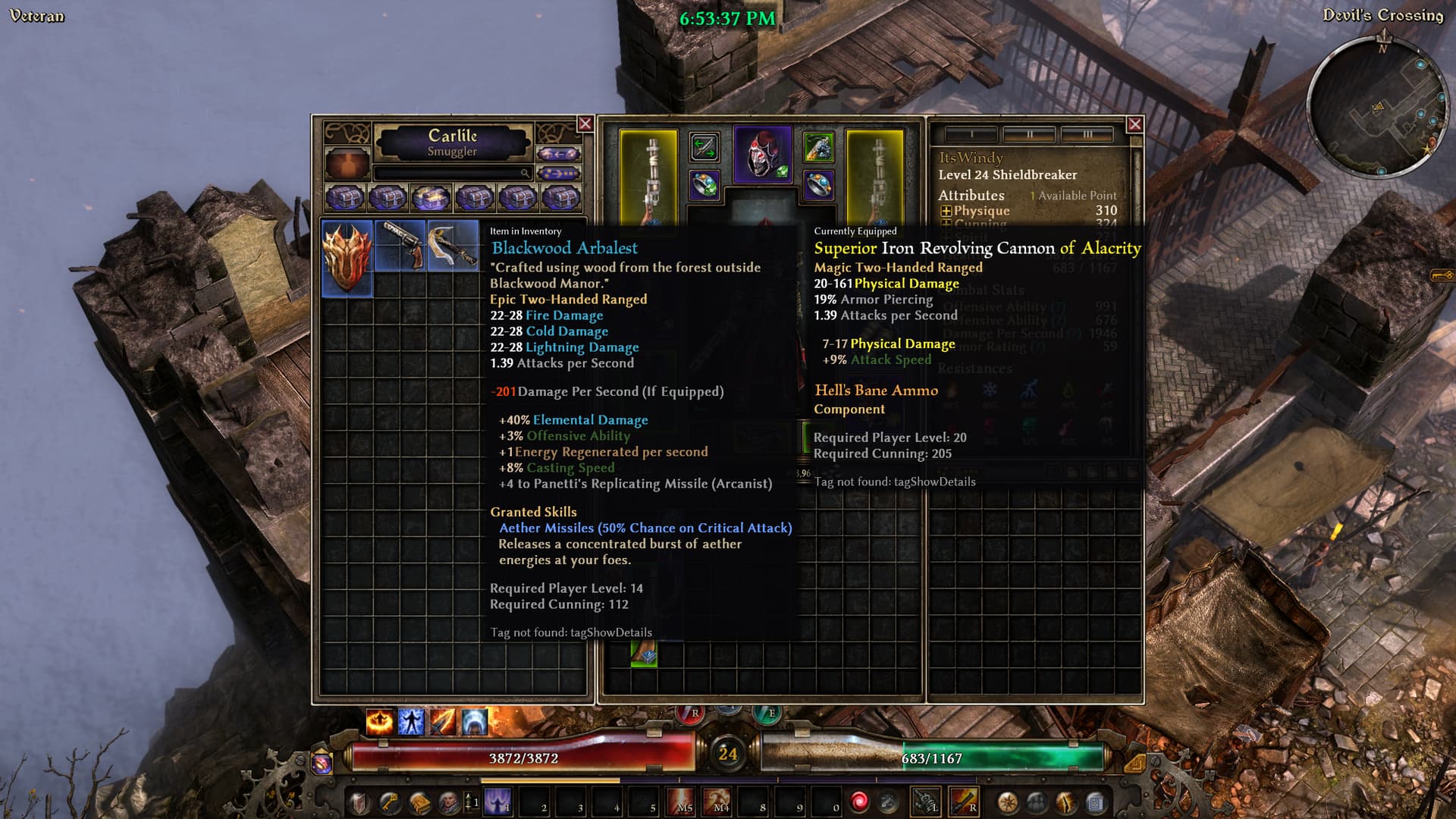
Thanks, unfortunately no changes. I’ve just realized that actually none of the Rainbow filters are working…
Did you add your own content to the text?
No, I did not.
Since you are using English, can you upload your text here in zip format? I will try to make it into an arc for you.
Or you can try mine
Text_EN.zip (108.7 KB)
Grim Dawn\mods\Diablo_III\resources\Text_EN.arc
Text_EN.zip (189.6 KB)
Thanks - see attached
Try this
Text_EN.zip (309.3 KB)
Sorry what should I use to open an .arc file?
Text_EN.zip (255.3 KB)
This is text_en.arc constructed with your text
Unzip it to your Grim Dawn\mods\Diablo_III\resources\
How did you get your text?
Because of the time difference, I have to go to bed, good night!
Beijing time: 
If you updated your Rainbow files properly, you would see the missing tag at the bottom of the tooltip telling you to press ctrl to show details.
Since both of you have the same solution:
The game has two possible locations to get Rainbow files from. The game’s install directory (steam defaults to something like C:\Program Files (x86)\Steam\steamapps\common\Grim Dawn) and the one in documents with all the other user settings (for English win10 C:\Users\[USERNAME]\Documents\My Games\Grim Dawn).
You only need one of the two, not both and if the first you try doesn’t work you delete the files and try the other one. Same applies to updating the files, if it seems like the update didn’t do anything, chances are you used the other directory in the past. Language, Custom Game mods or base game, it doesn’t change anything, the *.txt files need to be in either of those directories inside a \settings\text_xx\ folder where xx is the Language, for the English version it is en.
That is all there is, \settings\text_en\ has the *.txt files, the game will override the default texts with the texts inside those files. Any text not included in those files won’t get changed, any missing text that came with a GD update will be missing.
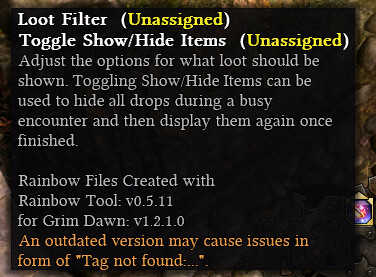
To check the version ingame, hover over the filter button, it should give you the most recent version numbers, otherwise something went wrong.
You wonderful person. I didn’t know about the second location in the install directory and of course that solved it. Thank you very much! Have a nice day!
1 Like
I can only quote myself… i always get p***** off in this situation. I tried the last few days to get into GD again, and lost motivation pretty fast without this mod, i really struggle on that which is sad 'cause on PC i had ~1000 Hours and counts as one of my top 3 ARPGs. But Vanilla-Toolbox doesn’t do it for me anymore. Esp. later on when a lot of stuff is on an item it just comes an grey’ish blob of unreadable mess to me. Meanwhile with this mod i just had to swift throug items in the inventory and just by glancing at items i already had a good idea what it offered, and if i looked for specific stats, i could track it down fastly because of their color. I mean i don’t need the colorization for the item itself (when they drop) and for me personally crate had now an much more elegant solution with the markers/symbols, but colorcoded stats which fits it’s theme (like lightning blue, fire red and so on) is the only real QoL which i still miss in GD. (It’s like missing syntax highlighting today in a coding-programm)
But hey atleast if i can go back one day to PC when i got a proper new one, i’ve this mod (i hope atleast…we’ll see how long it’s supported). Great Job!
/Edit:
Also i’ve to point out, i don’t mind that GD is in that regard ‘bloated’ i’d argue that’s part of appeal because it adds a level of complexity to it. But i want to have them toolboxes well readable and that’s not the case without the colorization… (and even further… even for games which aren’t as bloated and maybe have an overall more easy readable toolbox could profit from this concept).
1 Like
nvm, its working now 