Hello!
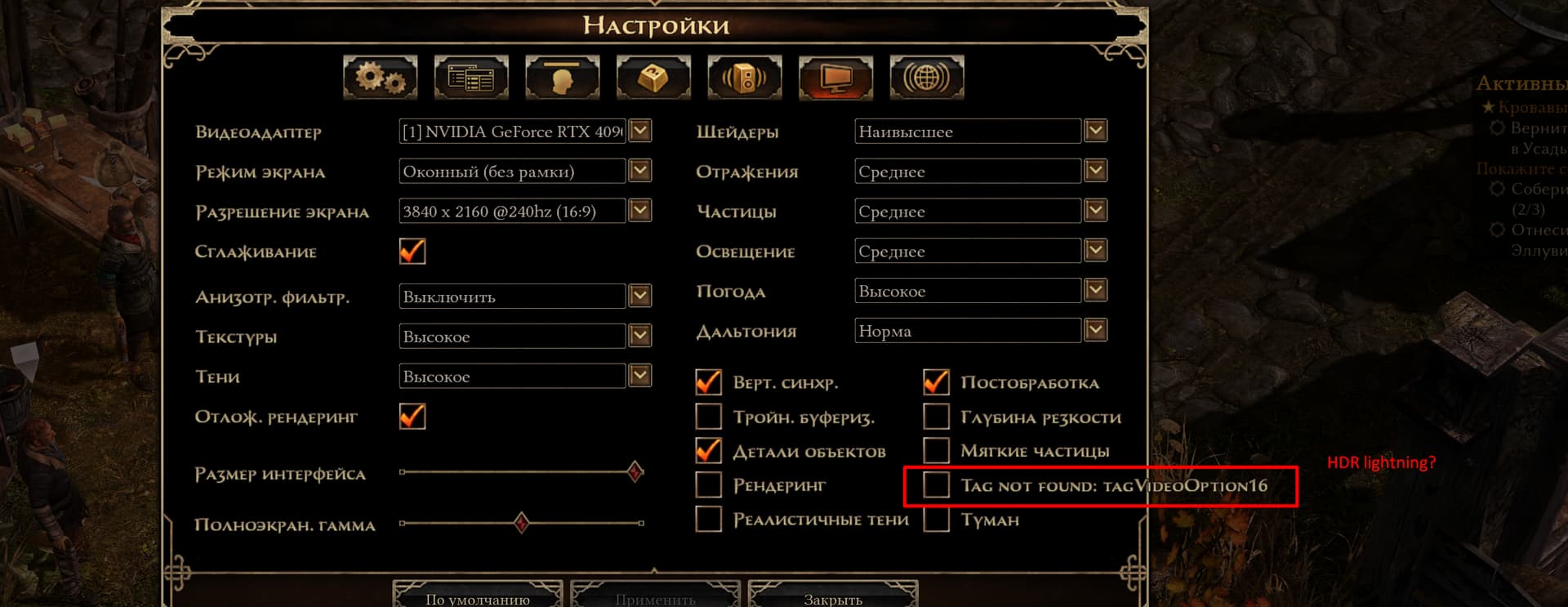
I’ve noticed that in the Russian (RU) localization of the application, the message “Tag not found” appears in several different places in the UI:
UPD. I fix this - W/A fix
Hello!
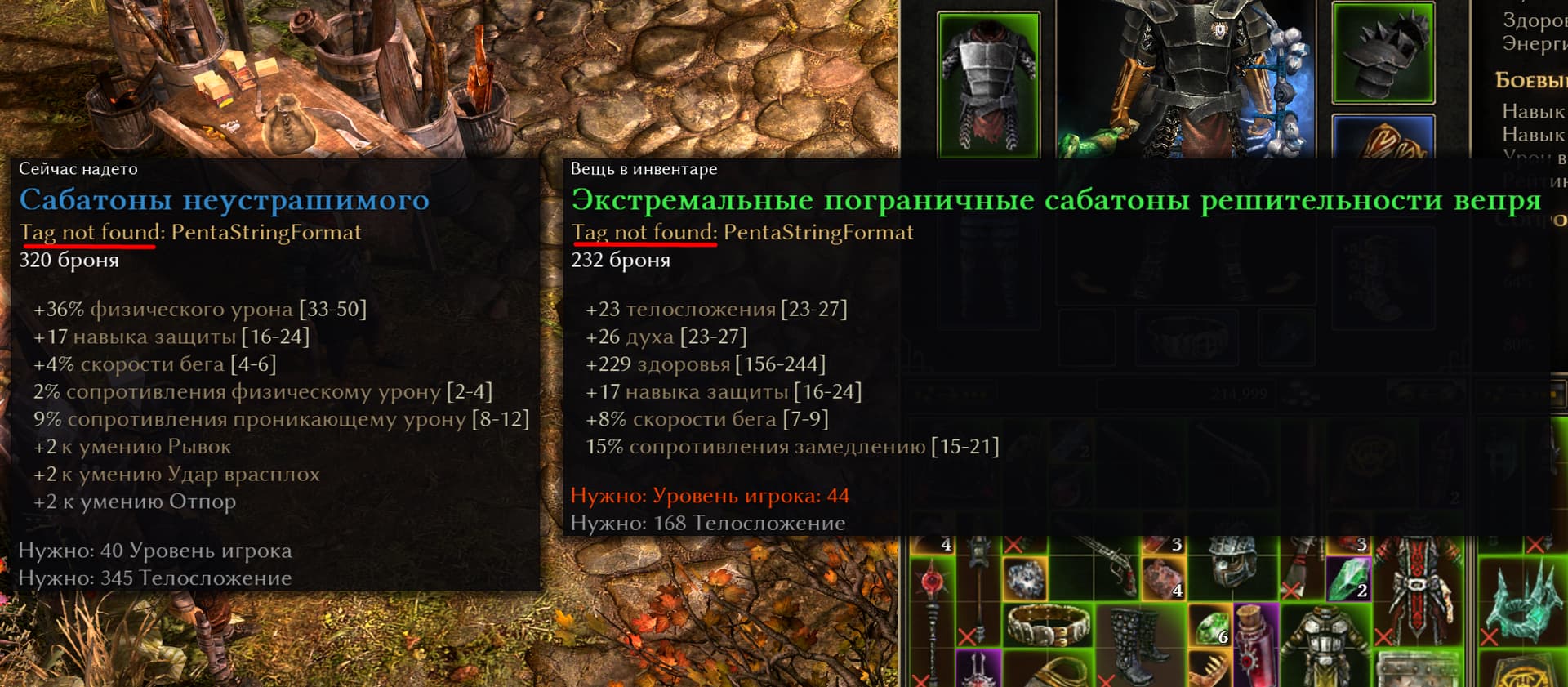
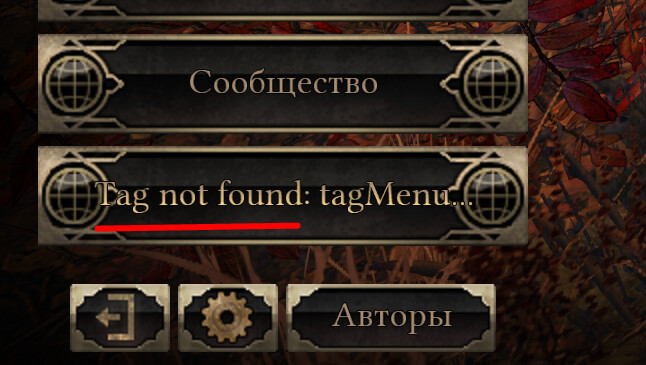
I’ve noticed that in the Russian (RU) localization of the application, the message “Tag not found” appears in several different places in the UI:
UPD. I fix this - W/A fix
Non English localizations are added at the end of playtesting before release, because it makes sense for the translation team to work with the final texts. Until, you can use “GDRU Community” emporary translation file for PT build.
I fixed it like this:
Extracted:
D:\SteamLibrary\steamapps\common\Grim Dawn>ArchiveTool.exe resources\Text_RU.arc -extract "D:\GrimDawnExtracted\Text_RU"
In tags_ui.txt added the missing tags with correct formatting for RU:
PentaStringFormat=${%_4a1}{%_4a2}{%_4a3}{%_s4}{%_s0}
tagMoveReagents=Переместить ингредиенты
tagMoveReagentsConfirm=Вы уверены, что хотите переместить ингредиенты в хранилище?
tagLargeReagentStack=999+
In tags_uimain.txt added the missing ones:
tagVideoOption16=HDR Освещение
tagMenu13=DLC
tagMenuButton12=Следующий
This is a temporary fix - only the fields that were noticeable and interfered with gameplay.
Attaching the files (not an official WA):
tags_ui.txt (199.6 KB)
tags_uimain.txt (50.8 KB)
Just put them in the folder:
C:\Users\YOUUSERNAME\Documents\My Games\Grim Dawn\settings\text_ru
Replace YOUUSERNAME with your Windows username.