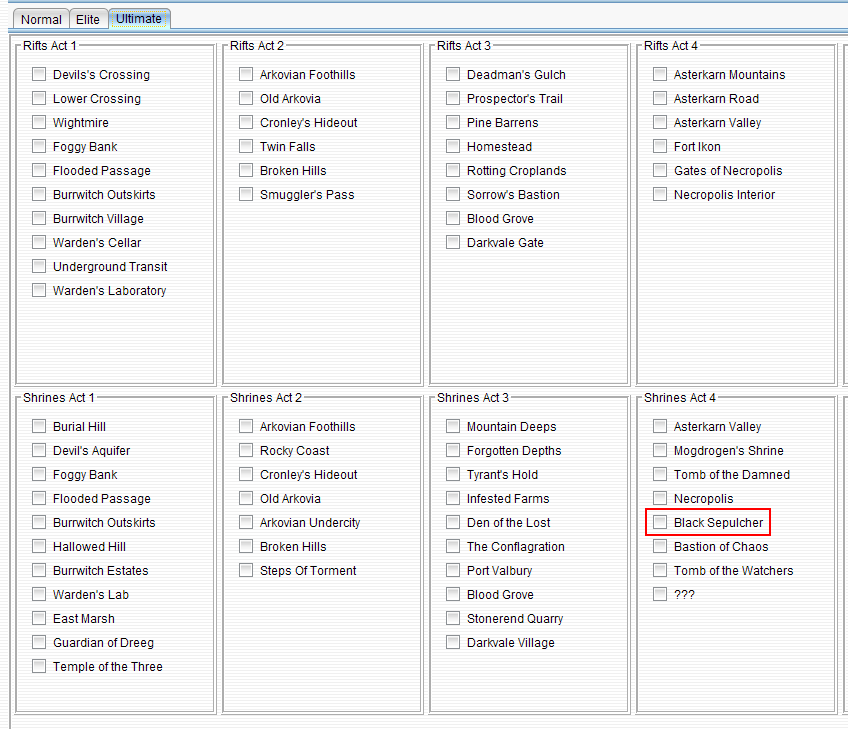
Then that shrine does not exist in Ultimate, not all shrines exist in all difficulties
Black Sepulchur does though; it’s on all difficulties.
1 Like
No, this shrine does exist in Ultimate difficulty.
Shrine coordinates: -5709.89, -6.08, -732.62,
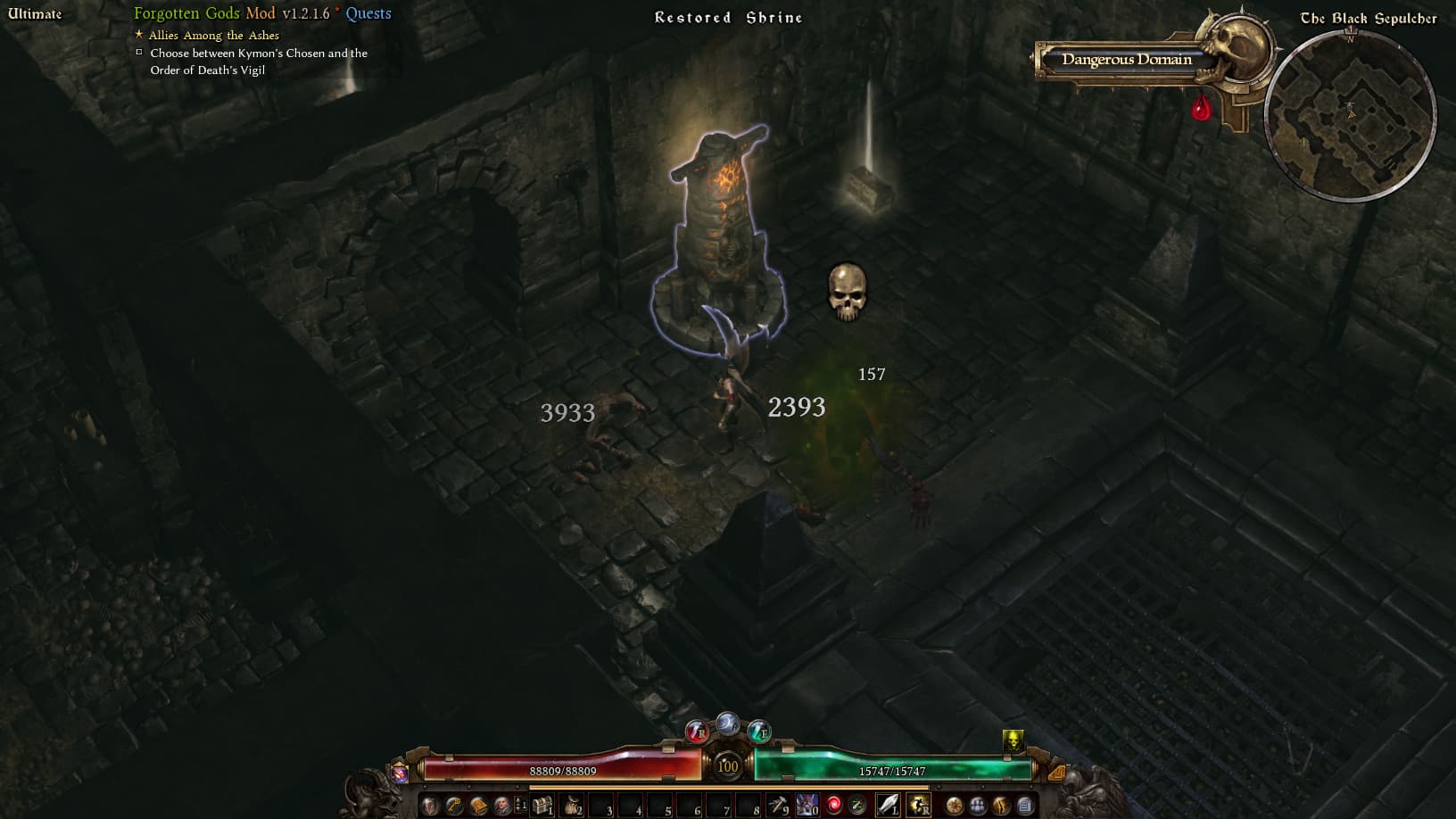
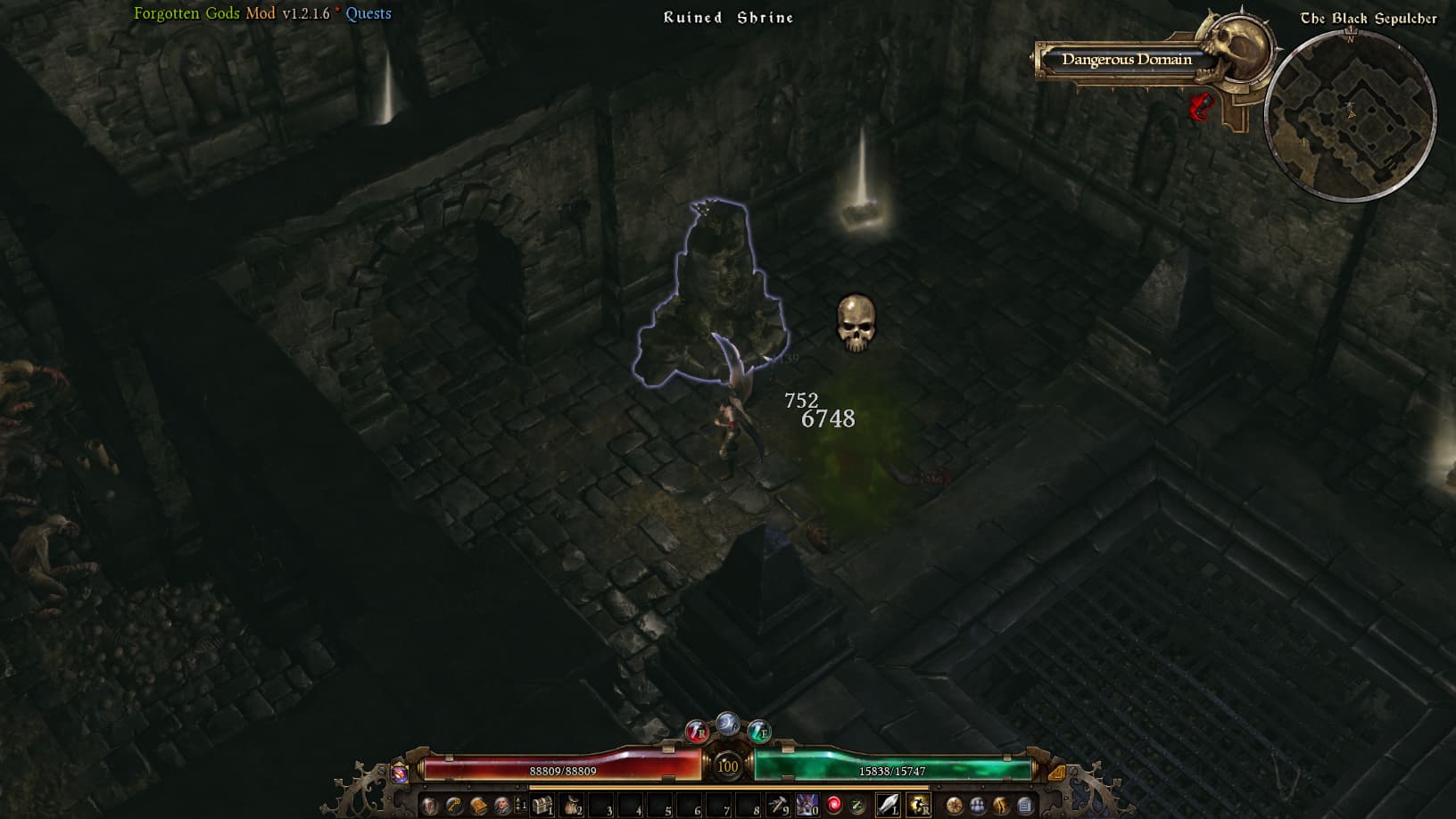
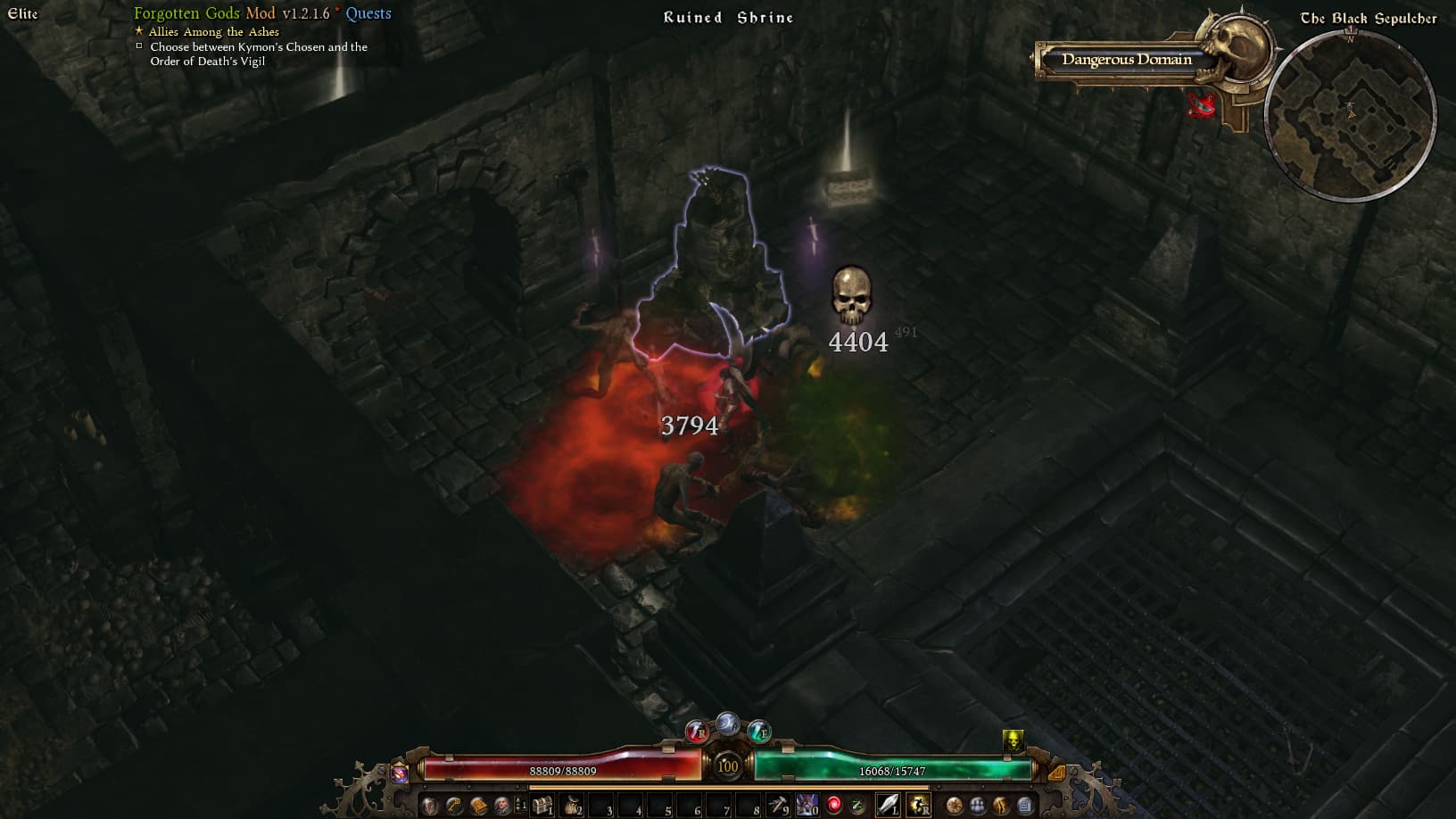
As medea_fleecestealer said, this shrine exists in all three difficulty levels.
Hi, how can i find my items with % damage converted to health, in stash transfer.
Seams that i can search lot of things but that.
V181f


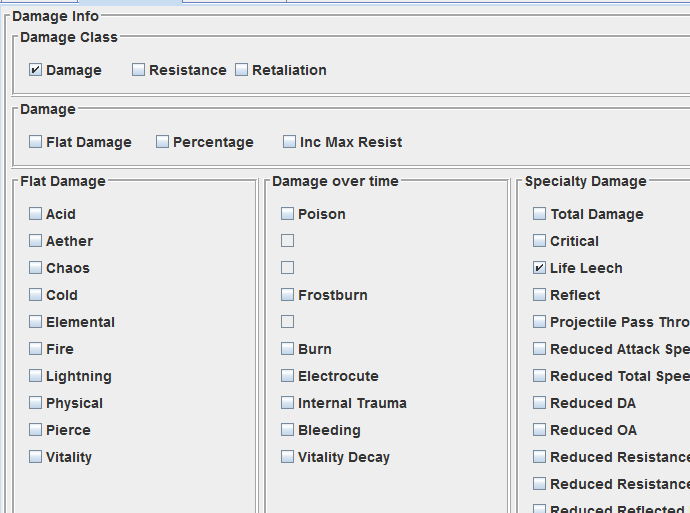
Ah yes, i understand how to.
I must click life leech AND Damage.
Thanks a lot.
then you need to import the GD data again, GD Stash bases this on flags in the .dbr files. If you are using a mod, maybe the mod needs updating…
Just imported the GD data and Black Sepulcher is active
Stash needs updating for Grimarillion and also the Redawn mods. Not working with either of those.
There should not be anything mod-specific in the tool, will have to check what they did to break it. Thanks for letting me know
EDIT: Darkest Dawn Reborn imported without issues for me, is that the Redawn mod you were talking about?
EDIT2: Grimarillion v95 also imported successfully. Not sure what kind oi error you get, but since I get none, the only thing I can think of is that you run out of RAM, so try increasing that.
I believe the ReDawn mod he is talking about is this one, i.e. Titan Quest in Grim Dawn:
Yes, that’s the Reborn mod I was referring to.
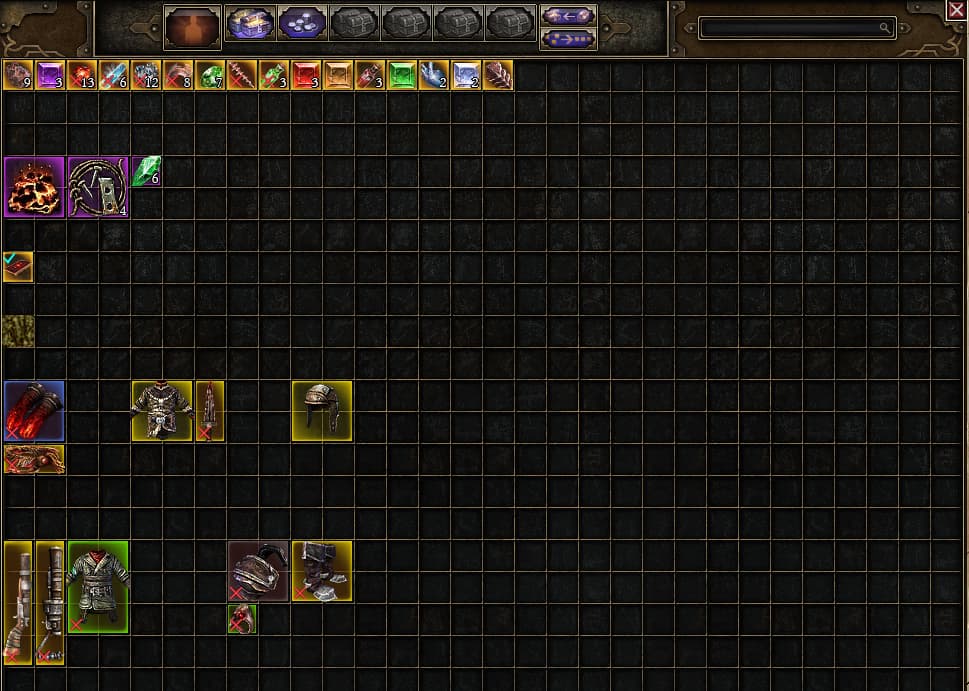
This is the ingame transfer stash recently gathered in the live version of the game using Grimarillion mod.
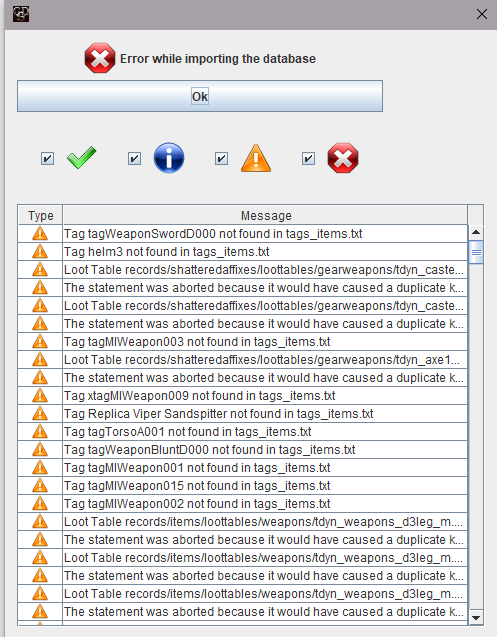
I get a lot of errors showing after importing the database again.
This is the transfer stash the programme shows me - one where I have collected a lot of stuff while playing the mod on the internal closed testing branch of the game.
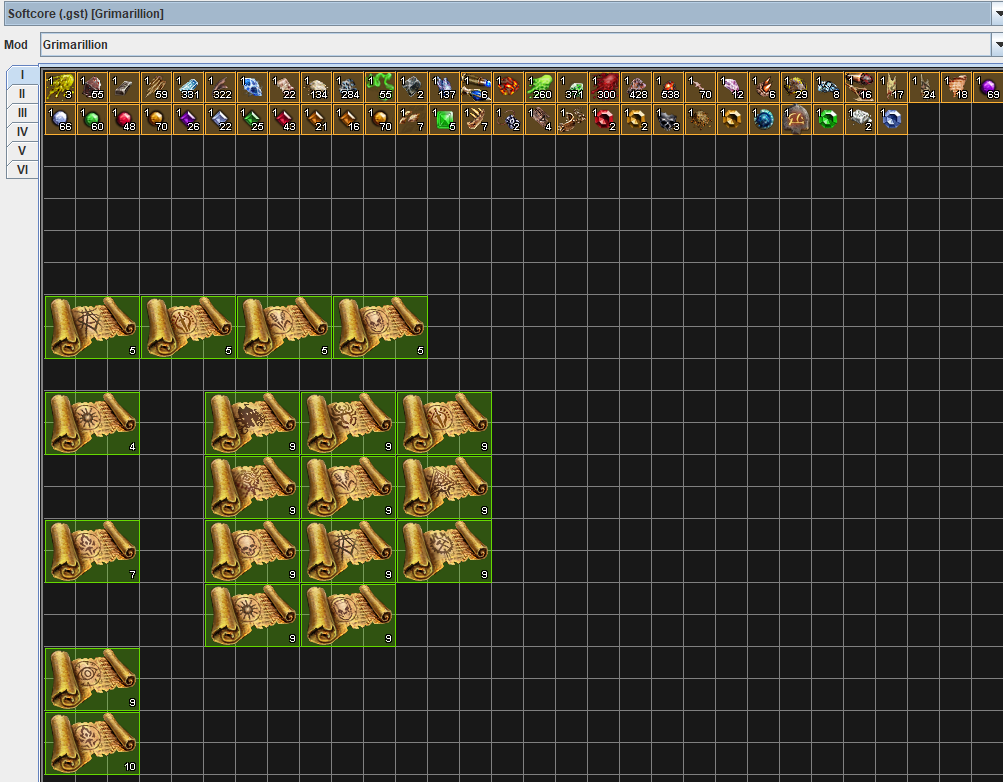
What I found the other day was I couldn’t move items from the ingame stash into GDStash, but I could make items and put them into the transfer stash in the closed beta version of the game even though it’s showing me the wrong stash tabs for the game version. Was trying to put that group of Mandates into the live version stash, but they ended up in the closed testing one even though I wasn’t playing on that version of the game at the time.
It also just shows the vanilla masteries in the Mastery Info tab.
these are warnings, there must be errors somewhere in there however, as the summary says there were. Unckeck the warning messages, so it is easier to see what the errors were.
that mod uses a value in is formulas (itemBaseCost) that is not used by GD and that I have no idea how to determine, that is why its import fails.
Might add a default value like 1000 for it, just so the formulas do not break. I don’t think the particular formulas are relevant for GD Stash anyway.
Given that none of the GD formulas use this variable, I am not sure they even work in GD, so the mod might want to update them
Uh… I think I may have lost a character trying to just rename it… I mean, GDStash can still like see everything on the character but the game just wont show the character, is it gone forever or is there maybe a way to get it back?
I tried renaming the character to what it was before but that still didnt fix it
do you have cloud saves on in ingame settings, or did you use non latin alphabet characters?
Uh I have cloud save on in game and i did use non latin characters…
if i disable cloud save in game would i still be able to use the characters I created after?
and if i rename the “lost” character with latin alphabet letters would that fix it?
Sorry I meant I did use latin characters
there is a quirk where the game wont read files/folders in the steam save folder if the game didn’t “create”/“activate” them, when you renamed the char you changed that.
Try turn cloud save off in game and temp copy your char to the local save folder, see if the renamed char appears
if it does then that quirk was the issue, and can just reimport it afterwards (should you desire to have cloud function on still)
can follow pow’s instruction step by step if you’re not familiar with the manual copy paste How to - Move your saves from Steam cloud to Grim Dawn's default location. - #208 by powbam
Turn cloud saving off in the Steam Settings as well. Needs to be off in both places.
Wrong. The items that can be created with this program are green level at best. There has been blue, purple items have been edited out. The character editor is up to you though. There is no competion in the base game save for the “seasons” option that someone adds. Thats a modded map that takes no modded characters. As for the items that can be created they are still at level, so a level one character could get a level 50 item but could not use it. Its not game breaking. You cant create any item you want. Its still using the base game affixs, I dont see this as game breaking, You yourself are playing this game by yourself. I love this tool. It allows you to create a big part of the game without it being a “magic lamp”.